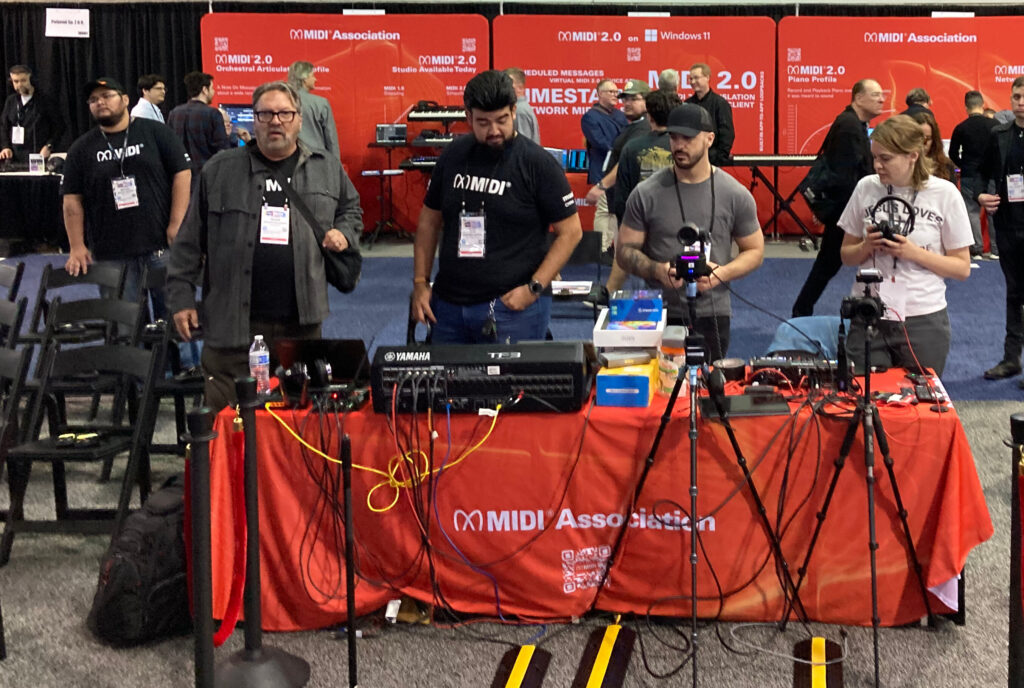
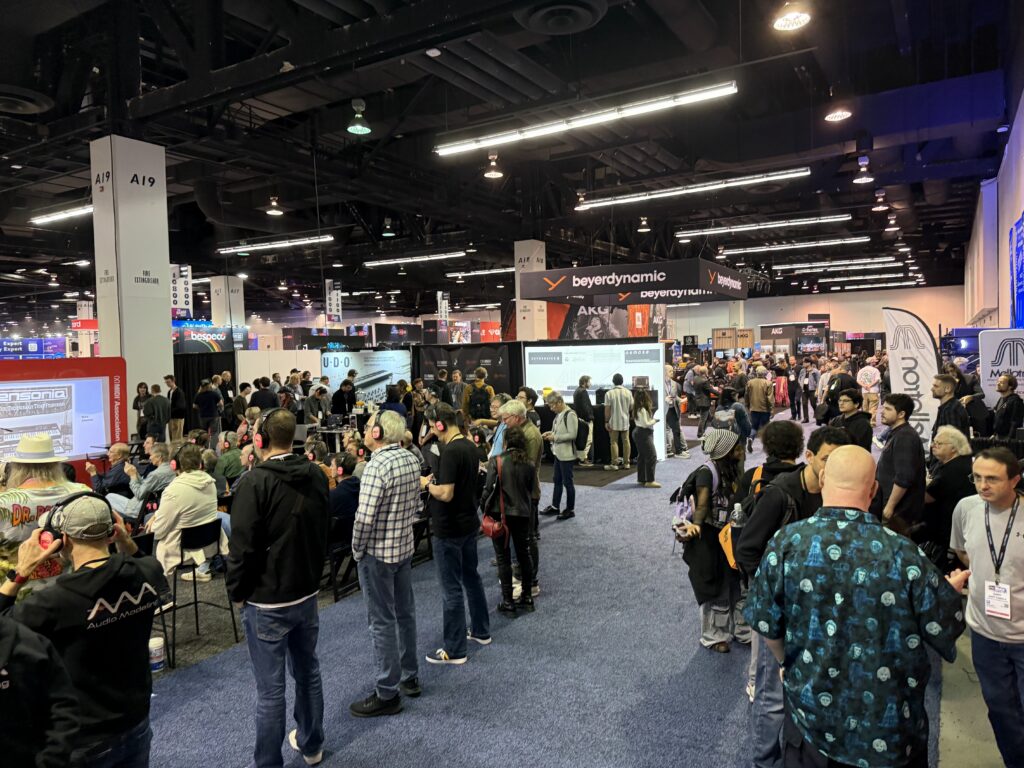
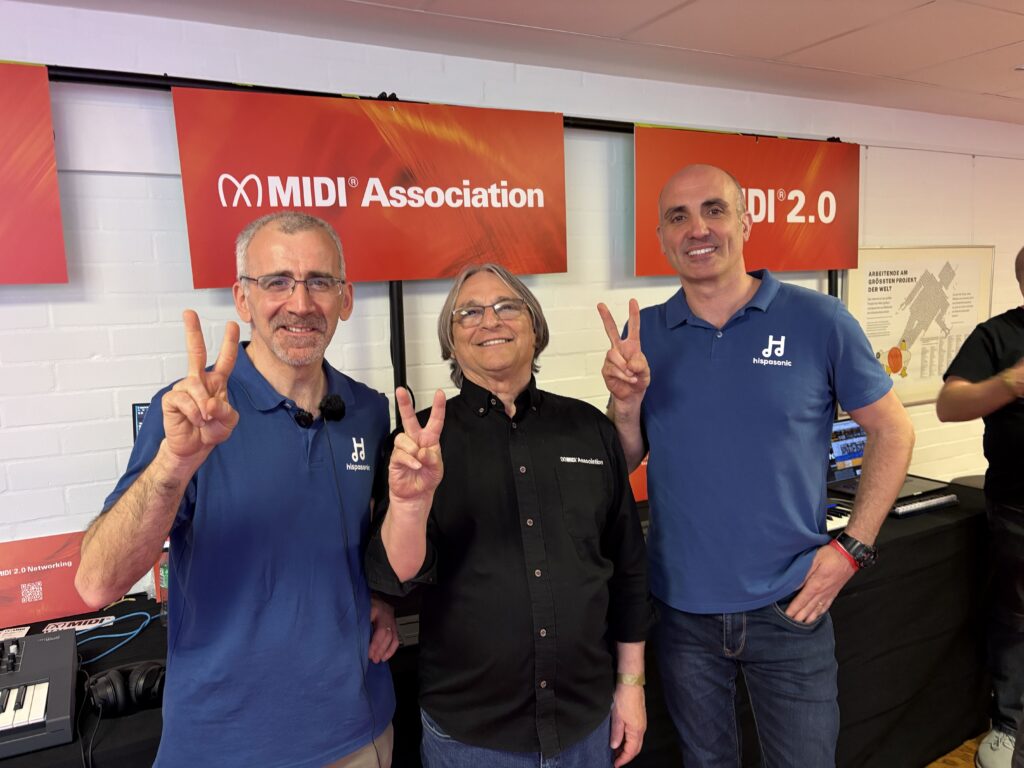
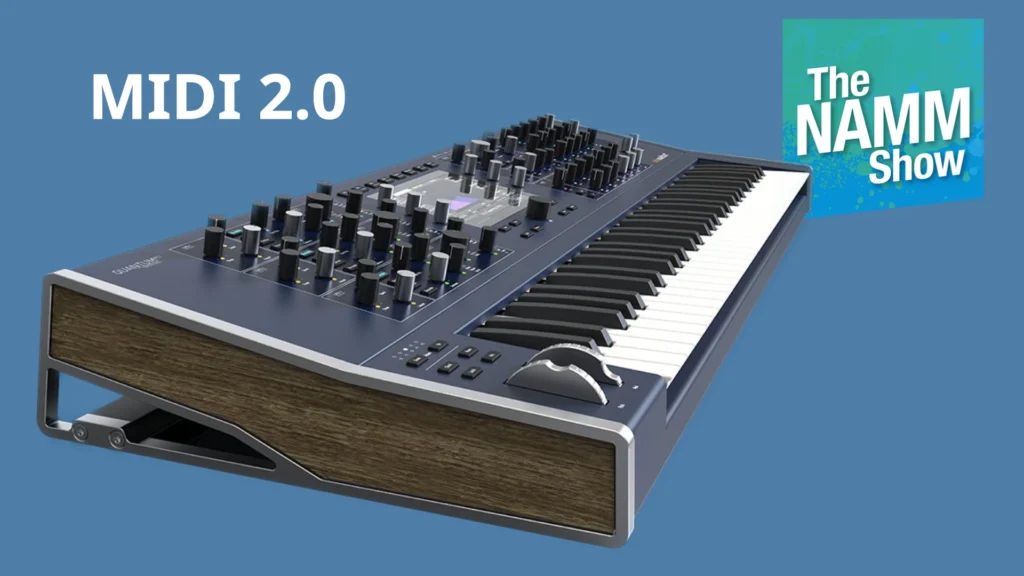
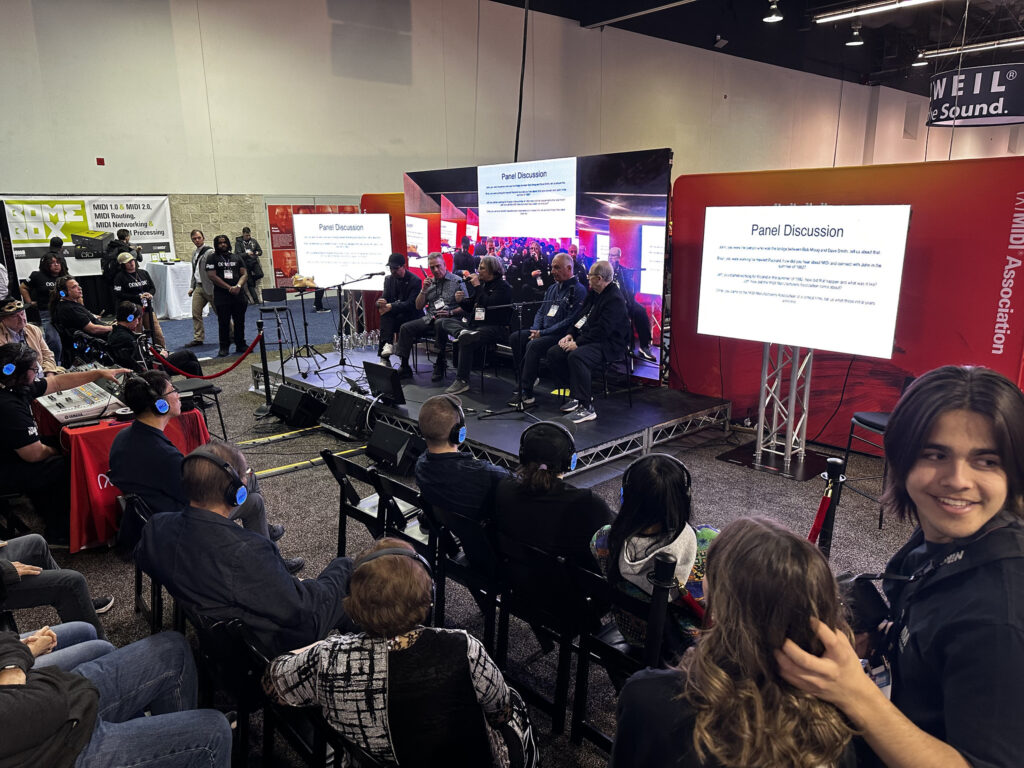
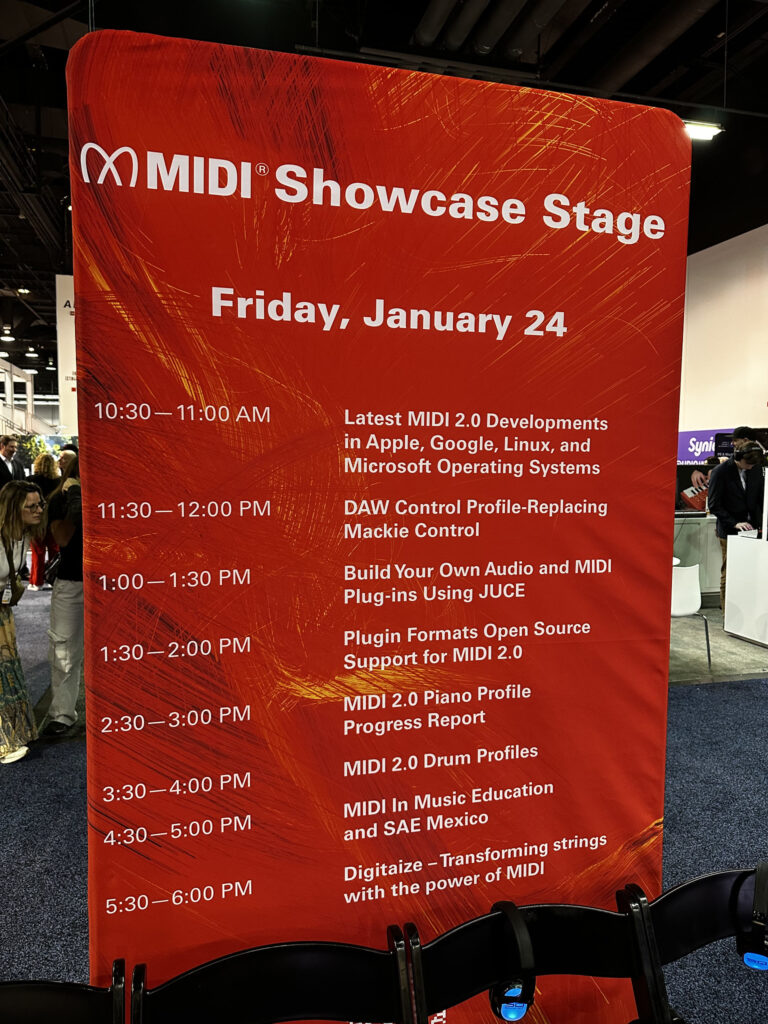
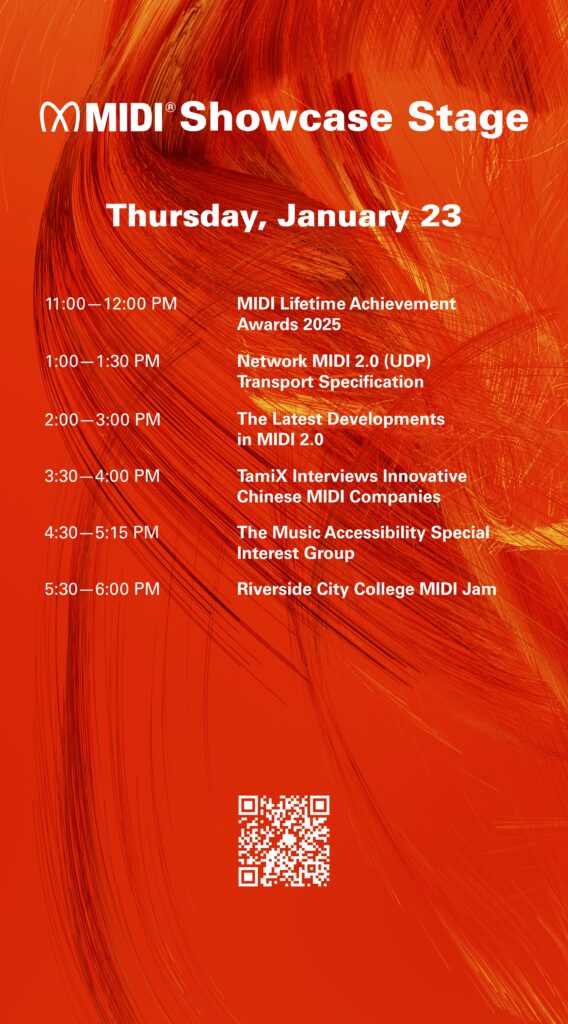
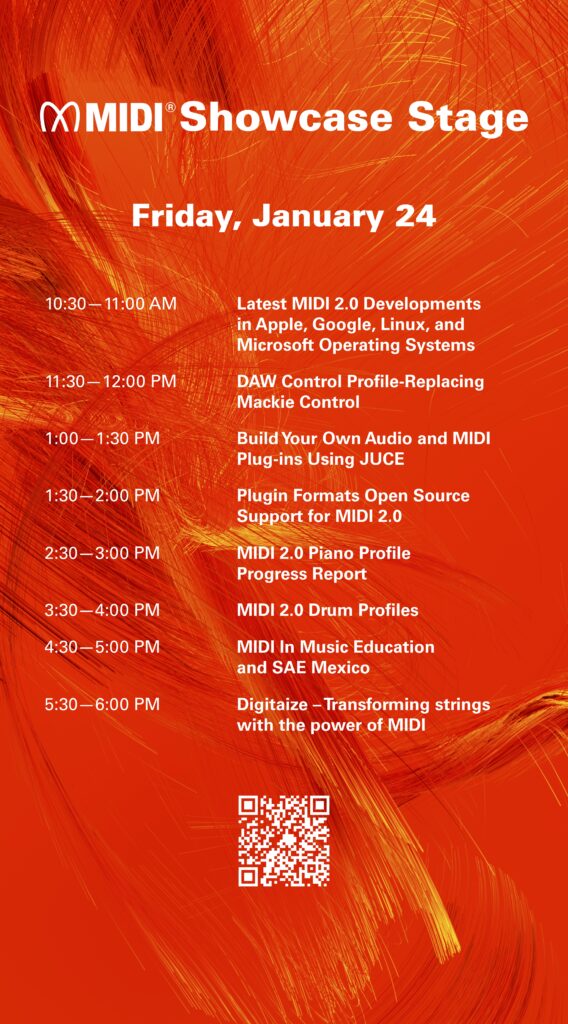
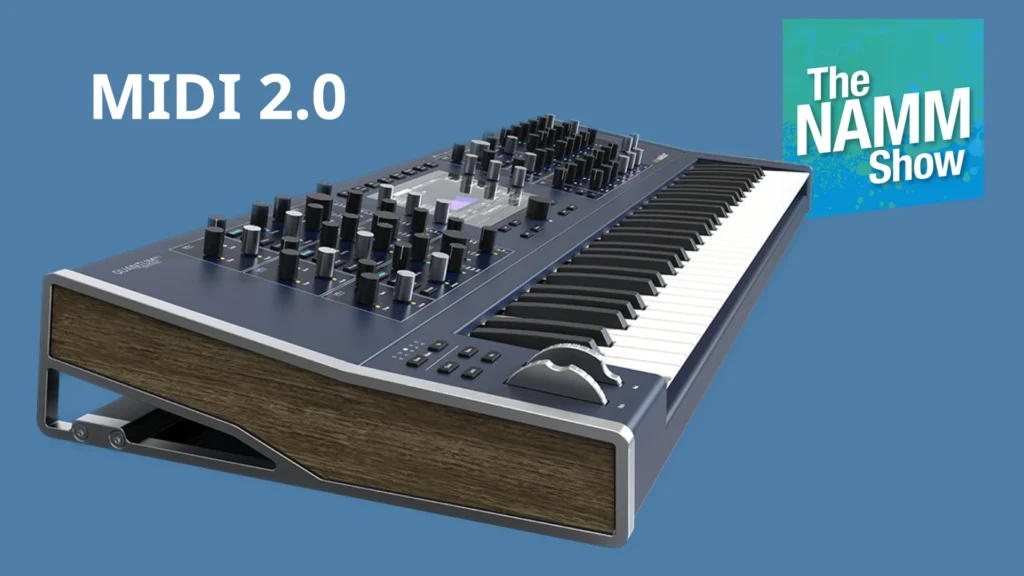
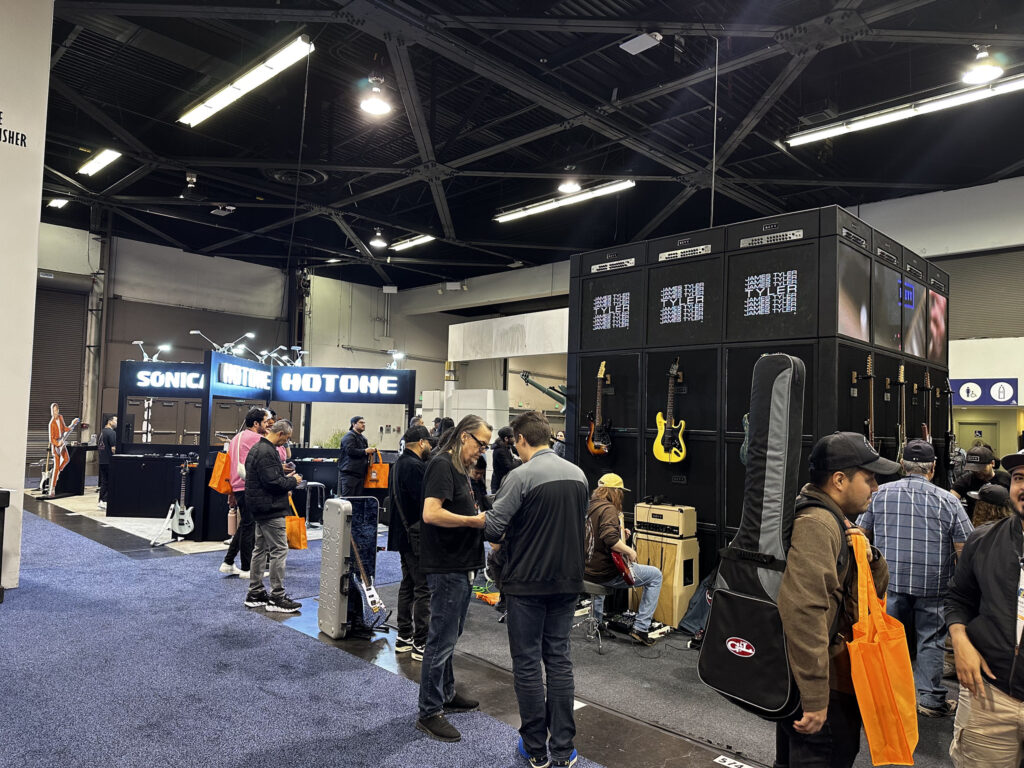
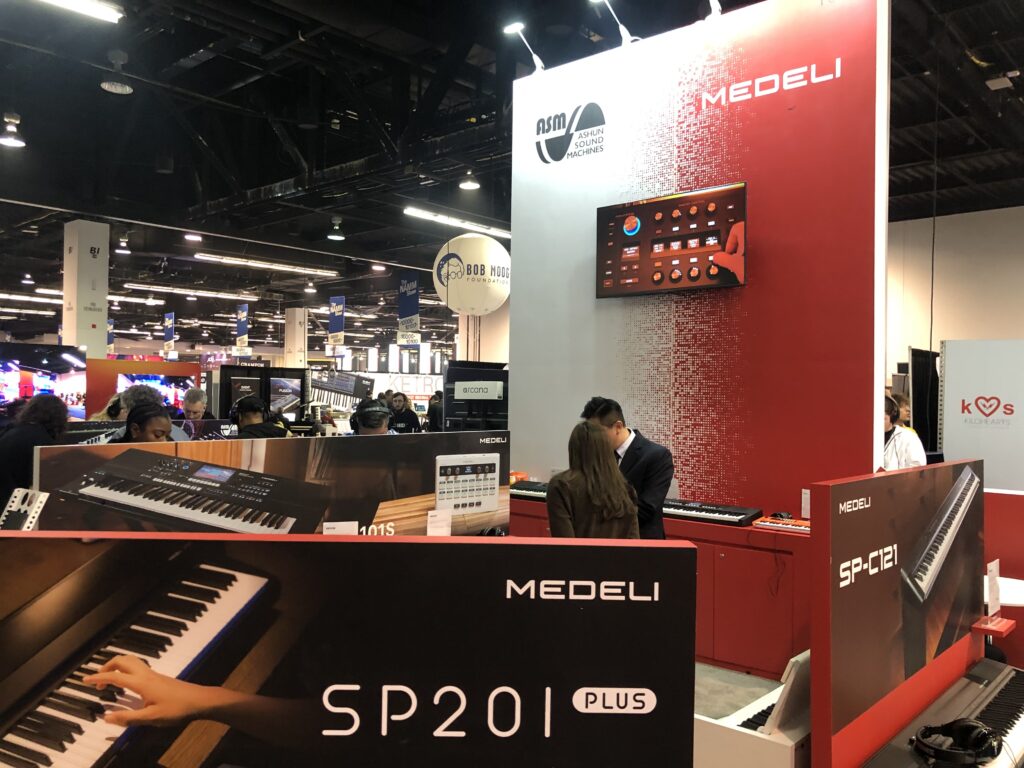
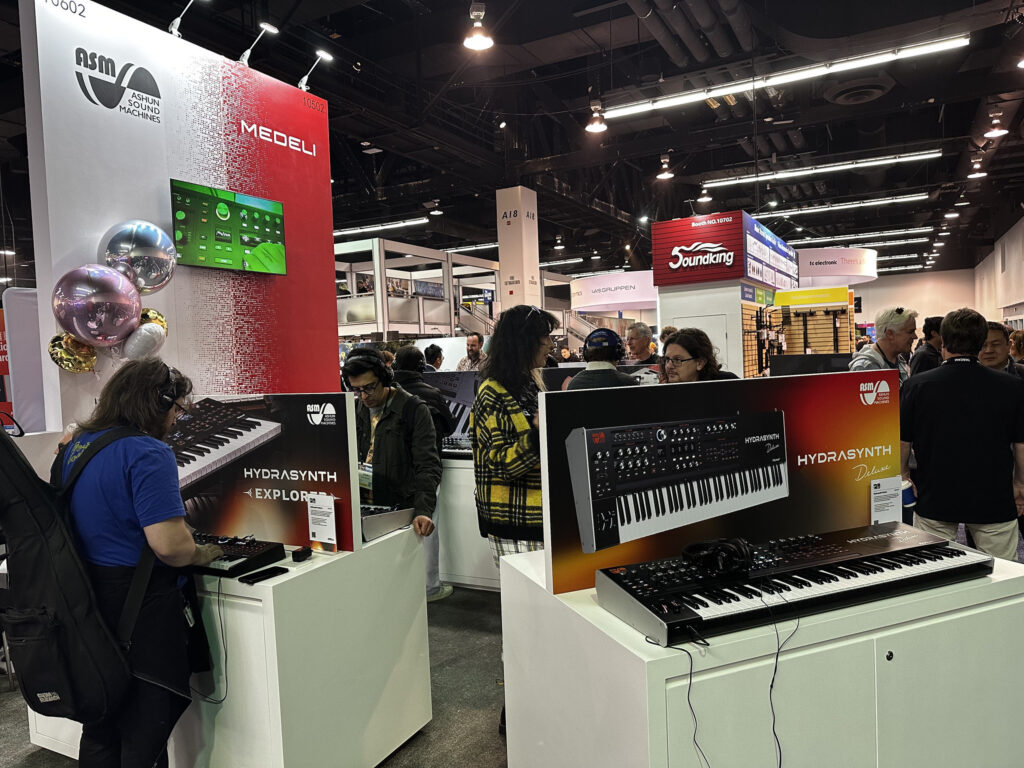
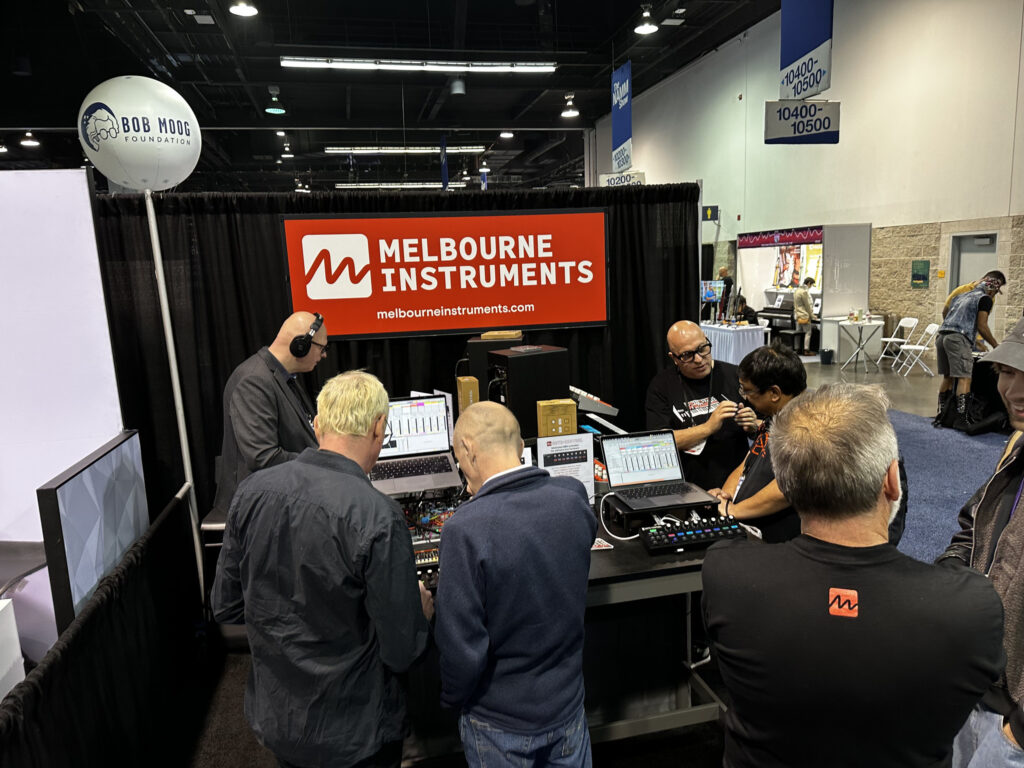
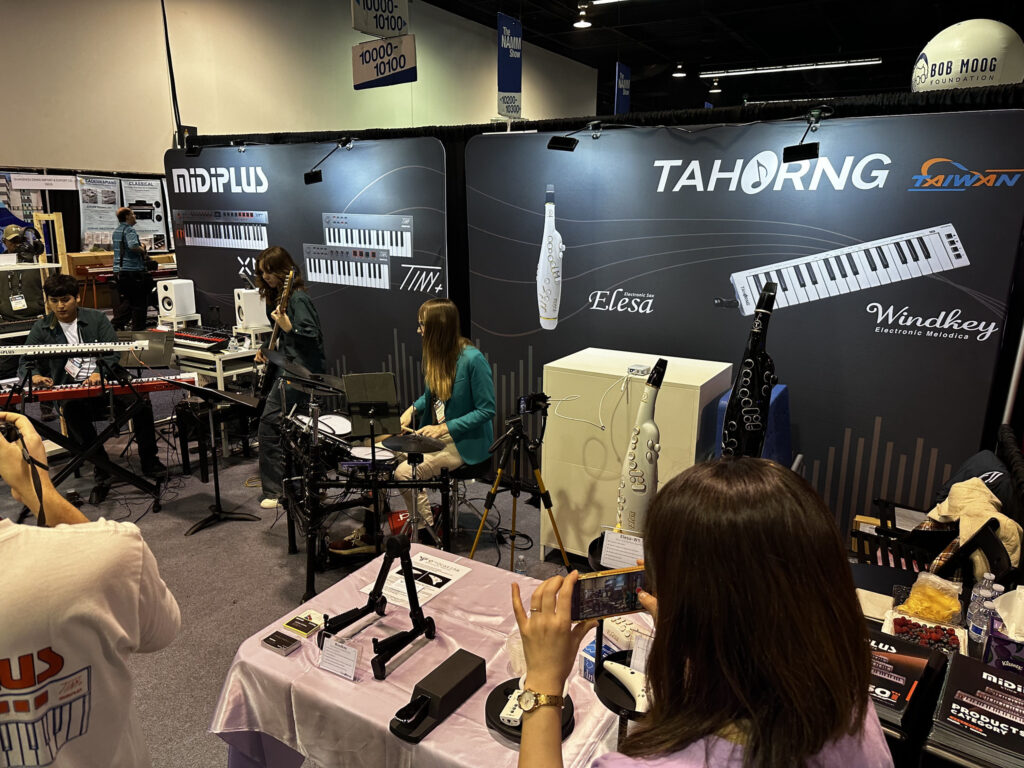
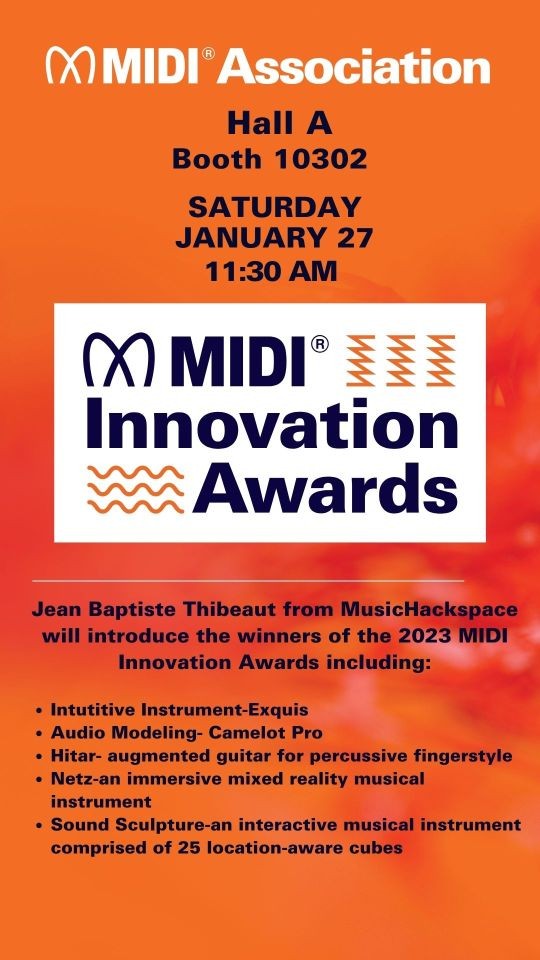
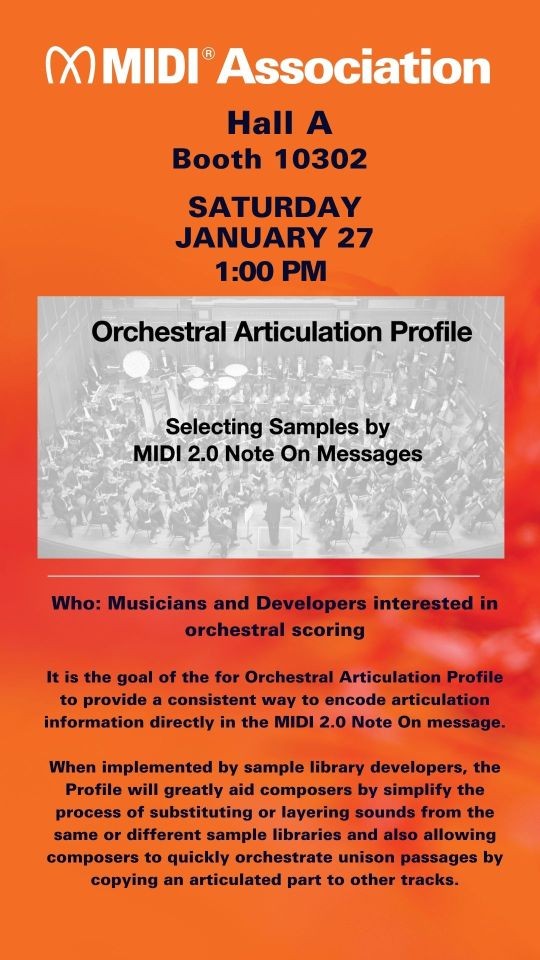
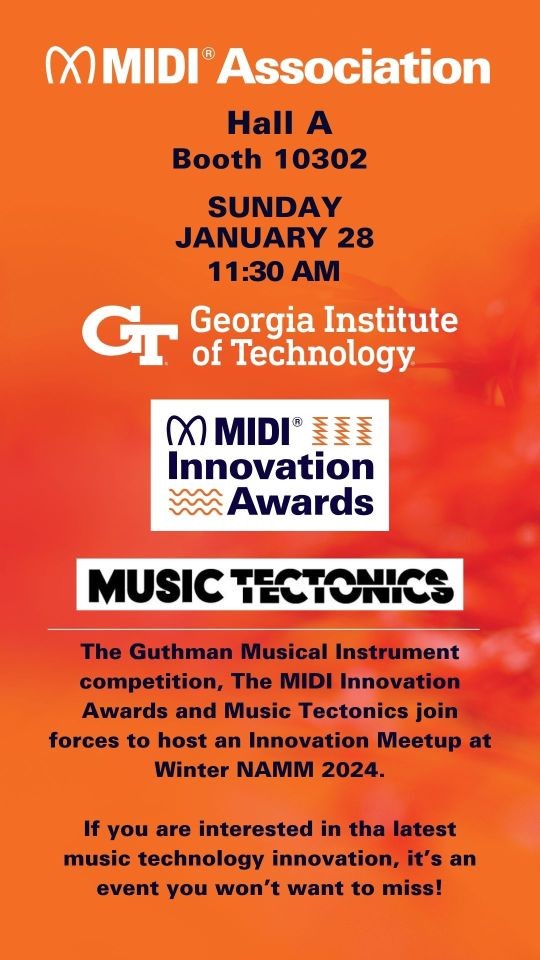
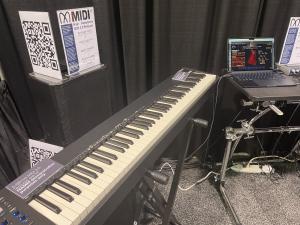
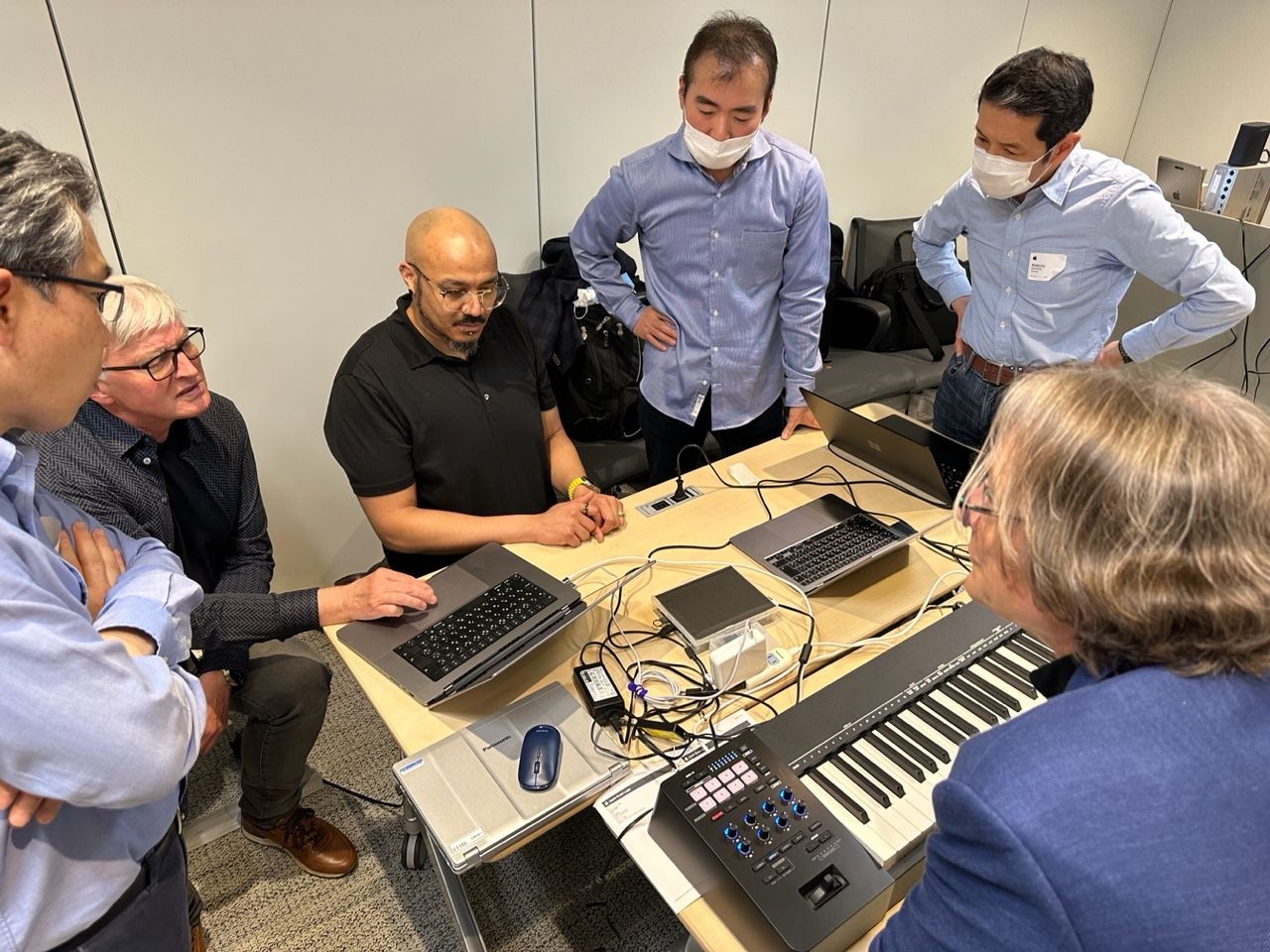
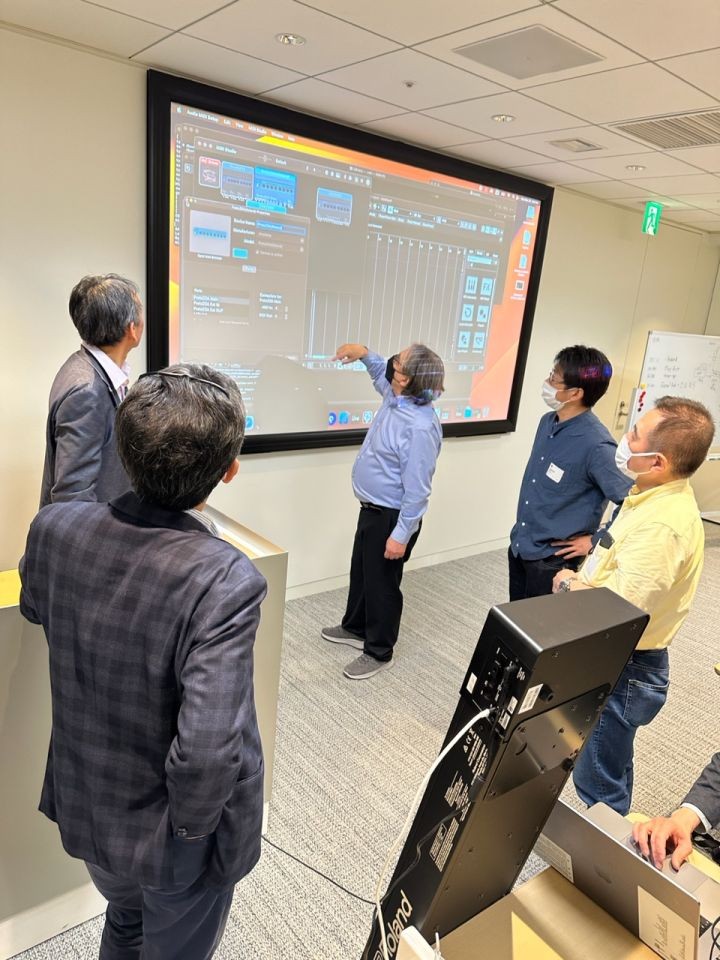
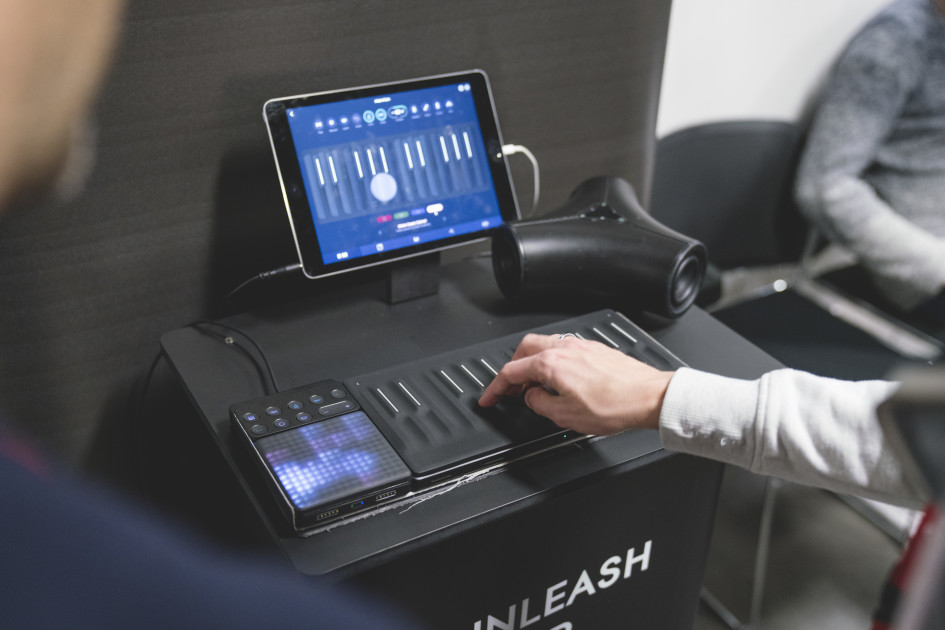
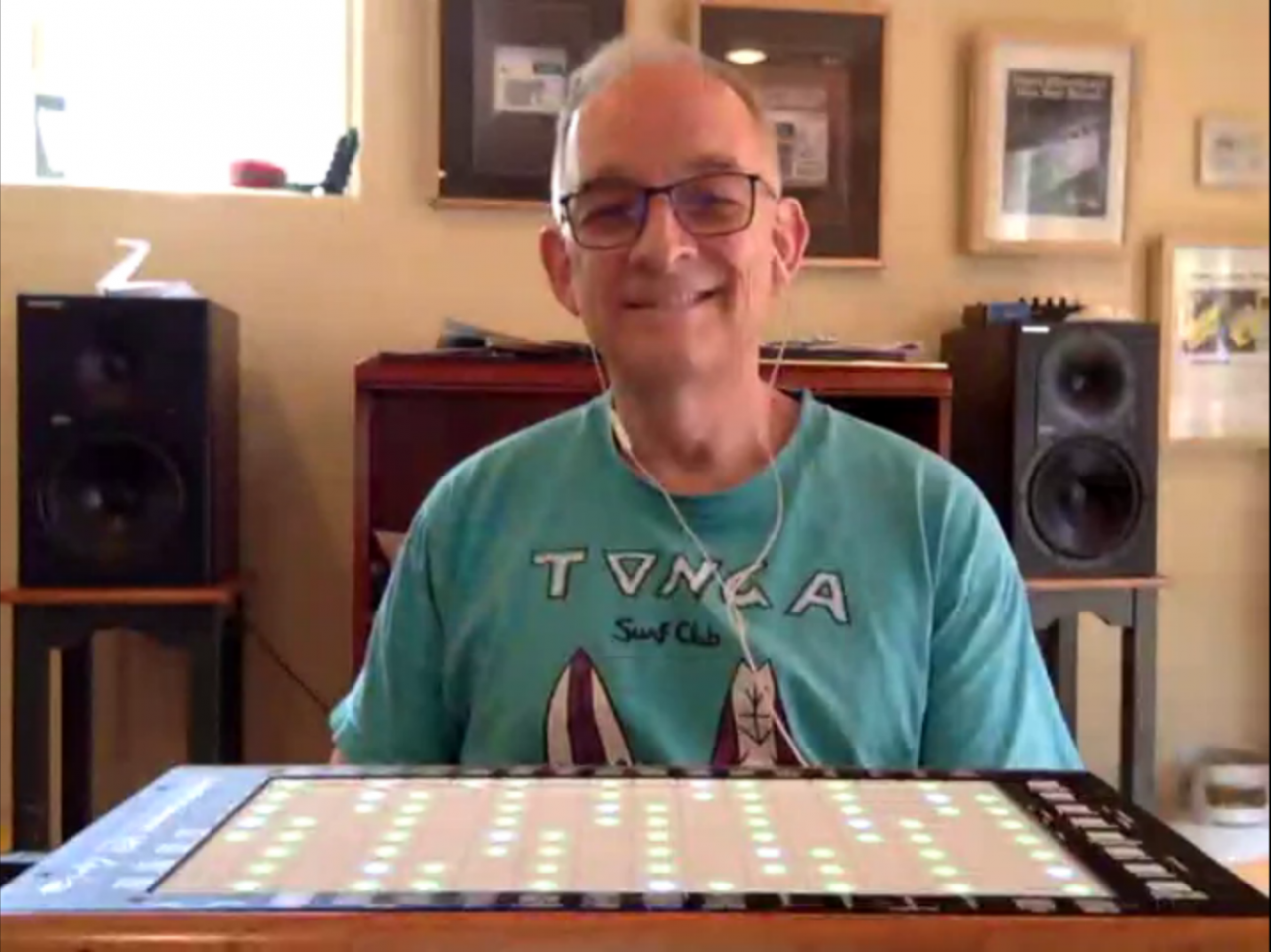
As usual, NAMM 2026 was a blur of activity at The MIDI Association booth.
We hosted 21 events over three days at our booth and participated in many Tec Tracks and A3E sessions as well.
We know this article has a LOT of information in it. But take your time and read through everything. Maybe bookmark it and come back to it a couple of times.
Finally much of the best stuff is at the very end so make sure you see the details of our MIDI In Music Education and Music Accessibility initiatives.
We recorded audio and video or all our sessions and over the course of the next two weeks will be doing articles on each of the events we hosted and participated in.
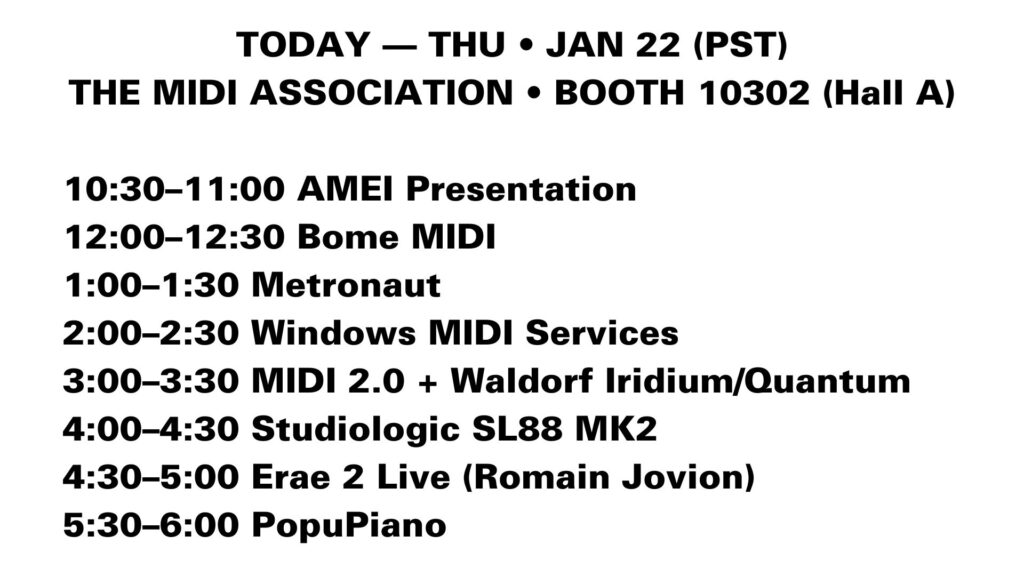
The MIDI Association Thursday Booth Schedule
Day 1 – MIDI 2.0 Product Day
The first day was focused on MIDI 2.0 products in the market.
The day started with a presentation by Takayuki Tomisawa from Roland, Chair of AMEI’s MIDI 2.0 working group who explained their long cooperative relationship with the MIDI Association.
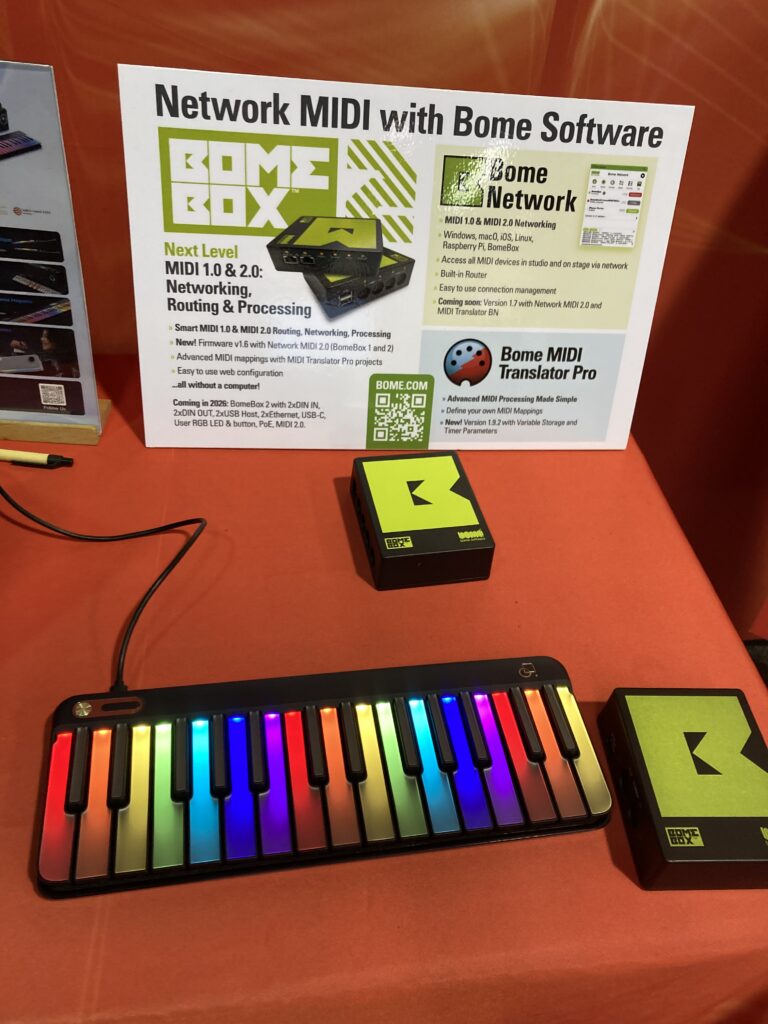
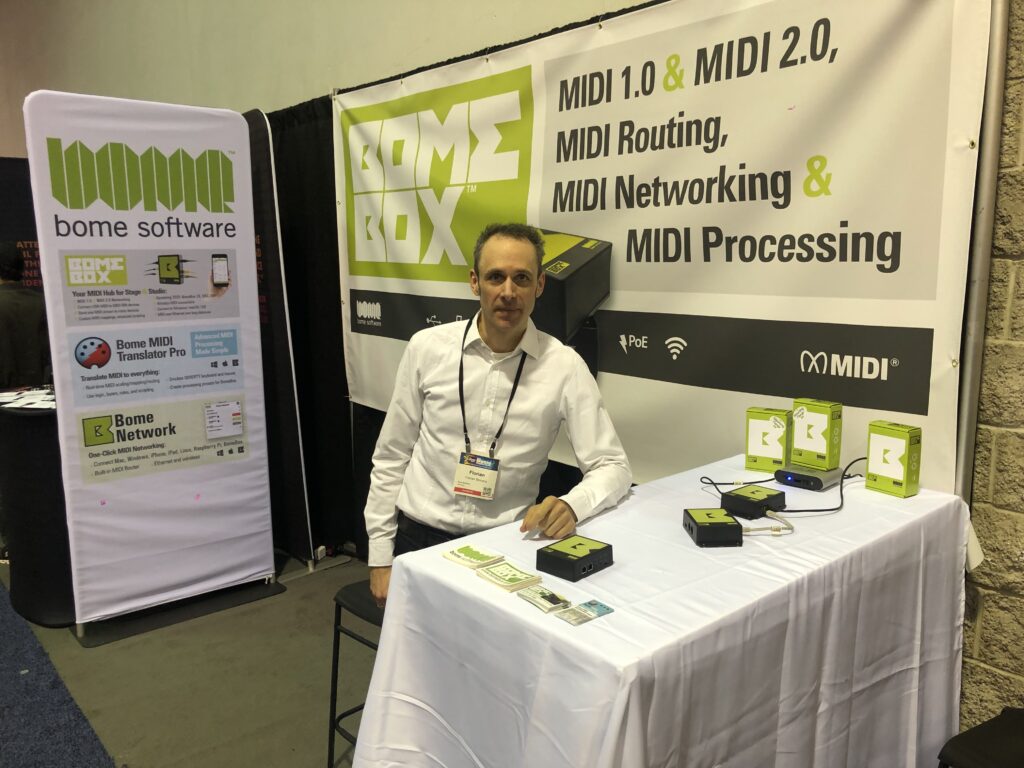
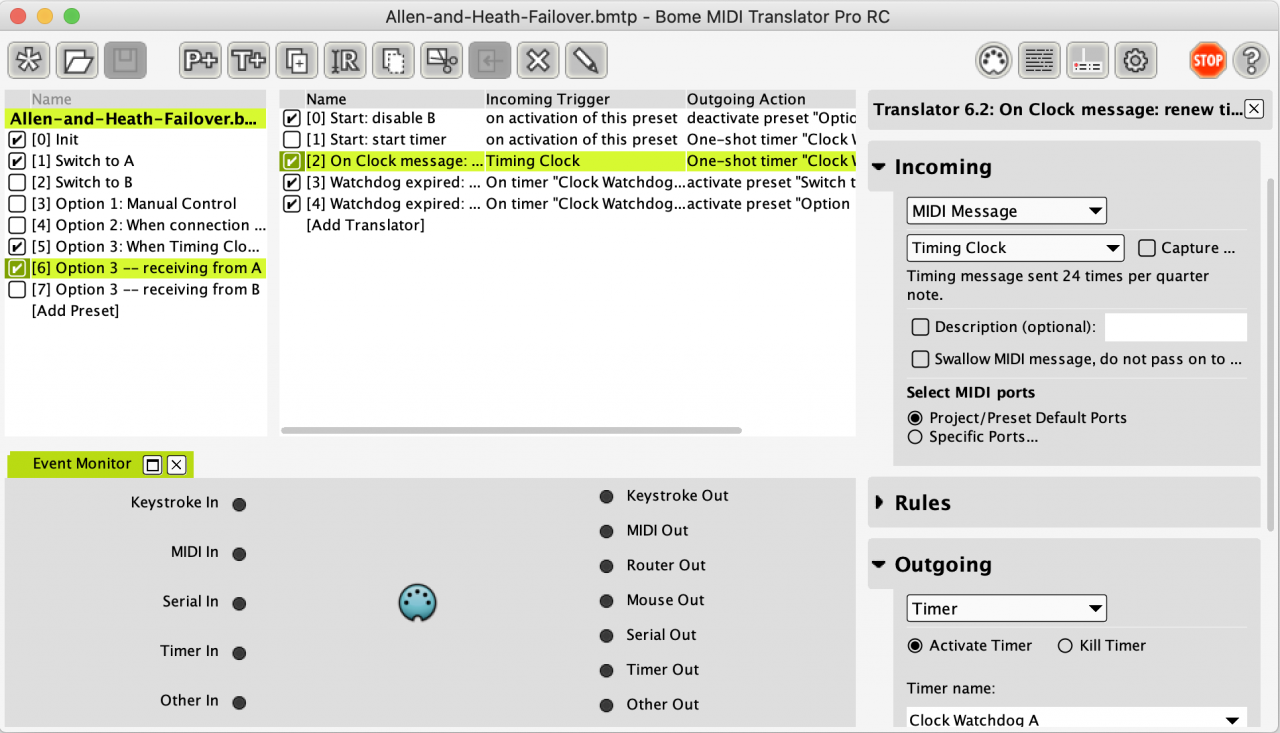
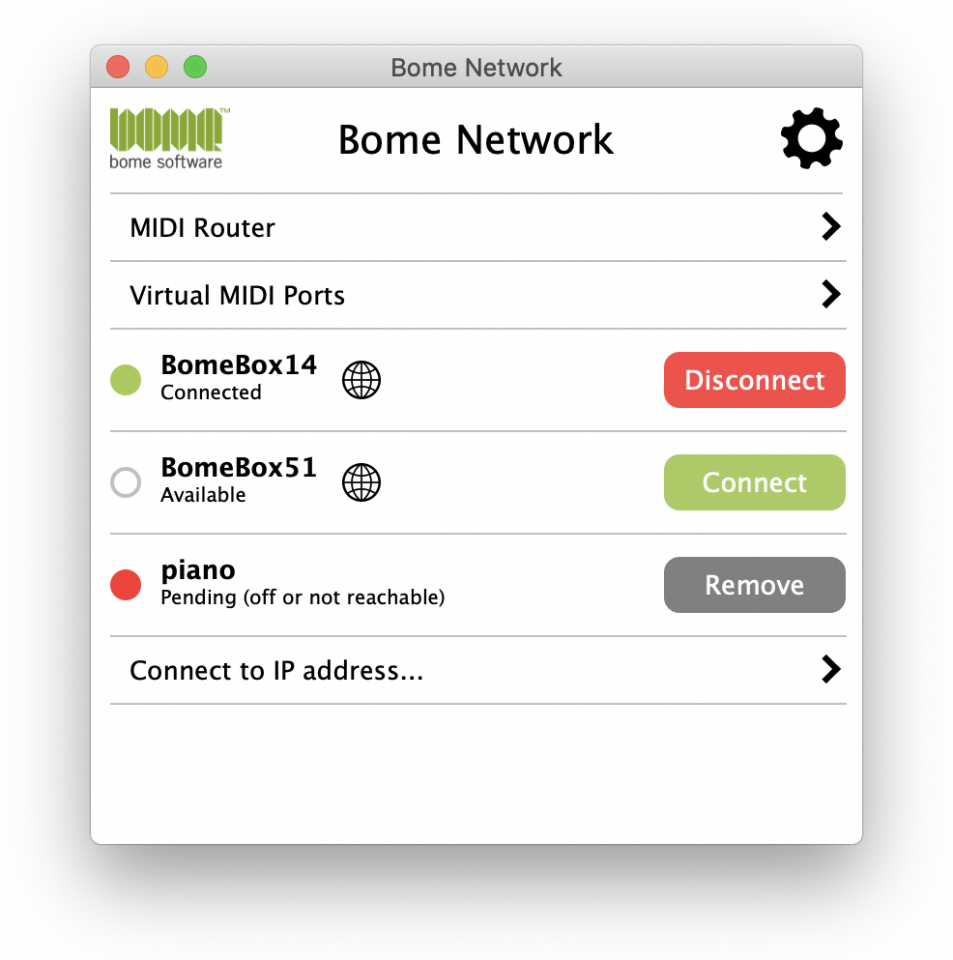
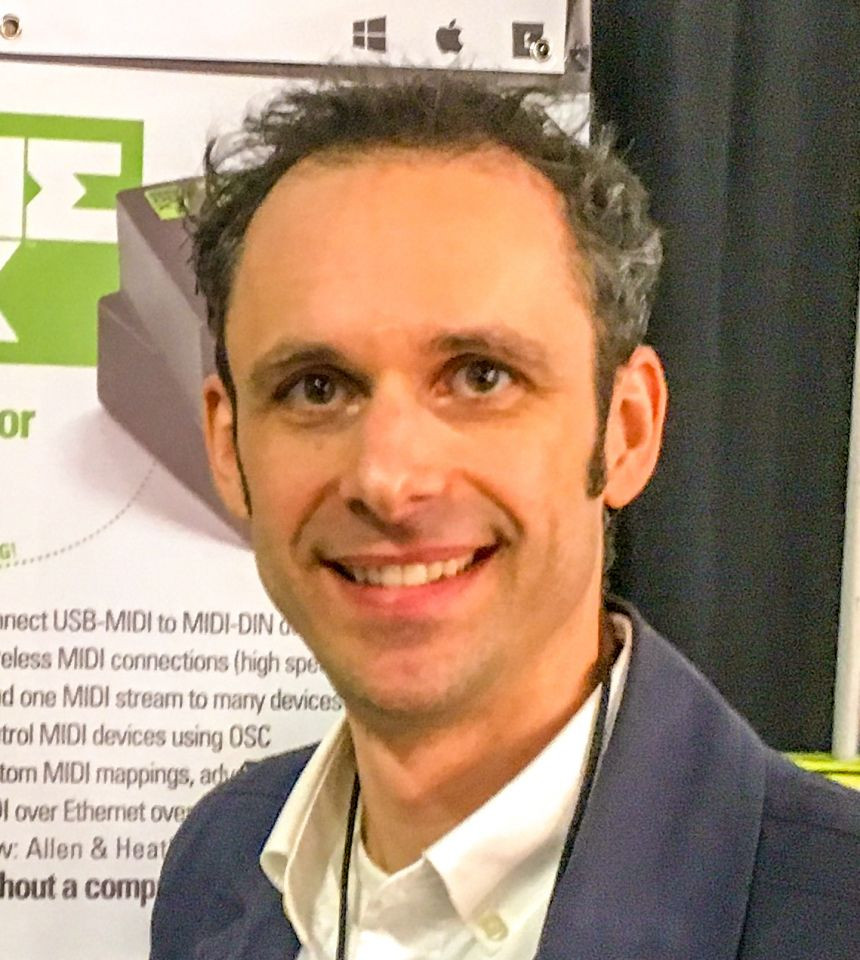
Florian Bomers introduced the Bome MIDI products—Bome MIDI Translator Pro, Bome Network, and the BomeBox—and demonstrated how they can be used individually or together to enable advanced MIDI routing, processing, and control. Using real-world examples, he showed practical solutions before highlighting what’s new and offering an exclusive look at what’s coming in 2026.
One of our newest members is Metronaut which is headed up by Arshia Cont.
Metronaut is a unique AI-Powered mobile App for amateur musicians! Metronaut allows musicians to Practice and learn thousands of masterpieces while getting feedback and being accompanied by high-quality backing tracks that adapts to them as they practice.
Chosen by Apple as Editor’s Choice for two consecutive years, Metronaut is empowering hundreds of thousands musicians worldwide in 21 languages by helping them to enjoy practicing music.
Arshia Cont is the CEO and Co-founder of the Music Tech Startup Antescofo, behind the mobile Application Metronaut. After completing a PhD in Computer Music in UC San Diego, he served as research scientist between 2008 and 2016 at IRCAM, a center dedicated to fostering music technology and artistic creativity; and head of the MuTant research team at INRIA. In the same period, he acted as the director of Research/Creativity Interfaces in the institute where he founded the Ircam Musical Research Residency program and pushed Ircam Forum to the social network era.
One of the most important announcements about MIDI 2.0 came from Microsoft. We found an excellent article from the European Motion Picture Association.
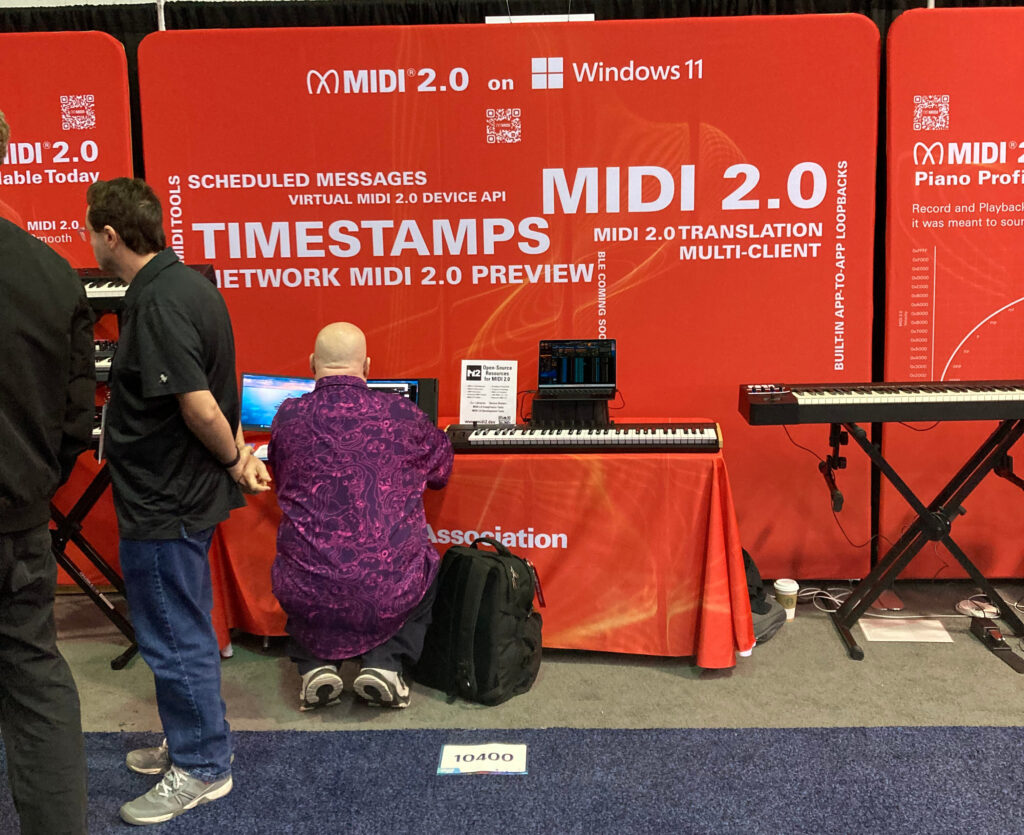
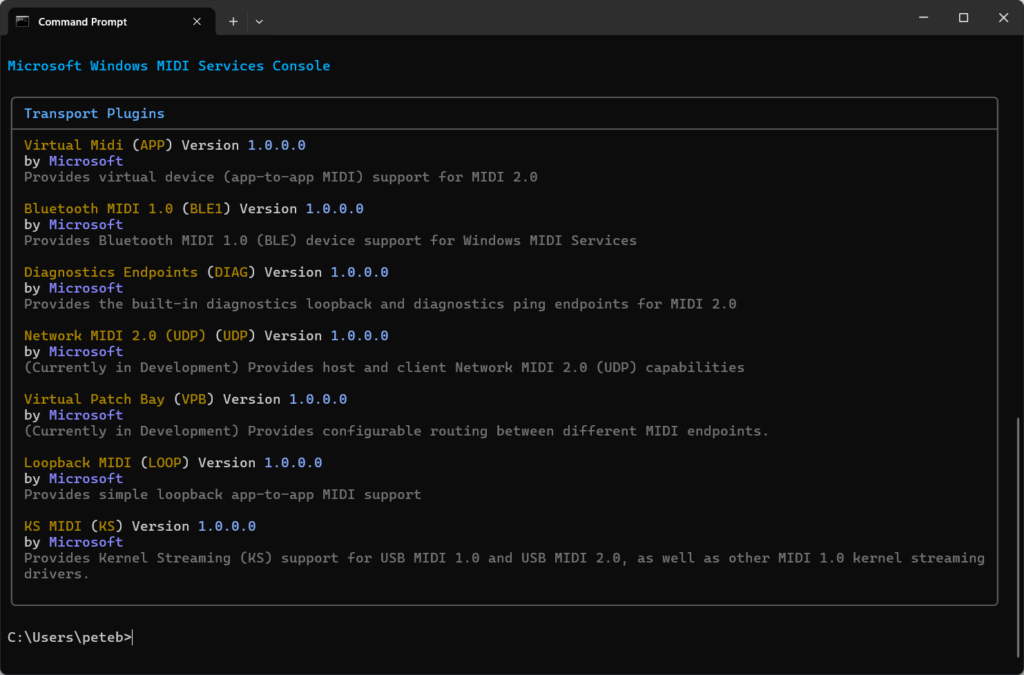
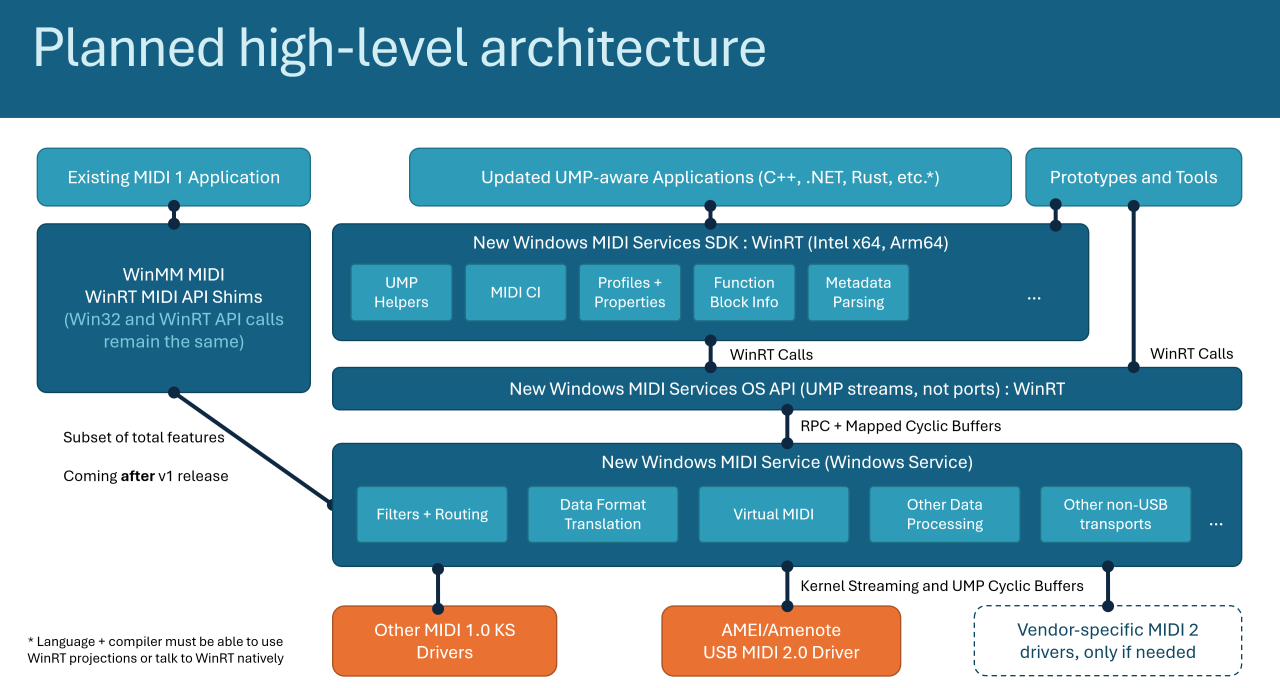
At NAMM 2026, Microsoft made waves by highlighting a major step forward in music technology: its ongoing Windows MIDI Services initiative — a full-stack integration of MIDI 2.0 support and next-generation MIDI tools into Windows 11.
This represents the most significant update to MIDI on Windows in decades and promises a huge leap for musicians, producers, and developers working in electronic music and digital audio production.
What’s New in Windows MIDI Services
Built-In MIDI 2.0 Support Microsoft has introduced the Windows MIDI Services stack with full support for the MIDI 2.0 standard — offering higher-resolution data messages, bi-directional communication, improved timing, and richer control over musical parameters compared with the decades-old MIDI 1.0 protocol.
Universal USB MIDI 2.0 Class Driver Thanks to a collaboration with AMEI (Association of Musical Electronics Industry) and contributions from partners like AmeNote, the new USB MIDI 2.0 class driver enables both MIDI 2.0 devices and compatible MIDI 1.0 devices to communicate efficiently with Windows applications.
Multi-Client & App Interoperability Windows MIDI Services brings multi-client MIDI support, meaning multiple applications can share access to MIDI endpoints simultaneously — a big improvement for workflows involving DAWs, controllers, and monitoring tools.
Developer Tools & SDK Accompanying the core stack is a Windows MIDI Services App SDK and set of tools that make it easier for developers to build next-generation music apps and utilities with enhanced MIDI features. These include utilities for diagnostics, loopback creation, port management, and more.
Why This Matters to Musicians For the first time, Windows users gain an integrated platform that fully embraces the potential of MIDI 2.0, a standard designed to unlock higher expressiveness, finer control resolution, and modern two-way communication between instruments and software.
While initially available via Windows Insider previews and SDK releases, this technology points toward broader availability throughout 2026 as Microsoft rolls out support into production Windows 11 updates.
Whether you’re using advanced controllers, cutting-edge synths, or complex DAW setups, the new Windows MIDI Services stack promises more reliable timing, better device interoperability, and richer creative potential for electronic musicians and producers everywhere.
Learn more about Windows MIDI Services and the MIDI SDK tools on Microsoft’s official GitHub and documentation pages.
European Motion Picture Association
Here is a bit more detail from MIDI Association Exec Board Chair and Microsoft lead MIDI developer, Pete Brown.
As announced at the NAMM Show, assuming all proceeds as planned, Windows MIDI Services will start rolling out at the end of this week to retail supported Windows 11 builds (24h2, 25h2). This will be installed as a KB update, through Windows Update. If you do not have Windows Update enabled (LTS etc.) you likely will not get the new feature.
Pete Brown
Microsoft
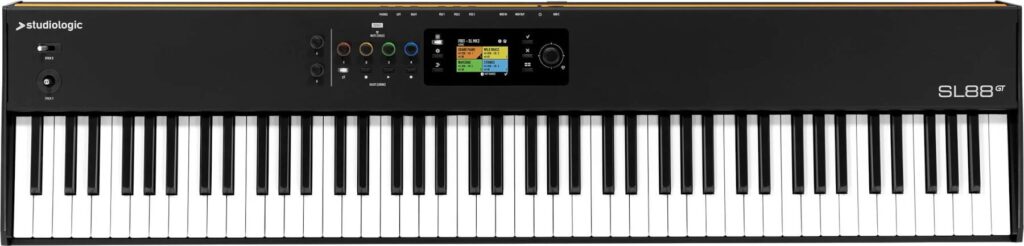
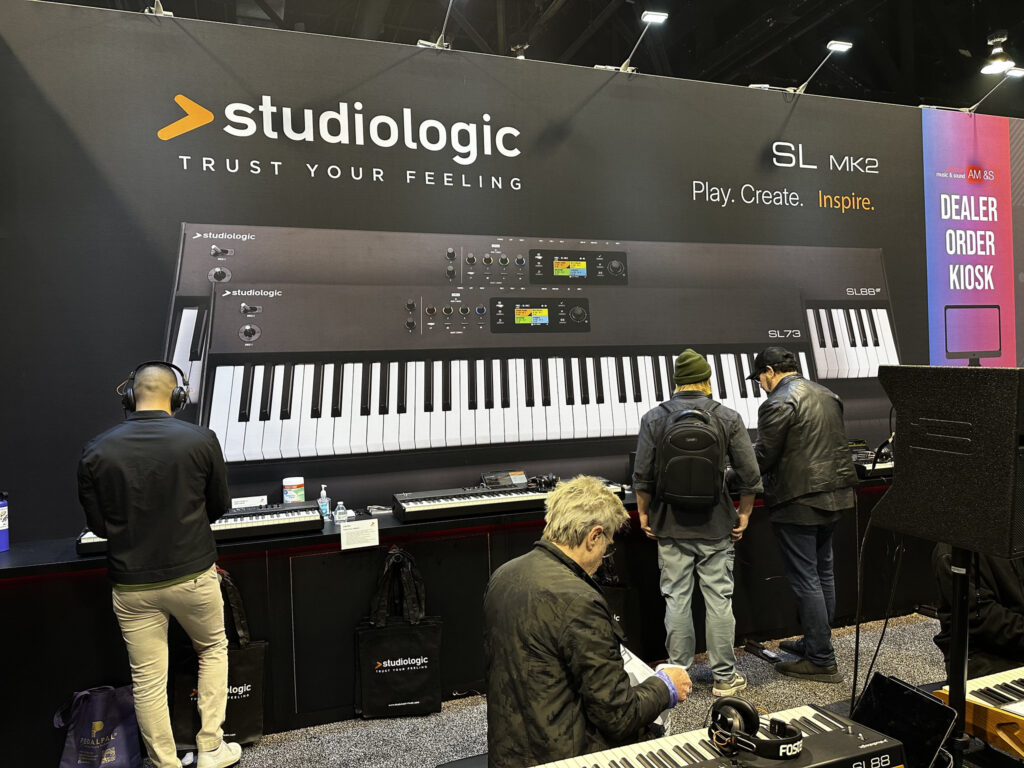
StudioLogic SL88 MK2
There are now a number of MIDI controllers on the market that support MIDI 2.0 hi resolution controllers including the StudioLogic SL88 MK2.
At the end of every day we featured performances showing off MIDI 2.0 in action.
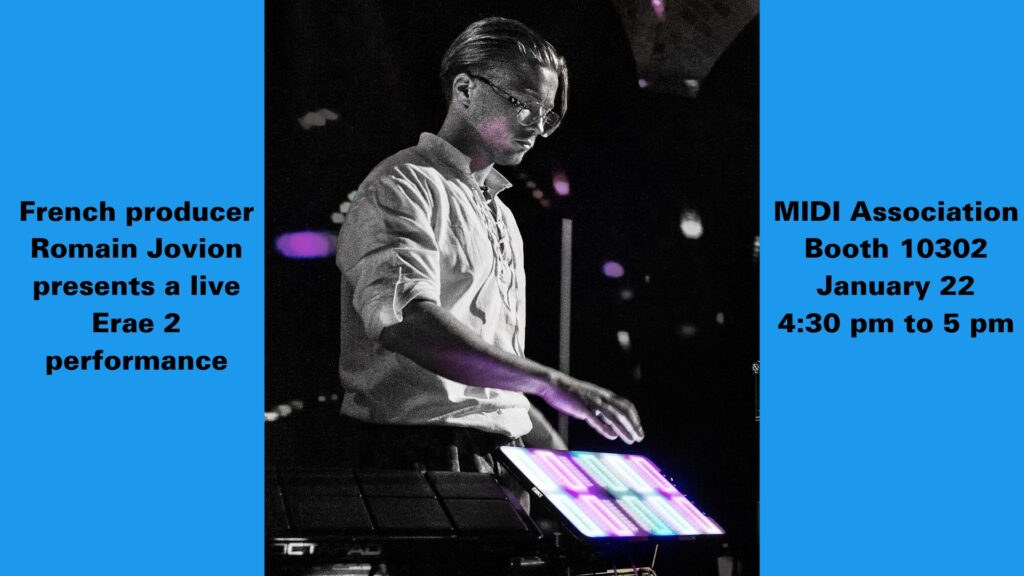
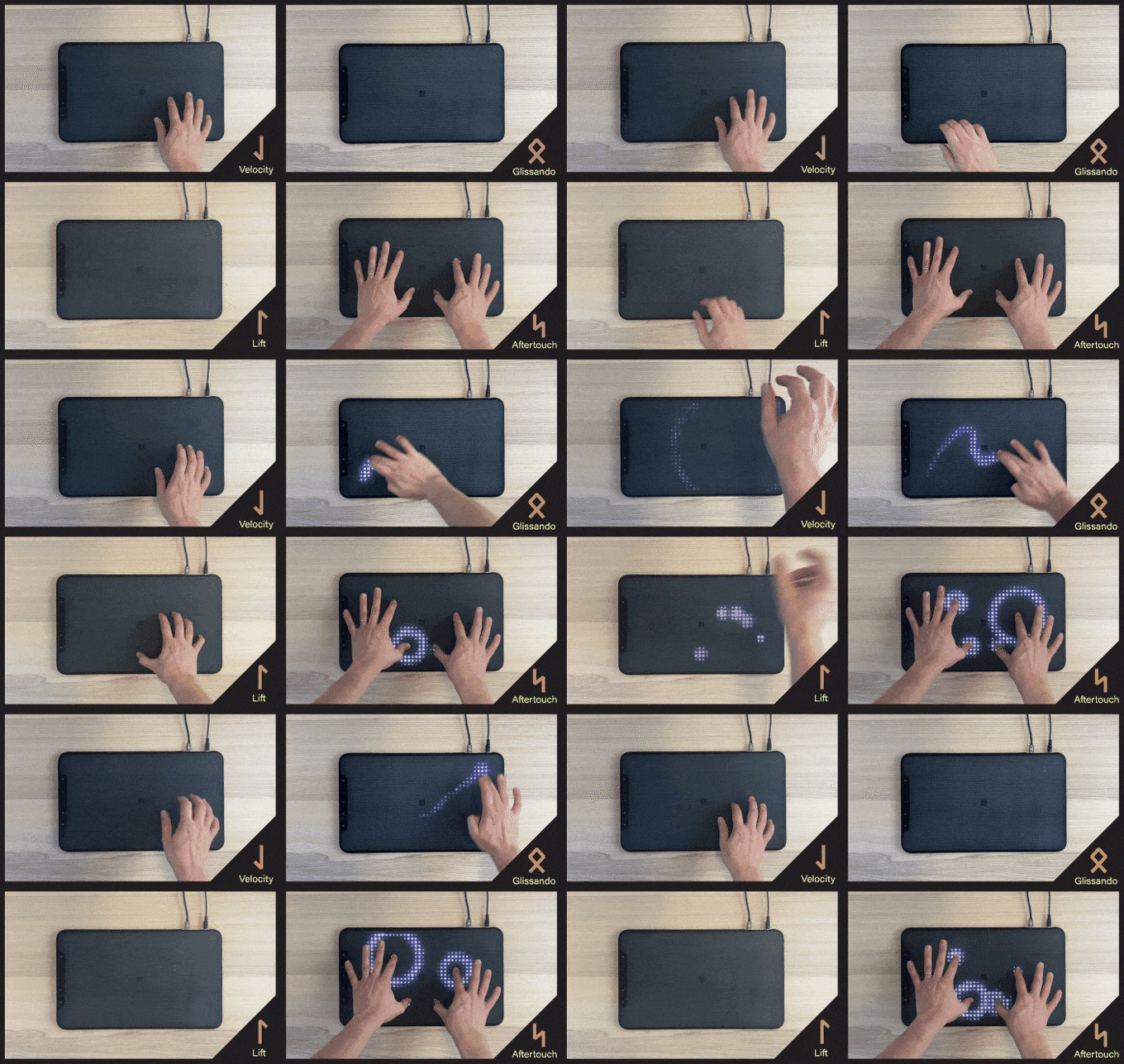
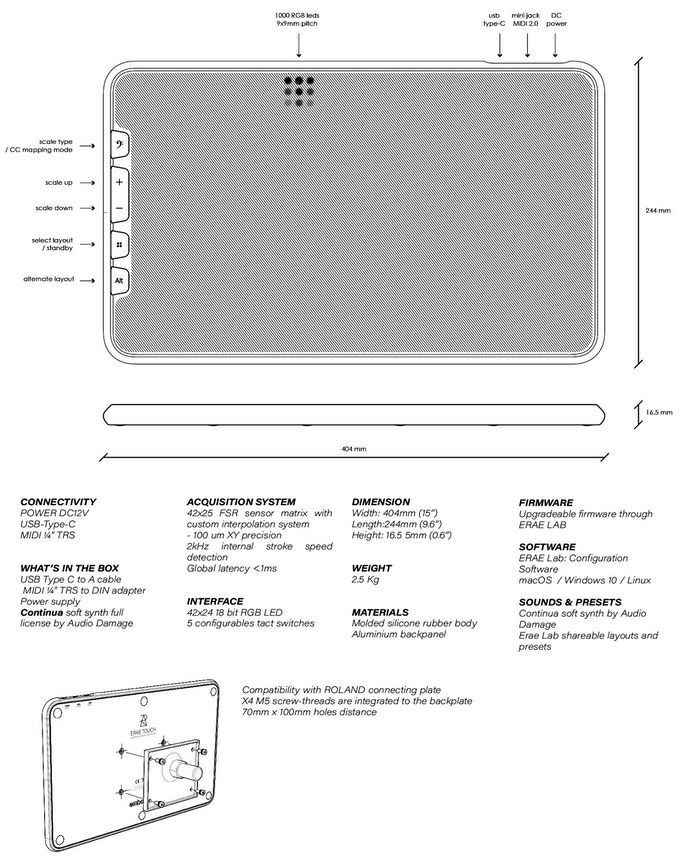
This performance featured French Producer Romain Jovian performing on the Erae Touch.
The multitrack recordings of the performances are currently being mixed and synced with the multi camera video feeds controlled by a Roland video switcher.
We are planning on having all the performance up in the next two weeks.
PopuPiano and Party Speaker
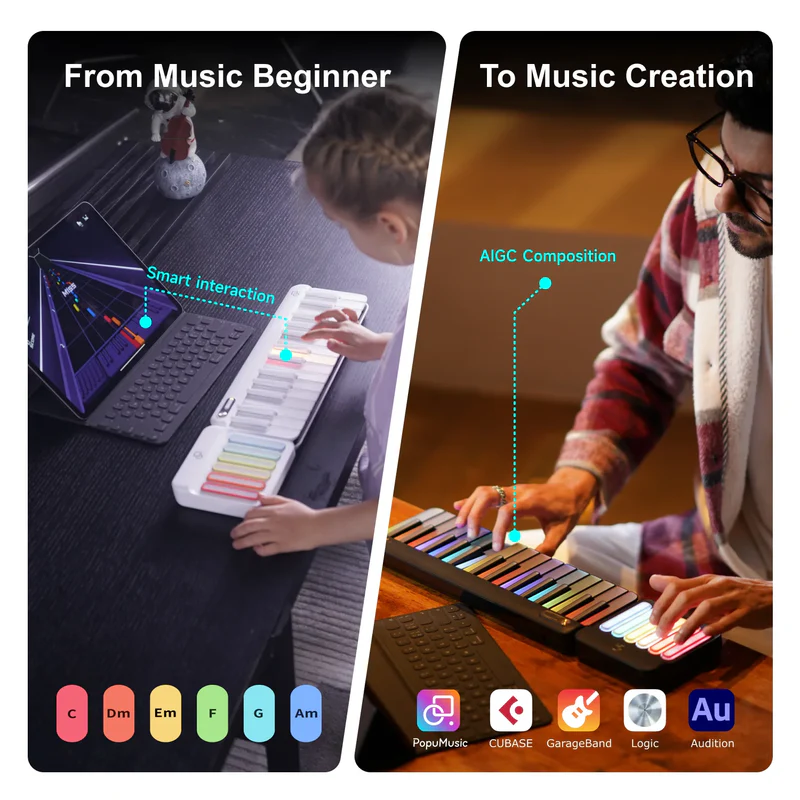
New MIDI Association member Popumusic presented their products. On top of doing a presentation, the folks from Popumusic also loaned us lighted keyboards and party speakers for our network display.
The MIDI Association Friday Booth Schedule
Friday focused on MIDI 2.0 specifications and at the end of the day performances from young artists from Smoothloop.
New MIDI 2.0 Transports-BLE, Web MIDI and Transport Remote Management
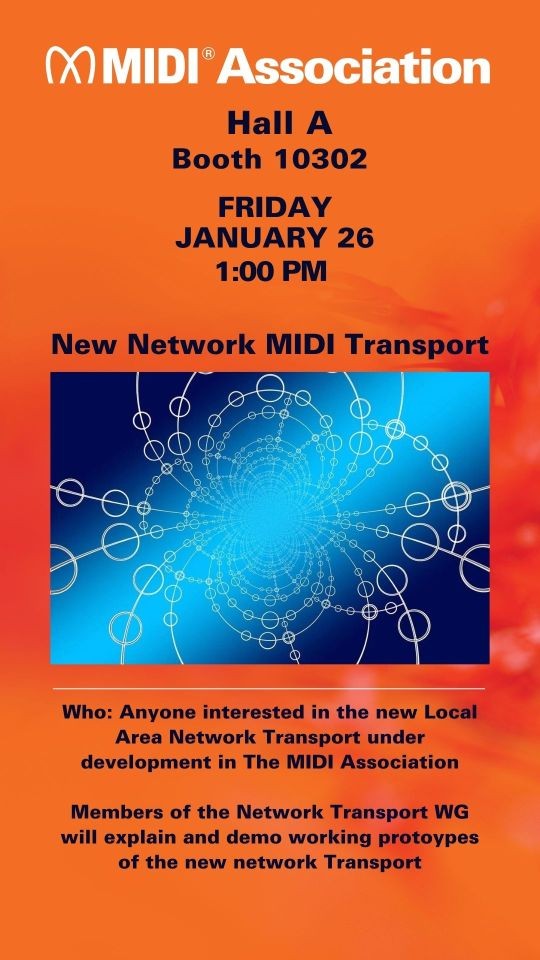
Members of the Transport working group highlighted the latest progress on MIDI 2.0 transports for Bluetooth, Web MIDI and updates to the Network spec to add remote management capabilities.
SMF2 Container Format
The MIDI Project Container File format is intended to deliver multiple tracks of MIDI data and other media. The set of tracks and media used in the file are enumerated and arranged in a Manifest file in XML format. Media types supported include: ● MIDI Clip Files (for MIDI 1.0 and MIDI 2.0) ● Musical Notation (MusicXML or PDF ) ● Audio Files ● Video Files ● Lyrics: may be in MIDI Clip Files and/or in Musical Notation files. ● Metadata – XML and MIDI Message
DAW Control Profiles
The MIDI Association is working on a modular set of MIDI 2.0 DAW Control Profiles intended to eventually replace Mackie Control with a unified industry standard for all hardware and software.
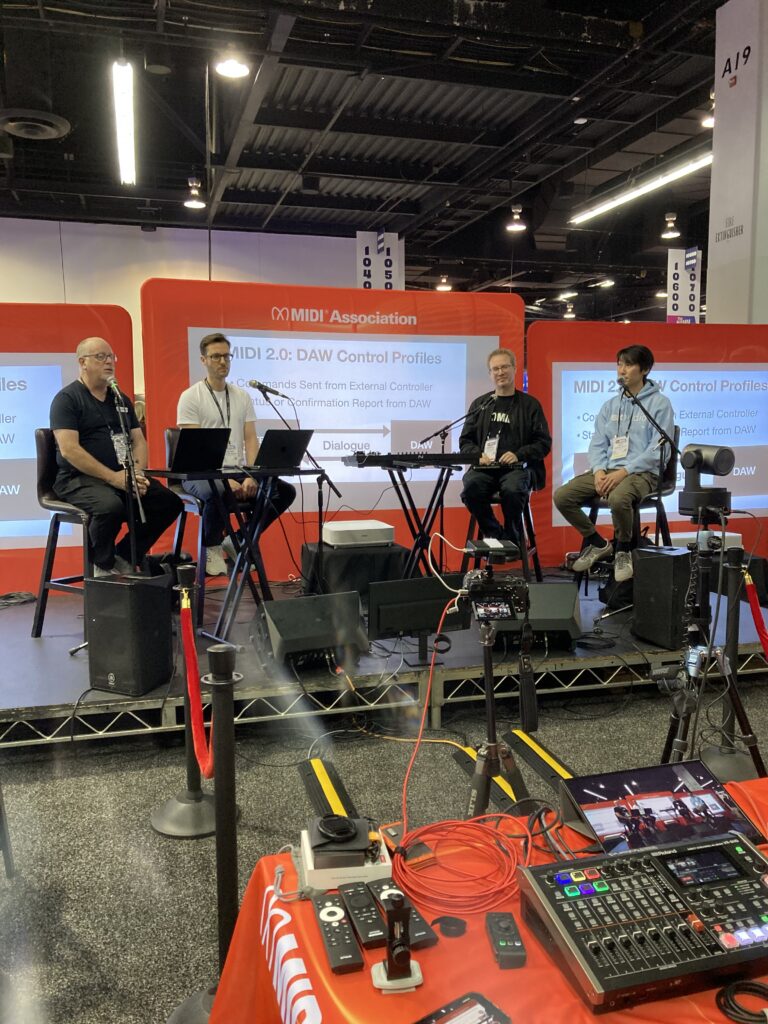
MIDI 2.0 WG Chair Mike Kent from Amenote, Jochen Troppe from Steinberg and TSB Chair Andrew Mee
The modular approach was taken because of the wide variety of capabilities of DAW controllers from simple start, stop and record buttons to elaborate devices with multiple displays.
Drum Profiles Update
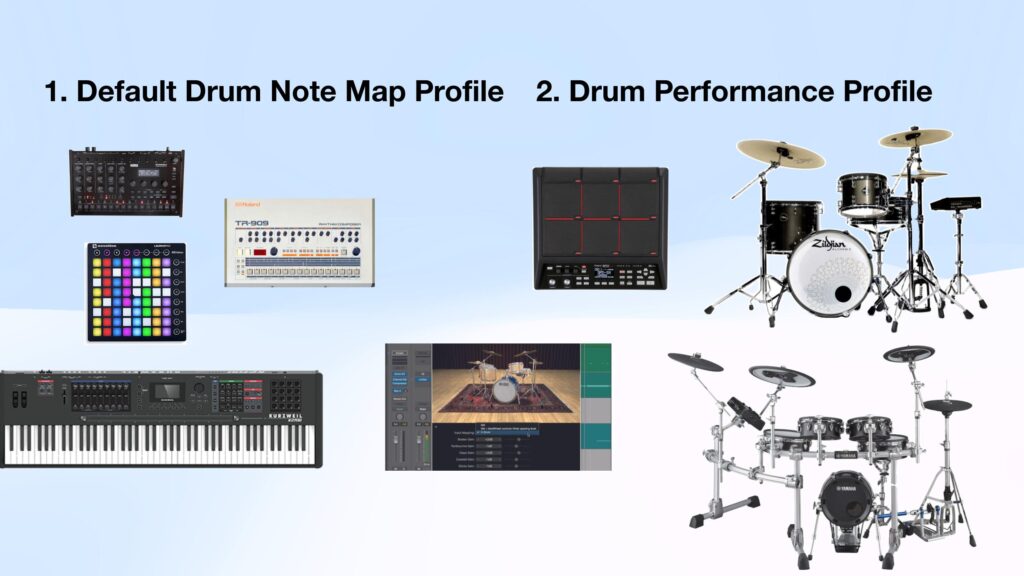
The MIDI Association has worked on two Drum Profiles in 2025.
The Default Drum Note Map Profile specifies 62 Drum/Percussion Sounds mapped to Specified Note Numbers.
This is the common GM based mapping in many Drum Machines and Synthesizers since the 1980s.
This Profile was adopted in the fall of 2025.
The Drum Performance Profile is focused on the more advanced features available in electronic drums kits which have positional sensing for cymbals and drums and complex hihat configurations.
The Drum Performance Profile design is complete and it should be approved in Q1 of 2026.
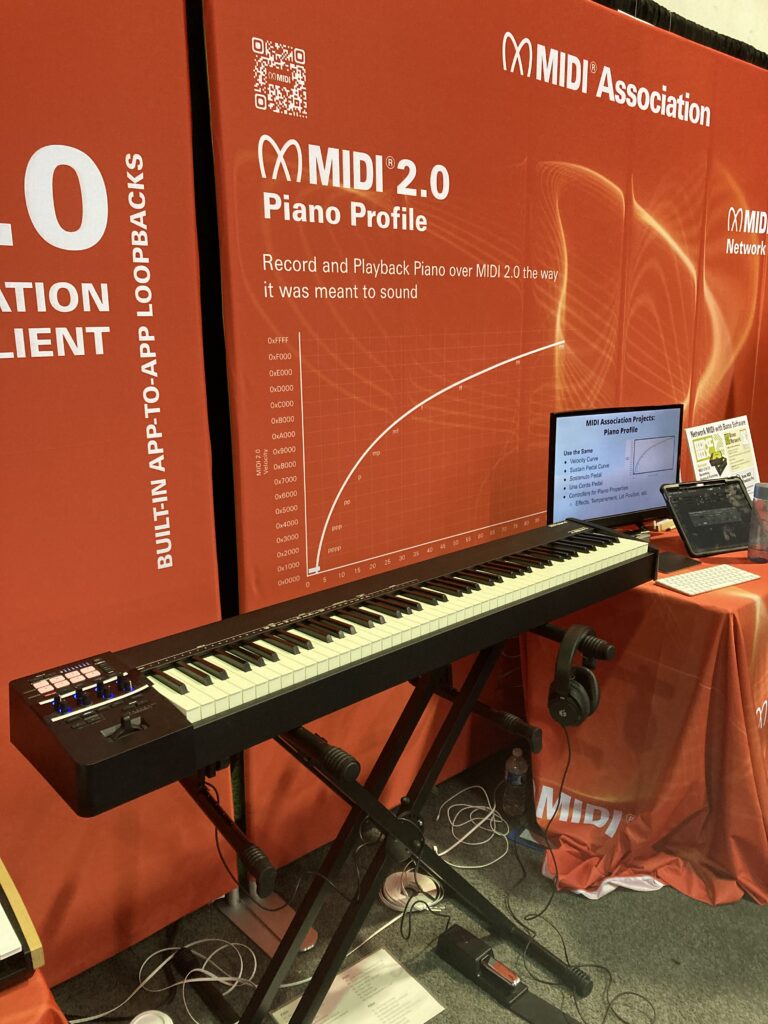
Just before the 2026 NAMM show, The MIDI Association and AMEi passed the Piano Profile specification.
The Piano Profile standardizes the velocity and pedal curves and the registered controllers used to control a piano’s performance via MIDI.
The model is based on the acoustic piano which is why it was important to have Kawai, Steinway and Yamaha involved in the project.
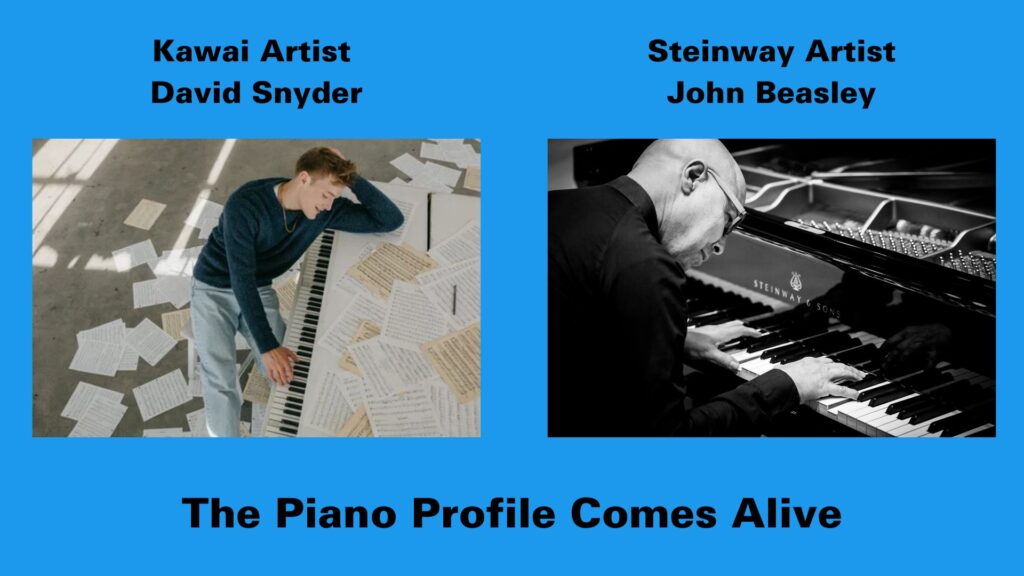
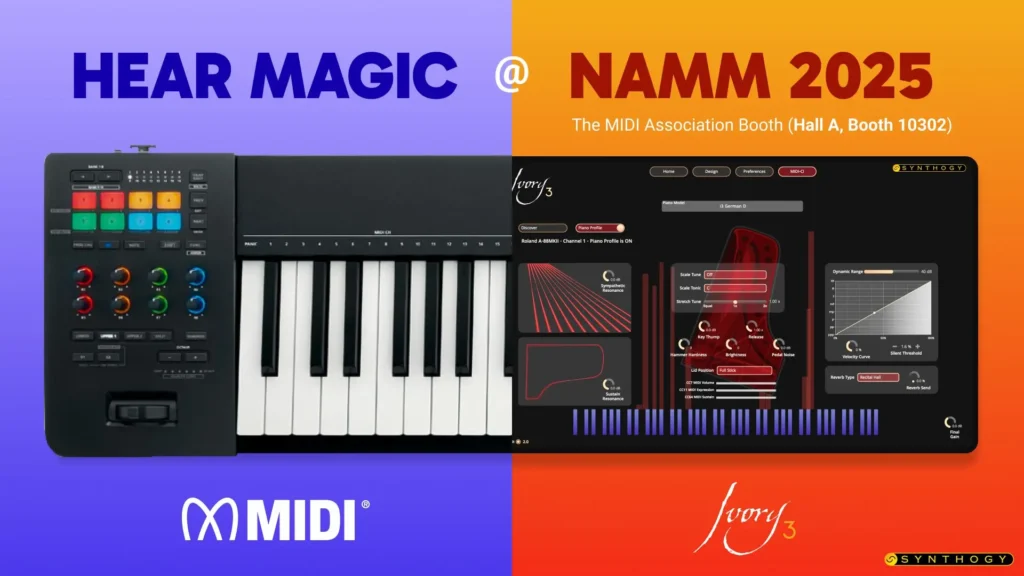
Kawai Artist David Snyder and Steinway Artist John Beasley performed on a Roland A88 MKII and Synthogy Ivory software that supports the Piano Profile.
During the show, both Roland and Synthogy released updates for support of the Piano Profile.
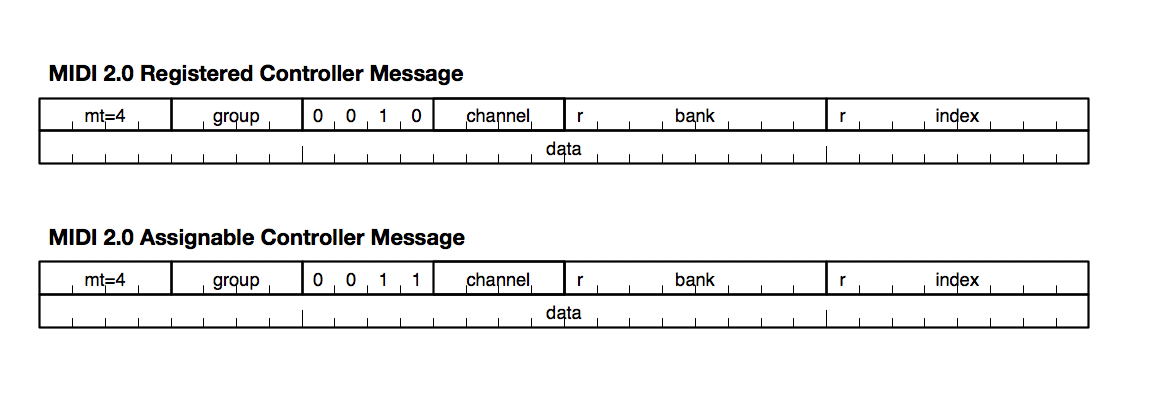
A88 MKII with Registered Controllers for Volume, Dynamic Range, Curve Offset, Lid Position, Hammer Hardness, Thump Noise, Sound Board Resonance, and String Resonance.
Again we will be posting the performances on the Roland A88 MKII and Synthogy Ivory by David Snyder, John Beasley, Lachi and Ellis Hall when the multitrack recordings have been mixed.
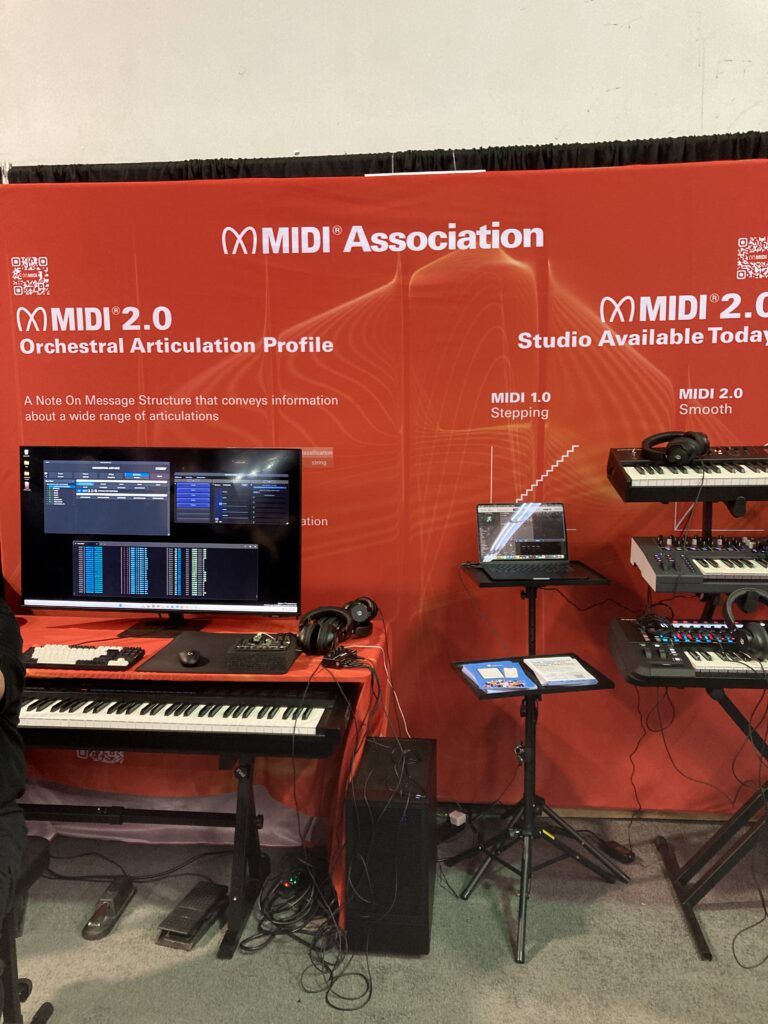
Orchestral Articulation Demo
The MIDI Association showed a working demo of the Orchestral Articulation Profile at NAMM 2026.
This profile will standardize the method for embedding articulations directly into the MIDI 2.0 Note On message.
Once implemented by plugin companies using the MIDI -CI helper library being developed by the 4 plugin format companies ( AU, AAX, CLAP and VST), this will provide composers a standardized way to handle orchestral articulations.
MIDI Association member Audio Impressions has developed a sample library that supports a wide range of different articulations and The MIDI Association helped create a hardware prototype that allows switching the articulations by MIDI 2.0 note attributes.
These performances will also be made available soon.
The MIDI Association Saturday Booth Schedule
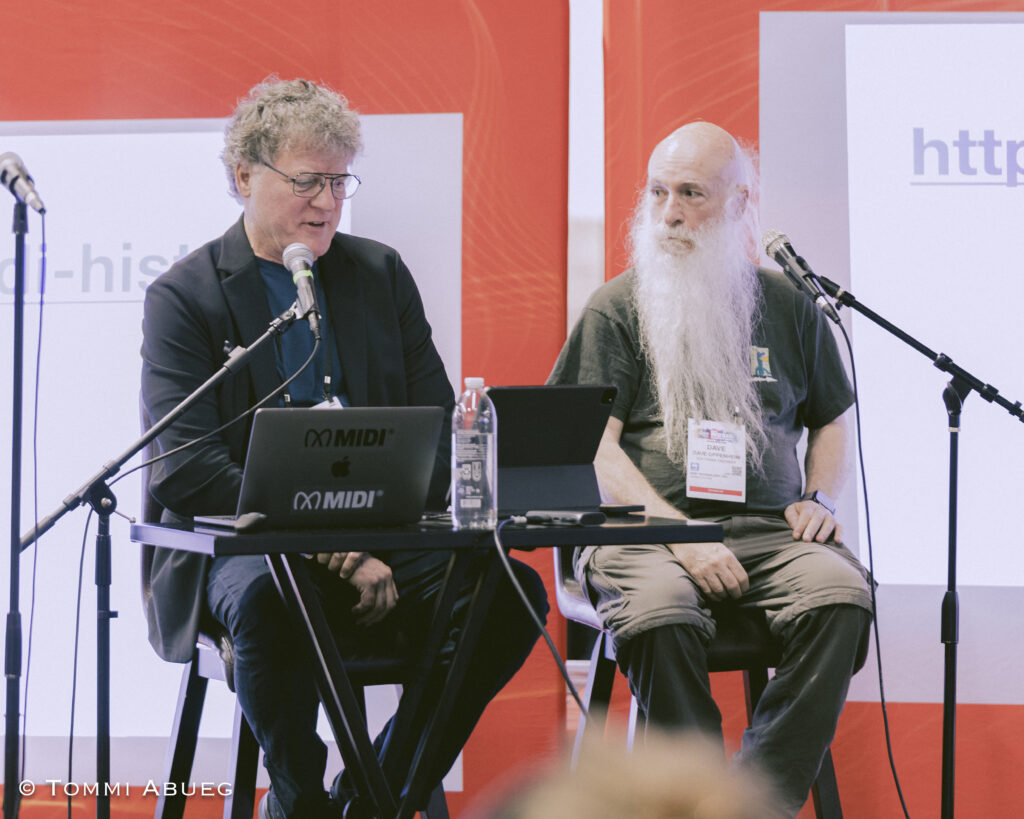
2026 MIDI Association Lifetime Achievement Awards Ceremony
As you can see from the picture above, it was literally standing room only for 2026 MIDI Association Lifetime Achievement Awards. All 50 seats in the booth were filled and many people were standing in the aisles to see the presentation.
The MIDI Association honored pioneers whose work helped define MIDI, computer music, and modern music production.
• Chris Adam — Co-founder of C-Lab and Emagic, key architect behind Notator and Logic
• Roy Elkins — Connector of artists, technology, and community across the global music ecosystem
• Greg Hendershott — Founder of Cakewalk, who democratized MIDI sequencing on personal computers
• David Kusek — Founder of Passport Designs and pioneer of computer music and MIDI education
• Gerhard Lengeling — Co-founder of C-Lab and Emagic, creator of Logic and architect of modern DAWs
• Dave Oppenheim — Co-founder of Opcode Systems and pioneer of MIDI sequencing and DAW workflows
• Charlie Steinberg — Founder of Steinberg, visionary behind modern MIDI sequencing and virtual studios
• Emile “Dr. T” Tobenfeld — Algorithmic music innovator who expanded MIDI’s creative boundaries
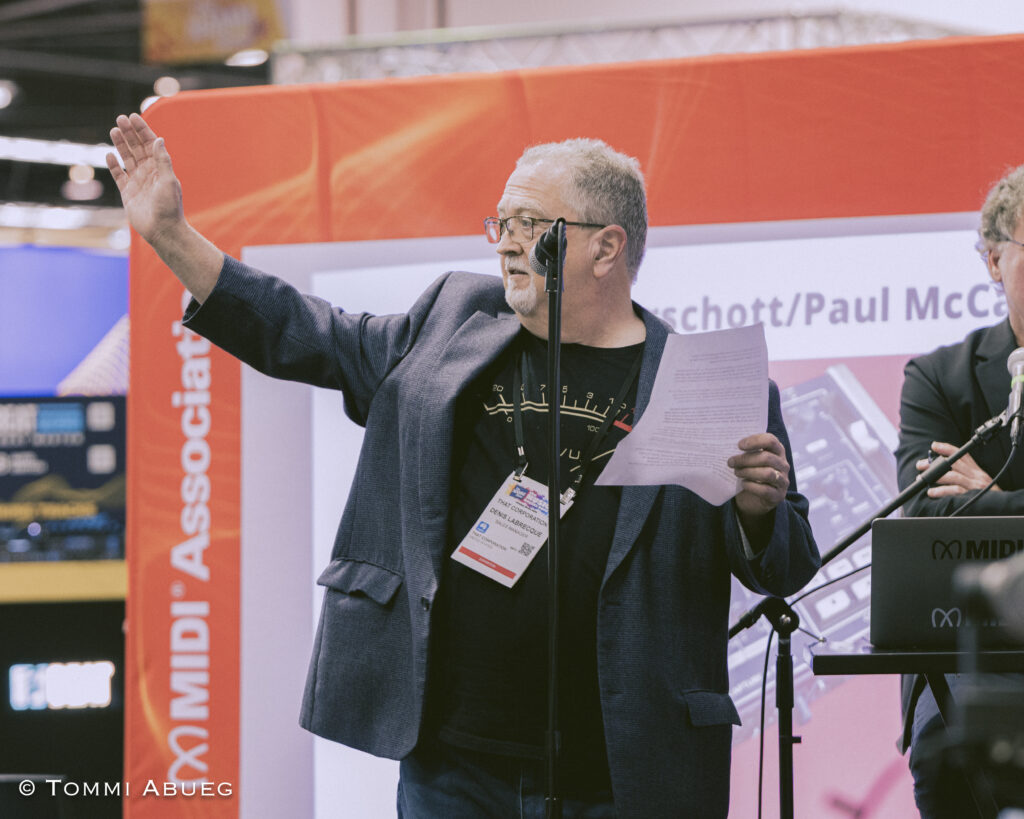
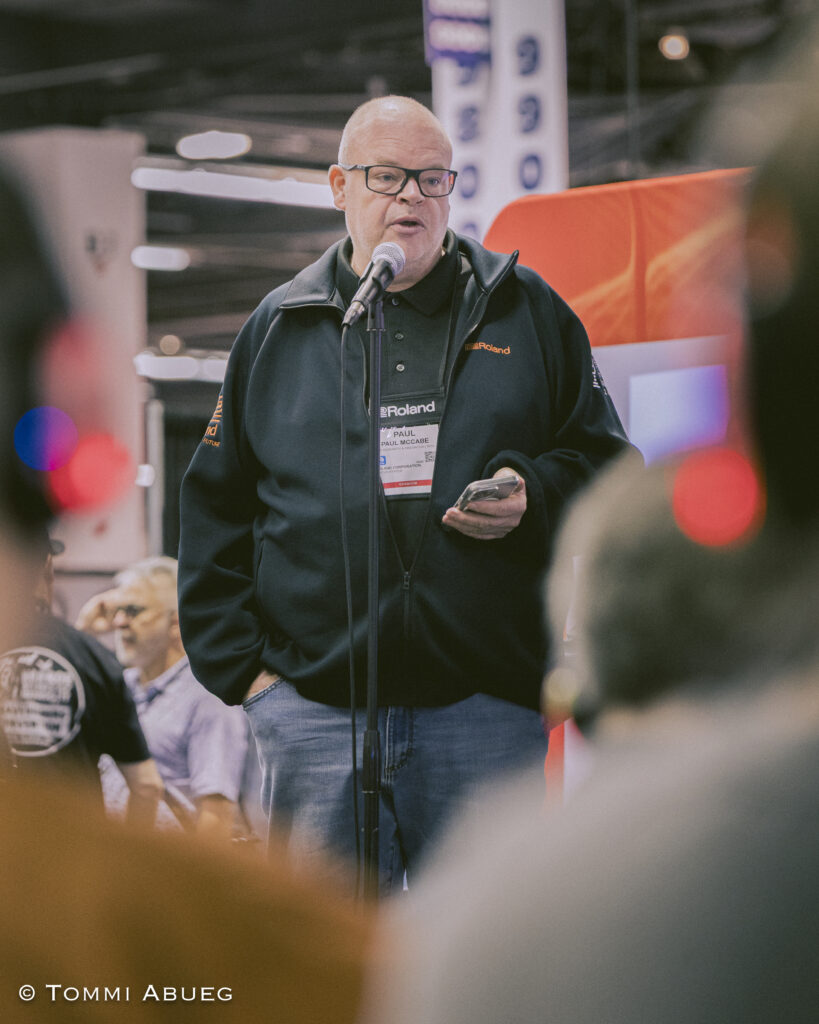
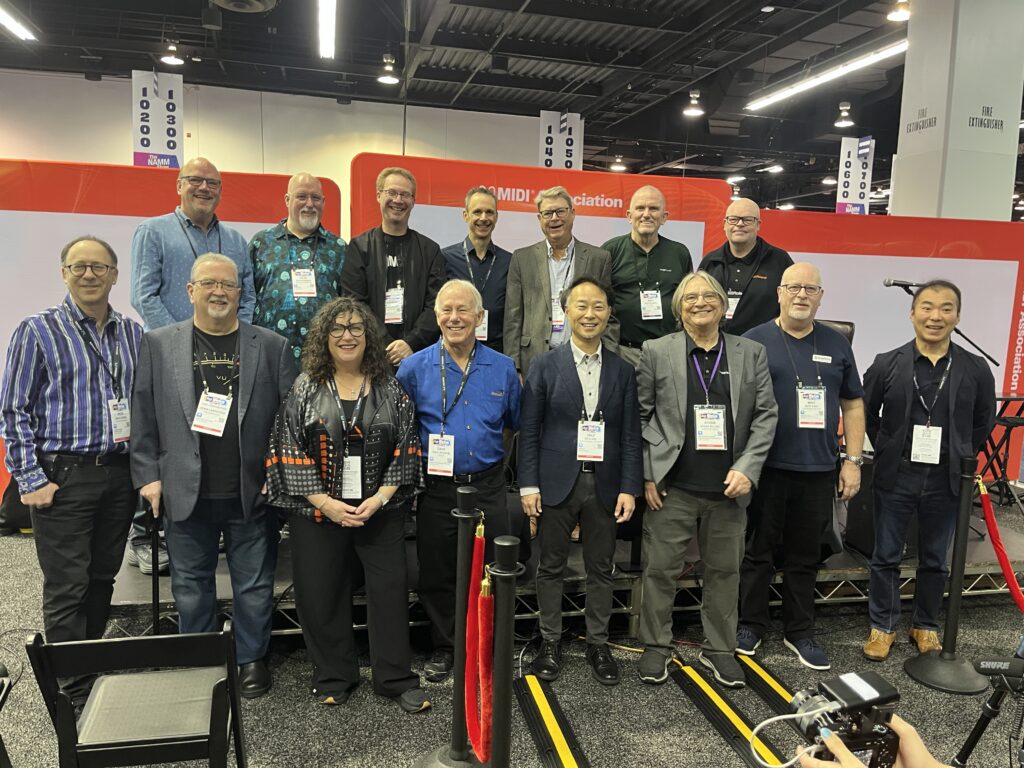
Chris Halaby, panel moderator and David Oppenheim – together they founded Opcode Systems and launched Vision, one of the first DAWs to include audio. Gerhard Lengling and Chris Adam who were the developers behind C-Lab and EMagic. Denis Labreque (former MIDI Association Exec Board member) accepting for David KusekClyde Sendke, managing director of Steinberg accepting on behalf of Charlie SteinbergPaul McCabe from Roland accept on behalf of Greg Hendershott from CakewalkClyde Sendke from Steinberg (accepting on behalf of Charlie Steinberg), Gerhard Lengling and Chris Adams from EMagic, Roy Elkins from Ensoniq, Sonic Foundry and Broadjam an d Dave Oppenheim from Opcode Vision.Gathering of MIDI Association Lifetime Achievement Award winners and TSB and Exec Board members
If you would like to read about the Lifetime Achievement Award winners, there are articles for every Lifetime Achievement Award winner here.
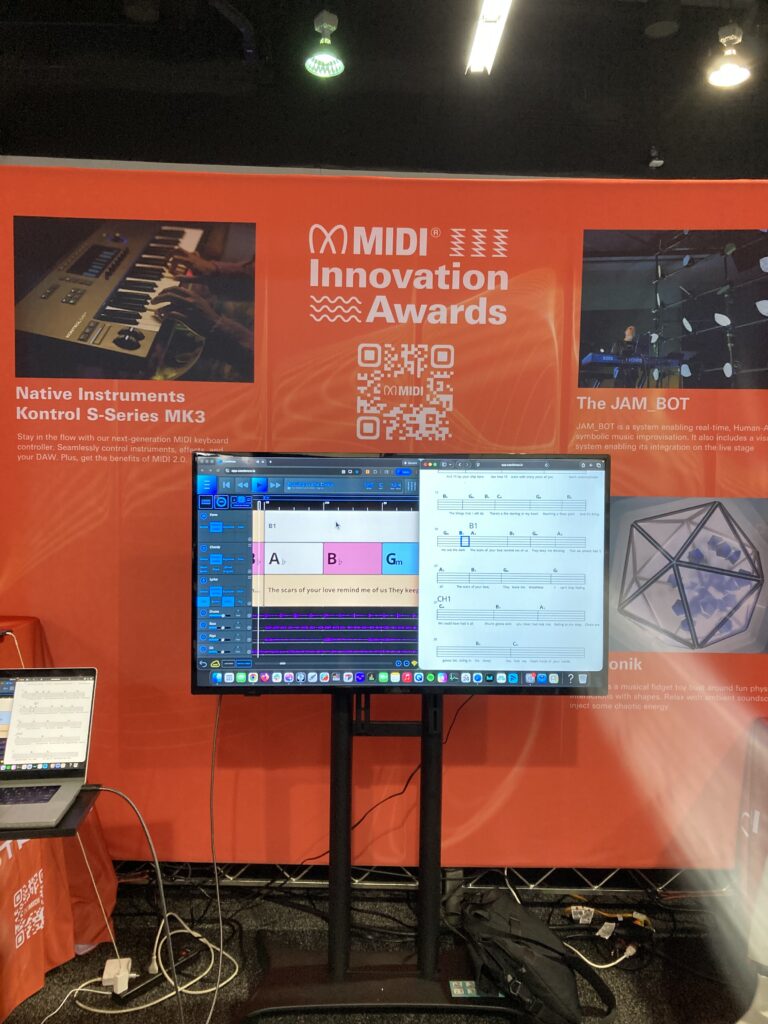
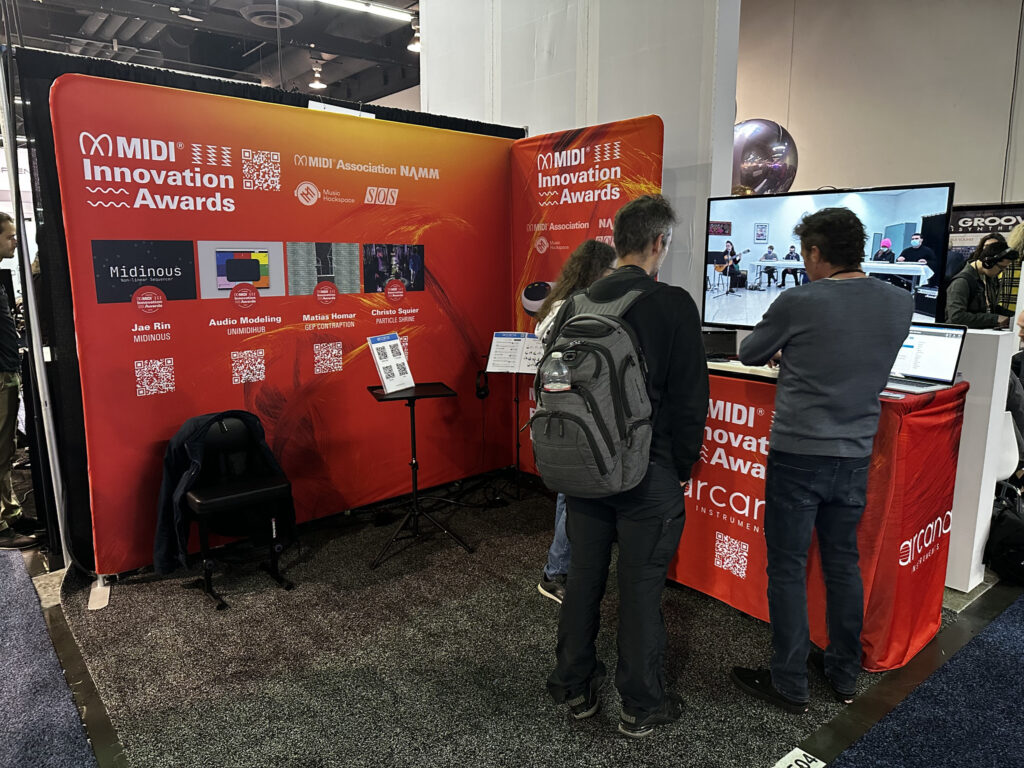
We had a display of MIDI Innovation Awards all three days of the show.
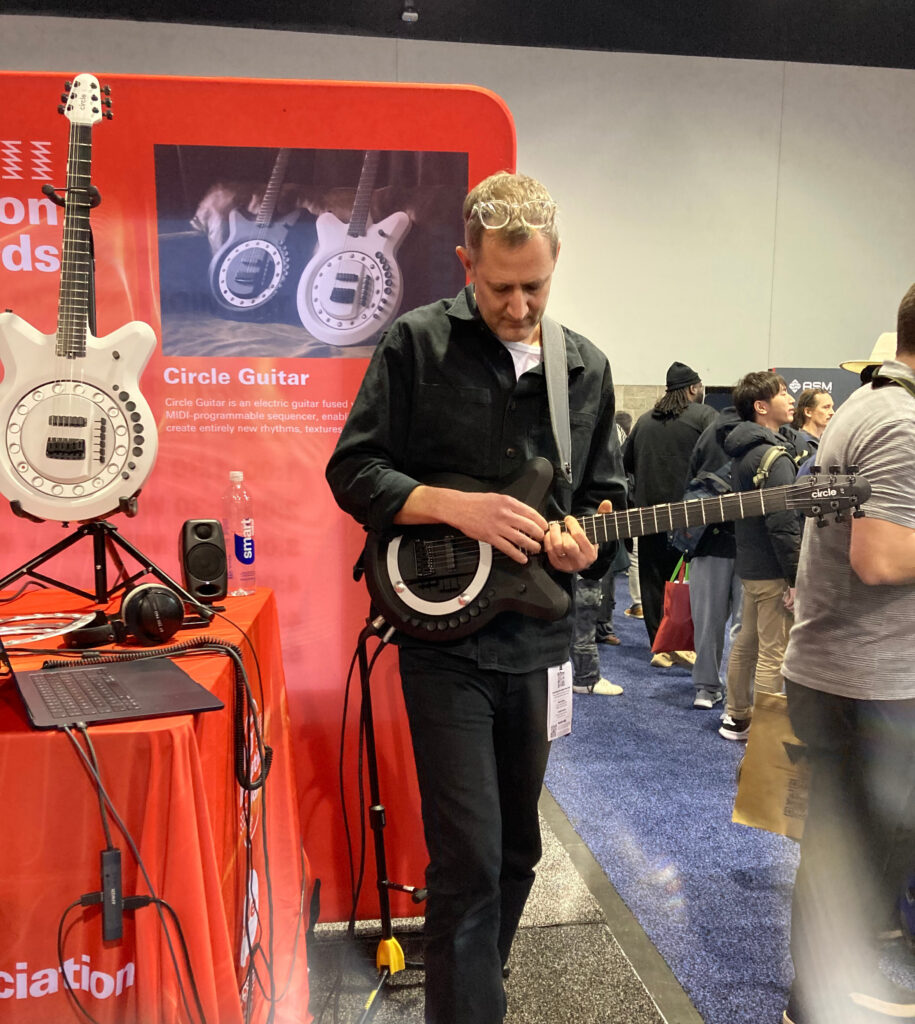
Then Jean Baptiste Thiebaut from Music Hackspace held a panel with MIDI Innovation Award Judge Lucas Cantor Santiago, 2026 MIDI Innovation Award winners Anthony Dickens from Circle Instruments and Mike Venter from Azoteq talked about their experiences with The MIDI Innovation Awards.
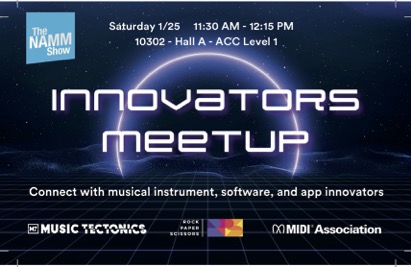
Innovators Meetup with Rock Paper Scissors
Our friends from Rock, Paper Scissors held an Innovators Meetup where a whole group of people got to network and share their ideas on Innovation.
Karrie Keyes, long time monitor engineer for Pearl Jam hosted a panel on Sound Girls.
SoundGirls was established to provide women working in professional audio a community to come to for support and advice, and for empowerment and inspiration.
MIDI In Music Education
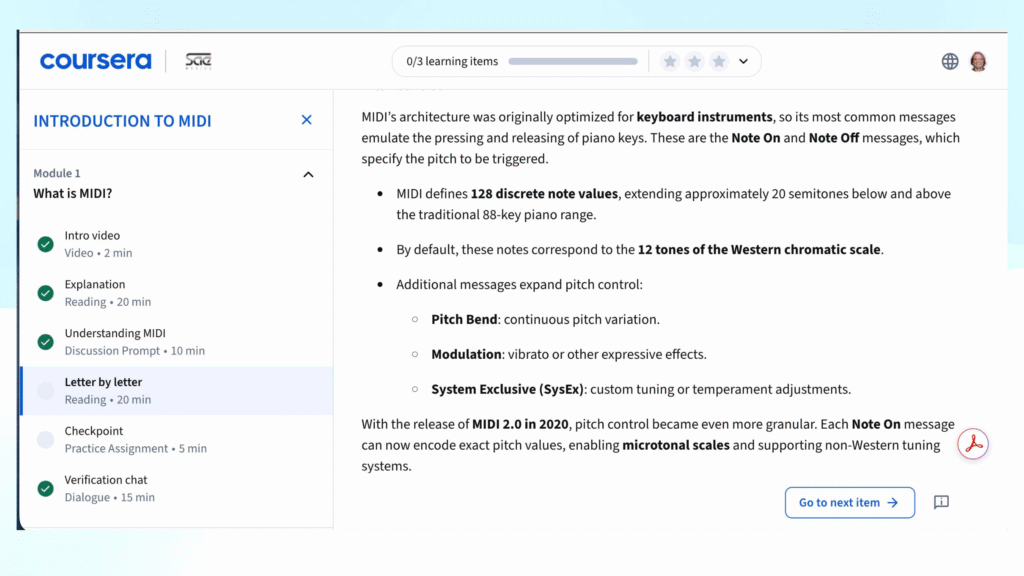
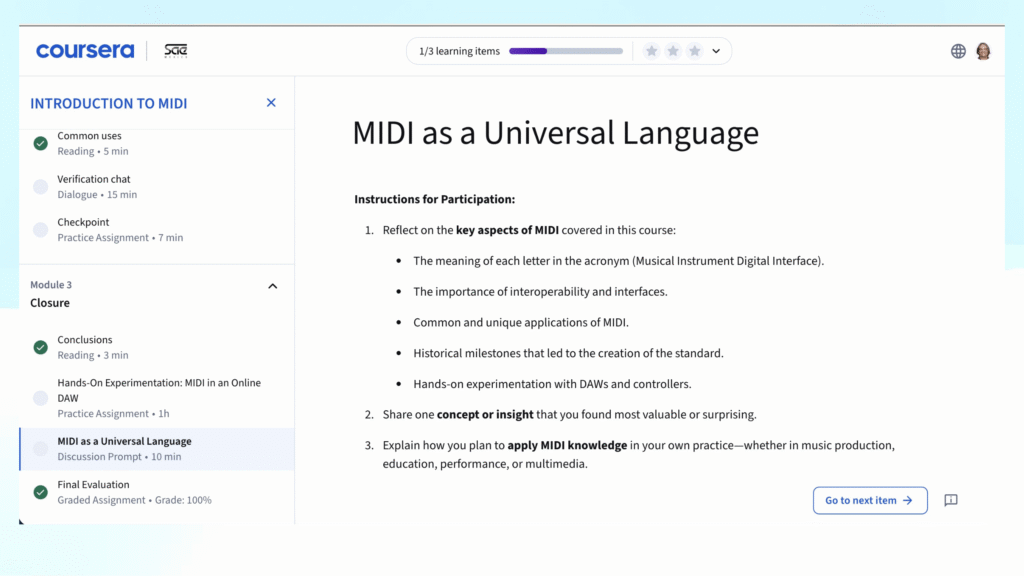
One of our major initiatives this year is the MIDI In Music Education curriculum that we are developing with SAE Mexico.
Our goal is to raise awareness about MIDI in education at schools (secondary, college and university, and pro schools), MIDI Musical Instrument manufacturers and Dealers who sell MIDI products.
SAE Mexico, The NAMM MIDI Fund and The MIDI Association SAE Mexico has been selected to create a MIDI In Music Education curriculum in both English and Spanish by the MIDI Association.
SAE Mexico have a unique relationship with Coursera, the massive open online course provider so the curriculum and certification will be available at no charge.
All of the materials created for The MIDI In Music Education curriculum will also be provided under a Creative Common license.
This means that Universities, Schools, Dealers and digital musical instrument manufacturers can include portions of the MIDI Association materials without any concerns about copyrights or licenses by just a simple Creative Commons attribution.
Again, we will be making the videos of the panel available soon.
We think everyone should be able to experience the joy of making music.
We brought together music accessibility experts from all over the world to meet regularly & discuss how to make digital musical instruments more accessible.
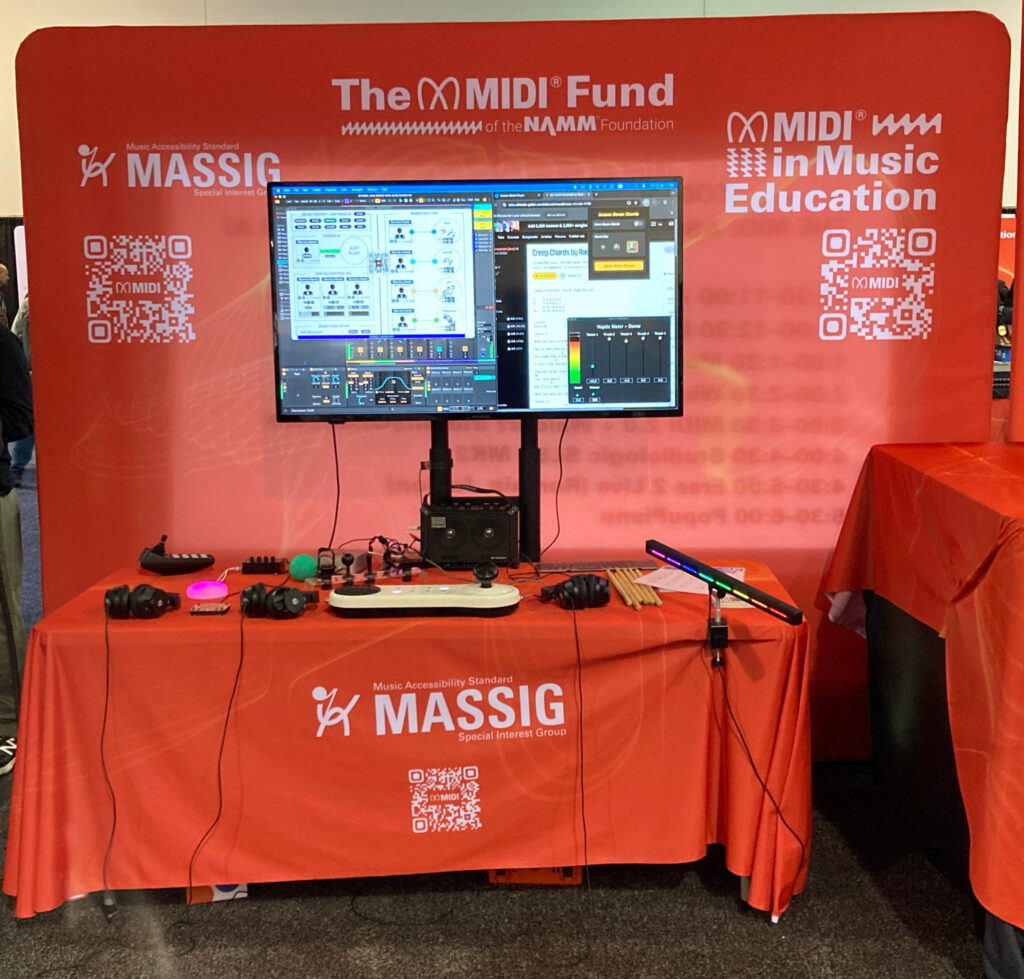
For all three days of the show, we hada MASSIG display that featured the Arcana Strum, Connect Through MIDI, Cosmos Dots, a MIDI Blaster and a Drum Beam. This is the same set up we took to Music China, Tokyo Gakki Fair and Music Tectonics.
Tobi Hunke from AbletonDrummer.com and Haim Kairy from Arcana Instruments
The MASSIG display was always busy and we also had a few well known guests.
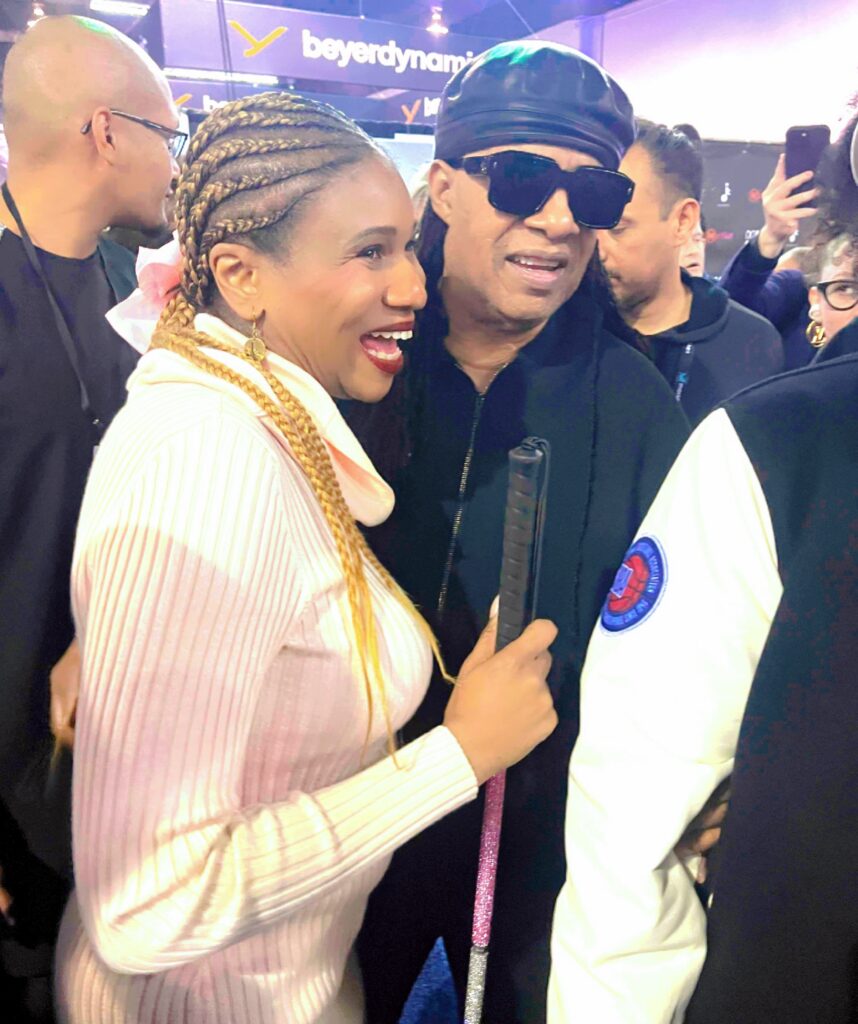
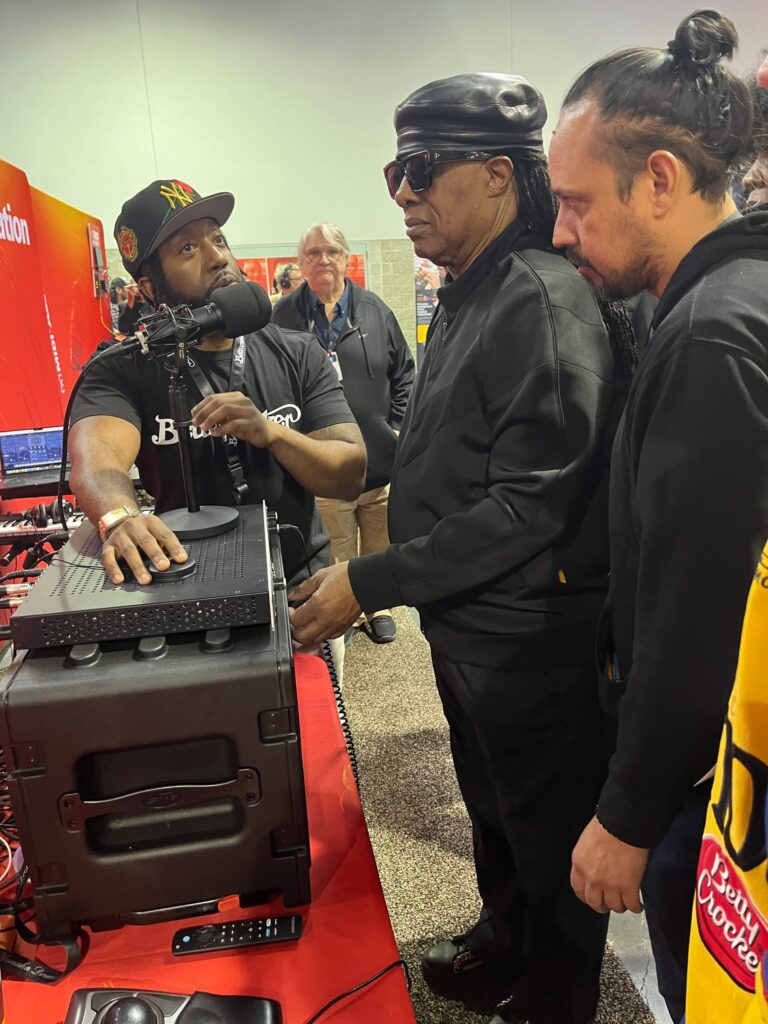
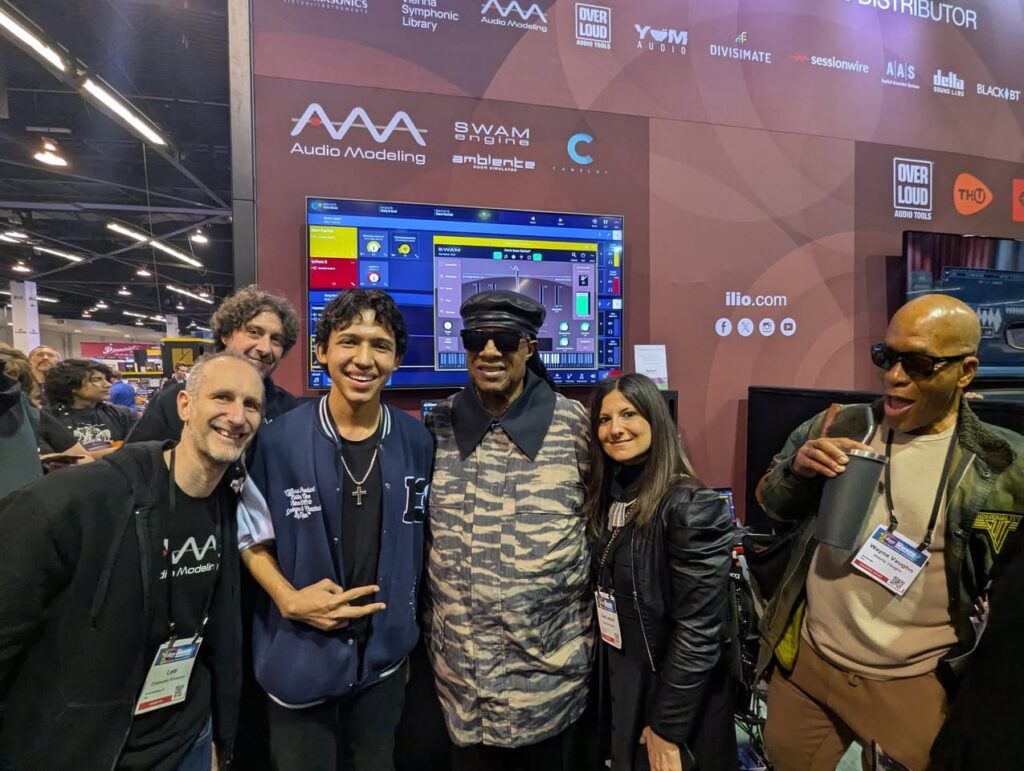
Lachi from RAMPD and Stevie Wonder at NAMM 2026
Athan Billias from the MIDI Association Executive Board, Tobi Hunke from Ableton Drummer and Connect through MIDI, Haim Kairy from Arcana Instruments, and Lachi from RAMPD held a panel discussion on the latest advances in Music Accessibility.
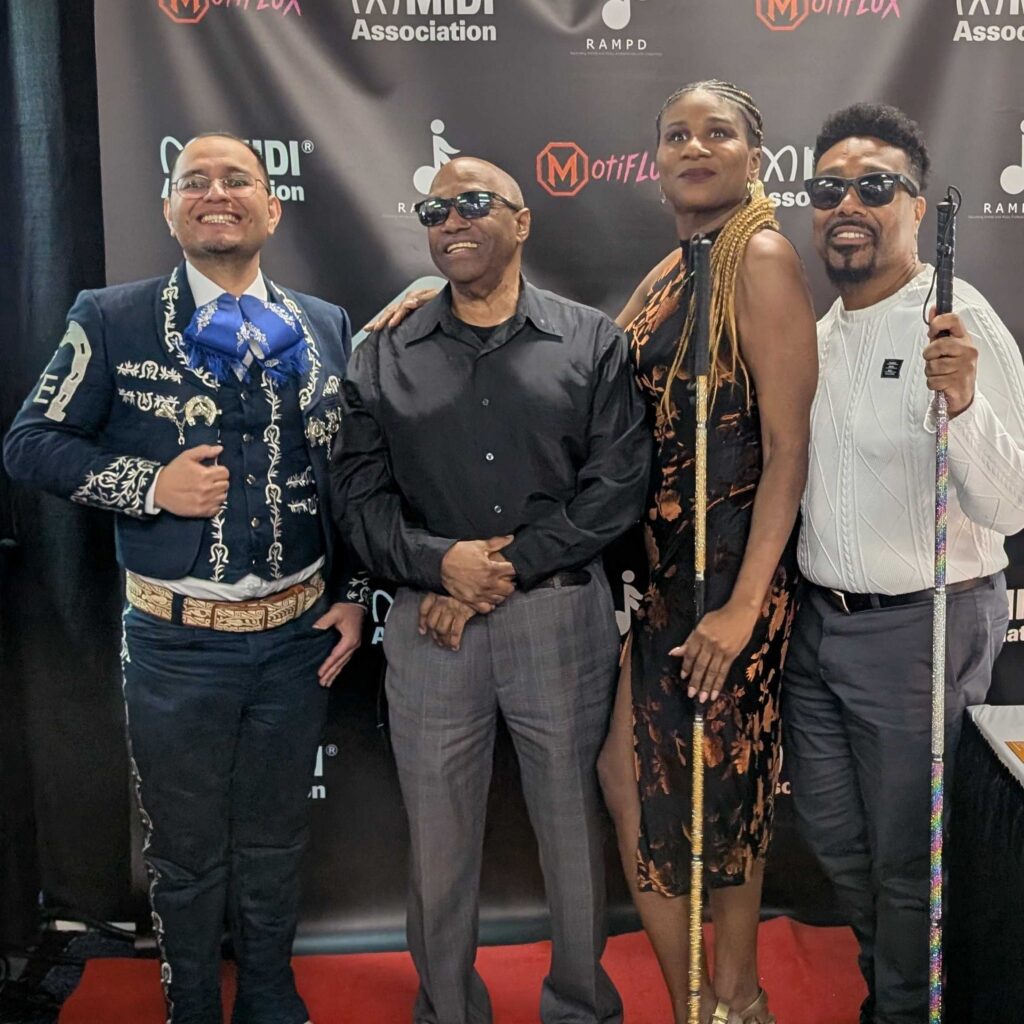
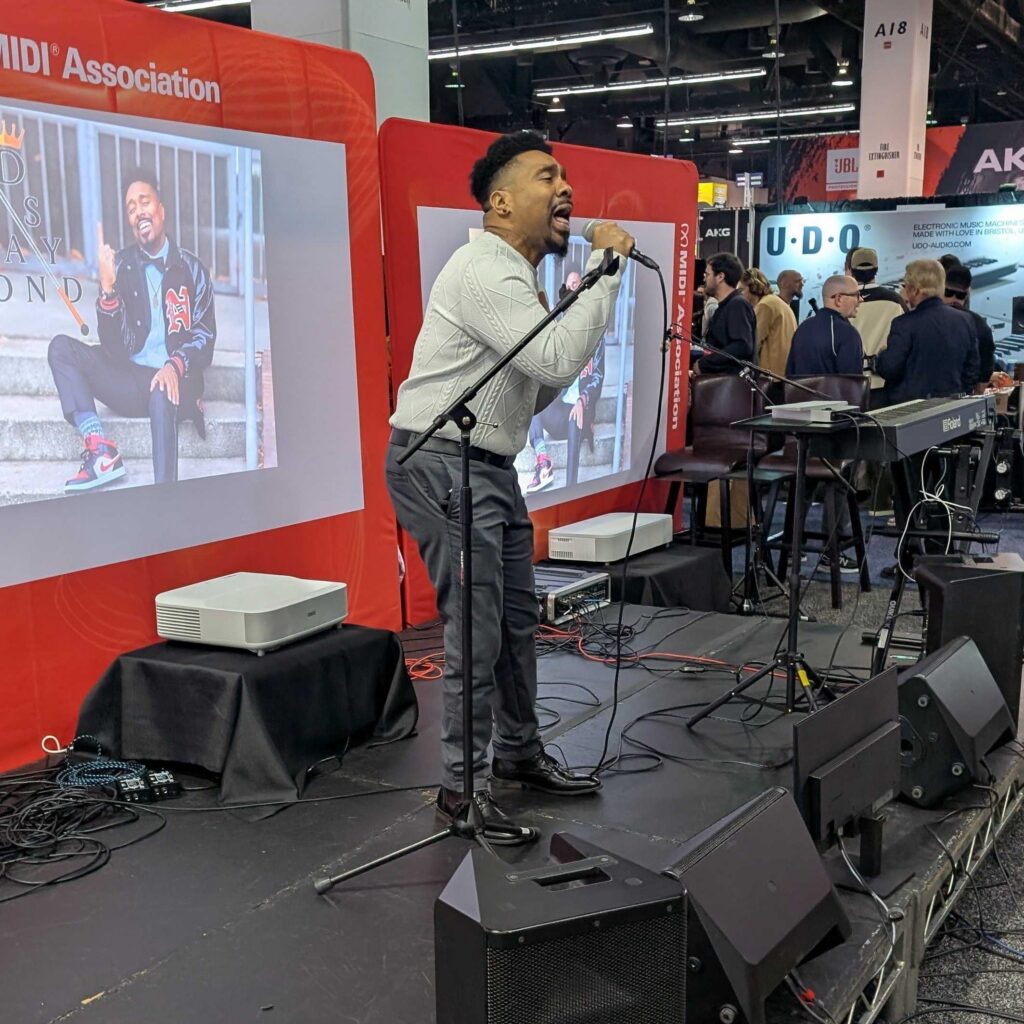
We closed the show with performances by RAMPD members and a finale with the Ambassador of Soul – Ellis Hall.
Deshaymond Solomon Deshaymond is a blind R&B artist, songwriter, producer, entrepreneur, and the visionary founder of Deshaymond Media LLC.
Ivan Estralla, is a Mariachi singer, concert producer, and cultural storyteller dedicated to preserving and sharing the rich traditions of Mexican music.
Indi Robinson is a groundbreaking deaf actress redefining the way music is experienced by blending American Sign Language with expressive artistry.
LACHI Award Winning Artist, CEO RAMPD Lachi is an award-winning recording artist, global renowned disability advocate, Recording Academy National Trustee, who’s produced a GRAMMY-Nominated album. Lachi is the Founder/CEO of the U.N.-recognized organization RAMPD.org—a consultancy group working with music industry giants on disability-inclusive solutions, as well as a global network of music creators and professionals with disabilities and neurodivergence.
Her 2023 peer-reviewed work on accessibility in the recording industry has been published by the Audio Engineering Society. Named a USA Today Woman of the Year and included in Forbes Accessibility 100 list, Lachi’s work amplifying access in the music industry has landed in Billboard, TIME Magazine, Good Morning America and the New York Times.
We can’t wait to share the amazing performances we witnessed during the show so stay tuned here for more details and updates coming in the days ahead.
The MIDI Association Booth on Monday, January 19, 2026
Here is our report on Super Booth 2025. This year we had a meeting at the Ableton office before Super Boothand then manned our own booth at Super Booth 2025 so people could come and interact directly with The MIDI Association.
Super Booth 2025 Wrap Up
We had a constant stream of visitors and answered a ton of questions for people.
Our booth featured new MIDI Association member Waldorf’s Iridium synth which supports MIDI 2.0 hi resolution messages.
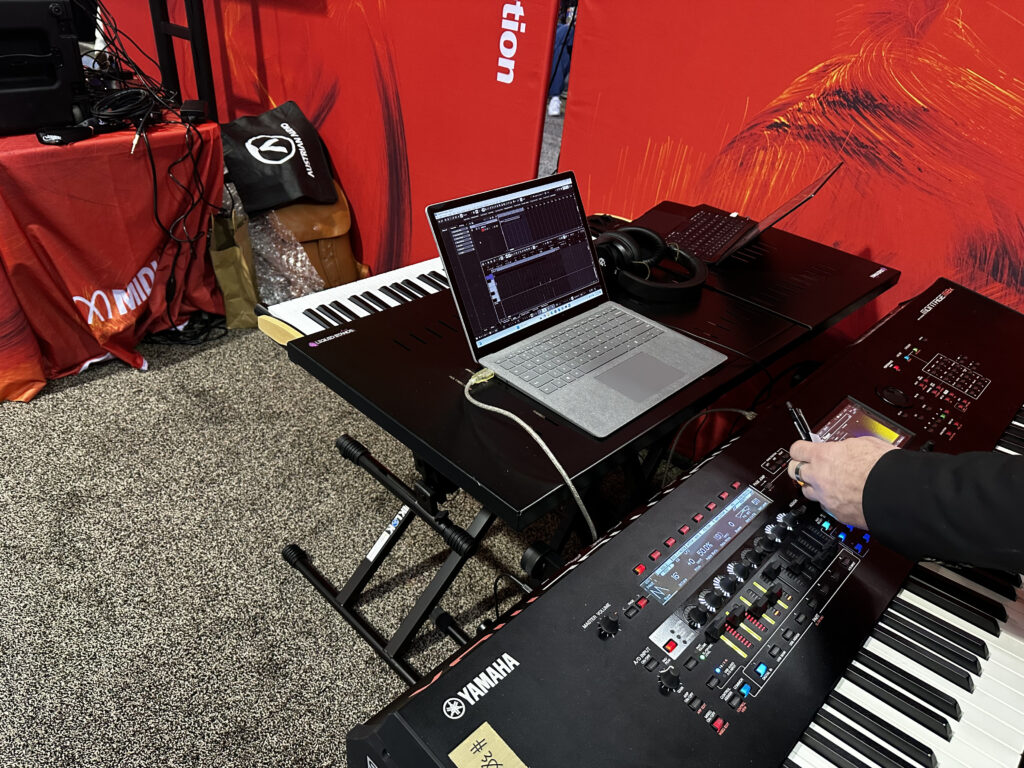
The Waldorf was connected via USB to a Windows computer running the latest Developer Preview 8 with MIDI 2.0 support.
Pete Brown, MIDI Association Exec Board chair and Microsoft MIDI evangelist was at our booth there to answer questions and show off all the new features in the new Windows MIDI Services. The new Microsoft Open Source Driver sponsored by AMEI and the new MIDI Services bring not only MIDI 2.0 support, but tons of new features for MIDI 1.0 like Virtual MIDI ports and Loopback capabilities. He said the plan was to ship to the public by the summer.
Andrew Mee, chair of the Developer Support working group was constanly busy informing people about the Open Source sofware available on https://midi2.dev/.
Mike Kent, MIDI 2.0 Working Group was there not just to answer MIDI 2.0 questions , but to demo the Azoteq Inductive Music Keyboard which can easily implement MIDI 2.0 features because of it’s unique design.
MIDI Association Member Booths
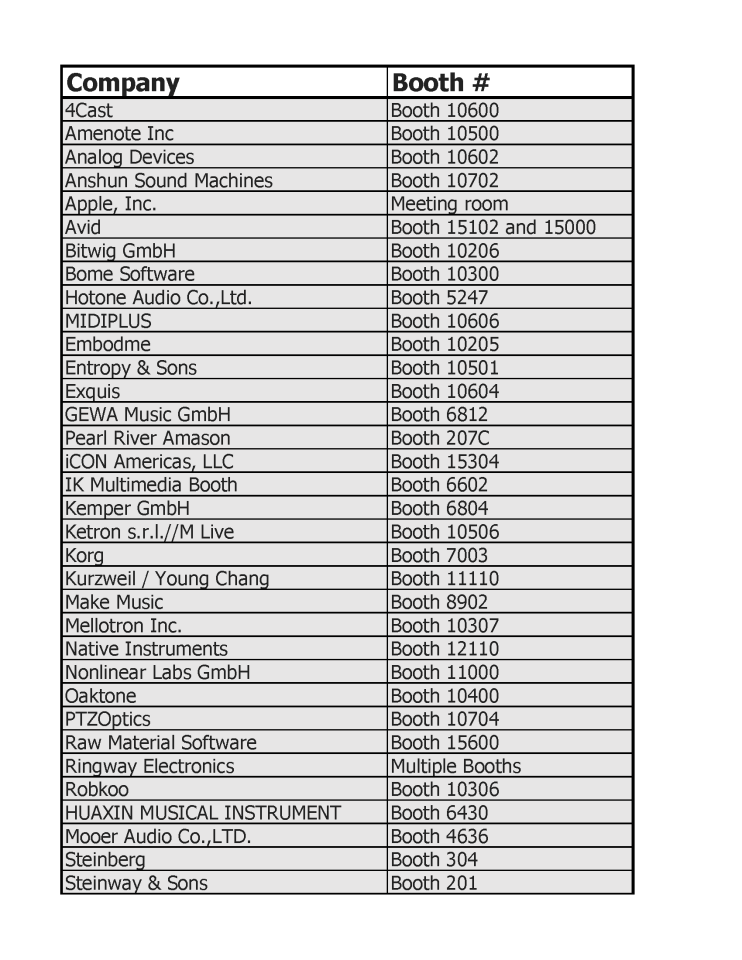
We published a list before Super Booth of all the MIDI Association companies that would be participating in Super Booth 2025 which is now the largest gathering of synth companies at any trade show in Europe.
We created a lot of videos and we will be putting them up over the next fews days and weeks. But for now we wanted to cover the biggest surprise of the show for us.
Surprise of the show- The Yamaha Booth
Yamaha surprised everyone with a massive MIDI 1.0 controller for the Yamaha Montage that gives full knob control over every parameter in Montages AN and DX engines. It is an amazing amount of work given that Yamaha has no plans to sell this as product and it was just a part of Yamaha’s 50th Anniversary of Synthesizers.
It is amazing to see what can still be done with good old MIDI 1.0 and we can’t wait to see the future possibilities Yamaha will dream up with MIDI 2.0.
When we started working on MIDI 2.0 we knew it would be a long process to rebuild the entire infrastructure that had been built up for MIDI 1.0.
The path to MIDI 2.0
We needed to take the following steps to move MIDI 2.0 forward.
First, we needed a spec on paper which was finished in 2020. But we still had no way to test the ideas in the spec because there was no way to transport MIDI 1.0 and MIDI 2.0 in Universal MIDI Packets (UMP).
We then worked with the USB IF (the group that controls to the USB sepcification and in June of 2020 finished the work on the MIDI 2.0 USB specification. There are now two MIDI 2.0 capable transports – USB and the Ethernet Network transport we finished in November of 2024.
After we had a transport, the work started on getting MIDI 2.0 into the operatinf systems. Apple, Linux and Google have all implemented MIDI 2.0 and Windows is in Developer Preview 8 so will soon be publicly available probably by this summer. Many companies are waiting for the Windows release because they have customers on Mac and Windows.
The next step was support in hardware devices. There are MIDI 2.0 products available from Native Instruments, Roland, Studio Logic, Waldorf and Yamaha. After we had these parts in place we were abel to test and protoype MIDI 2.0 and did some major revisions to the spec in 2023.
We also need support in DAWs and in 2024 we saw MIDI 2.0 support for Logic, Cubase and MultitrackStudio implemented (though in many cases this is a preference setting that you need to turn on).
One of the last steps in this process is determining how DAW plugins will support MIDI 2.0.
The DAW Working Group
The MIDI Association hosted the first meeting of the DAW working group before Super Booth 2024 at the Native Instruments office in Berlin, where the companies agreed to work together to develop open-source software available under a permissive MIT license to bridge the gap between external MIDI Devices, Digital Audio Workstations (DAWs), and plugins.
We have been meeting every week and continuing our progress.
How to display MIDI 2.0 values
One of the outcomes from the DAW working group is in the article recently posted on MIDI.org about how to display MIDI 2.0 values. This is a great example of how the MIDI Association brings together companies that compete with each other in the market to agree on key concepts so that people who use MIDI won’t be confused by different representations of MIDI 2.0 values.
May 6 and 7 meetings at the Ableton offices in Berlin
This year on May 6 and 7 before Super Booth 2025, we held a very productive two day meeting at the Ableton offices in Berlin. All the plugin format companies (Logic for AU, Avid for AAX, Bitwig for CLAP and Steinberg for VST3) met along with about 20 other MIDI Association and AMEI members to continue the work on the MIDI-CI helper described in this article.
We also are working on a replacement for Mackie and Logic Control that will include a Transport and Location Profile and a new idea discussed at this 2025 face to face meeting for a Dynamic Focus Control Profile -a standardized way to implement some common features in DAWs like Logic’s Smart Controls and Cubase’s Quick Controls. Essentially the idea is to have a group of MIDI 2.0 registered controllers that are dedicated to controlling whatever is in focus in the DAW. The same concept could also be used for plugins in standalone mode and workstation keyboards that often have 8 control knobs that do different things depending on the mode that they are in.
We understand that people are impatient and waiting for the promise of MIDI 2.0 to become a reality. But we also know that we have to carefully plan each step to develop the correct architecture and always ensure the most backward compatibility with MIDI 1.0.
We will soon create an article about MIDI events at Super Booth 2025, but we spoke with hundreds of people at the show and they are all excited (as we are) about what the future holds for the world of MIDI.
The MIDI Association and MIDI Showcase at NAMM 2025 continued to grow in both size and attendance at events.
Over 30 companies from The MIDI Association had booths at NAMM and most of them were centered around the MIDI Showcase.
We were running multiple events every day on our stage with the help of Professor Jennifer Amaya of Riverside City College and the 60 plus music production students who were helping to man the booth and run the Yamaha TF3 mixer connected to SoundOff wireless headphones.
NAMM Show Summary from Alana from MIDI Card
We invited Alana Balagot creator of the MIDI Card to the NAMM show and she did an excellent summary of everything cool at NAMM 2025 from a MIDI perspective.
MIDI 2.0 Announcements at NAMM 2025
Yamaha Montage M and special versions of Cubase 14 and Windows running MIDI 2.0
Pete Brown announced that the new version of Windows with the MIDI 2.0 open source driver developed by Amenote and funded by the Japanese MIDI organization AMEI would be available to the public in February.
New Rhodes Piano is MIDI 2.0 ready
Long time MIDI Association member and chair of the Piano Profile Working Group Dave Starkey from MIDI9 is helping Rhodes with the some of the coding for their piano and was showing a version of the Rhodes piano supporting the current version of the Piano Profile working weiht Synthogy’s Ivory.
On the other side of the Rhodes is a Roland A88MK connected to Ivory and running the Piano Profile so people could try several different keybeds with the Piano Profile at our booth.
Roland and Synthogy were cooperating to give people a chance to download the newest firmware for the A88MKII and latest version of Ivory that support the current version of the Piano Profile.
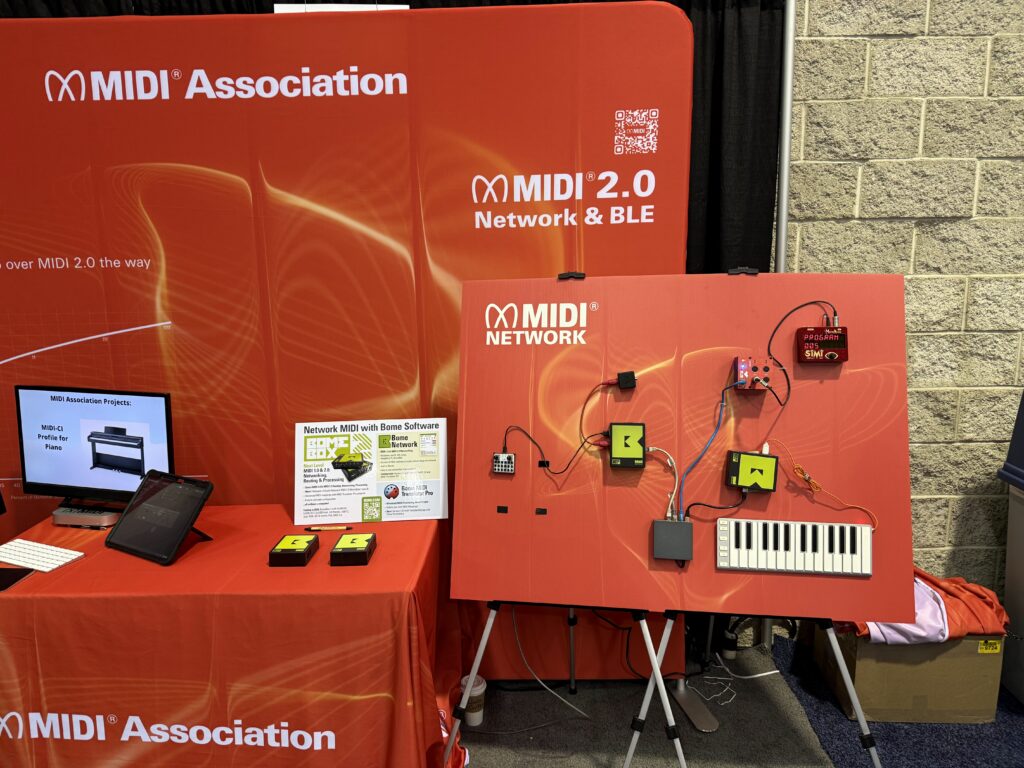
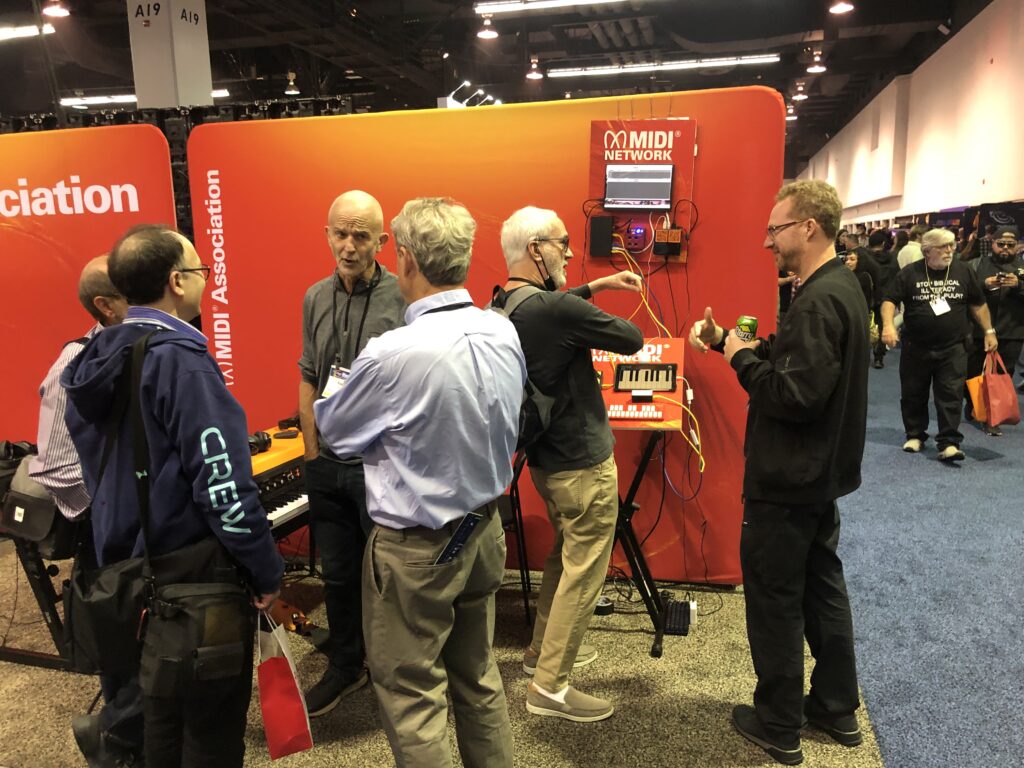
In the picture below you can see several products from Amenote, Bome, MusicKraken and Kissbox which support the new MIDI Network transport for MIDI 1.0 and MIDI 2.0 over Ethernet and Wifi.
The MIDI Networking display was constantly busy throughout the show
Pete Brown from Microsoft explains the new MIDI Network transport
SAE Mexico and MIDI In Music Education
SAE Mexico joined in a presentation of their work on developing a MIDI curriculum that will be available on Coursera and under a Creative Commons license so institutions can modify the content to their specific needs.
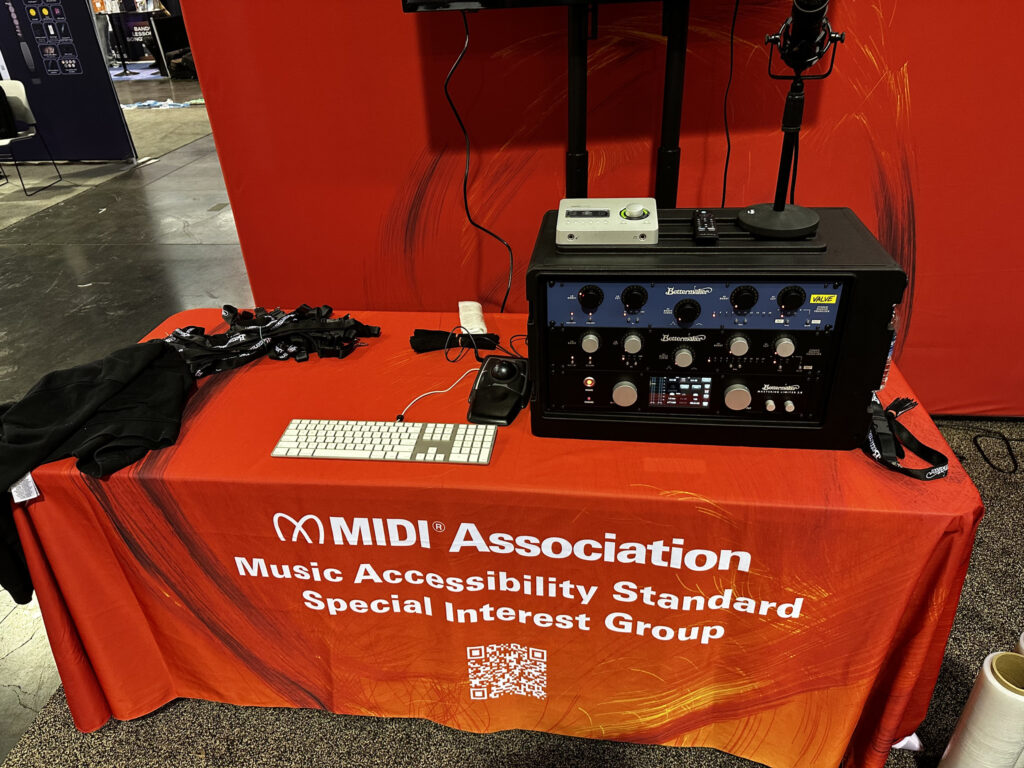
Arcana and Bettermaker Accessibility Demo
There was a demo of the work done by the Music Accessibility Standard Special Interest Group in controlling hardware and plugins with voice commands.
Here is a Youtube video explaining how voice commands can control MIDI devices using some AI technology and screen readers.
While the Network presentation was happening on stage side of the booth, Stevie Wonder came and checked out the accessibility demo in the MIDI 2.0 demonstration area.
MIDI Innovation Award Booth
The MIDI Innovation Awards booth featured the 5 winners of the 2024 MIDI Innovation Awards.
Commercial Hardware Products- Arcana Strum
Artistic/Visual Project or Installation- Particle Shrine
Several of those winners were focused on music accessibility.
StudioLogic Announces MIDI 2.0 Support
It was a nice surprise that StudioLogic announced their new SL MK2 with MIDI 2.0 support.
There are three versions-73 key and 88 key versions with a premium hammer action and the flagship SL88 GT with a graded hammer action for a more realistic piano action feel.
SL73/SL88 73 or 88 Keys TP/110 Premium Hammer Action
SL88 GT 88 Keys TP/400 WOOD Graded Hammer Action
Here is what they said about MIDI 2.
“The SL mk2 takes a leap into the future with MIDI 2.0. Unlock the full potential of your music with greater resolution, richer dynamics, and unprecedented precision. It’s not just MIDI; it’s music at its most expressive.”
StudioLogic
They are the second company (the Waldorf Iridium was the first ) to announce MIDI 2.0 support without ever becoming MIDI Association corporate members.
Both these companies simply downloaded the specs and coded against them to support MIDI 2.0.
It is fine for them to do that because MIDI always has been and will be free.
However, you’ll notice that they cannot use the MIDI logo in promoting their products because AMEI and The MIDI Association have registered the logo mark around the world.
The logo is only available to MIDI Association and AMEI corporate members to ensure that they actually meet the requirements in the MIDI Association’s logo guidelines and checklist.
MIDI Association Member Booths At NAMM 2025.
Analog Devices
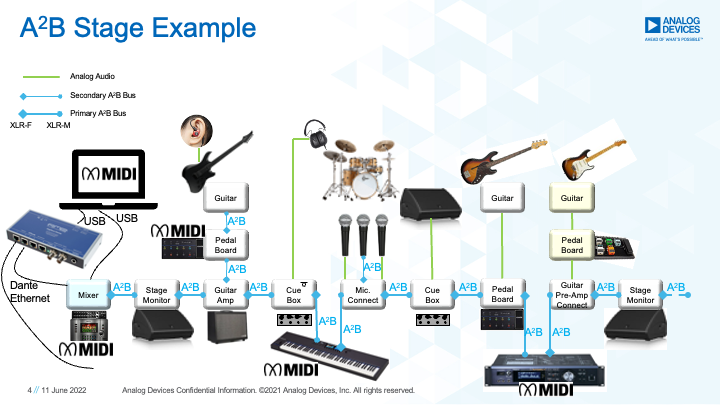
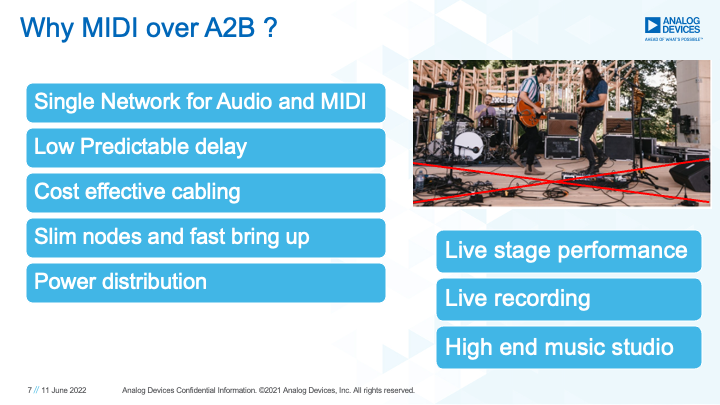
Analog Devices was right next to The MIDI Association booth and were continuing to promote A2B, their proprietary transport that supports MIDI 2.0.
Avid
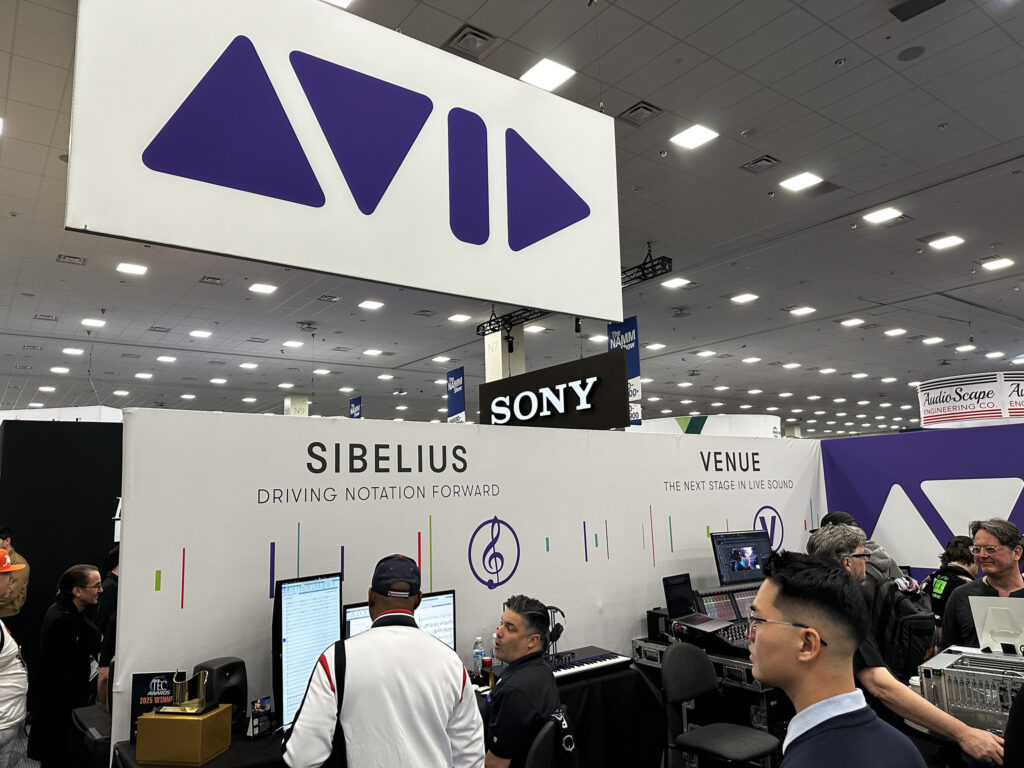
Although Avid was in the Pro Audio area and pretty far from The MIDI Association, they had a large booth that featured Sibelius and several of Avid engineers attended our MIDI Association events.
Amenote and Azotech
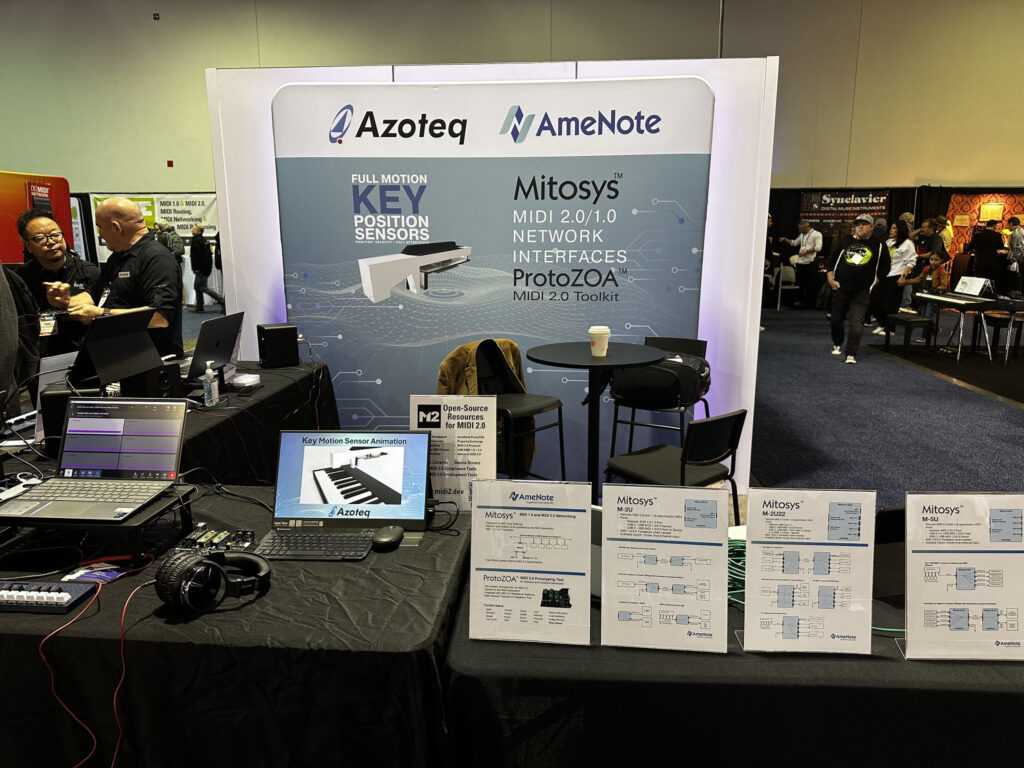
As they did a Music China, Azoteq, the South African chip company and Amenote, the company that did the MIDI 2.0 open source driver for Microsoft shared a booth.
They were demonstrating the full motion key sensors which can add MIDI 2.0 features to any keyboard at a reasonable cost.
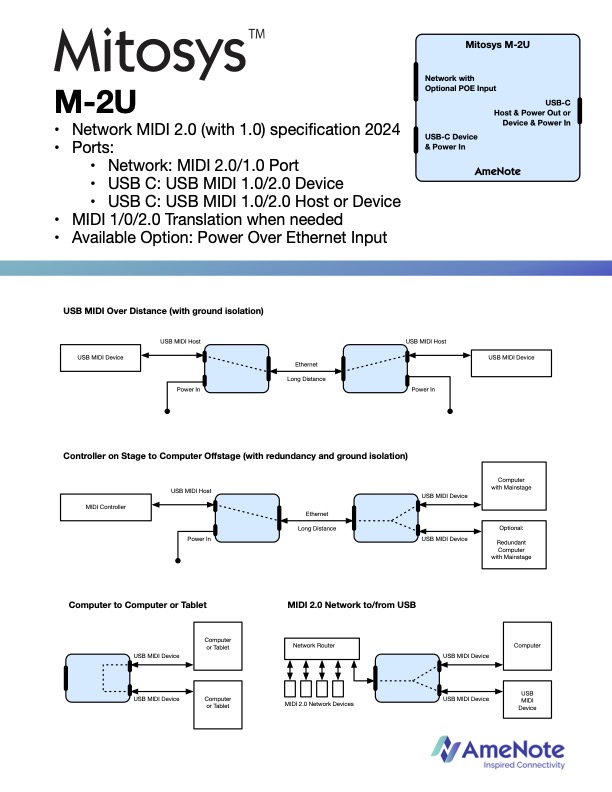
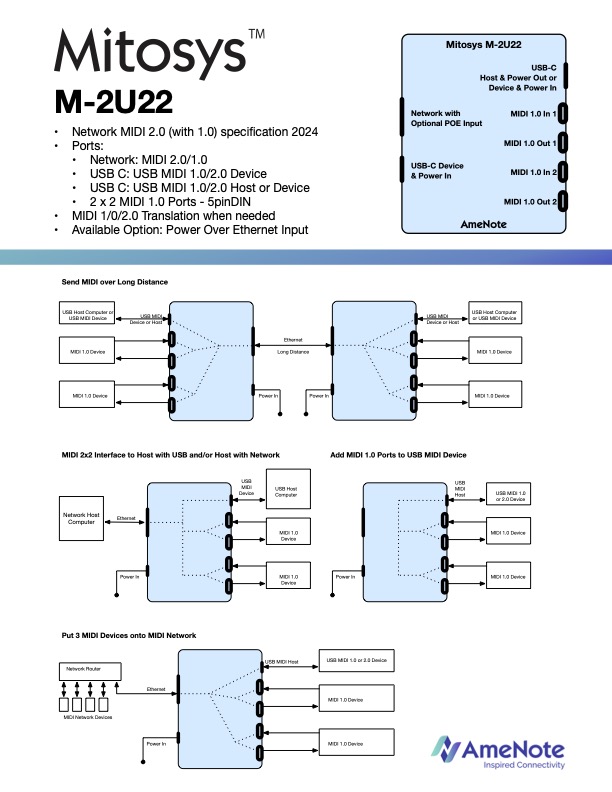
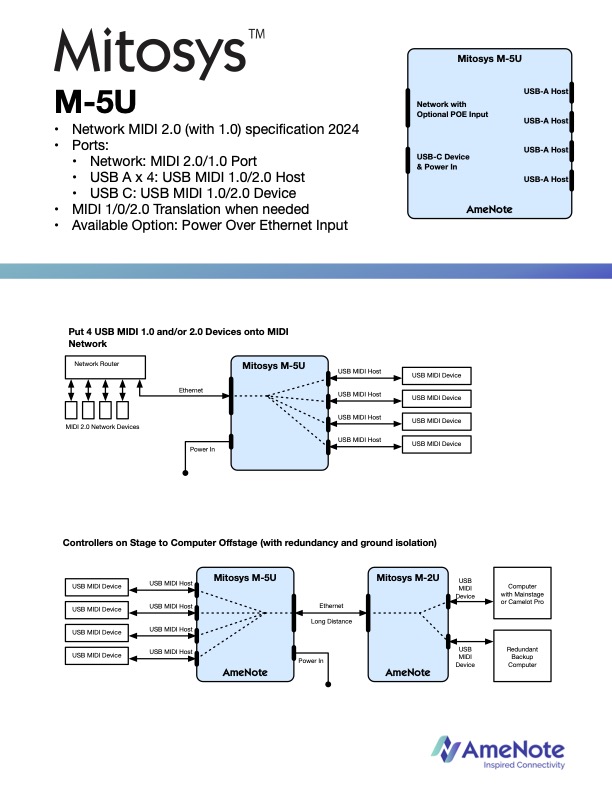
Amenote were also showing the Mitosys MIDI 2.0/1.0 network interfaces they have developed.
Audio Modeling
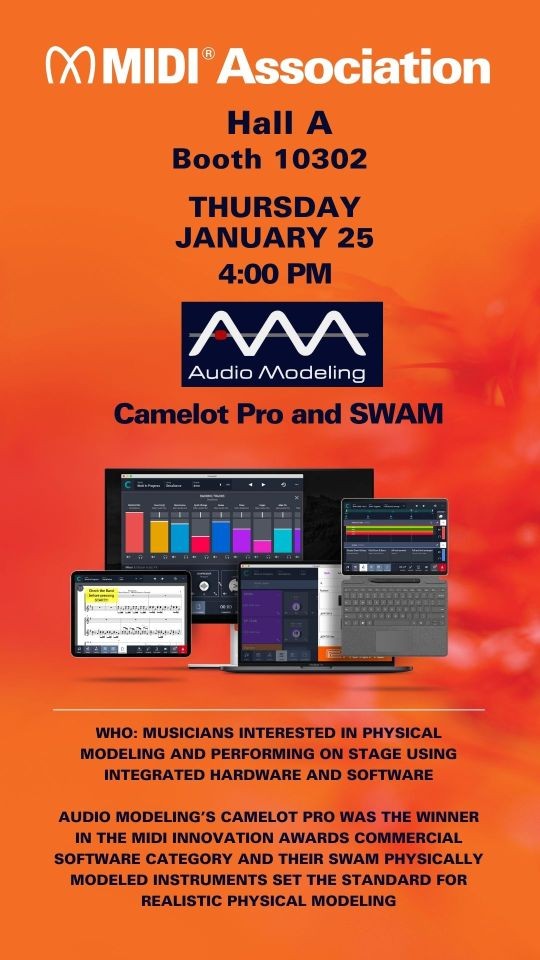
The NAMM Show 2025 has come to an end, and we couldn’t be more thrilled with how it turned out! We had the privilege of showcasing—and, even better, letting people experience—the magic of our instruments.
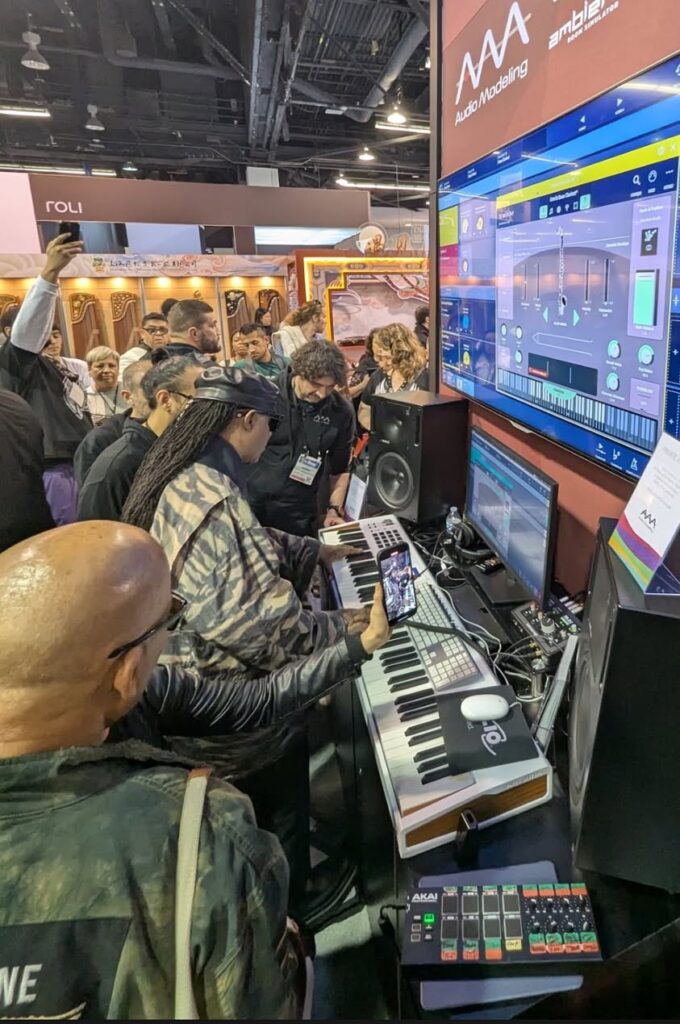
But the absolute highlight? The return of the legendary, one and only Stevie Wonder! Watching and hearing him play our SWAM instruments was truly extraordinary—a moment we’ll cherish forever.
Audio Modeling
By the way, that’s another MIDI Association member Arturia’s MIDI controller that Stevie is playing.
Bitwig
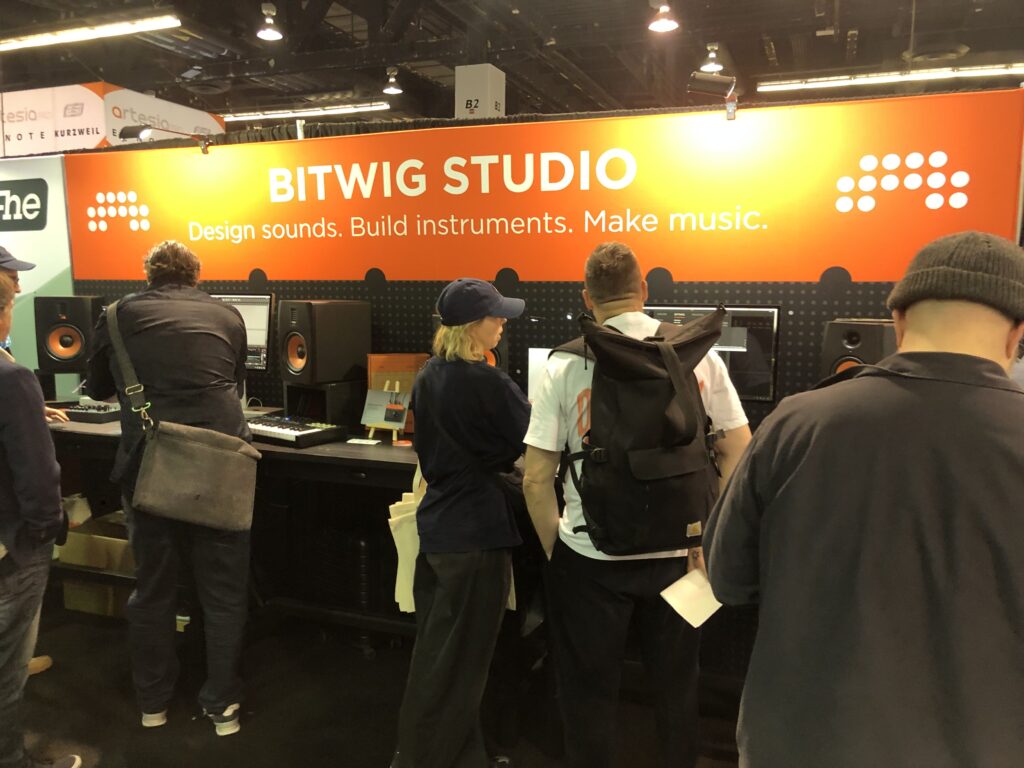
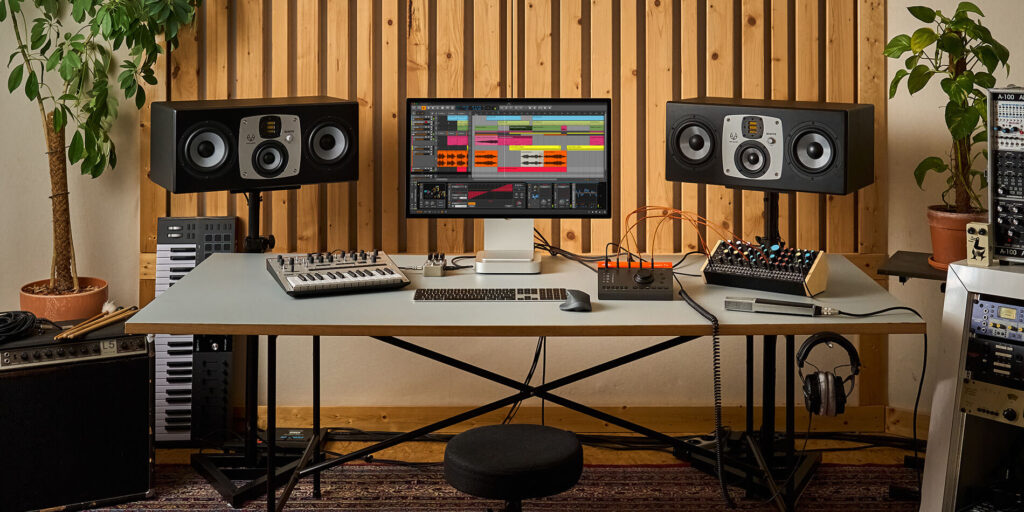
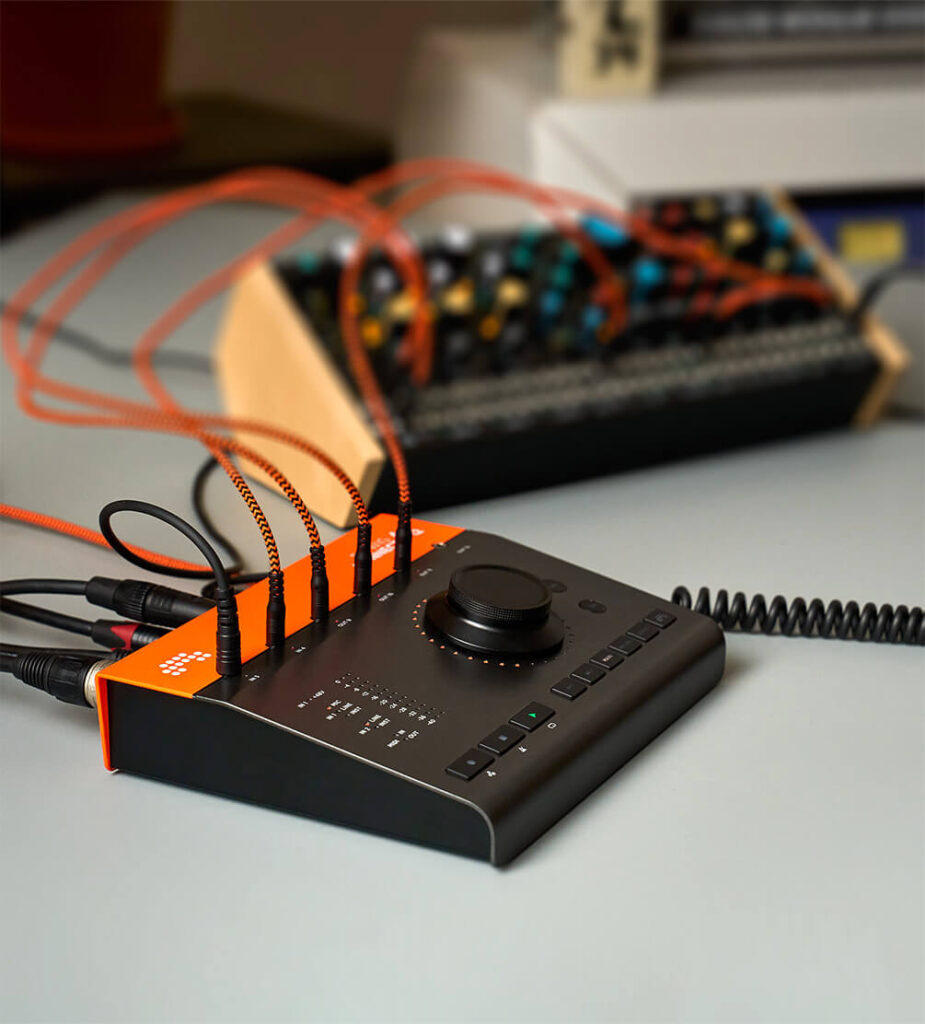
Bitwig announced their Bitwig Connect audio interface with MIDI.
Bitwig Connect 4/12 More Than An Audio Interface
Bitwig Connect 4/12 is a class-compliant, 4‑in/12‑out CV- and MIDI‑enabled audio interface with monitor- and DAW-control functionalities and a unique Bitwig Mode.
Your Ultimate Studio Sidekick Connect is a three-in-one audio/MIDI interface, monitor and DAW controller. Six mode buttons allow its 360°, touch-sensitive dial to adjust interface parameters or control software. It can set input gain, regulate the volume levels for two sets of monitors and your headphones, or even move the playhead and control any Bitwig Studio parameter with exceptional resolution. The front panel gives you immediate visual feedback, with accurate input and output meters and a ring of 32 RGB LEDs around the dial to visualize parameter values and automation data. Plus, gain settings are accessible and saved within Bitwig Studio, so you can pick up right where you left off next time you open it.
Bitwig
Bome
Florian Bomers, chair of the Network Transport working group had working versions of the new passed network specification implemented in his Bome Box.
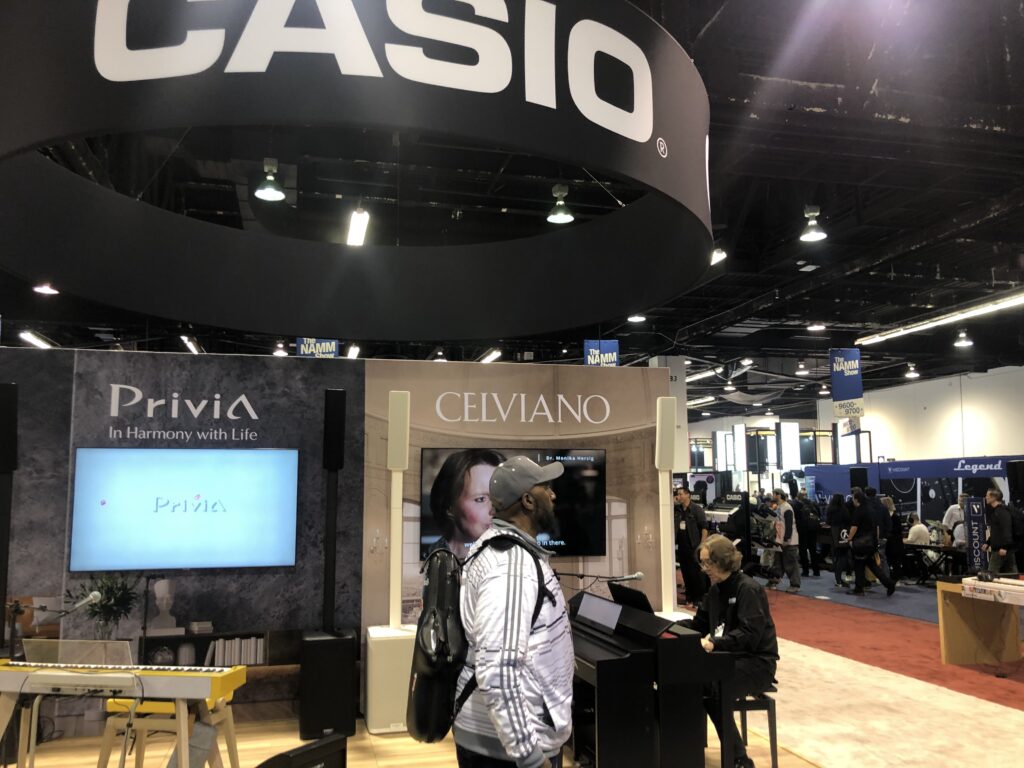
Casio
AMEI member Casio had an impressive booth and performances every day.
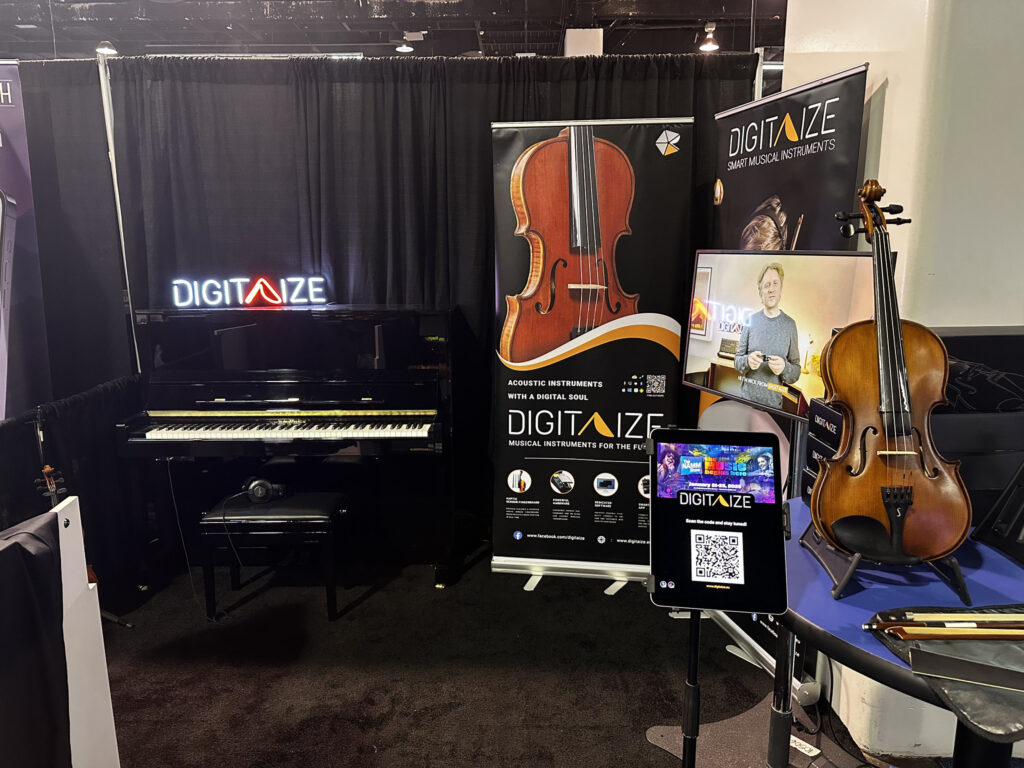
Digitaize
Digitaize was showing off their MIDI violin and Nick Coleman gave an impressive performance on The MIDI Association stage.
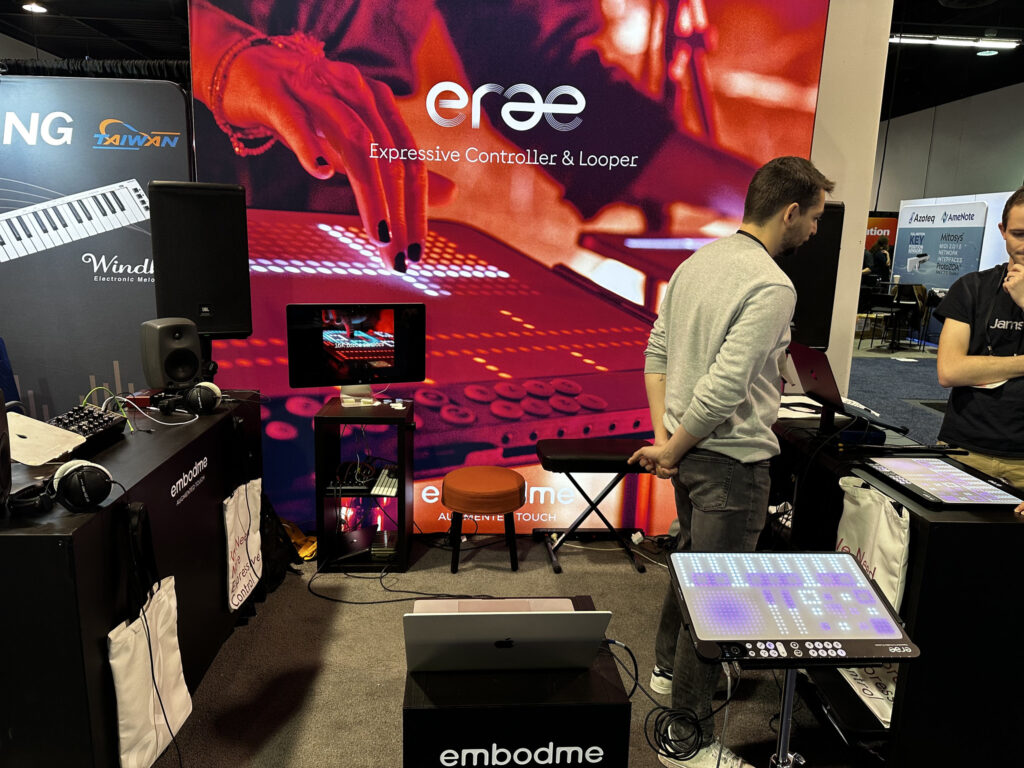
Embodme- Erae Expressive Controller and Looper
Erae 2 is a polyphonic MIDI controller and looper crafted for immersive live performances. Elevate your musical compositions and take full command of your hardware synthesizers, modular setups, and software instruments with unmatched precision. Engineered for exceptional sensitivity and limitless customization, Erae 2 sets a new standard in electronic music. Step into a new Erae in electronic music
embodme
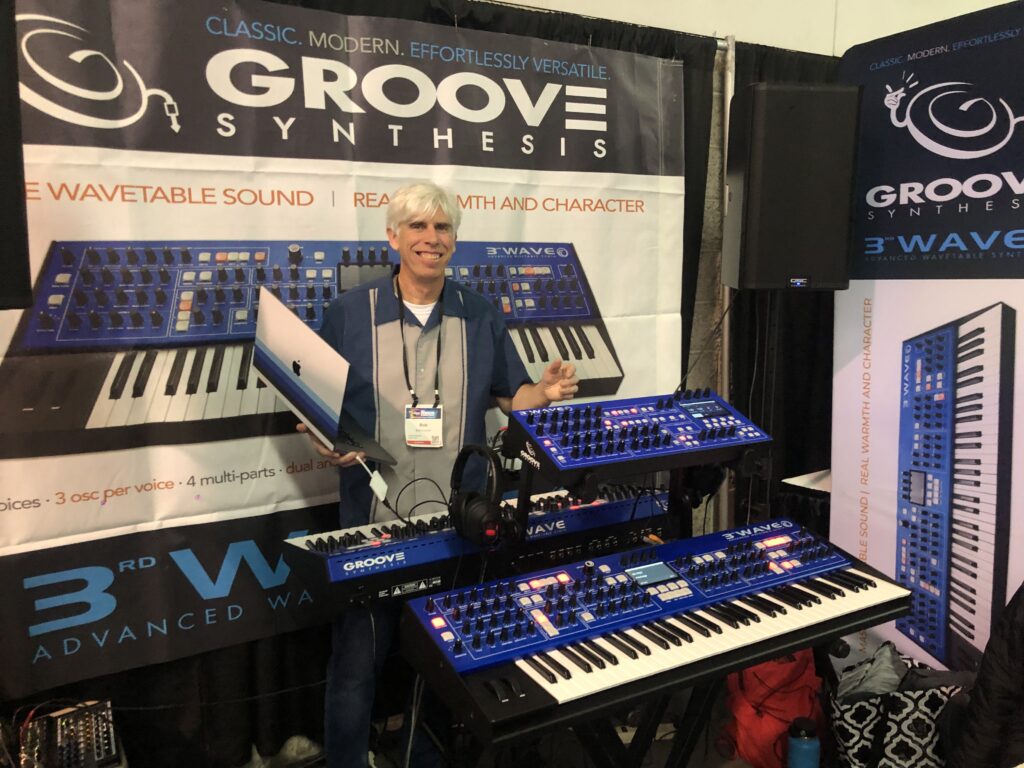
Groove Synthesis
The 3rd Wave Advanced Wavetable Synth was created out of our love for the classic wavetable synths of the past — and a desire to update and improve on that concept. It’s a powerhouse of real depth and beauty, yet it’s simple to use.
Groove Synthesis
Hotone
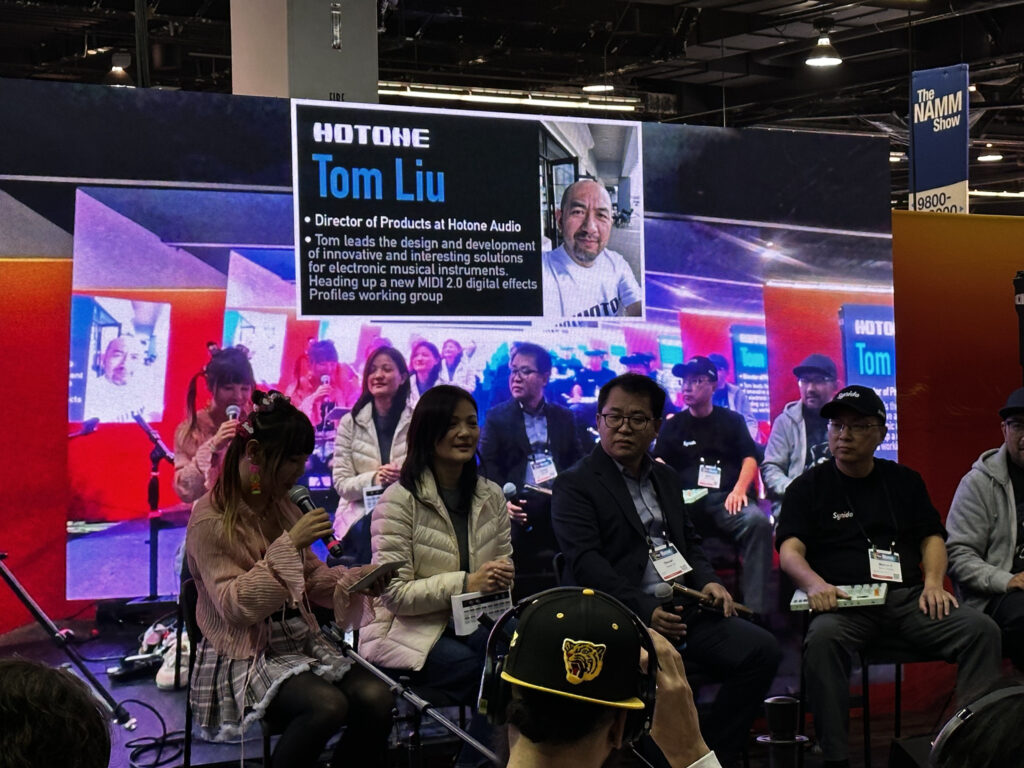
Hotone was over in the guitar area, but Tom Liu, chair of the MIDI 2.0 effects profile working group was around The MIDI Association booth and participated in several MIDI events.
Icon Pro
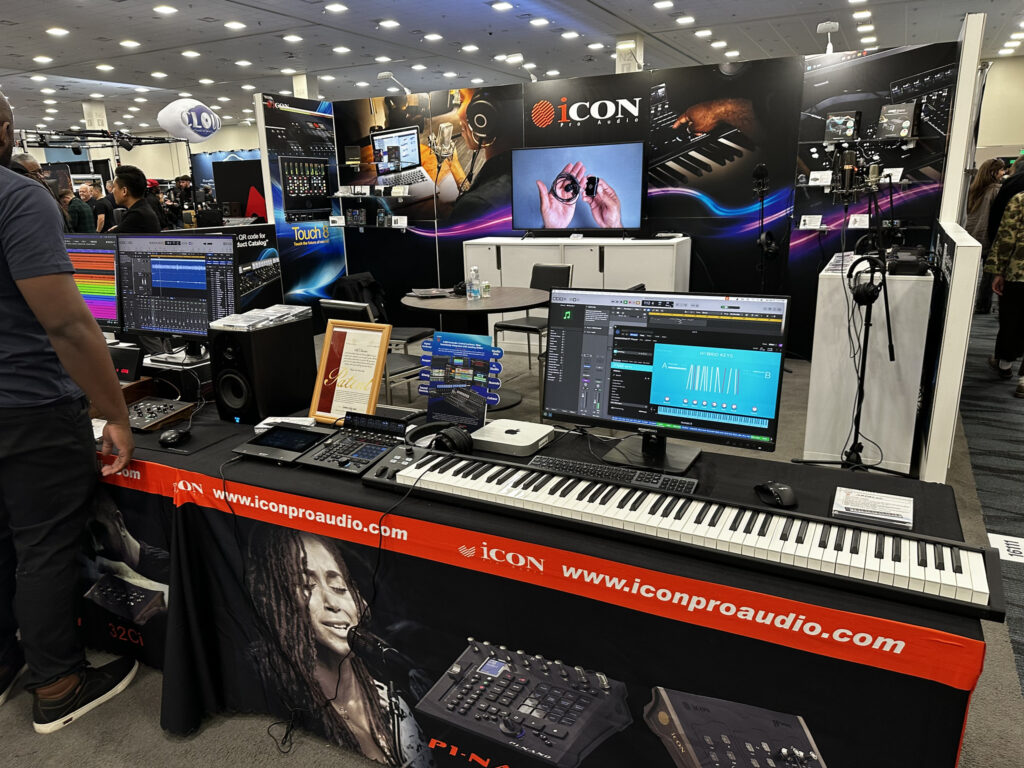
Icon Pro Audio was showing off their lines of MIDI controllers and DAW controllers.
Kawai
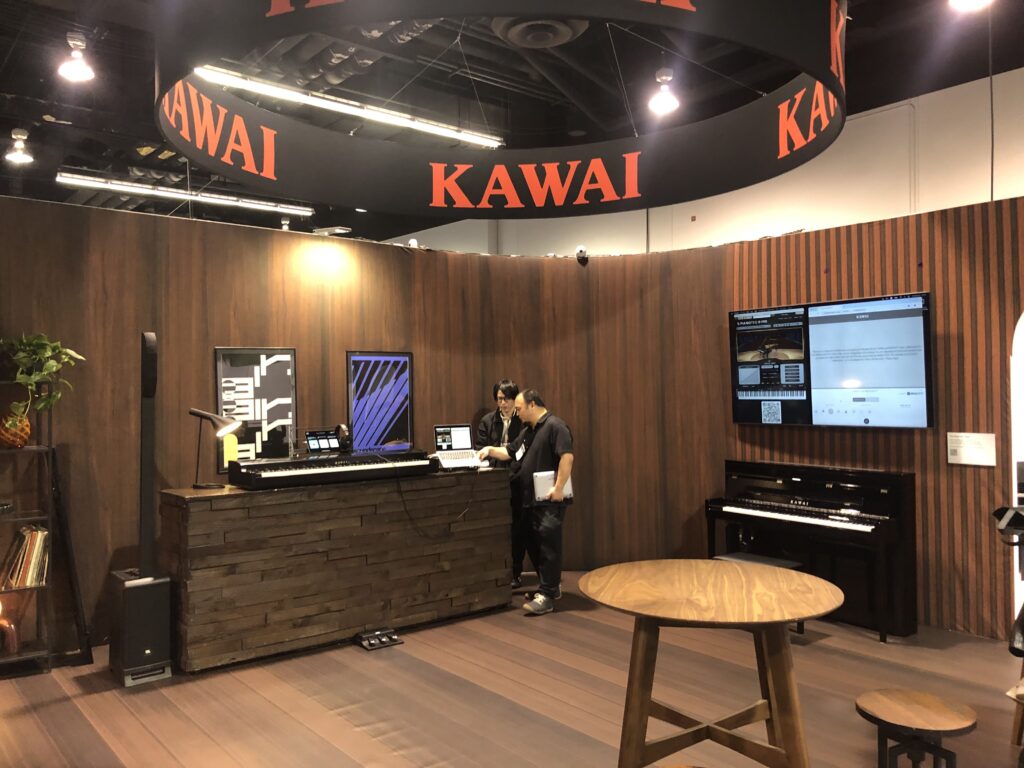
Kawai who is very active in the Piano Profile working group had a booth and participated in several MIDI Association events.
Korg
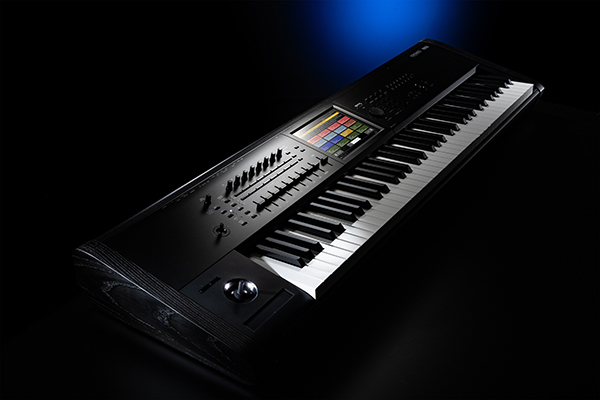
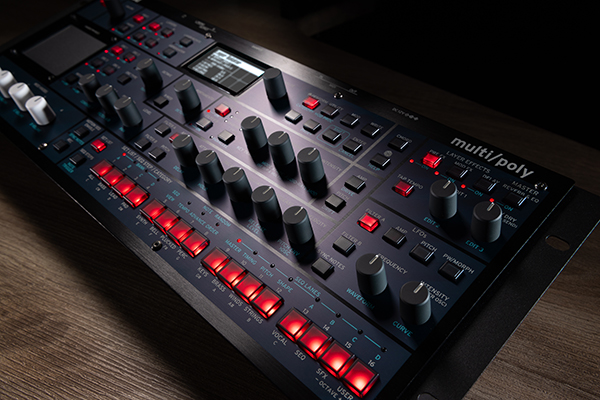
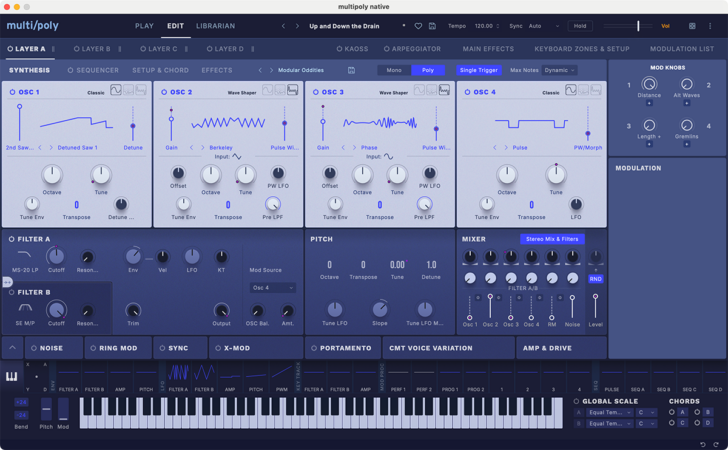
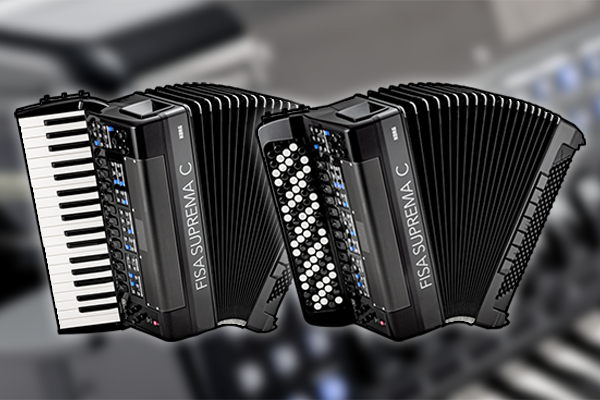
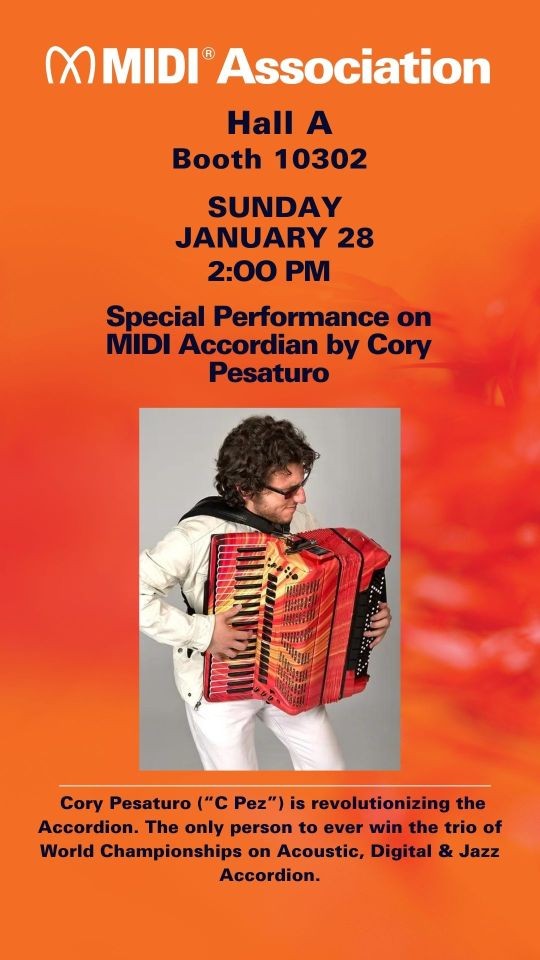
Korg introduced a new version of their flagship Kronos Music Workstation, Multi/Poly module and Multi/Poly Native (which feature MIDI 2.0 Property Exchange and were demoed at The MIDI Association booth and the Fisa Suprema C which Korg Artist Corey Pesaturo performed with at the finale of The MIDI Association booth performances along with MIDI Innovation Award finalists Sergey Antonovich and Vladimir Butusov.
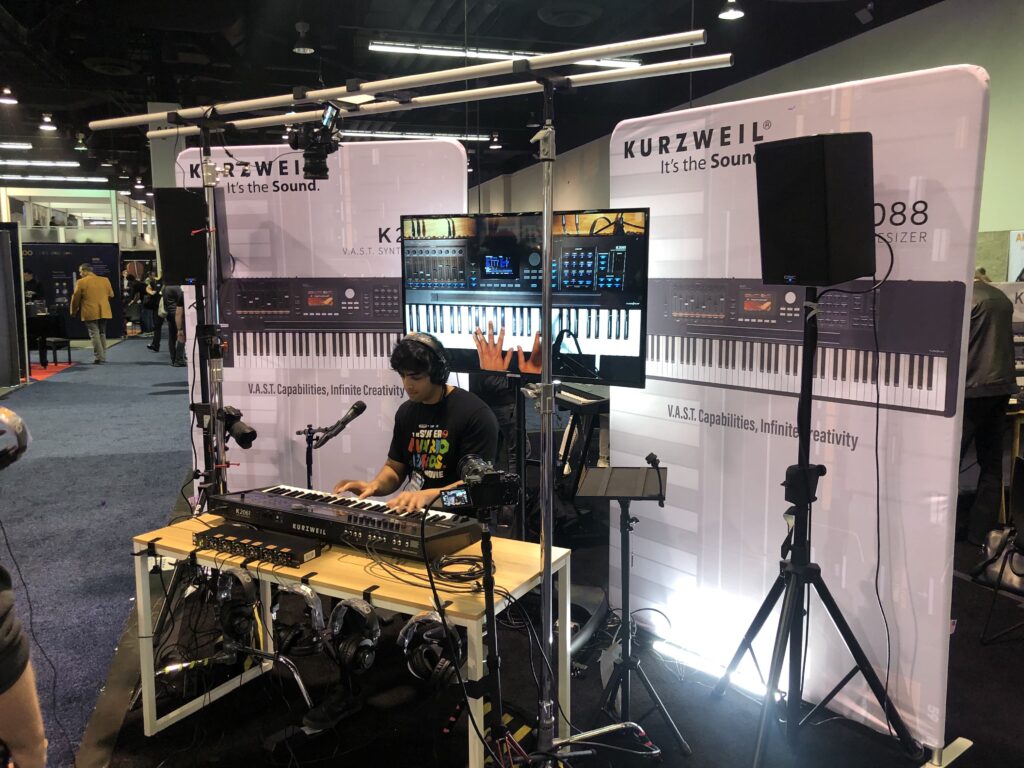
Kurzweil
Kurzweil was featuring the new Kurzweil K2061 and K2088 V.A.S.T. Synthesizers.
New industrial design with an aluminum+steel enclosure
Resculpted K2000 synth library
Compatible with K2 era libraries
32 layers per program
Customizable algorithms
Flash sample playback, VA, FM and KB3 engines
2 GB of factory sounds
2 GB user sample memory
Versatile FX chains and master FX section
256 voice polyphony
480×272 color screen
16-zone MIDI controller
Over 30 physical controllers per zone including an integrated ribbon
16 Arpeggiators
16 MIDI CC sequencers
16 RIFF generators
More info coming soon!
Native Instruments
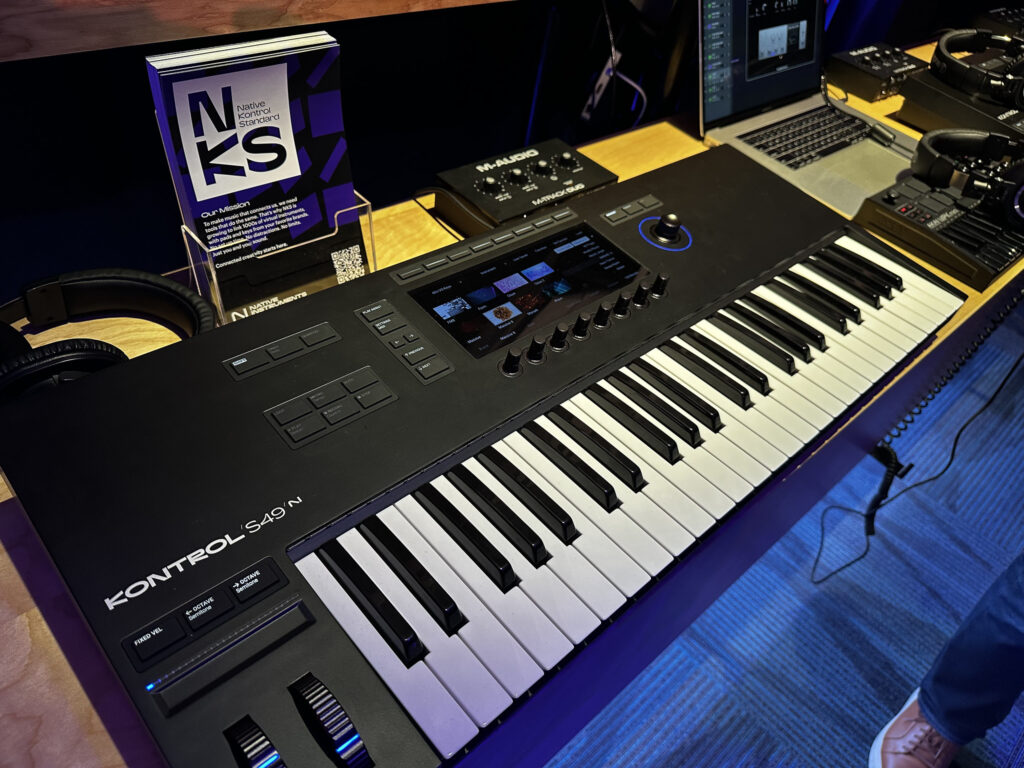
Native Instruments had added UMP MIDI 1.0 support to their Kontrol series keyboards and is very active on the DAW working group.
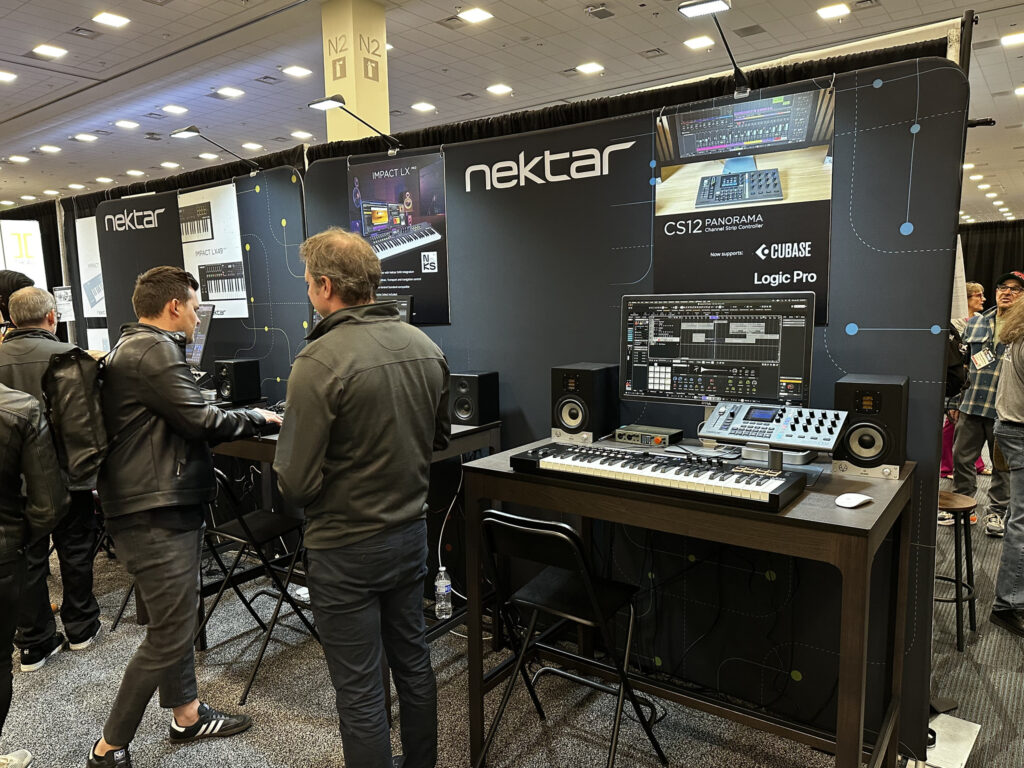
Nektar
Nectar is another company that is active in the DAW working group and has helped us craft the direction for how plugins will support MIDI 2.0.
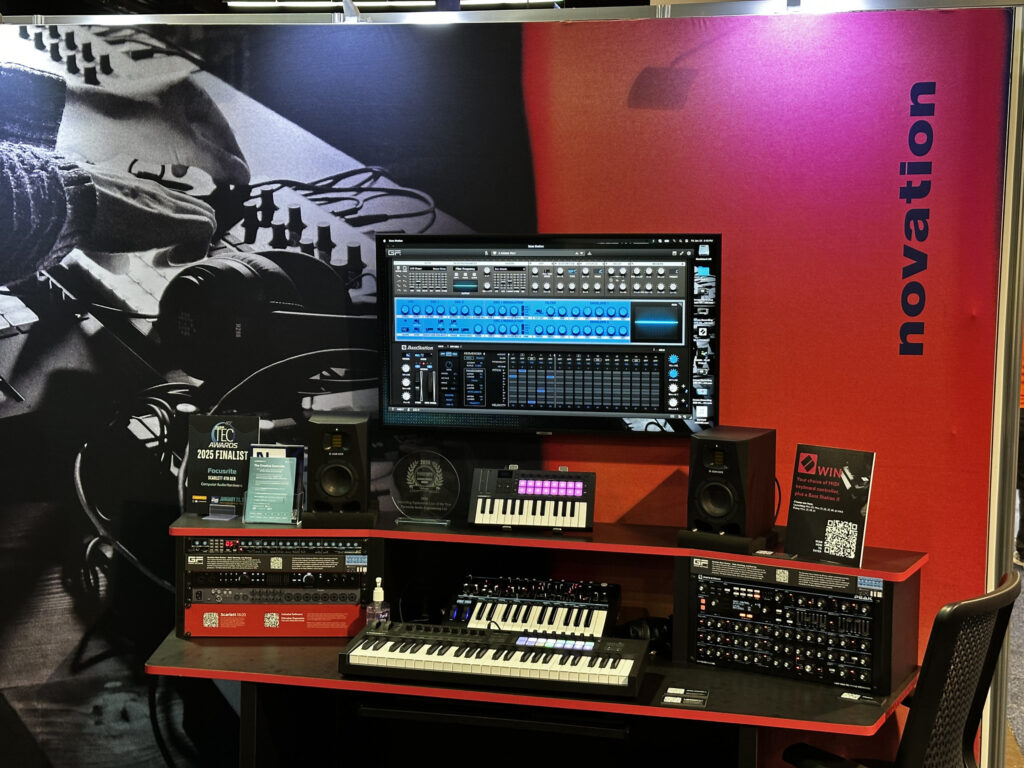
Novation
As Tim Carroll is the CEO of Focusrite AND the president of The MIDI Association which includes Novation, Sequential and Oberheim , all of the Focusrite brands are working on MIDI 2.0 support.
Nonlinear Labs
The C15 is an instrument for the performing musician, designed for playability and detailed sound editing. The embedded digital synthesis engine is based on phase modulation, a comb filter, and a feedback structure giving the C15 a unique character and creating crisp, organic, and complex sounds. As a dedicated real-time instrument, the C15 provides high-resolution dynamic response and extensive sound design possibilities. The C15 is self-contained with dedicated haptical controls, but it can also be extended with a graphical user interface on any WiFi-enabled device running a browser.
Medeli Electronics believes the full enjoyment of music greatly relies on high-quality musical instruments. The company is dedicated to producing top quality digital products for players of all kinds of music.
They were at NAMM 2025 representing several brands including Ashun Sound Machines.
There seemed to be a lot of interest in the new Roto-Control from Melbourne Instruments.
Introducing a truly unique motorized MIDI controller, unlike anything seen before. Rethink software and hardware interactions via fully assignable motorized touch-sensitive knobs, user definable haptics for detailed control, high-res screens providing easy-to-read labels for every control, and internal memory with storage for over 8,000 possible assignments.
Powerful, compact, and portable, Roto-Control features three main modes of operation: MIX, PLUGIN and MIDI with Motion Recorder.
Melnbourne Instruments
MIDIPlus
The MIDIPLus booth featured a wide variety of MIDI keyboards, electronic drums and wind controllers
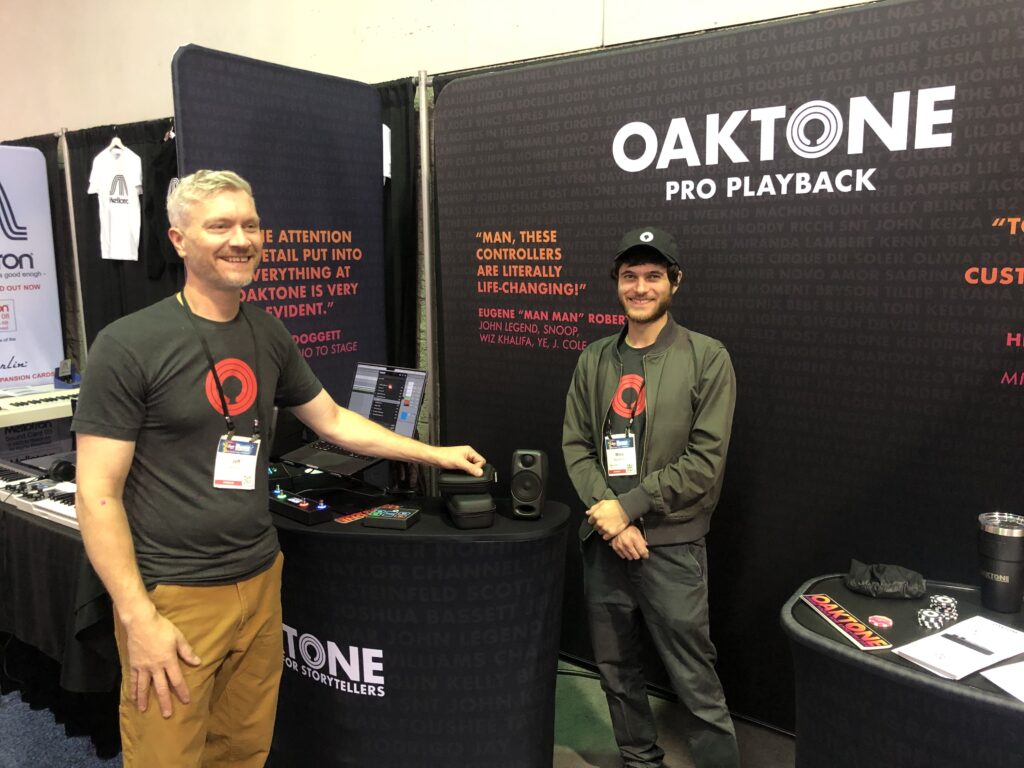
Oaktone
Jeff Caylor from Oaktone is a music producer and Ableton Live specialist.
An Ableton Certified Trainer since 2013, Jeff focuses on solutions that exploit technology to support the story, deploy automation to enhance the message and free the performer to focus on the room.
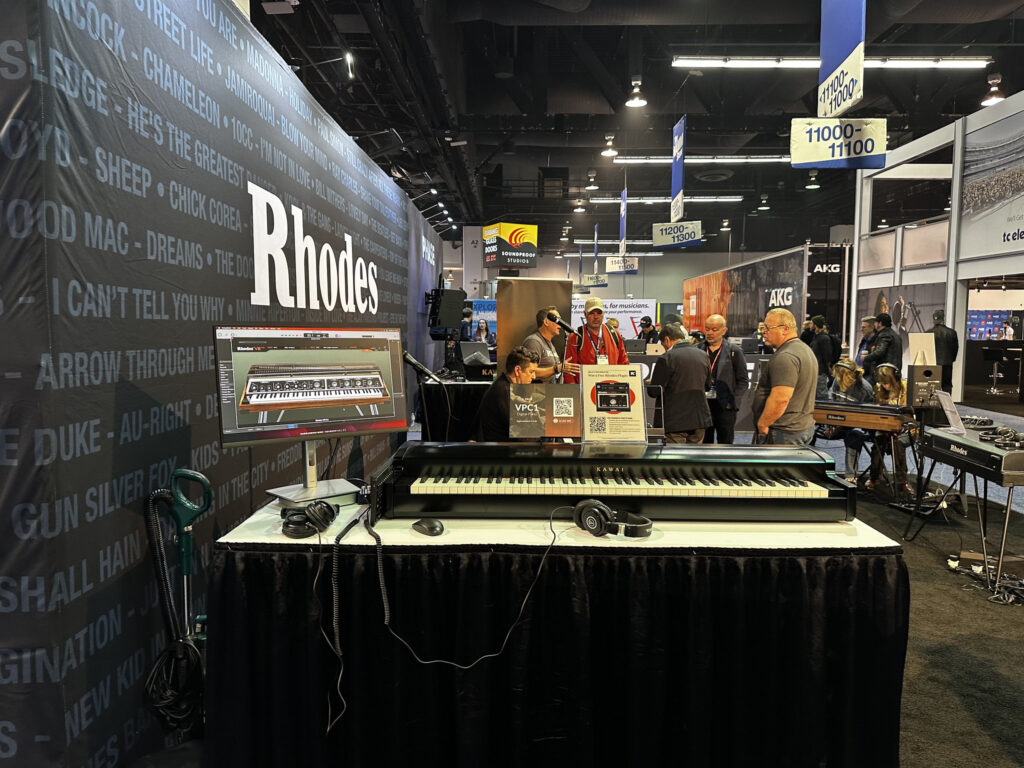
Rhodes had their own booth where they focused on the Mark 8 Rhodes and the MIDI 1.0 support which includes polyphonic aftertouch!
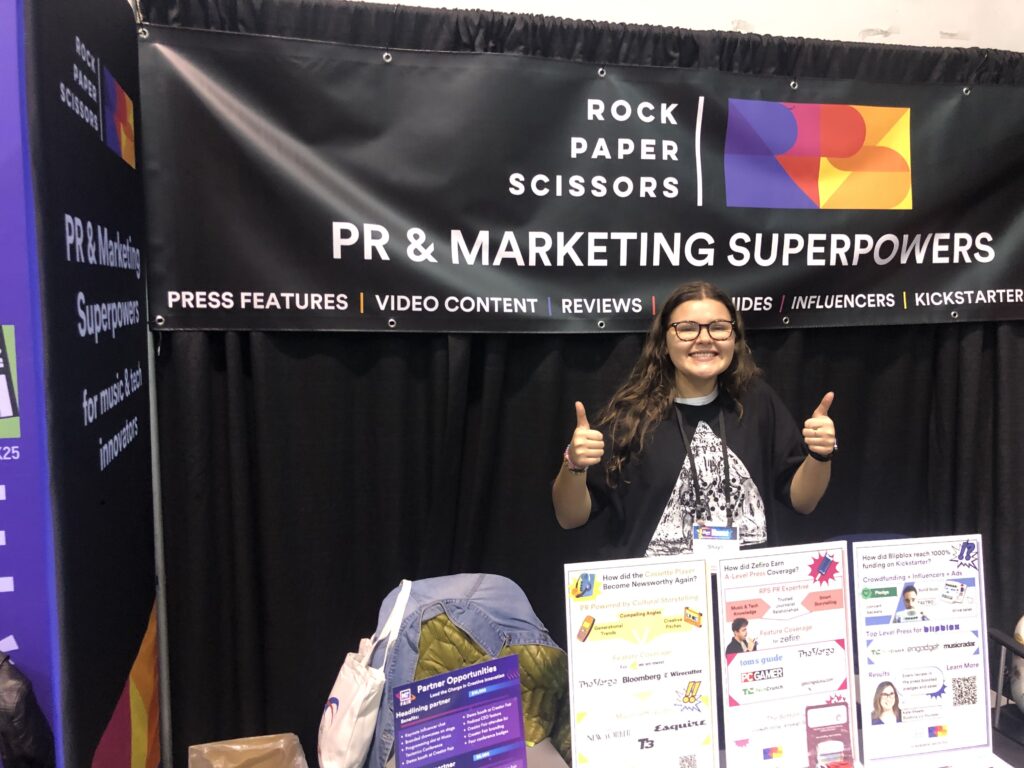
Rock, Paper, Scissors
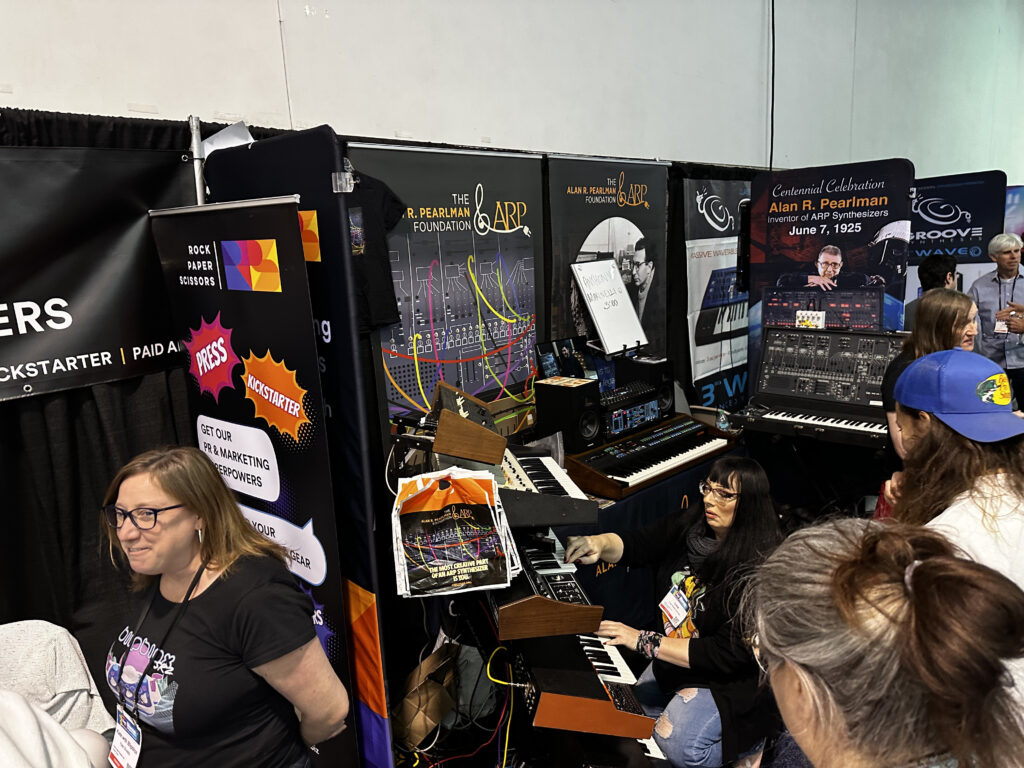
Rock, Paper, Scissors ran the Music Techtonics event in October and also the Innovators Meetup at The MIDI Association booth on Saturday.
Robkoo
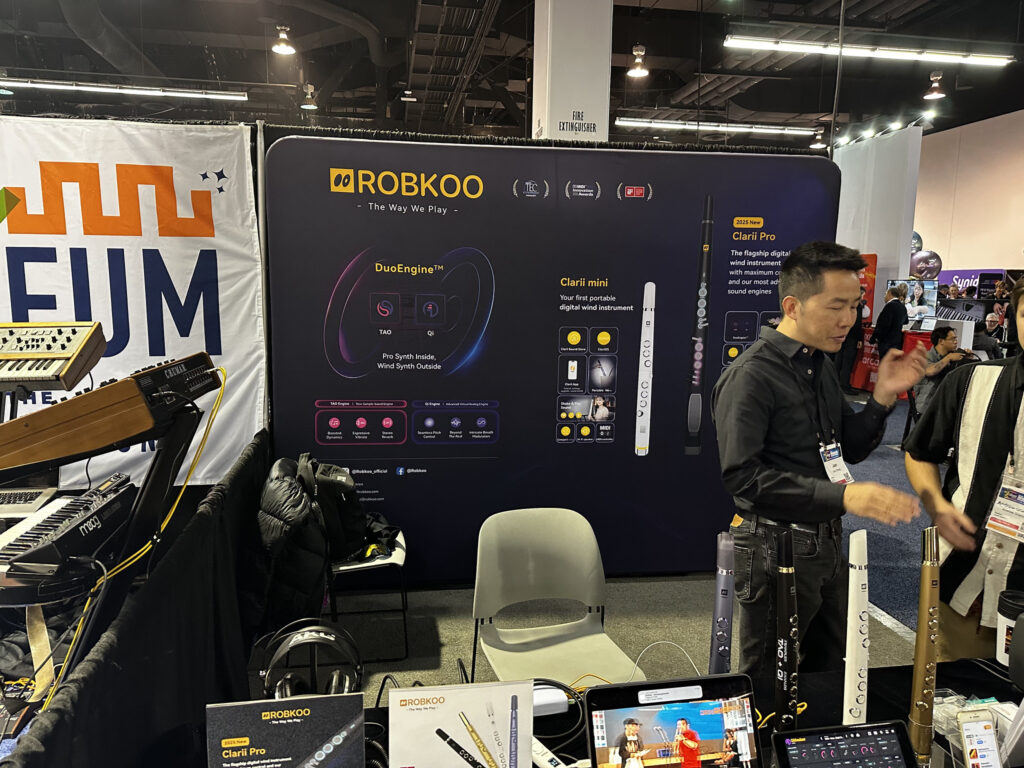
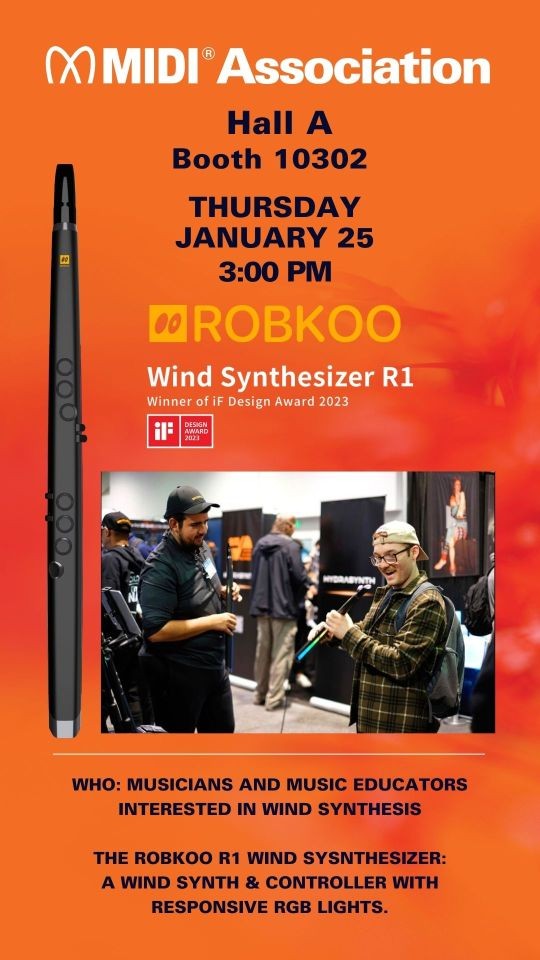
Robkoo’s booth was busy all three days as people were trying out the new Clari Pro and other wind controllers from Robkoo.
Roland
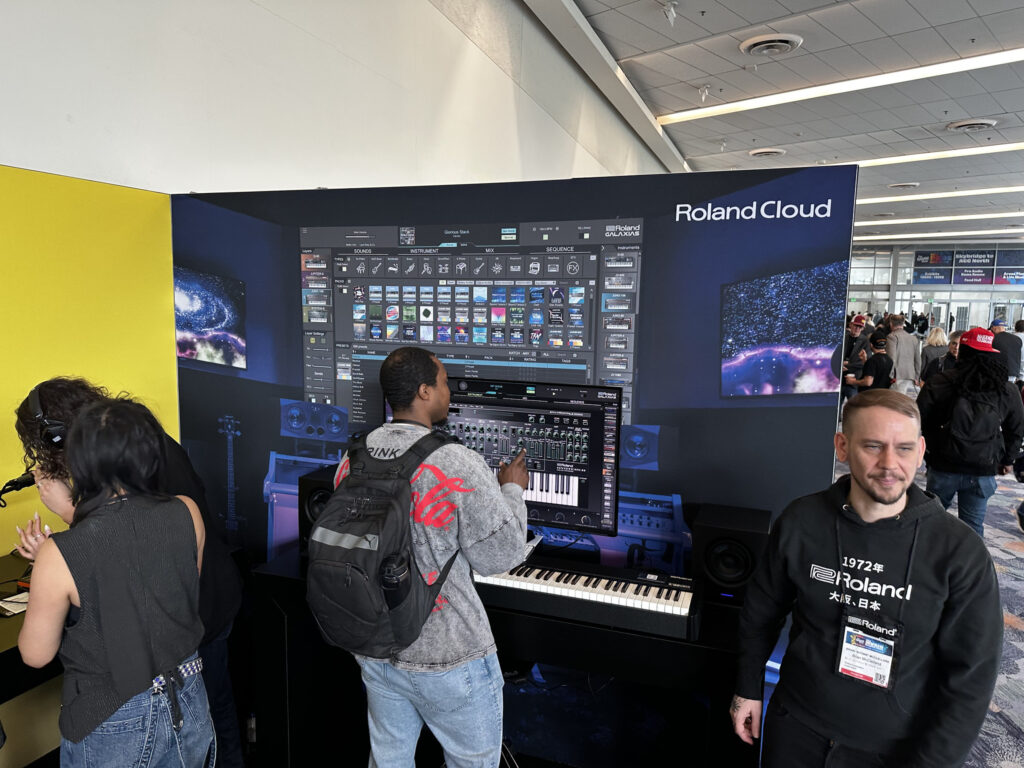
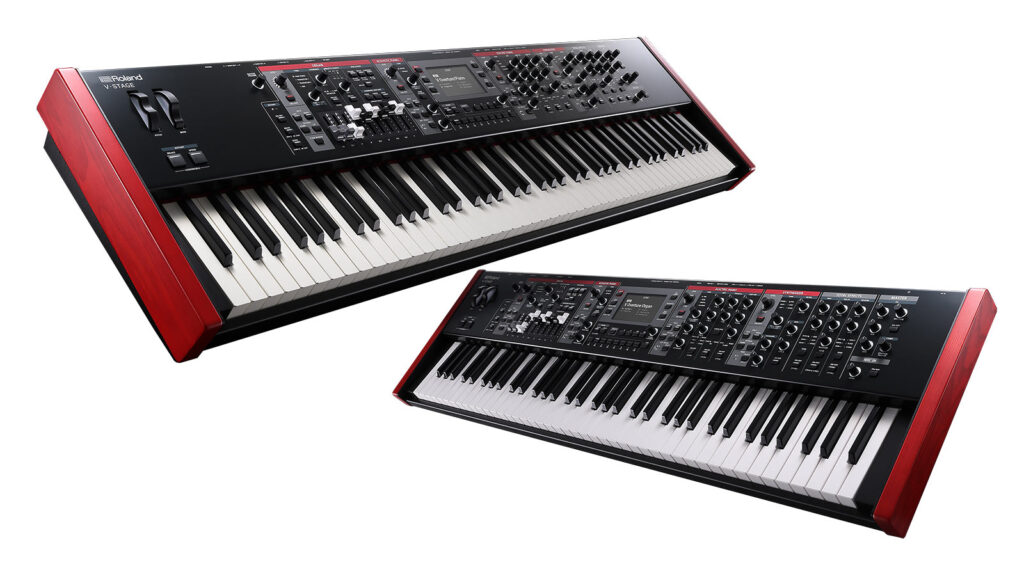
Roland had an impressive NAMM display and was featuring the new V Stage Performance Keyboards. They look like great platforms to implement the Piano and Drawbar Organ Profiles on.
Roli
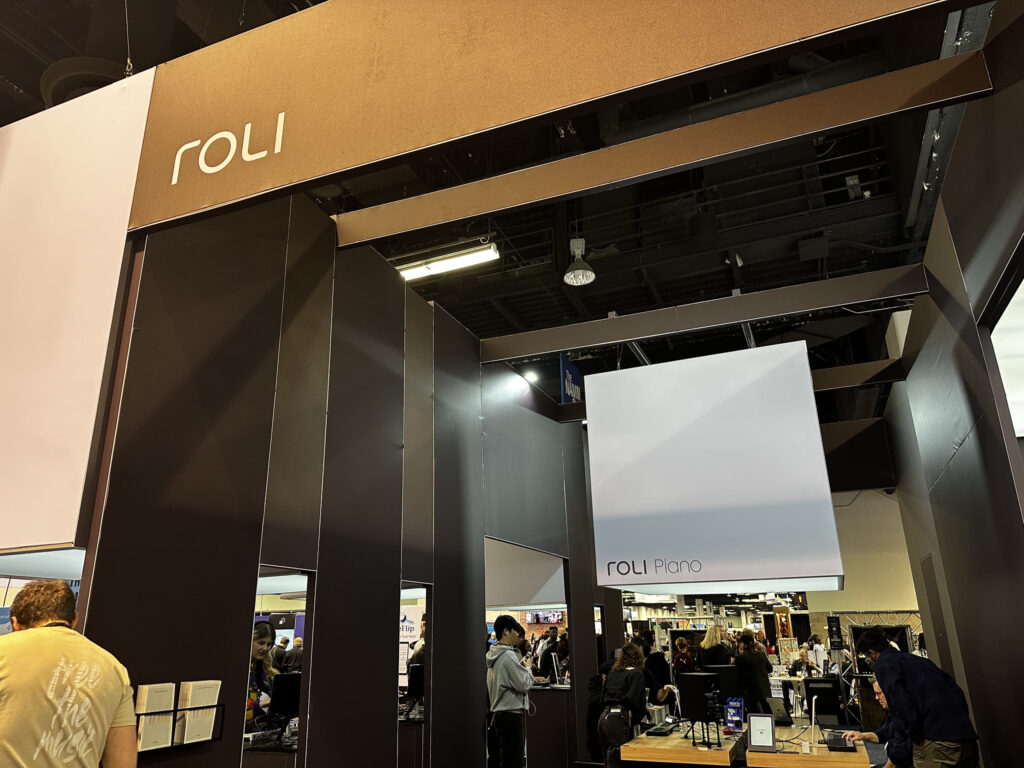
Roli had an impressive booth which was highlighting the Roli Piano and Airwave system.
The smart piano that teaches you to play Forget frustrating lessons and endless repetition — say hello to the light-up piano that learns with you. Paired with the ROLI Learn app, ROLI Piano’s 49 full-size, glowing keys light your way to success through lessons with real teachers, engaging musical games, and an ever-growing library of contemporary and classic hits.
Roli
Snapdragon
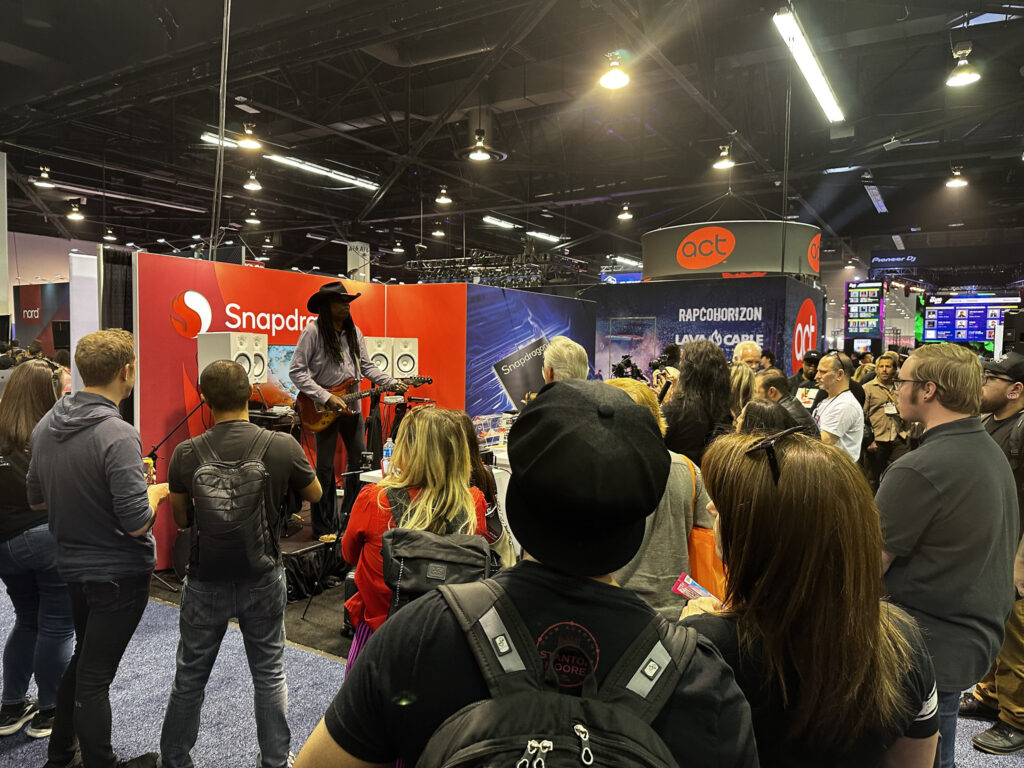
Snapdragon had a booth in the MIDI showcase and was showing off the new ASIO driver that Yamaha created for them as well as the MIDI 2.0 features in the newest versions of Windows.
Synido
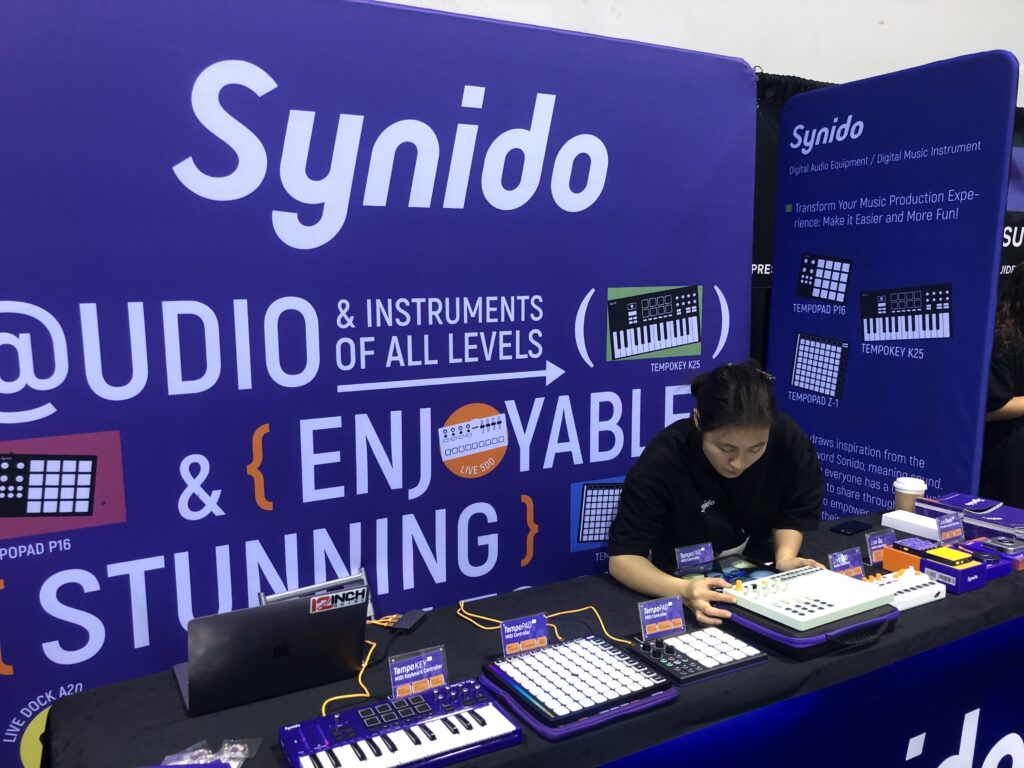
Synido, a premium music equipment brand that specializes in high-quality audio interfaces, MIDI controllers, and MIDI keyboards. From live stream sound cards to professional music recording equipment, we are dedicated to delivering exceptional sound performance and innovative design.
Taqs.im
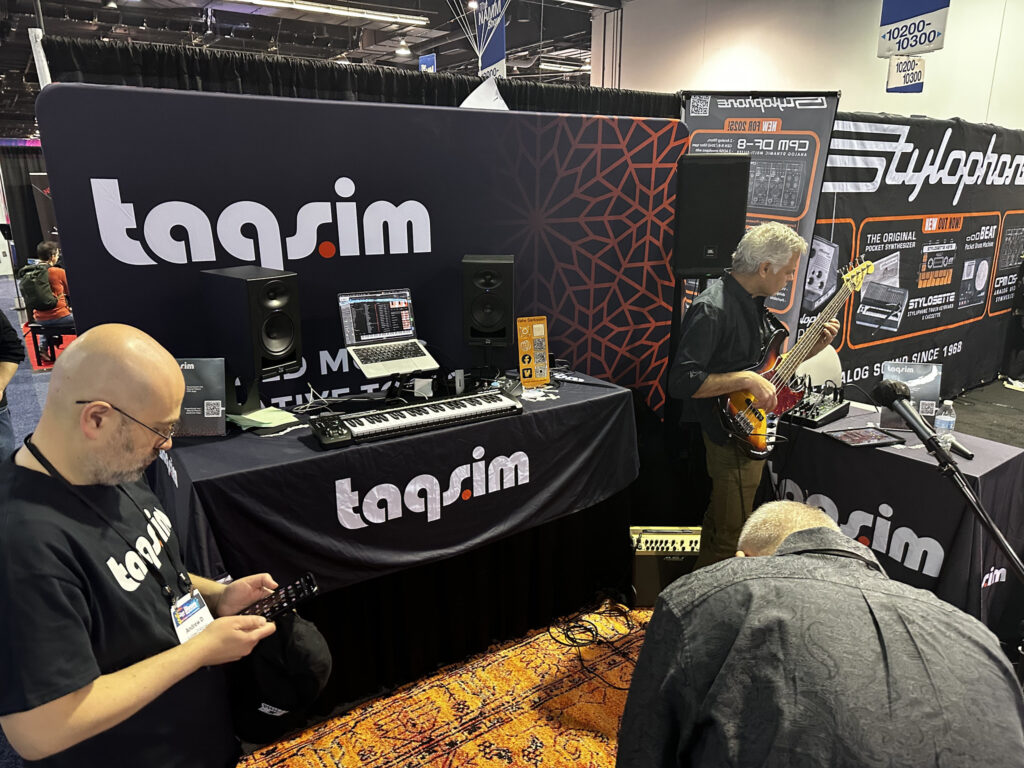
Taqs.im was at NAMM 2025 with their many virtual instruments focused on the rich musical heritage in the middle east. A great example is SOLO.
SOLO: The Ultimate World Synth Discover new creative possibilities with TAQS.IM SOLO, a powerful cross-platform virtual instrument plugin (compatible with PC, MAC, VST3, AU, and AAX) crafted to elevate your music. SOLO combines hybrid synthesis, microtonal scales, and authentic world music sounds, offering composers, producers, and musicians a unique palette to enrich their compositions with captivating global elements. Embark on a sonic journey and bring a world of inspiration to your music with SOLO.
Just set your browser to always translate Japanese, click on the Tokyo Gakki Expo link above and you can surf the site and see all the cool events that were held, but here is a sampling (pun intended!).
MIDI 2.0 Seminar
This is a MIDI 2.0 seminar held by the Association of Musical Electronics Industry (AMEI). The latest MIDI 2.0 compatible devices will be operated and their functions will be demonstrated. Some unreleased driver information will also be made public. This is a great opportunity to learn about the future of MIDI.
JSPA members’ top pick! Highlights of Tokyo Musical Instrument Expo 2024!
We will introduce the booths that JSPA members are personally looking forward to and paying attention to at this year’s Tokyo Musical Instrument Expo! If you check this out, you will definitely be an information expert at this year’s Tokyo Musical Instrument Expo! There will also be an announcement about the concept of this year’s event by the creator of the “unofficial” song for Tokyo Musical Instrument Expo 2024!
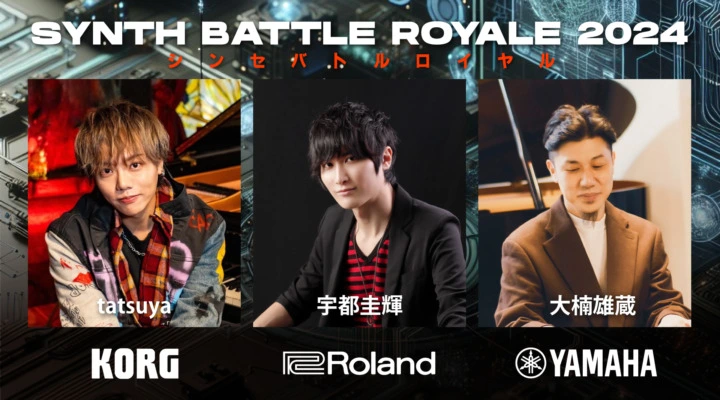
Following on from last year, the three major synthesizer brands, Korg, Roland, and Yamaha, will be holding the “Synthesizer Battle Royale 2024.” Don’t miss the battle between the cutting-edge synthesizer sounds and specs of the most talented keyboardists representing each company.
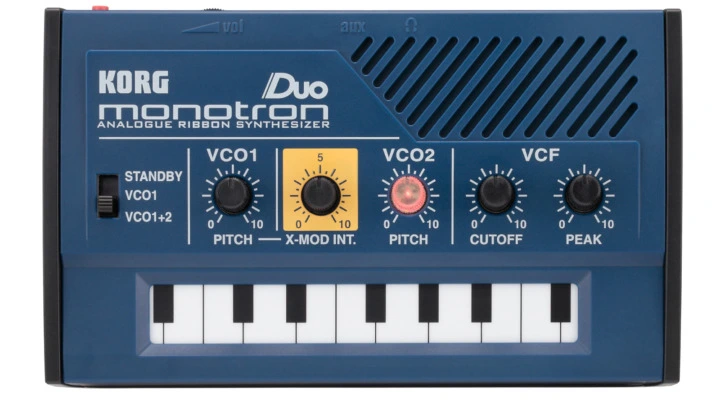
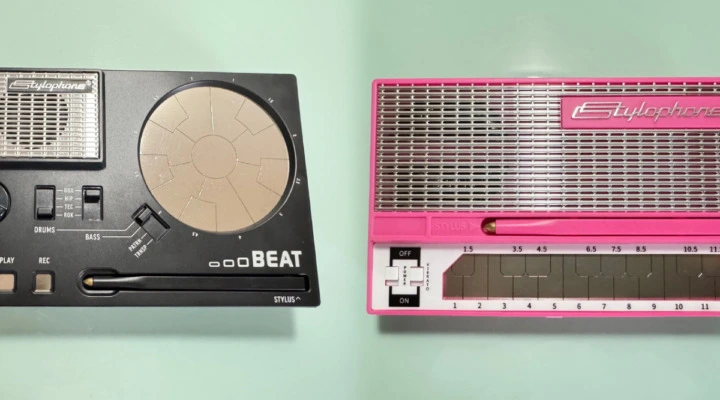
Let’s experience the mechanism and performance of an analog synthesizer using KORG’s monotron DUO! You can also touch modular synthesizers and rhythm machines! Calling all future music producers!
Target audience: 3rd grade elementary school students to 3rd grade junior high school students. Cast:Masaaki Enatsu
Cute gadget experiment time
Using cute battery-powered gadgets, we will experiment with making sounds and sampling! We will create simple music using sounds recorded in mono with a mini plug. What will the sound produced by the JSPA director’s collaborative experiment be?!
Cast: Miki Nomiyama Mion Tsuruta
Yamaha MONTAGE M Synth 50th Anniversary Special Demo by Katsunori Ujiie
Talk and demonstration by Katsunori Ujiie of the MONTAGE M special sound to celebrate the 50th anniversary of Yamaha synthesizers. Look forward to famous songs by famous artists and sounds of rare synthesizers.
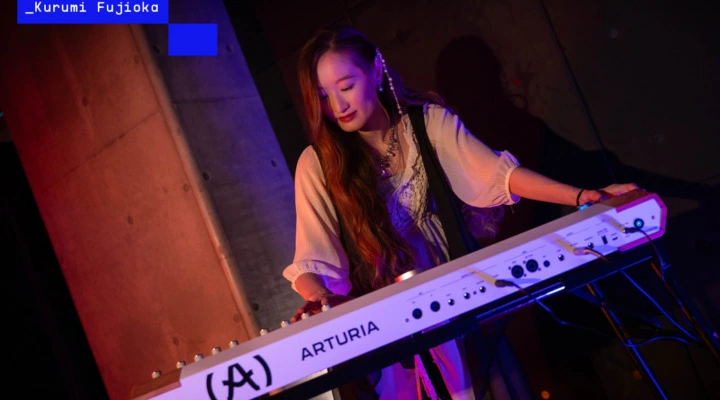
A new era for Arturia’s new stage keyboard. Kurumi Fujioka plays and Nicolas Woolley explains AstroLab. Witness the many new features of AstroLab!
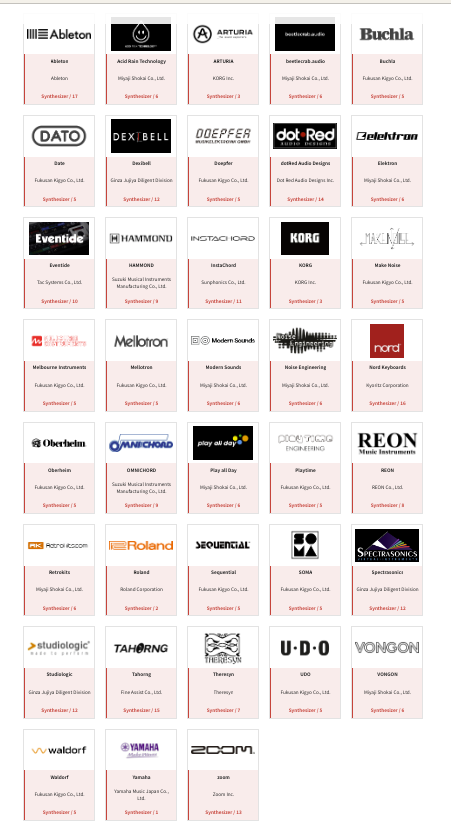
There were a lot of MIDI Association companies participating in the event (not just Japanese companies) including Ableton, Arturia, Hammond, Korg, Melbourne Instruments, Mellotron, Oberheim, Roland, Sequential, Spectrasonics, Udo and Yamaha.
The MIDI Association and AMEI continue to push MIDI 2.0 forward
Profiles are one of the most powerful mechanisms in MIDI 2.0 and in the past few months the MIDI Association has adopted 6 new Profile Specifications bringing the total number of adopted Profiles to 7.
We covered some of the basics of profiles in this article.
Click on the link above or image below to view that article.
The MIDI Association voted to adopt the first Profile in 2021 and then followed up with 6 Profiles specifications that were adopted around NAMM 2024:
M2-113-UM 1-0 Default Control Change Mapping Profile
M2-118-UM GM Function Block Profile
M2-119-UM GM Single Channel Profile
M2-120-UM MPE Profile
M2-121-UM Drawbar Organ Profile
M2-122-UM Rotary Speaker Profile
M2-123-UM MIDI-CI Profile for Note On Selection of Orchestral Articulation
In this article, we will summarize each of the these Profiles and explain their benefits to people who use MIDI and why you should be encouraging companies to support these Profiles in their products in the future.
Default Control Change Mapping Profile
Many MIDI devices are very flexible in configuration to allow a wide variety of interaction between devices in various applications. However, when 2 devices are configured differently, there can be a mismatch that reduces interoperability.
This Default Control Change Mapping Profile defines how devices can be set to a default state, aligned with core definitions of MIDI 1.0 and MIDI 2.0. In particular, devices with this Profile enabled have the assignment of Control Change message destinations/functions set to common, default definitions.
One of the core challenges with MIDI 1.0 was that there were fewer than 128 Controller Change messages (because the MIDI 1.0 Control Change list also included Mode Changes messages, Program and Bank Change and some other very fundamental mechanisms tied to physical controllers like Foot Pedals.
On top of that the Reset All Controller message in MIDI 1.0 is interesting because it does NOT reset all controllers (only some of them) and only resets the value of the controller, not it’s destination.
In otherwords, a Reset All Controller messages will reset the value of CC74 to a default value, but not what CC74 is mapped to.
For historical reasons, many products come with default MIDI mappings setting often used parameters to the CC messages used to control General MIDI modules.
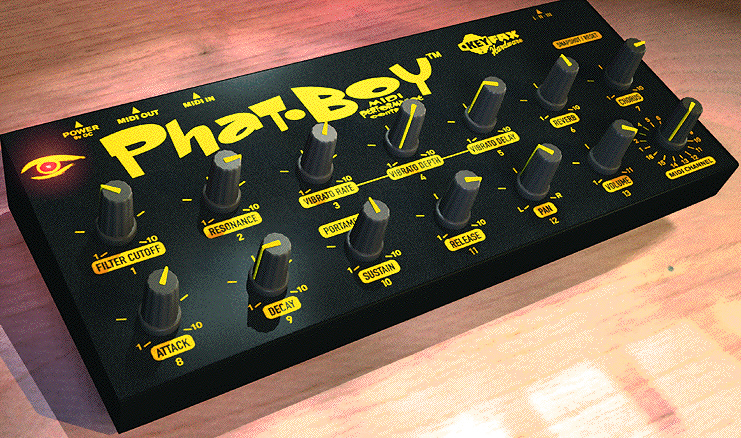
One of the first and best examples of a hardware controller that used these typical assignments was the Phat Boy by Keyfax.
If you look at the front panel of the Phat Boy and the list of controllers in the Default Controller Mapping Profile, you can see exactly how these things would work together. Channel Volume (Control Change 7), Pan (Control Change 10) are also included as well as the mapping for the physical devices listed in the MIDI 1.0 specification that include Mod Wheel, Breath Controller, Foot Controller, Damper, Sustenuto, Soft Pedal and Legato FootSwitch.
You can download the Default Control Mapping Profile HERE.
“Actually General MIDI was an example of what a Profile could do. GM was a defined set of responses to set of MIDI messages. But GM was done before the advent of the bi-directional communication enabled by MIDI-CI.
So in the MIDI 1.0 world, you sent out a GM On message, but you never knew if the device on the other side could actually respond to the message. There was no dialog to establish a connection and negotiate capabilities.
But bi-directional commmunication allows for much better negotiation of capabilities (MIDI -CI stands for Capabilities Inquiry after all).”
Here is a quote from the Executive Summary of the GM Function Block Profile.
The General MIDI specifications were written many years before MIDI 2.0 and the concept of MIDI Profiles enabled by MIDI-Capability Inquiry (MIDI-CI). General MIDI describes a minimum number of voices, sound locations, drum note mapping, octave registration, pitch bend range, and controller usage, thereby defining a given set of capabilities to expect in a given synthesizer which claims General MIDI compatibility. This document defines how to use General MIDI 2 as a MIDI-CI Profile.
This new definition allows all the capabilities of General MIDI 2 devices to be enabled or disabled using MIDI-CI Profile Configuration messages. The MIDI-CI Profile for General MIDI 2 defines bidirectional mechanisms for devices to discover whether General MIDI 2 functionality is available on a Receiver, enabling a more reliable and predictable result from the connection between two devices.
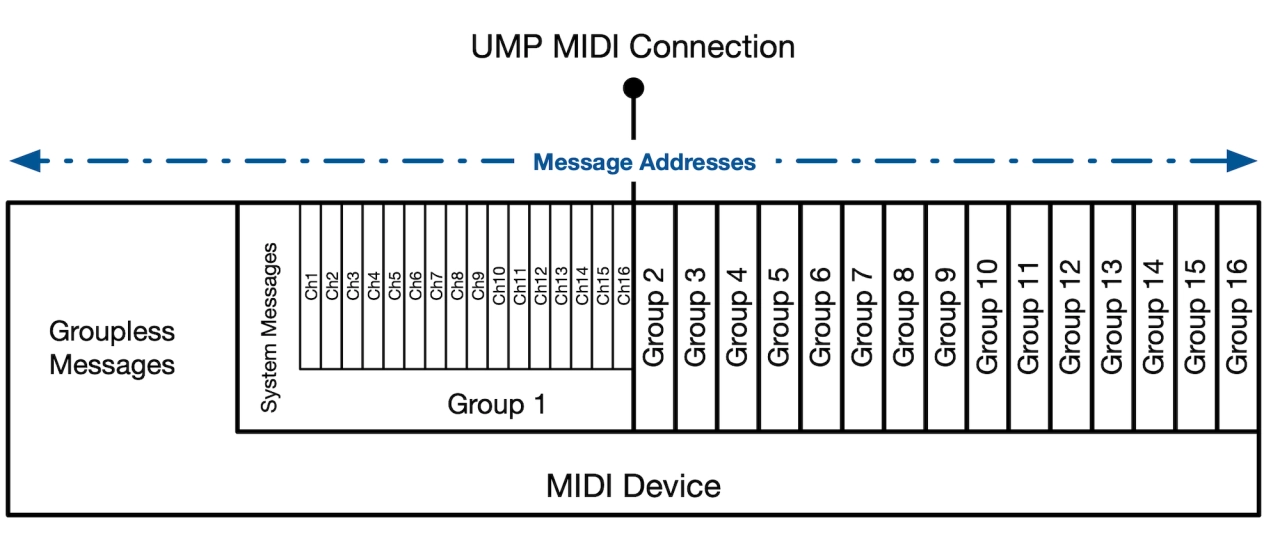
The GM Function Block Profile can set an entire set of 16 Channels to respond to GM2 messages, but because MIDI 2.0 has 16 Groups that can expand the functionality of MIDI beyond just 16 channels, a GM Function Block Profile could be used to set 32 or 48 channels to GM. Here is a quote from the spec.
“The MIDI-CI Profile for General MIDI 2 is a Function Block Profile (see the Common Rules for Profiles [MA04]). The Device ID: Source or Destination field in all MIDI-CI Profile Configuration messages for this GM2 Profile shall be set to 0x7F (Function Block).
The GM2 Profile supports 16 Channels on a Device connected by a MIDI 1.0 transport.
On a MIDI 2.0 transport using UMP Format, the Profile supports any multiple of 16 up to 256 Channels. When using the UMP Format, the number of Channels which will be used when the GM2 Profile is enabled is determined by the Function Block design of the Receiver. The Sender may discover the number of Channels in the Receiver’s Function Block(s) by mechanisms defined in the Universal MIDI Packet (UMP) Format and MIDI 2.0 Protocol specification [MA06].
When the Function Block spans 2 or more Groups, the rules of Channel usage from General MIDI 2 shall apply individually to each Group. For example, if the Profile is operating on Groups 7 and 8, Channel 10 of both Groups defaults to a Rhythm Channel and all other Channels default to a Melody Channel. See the General MIDI 2 specification [MA07] for rules of implementation for each set of 16 Channels (each Group).
As defined in the Common Rules for Profiles, if no Function Blocks are declared by the Receiver, then the Profile will operate on a single UMP Group (with 16 Channels) or on 16 Channels of a MIDI 1.0 connection.
You can download the GM function Block Profile HERE.
The GM Single Channel Profile
In addition to the Function Block Profile, we have added the ability to turn on GM on Single Channel.
General MIDI System Level 1 and General MIDI 2 specifications were written many years before the concept of MIDI Profiles enabled by MIDI-CI. The original specifications require support on all 16 MIDI channels. This document defines how to use MIDI-CI Profile Configuration Messages to implement the functions of a General MIDI 2 Melody Channel on a single channel.
This Single Channel GM Profile only supports the Melody Channel of GM2 as we have some other plans in the works for Drum and Percussion Profiles.
MPE Profile
Youtube Video of the MPE WG Presentation at NAMM 2024
MPE has been called by Geert Bevin, one of the major proponents of both the original MPE spec and the new MPE Profile as “the bridge between MIDI 1.0 and MIDI 2.0”. MPE uses channel rotation so that each Note can have it’s own MIDI Polyphonic Expression.
There are many MPe devices in the market and MIDI Association Member Roli has done a great job of pulling together information on all the products available.
Click on the link below to see a list of products that currently support MPE.
So what are the advantages that a Profile brings to the table? Just like GM, MPE had no bi-directional communication so two products couldn’t negotiate and share information about their capabilities.
Being able to let two products exchange information can greatly expand the interoperability between the products. We tried to add as much benefit as possible without fundementally changing how MPE currently works. Here is an Overview taken directly from the new MPE Profile Specification.
MPE Profile Overview
MPE Profile Functional Overview
The MPE Profile is a MIDI-CI Profile which conforms to the definition of a Multi-Channel Profile as defined in the M2-102-U Common Rules for MIDI-CI Profiles [MA04]
“Turning On and Enabling a Profile”. This overview summarizes the main elements of the MPE Profile specification, additional important details can be found in later sections.
MPE Profile is switched on and configured using the following messages:
MIDI-CI Profile Configuration mechanisms to setup the devices and enable the MPE Profile
Registered Controller/RPN [0x00, 0x00] to change the Pitch Bend Sensitivity from the default MPE Profile value of 48 HCUs, if desired or needed.
MPE offers per-note expressive control using the following messages:
Note On/Off
Pitch Bend
Channel Pressure or alternatively, bipolar Registered Controller/RPN [0x20, 0x20]
Third Dimension of Control using Control Change #74 or, alternatively, bipolar Registered Controller/RPN [0x20, 0x21]
MPE uses the following mechanisms to coordinate per-note control:
The range of Channels over which notes are sent and received can be set by enabling this Profile. The
MIDI Channel space can be divided into multiple Zones by enabling multiple MPE Profiles with non- overlapping Channels.
Each MPE Profile has a number of Member Channels for notes plus a dedicated extra Channel, called the Manager Channel, which conveys information common to all Active Notes in that Zone. The Manager Channel is always the lowest Channel in the Profile and is not used for notes.
Wherever possible, every note is assigned its own Channel for the lifetime of that note. This allows MPE messages to be addressed uniquely to that Active Note.
2.2 Differences Between MPE (v1.1) and this MIDI-CI Profile for MPE
There are a number of differences between MPE 1.1 and MPE Profile. Specifically:
The Profile is receiver centric. The receiver will report back the range of Channels that it can support, and the Sender will adapt.
The MPE 1.1 configuration parameter formerly set by RPN 6 (MCM), is now handled by enabling an MPE Profile using MIDI CI. See M2-102-U Common Rules for MIDI-CI Profiles [MA04].
Multiple Zones are realized by enabling multiple MPE Profiles with non-overlapping Channels.
The Manager Channel is always the lowest Channel in the Profile.
Notes sent on the Manager Channel are not defined by this Profile.
Because the Manager Channel is always the lowest Channel, the MPE 1.1 Upper Zone is not possible with an MPE Profile.
Profile Details Inquiry mechanism is used to determine the number of MIDI Channels which will be used by MPE and to discover the Receiver’s properties which are addressed by the MPE controls.
There is no need to send Pitch Bend Sensitivity to every individual Member Channel, it is sent to the Manager Channel only.
So here are a couple of points about the new MPE Profile.
The MPE Profile can be extended over more than 16 Channels
The MPE Profile can have multiple “Zones” because you can enable multiple Profiles as long as there are no overlapping channels. MPE is no longer limited to just 16 channels and 2 Zones.
Manager Channels and Member Channels clarify how Messages are used
The Profiles Detail Inquiry Message can discover optional features increasing interoperability between devices.
The following are defined as optional features:
MPE devices are not required to use all three core MPE Expression Controllers.
MPE devices may optionally and mutually exclusively use high resolution versions of Channel Pressure or Third Dimension of Control Section 4.5
MPE devices may optionally respond to Channel Response Type notification (Section 3.6.3)
You can download the MPE Profile Specification HERE.
Drawbar Organ Profile
About MIDI 2.0 Profiles
Several years ago, we showed this demo of several prototypes of the Drawbar Organ Profile and some people may wonder what ahs taken so long to pass the Drawbar Organ Specification. Actually several very key mechanisms had to be developed before developers would ready to implement Profiles.
First, we had to come up with and prototype the Profile Details Inquiry message. This mechanism allows two products to share what optional features are supported without having to make the user configure anything. Also we need to get the operating systems to implement new MIDI APIs to pass this messages.
Below is an image taken from the Drawbar Organ Single Channel Profile. You can see the level of detail that can included in a Profiel Details Inquiry. Once again, it is important to point out that these mechanisms are two MIDI products talking to each other and auto-configuring themselves.
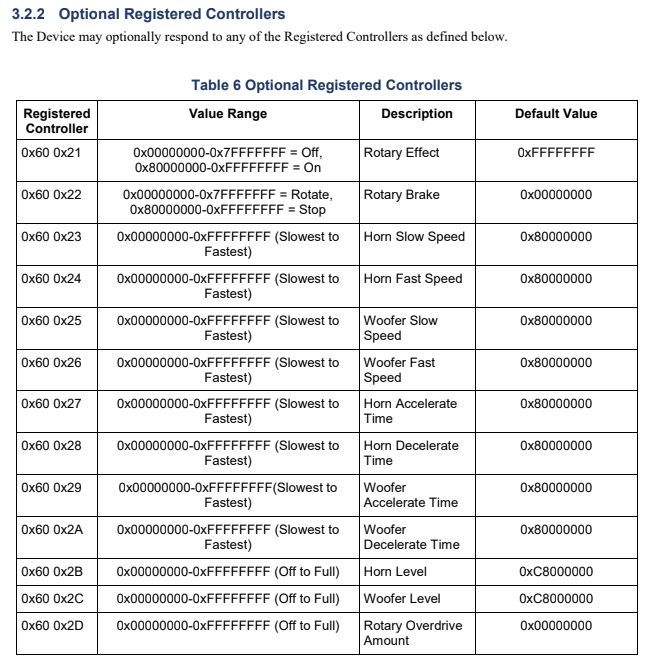
Rotary Speaker Profile Specification defines a common set of basic features and MIDI messages to control a rotary speaker. The typical model is a rotating speaker cabinet with a horn and woofer that rotate at different speeds. The Device that implements the specification might be a rotating speaker or an effects unit that emulates the sound of a rotating speaker. The goal of the specification is to encourage implementation of a chosen set of MIDI messages for control for the parameters that are most common to all such Devices.
Once again, once we had the right mechanisms in place, the Rotary Speaker is a very simple Profile.
Profile for Note On Selection of Orchestral Articulation
We are working on many Profiles, but we believe that the Note On Articulation could have significant impact on the way movies and games are scored in the future. Here are two Youtube videos.
The first is an overview of the Orchestral Articulation Profile and the second is the presentation from NAMM 2024 at The MIDI Association booth.
The Orchestral Articulation Profile Presentation at NAMM 2024
Executive Summary
There are many orchestral sample libraries in the market, and they are essential for film scoring, game audio, studio, and live MIDI applications. These orchestral libraries have many kinds of articulations.
For example, a string library might have a different set of samples for every articulation including marcato, staccato, pizzicato, etc.
However, there is no industry standard method-the method for selecting these different articulations has been different for each developer. Many developers use notes at the lower end of the MIDI note range for “key switching”, but the actual keys used are different between different developers. Some developers use CC messages to switch between articulations, but again there is no industry wide consistency. Some plugin formats now have the ability for per note selection of articulations, but again the method for inputting that data is different for different applications.
It is the goal of the MIDI-CI Profile for Note On Selection of Orchestral Articulation to provide a consistent way to encode articulation information directly in the MIDI 2.0 Note On message, using the Attribute Type and Attribute Data fields.
In arriving at this Profile, a study was made of orchestral instrument families, choir, big band instruments, guitar, keyboard instruments, and various non-western instruments to evaluate the degree to which they share common performance attributes and sound production techniques. Notation symbols and performance indications were also considered to determine, for example, how successfully a violin note marked with a trill might result in a musically meaningful or analogous articulation when the part is copied to an instrument as far afield as timpani— all without the composer having to re-articulate the timpani part, at least initially.
The Profile provides a comprehensive yet concise system of articulation mapping that includes a wide palette of articulation types and supports articulation equivalence across eight instrument categories.
The Profile was designed to offer articulation equivalence — a system of articulation mapping that allows a passage articulated for one instrument to be copied to another track and played back with an equivalent or analogous articulation, regardless of the target instrument type.
When implemented by sample library developers, the Profile will greatly aid composers in highly significant ways.
First, it will simplify the process of substituting or layering sounds from the same or different sample libraries;
Second, it will allow composers to quickly audition and orchestrate unison passages by copying an articulated part to other tracks and hear them to play back with equivalent or analogous articulations.
Here is a dopwnloadable PDF of the Orchestral Articulation Profile Overview.
We are working on several important Profiles that we hope to finish in the future near future.
The Orchestral Profile will be available for download soon.
The Camera Control Profile
Camera Control Profile Demo
Video has become the premier driver of many aspects of creative production and is now often an integral part of the music production process. Video Cameras are ubiquitous and have well-defined feature sets.
They can be roughly categorized in two groups- simple cameras with basic on/off, zoom, and focus and Pan, Tilt, Zoom cameras with either mechanical motors for moving the camera lens to focus on different objects or digital mechanisms for the same type of PTZ control.
The feature sets for these cameras are well defined, but there is no standardized control protocol. In fact, instead there are many different manufacturer specific protocols that all do very similar things. The Camera Control Working Group analyzed the various manufacturer specific protocols, determined what features had commonality and then defined the MIDI messages to control those features.
MIDI allows people to use off the shelf MIDI controllers to also control their cameras making it easier to integrate and use these products.
Adoption of the Profile might happen in one of two ways.
Software could be developed that translated MIDI messages into the various manufacturer specific protocols which would allow Profile support for cameras already in the market.
In the future, new cameras could be shipped with MIDI support for the Profile built-in.
The Piano Profile
Just last week, we had a joint meeting of the MIDI Association and AMEI working groups on the Piano Profile. AMEI companies that are participating are Yamaha, Roland, Korg and Kawai and The MIDI Association companies include Synthogy, Steinway, Piano Disc, Kurzweil.
The two videos that follow detail the work we have been doing on the Piano Profile and also a demo of the Profile featuring Scott Tibbs.
Goal of the Piano Profile
Piano Profile Demo at NAMM 2024 featuring Scott Tibbs
We’ve Been Busy
As Luther said when he gave the parking garage attendant a three year old parking garage ticket “I’ve been busy”. Yes, we have been very busy, but are starting to see the results of our work.
Our MIDI Association volunteers are continuing to work on new Profiles specifications including a DAW control profile and multiple effects profiles.
We just started a DAW working group which has the support of Apple (Audio Units), AVID( AAX), Bitwig (CLAP) and Steinberg (VST) so we have all the plug in format companies, multiple DAW and notation companies, and plug in developers all working together to ensure that MIDI 2.0 is handled correctly now that the operating systems have completed much of their work. We are planning a face to face meeting in Berlin before SuperBooth.
The Windows Open Source Driver and API is available to developers and Apple, Google and Linux continue to improve their support for MIDI 2.0.
So if you are developer, we hope you will join us by becoming a MIDI Association member or posting on the new public forum that has an area dedicated to developers.
If you are someone who uses MIDI, there are more and more MIDI 2.0 products in the market and we are confident that 2024 will prove to be a significant year in MIDI 2.0’s history.
MIDI Association members from Audio Modeling and Sound Without Sight present the Music Accessibility Standard Special Interest Group and their work to make music accessible to everyone. Adapted from the ‘Future of Music Accessibility’ session at the NAMM Show 2024.
Link to sign up for the MASSIG: https://midi.activehosted.com/f/37
Link to Sound Without Sight: https://soundwithoutsight.org/
Video chapters:
00:00 Introduction by Athan Billias and Jay Pocknell.
03:03 Useful definitions.
04:14 Why is accessibility important?
05:37 Why design inclusively?
07:12 Inclusion in music-making: the current situation.
09:05 Breaking the loop: what we can do together.
09:48 Practical inclusive design tips from Tim Yates (Drake Music).
16:32 Which companies are already supporting accessibility?
17:37 What needs to happen next?
19:09 The MIDI Association’s Music Accessibility Standard.
25:13 Q&A with Emanuele Parravicini (Co-Founder, Audio Modeling).
The Guthman Musical Instrument competition, The MIDI Innovation Awards and Music Tectonics joined forces to host an Innovation Meetup at Winter NAMM 2024. If you are interested in the latest music technology innovation, it’s an event you won’t want to miss!
Join us on Youtube for the Music Tectonics Innovation Meet Up at NAMM 2024.
Join us on Youtube for the Piano Profile Demo at NAMM 2024 featuring Roland Artist Scott Tibbs.
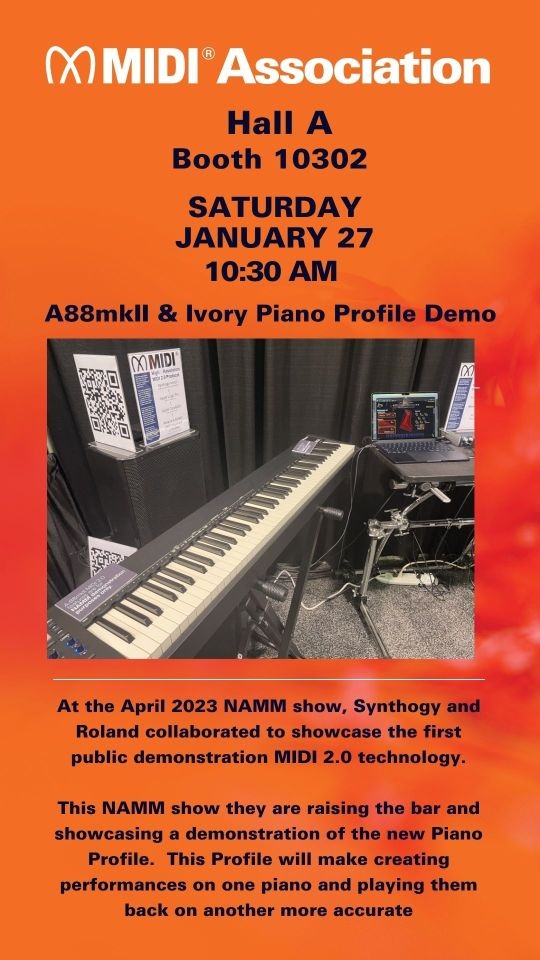
At the April 2023 NAMM show, Synthogy and Roland collaborated to showcase the first public demonstration MIDI 2.0 technology.
At the 2024 NAMM show they raised the bar again and showcased a demonstration of the new Piano Profile.
This Profile will make creating performances on one piano and playing them back on another more accurate.
Roland Product Specialist Scott Tibbs performed.
Scott has amassed a large body of music with numerous recording artists such as Beyoncé, Mary J. Blige, Howard Jones, Bruce Springsteen, Nelly, Lil’ Wayne, Jamie Fox, Robin Thicke, Bette Midler, Destiny’s Child, Jazmine Sullivan, Amerie, Jamie Foxx, Teddy Riley, Omar Hakim, Billy Cobham, and more.
Background
The piano is arguably the most important musical instrument in Western music traditions. It is essential to all styles of music from classical to jazz to pop, so when the MIDI Association started to develop Profiles, a Piano Profile was at the top of the list.
This piano Profile is focused on Acoustic Pianos with mechanical key mechanisms driven by MIDI, Digital Acoustic Piano Tone Generators (both hardware and software), and physical MIDI keyboards that send MIDI messages and the most common of all – Digital Pianos which incorporate both Digital Acoustic Piano Tone Generators and physical MIDI keyboard. The Profile does not address electro-mechanical pianos or the extended features of digital ensemble pianos.
Goals
The goal is a Piano Profile that defines the MIDI Messages and bi-directional MIDI-CI communication necessary to allow the performance of an acoustic piano piece on one device that supports the Piano Profile to be accurately rendered on any other device which also supports the Profile.
The Piano Profile defines the MIDI Messages and bi-directional MIDI-CI communication necessary to allow the performance of an acoustic piano piece on one device that supports the Piano Profile to be accurately rendered on any other device which also supports the Profile.
The Profile provides support for remote (over the internet) performance.
The Piano Profile details what information needs to be included in a Standard MIDI File (SMF2) and the mechanisms needed to accurately reproduce a piano performance from a file.
The Piano Profile addresses the following use cases:
Piano + tone generator (the most typical MIDI 1.0 use case)
Online live broadcasting of piano performances
Online lessons with a teacher and student
MIDI Streaming of recorded piano performances
Music production (use of the Piano Profile with DAWs)
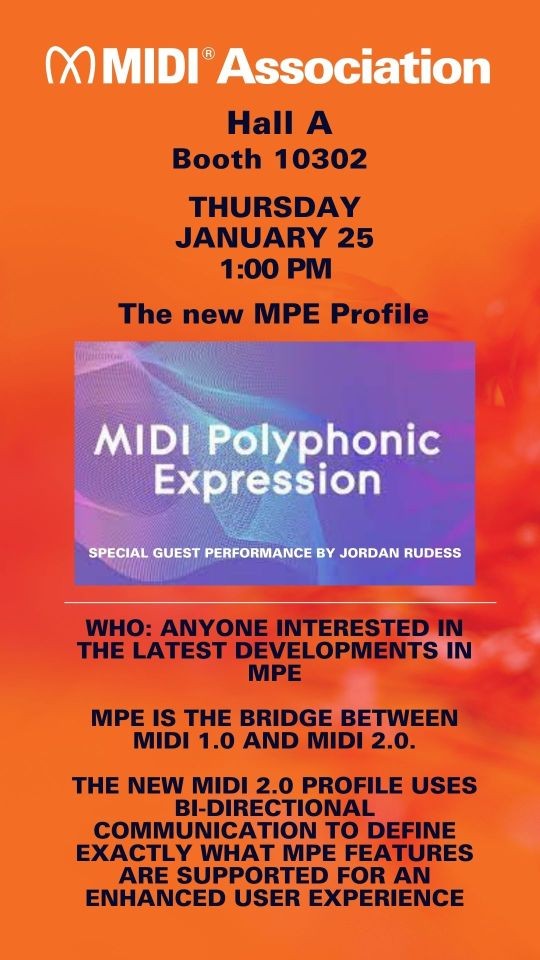
MPE is the bridge between MIDI 1.0 and MIDI 2.0. The new MIDI 2.0 Profile uses bi-directional communication to define exactly what MPE features are supported for an enhanced user experience.
The MIDI-CI Profile for MIDI Polyphonic Expression (MPE) specification makes it possible for artists to perform independent gestures for each musical note, with up to three dimensions of expression. With MPE, every note a musician plays can be articulated individually for much greater expressiveness.
MPE has broad support from many DAWs, Synthesizers and Controllers.
The MIDI-CI Profile for MIDI Polyphonic Expression (MPE) specification defines an MMA/AMEI Recommended Practice for hardware and software manufacturers to communicate multidimensional control data between MIDI controller instruments, synthesizers, digital audio workstations, and other products, using MIDI messages.
The specification describes a recommended way of using individual MIDI Channels to achieve per-note control, enabling richer communication between increasingly expressive MIDI hardware and software.
Join us viewing The MPE Profile NAMM 2024 with a performance by Jordan Rudess.
Members of the SMF2 Working Group discussed their progress at the Winter NAMM Show 2024. The MIDI Clip file has already been adopted. Many messages things that used to be meta events now have been put into the UMP protocol so chords, lyrics, song and copyright information can now be sent “over the wire”.
The MIDI Clip File Specification defines a file format for MIDI sequences using the Universal MIDI Packet data format. MIDI 2.0 introduced the Universal MIDI Packet, a data format which supports all the original MIDI 1.0 Protocol messages as well as all MIDI 2.0 Protocol messages. The MIDI Clip File serves a role which is similar to the version 1 Standard MIDI File Type 0, with all data in a single sequence of Universal MIDI Packet messages.
This MIDI Clip File Specification will have a complementary specification, the MIDI Container File specification which will be similar to the version 1 Standard MIDI File Type 1.
The MIDI Container File will support the Universal MIDI Packet data format by containing one or more MIDI Clip Files, arranged in one or more tracks. It may also include notation, audio and video data.
This specification could impact any company that publishes digital data.
Join us on Youtube for the SMF2 Discussions at Winter NAMM 2024
Pete Brown from Microsoft gave a talk at Winter NAMM 2024.
This Microsoft project is the next-generation MIDI API for Windows, including MIDI 1.0, MIDI CI, and MIDI 2.0. It includes enhancements, a new USB class driver, new transports, and a suite of essential tools. The project adds many enhancements and bug fixes to our MIDI 1.0 support, and importantly adds support for the latest revisions to MIDI CI and MIDI 2.0 as approved by The MIDI Association.
The open source USB MIDI 2.0 driver has been generously donated by AMEI, the Association of Musical Electronics Industry, and developed by AmeNote ™️ in partnership with Microsoft. Please see the file headers for any additional copyright notices. A huge thank you to AMEI and its member companies for making this happen!
This is an official Microsoft project. Although Microsoft is an active member of the MIDI Association, and Pete Brown is the chair of the MIDI Association Executive Board, and other contributors are on standards boards, this project is not affiliated with the MIDI Association other than as a consumer of and contributor to the standards. Affiliation with AMEI is disclosed above.
The MIDI 2.0 Workbench is a free tool to help developers develop, debug (and deploy) MIDI 2.0 Applications and Devices. It runs on Windows, Mac and Linux. The Workbench connects to your device or software, to test various MIDI 2.0 implementation features against official specifications. The MIDI 2.0 Workbench is the only automated tool that generates the MIDI 2.0 Compliance Checklist required to license the MIDI 2.0 Logo from the MIDI Association. The MIDI 2.0 Workbench is currently available as source code for you to compile. We will release binaries shortly.
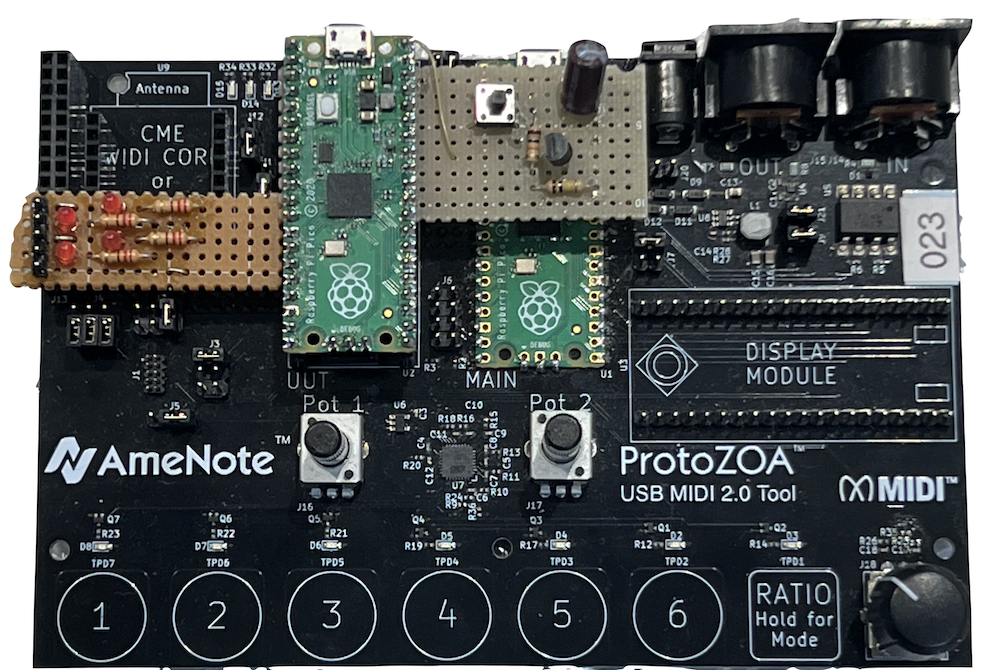
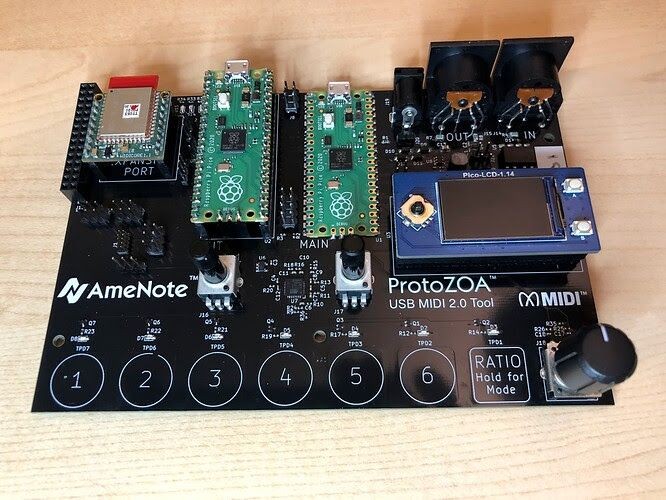
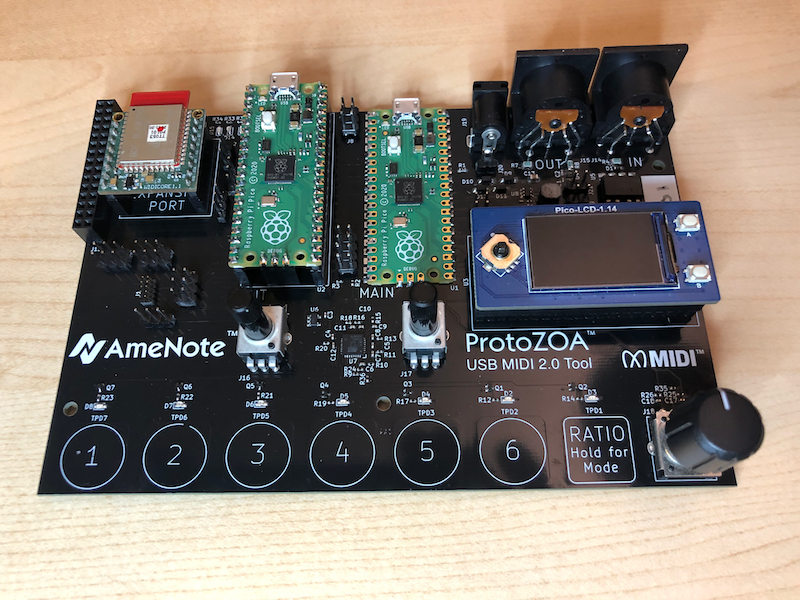
AmeNote ProtoZOA and USB MIDI 2.0 Device
The AmeNote ProtoZOA hardware platform is a flexible prototyping tool for MIDI 2.0 and is the standard testing device chosen by and funded in part by the MIDI Association. Open source firmware provides MIDI 2.0 interfaces and functions for developers to use in their own hardware and software products. ProtoZOA provides a USB MIDI 2.0 Class Compliant Device on a Raspberry Pico, designed specifically to jump-start prototyping and validation of Universal MIDI Packet (UMP) functions and fuel the MIDI 2.0 revolution. ProtoZOA integrates closely with the MIDI 2.0 Workbench.
Tiny USB MIDI 2.0 Device
This is a Tiny USB Device driver for USB MIDI 1.0 and USB MIDI 2.0 as a unified device. Allows implementor to create hardware MIDI devices which are fully compliant with USB Device Class specifications. Includes the fallback mechanism from 2.0 to 1.0 as defined in USB MIDI 2.0.
USB MIDI 2.0 Descriptor Builder
This is tool for easily creating valid descriptors for USB MIDI 2.0 Devices, which are so easy to get wrong. Fill in properties in a form to generate an output of the necessary descriptors. Supports the tusb_ump library, a USB Device used in the ProtoZOA, and the Linux MIDI2 Gadget Driver.
ni-midi2
The library provides the basic functionality of UMP 1.1 and MIDI-CI 1.2 by providing base classes for all UMP 1.1 packet types, (Universal) System Exclusive messages and MIDI-CI messages. There are concrete types for controllers, velocity and pitch, plus type aliases for common message field types. Mathematical operators allow to do integer / fixed point math on pitches and controllers, type constructors allow initialization with values of different resolution. Conrete instances of packets or messages are created using factory functions. Incoming packets and messages are inspected using data views. The library is completed by a number of helper functionalities dealing with conversion from / to MIDI 1 byte stream data format, collecting sysex messages and more.
AM_MIDI2.0Lib
This is a general purposes Library for building MIDI 2.0 Devices and Applications. This library is targeted to work on everything from Arduinos through to large scale applications. It provides foundational building blocks, processing, and translations needed for most MIDI 2.0 Devices and Applications.
*Note: This MIDI2 Developer Collaboration is not a project of the The MIDI Association, but was founded by key participants in the development of MIDI 2.0, working as members of the MIDI Association. The MIDI 2.0 Logo is a registered trademark of the MIDI Association, used under license. The M2 Logo is a trademark of the MIDI2 Developer Collaboration at MIDI2.dev.
Join us on Youtube for the Open Source Code for MIDI 2.0 At Winter NAMM 2024 panel discussion.
MIDI Association member Embodme presents a performance by DeLaurentis, one of the few rare electronic music producers and artists who manage to convey pure emotion by using machines to manipulate the voice.
Her electro-cinematic music is both soft and powerful, clear and obscure: relentlessly effective and bewitching.
Join us for the YouTube Premier of DeLaurentis’ performance at Winter NAMM 2024.
In the last few months, a number of MIDI 2.0 capable products have been released into the market.
Here is an alphabetical list including the company name, product name, type of product and the MIDI 2.0 feature supported.
Company
Product Name
Product Type
MIDI 2.0 Features
Amenote
Protozoa
MIDI 2.0 Development Platform
USB MIDI 2.0 and MIDI 2.0 VCM, MIDI-CI, Property Exchange ProgramList, MIDI 2.0 VCM with Articulations
Apple
Logic
DAW
MIDI 2.0 CVM. Can be passed to AU plugins
BomeBox
Bome
Interface Box
KissBox
UMP2TR
Interface Box
Network UMP / Serial UMP gateway
KissBox
IO3CC / IO8CC
MIDI controller I/O system
Network UMP / CVM
Korg
Keystage
Controller
MIDI-CI, Property Exchange Via Manufacturer Specific Property Exchange, ChannelList
Korg
OPSix Native (v1.1.0)
Standalone App
MIDI-CI, Property Exchange Via Manufacturer Specific Property Exchange, ChannelList
Korg
Wavestate Native
Standalone App
MIDI-CI, Property Exchange Via Manufacturer Specific Property Exchange, ChannelList
MultitrackStudio
MultitrackStudio
DAW
USB MIDI 2.0 and MIDI 2.0 VCM, MIDI-CI, Property Exchange Program List, MIDI 2.0 VCM with Articulations
Native Instruments
Kontrol S-Series MK3
Controller
USB MIDI 1.0 VCM, MIDI-CI, Property Exchange ChannelList
PACE
JUCE
SDK
MIDI-CI
Roland
A88 MKII
Controller
High Resolution Velocity
Sound Magic
Supreme Drums Taiko
AU/VST Plugin
High Resolution Velocity
Steinberg
Cubase 13
DAW
Translates some MIDI 2.0 messages into VST3 format, Ready for MIDI 2.0
With support for high resolution velocity, CC, aftertouch, pitch bend, and poly pressure data, Cubase 13 is ready for the widespread adoption of MIDI 2.0.
Steinberg
Nuendo 13
DAW
MIDI 2.0 support, including high-resolution velocity, CC, aftertouch, pitch bend, and poly pressure data
At the April 2023 NAMM show, Synthogy and Roland collaborated to showcase the first public demonstration MIDI 2.0 technology.
This NAMM show they are raising the bar and showcasing a demonstration of the new Piano Profile.
This Profile will make creating performances on one piano and playing them back on another more accurate.
Roland Product Specialist Scott Tibbs will perform.
Scott has amassed a large body of music with numerous recording artists such as Beyoncé, Mary J. Blige, Howard Jones, Bruce Springsteen, Nelly, Lil’ Wayne, Jamie Fox, Robin Thicke, Bette Midler, Destiny’s Child, Jazmine Sullivan, Amerie, Jamie Foxx, Teddy Riley, Omar Hakim, Billy Cobham, and more.
Background
The piano is arguably the most important musical instrument in Western music traditions. It is essential to all styles of music from classical to jazz to pop, so when the MIDI Association started to develop Profiles, a Piano Profile was at the top of the list.
This piano Profile is focused on Acoustic Pianos with mechanical key mechanisms driven by MIDI, Digital Acoustic Piano Tone Generators (both hardware and software), and physical MIDI keyboards that send MIDI messages and the most common of all – Digital Pianos which incorporate both Digital Acoustic Piano Tone Generators and physical MIDI keyboard. The Profile does not address electro-mechanical pianos or the extended features of digital ensemble pianos.
Goals
The goal is a Piano Profile that defines the MIDI Messages and bi-directional MIDI-CI communication necessary to allow the performance of an acoustic piano piece on one device that supports the Piano Profile to be accurately rendered on any other device which also supports the Profile.
The Piano Profile defines the MIDI Messages and bi-directional MIDI-CI communication necessary to allow the performance of an acoustic piano piece on one device that supports the Piano Profile to be accurately rendered on any other device which also supports the Profile.
The Profile provides support for remote (over the internet) performance.
The Piano Profile details what information needs to be included in a Standard MIDI File (SMF2) and the mechanisms needed to accurately reproduce a piano performance from a file.
The Piano Profile addresses the following use cases:
Piano + tone generator (the most typical MIDI 1.0 use case)
Online live broadcasting of piano performances
Online lessons with a teacher and student
MIDI Streaming of recorded piano performances
Music production (use of the Piano Profile with DAWs)
MIDI Association members from Audio Modeling, Arturia, Native Instruments, and The Royal Institute for the Blind will discuss the Music Accessibility Special Interest group and their work to make music accessible to everyone
The MIDI 2.0 Workbench is a free tool to help developers develop, debug (and deploy) MIDI 2.0 Applications and Devices. It runs on Windows, Mac and Linux. The Workbench connects to your device or software, to test various MIDI 2.0 implementation features against official specifications. The MIDI 2.0 Workbench is the only automated tool that generates the MIDI 2.0 Compliance Checklist required to license the MIDI 2.0 Logo from the MIDI Association. The MIDI 2.0 Workbench is currently available as source code for you to compile. We will release binaries shortly.
AmeNote ProtoZOA and USB MIDI 2.0 Device
The AmeNote ProtoZOA hardware platform is a flexible prototyping tool for MIDI 2.0 and is the standard testing device chosen by and funded in part by the MIDI Association. Open source firmware provides MIDI 2.0 interfaces and functions for developers to use in their own hardware and software products. ProtoZOA provides a USB MIDI 2.0 Class Compliant Device on a Raspberry Pico, designed specifically to jump-start prototyping and validation of Universal MIDI Packet (UMP) functions and fuel the MIDI 2.0 revolution. ProtoZOA integrates closely with the MIDI 2.0 Workbench.
Tiny USB MIDI 2.0 Device
This is a Tiny USB Device driver for USB MIDI 1.0 and USB MIDI 2.0 as a unified device. Allows implementor to create hardware MIDI devices which are fully compliant with USB Device Class specifications. Includes the fallback mechanism from 2.0 to 1.0 as defined in USB MIDI 2.0.
USB MIDI 2.0 Descriptor Builder
This is tool for easily creating valid descriptors for USB MIDI 2.0 Devices, which are so easy to get wrong. Fill in properties in a form to generate an output of the necessary descriptors. Supports the tusb_ump library, a USB Device used in the ProtoZOA, and the Linux MIDI2 Gadget Driver.
ni-midi2
The library provides the basic functionality of UMP 1.1 and MIDI-CI 1.2 by providing base classes for all UMP 1.1 packet types, (Universal) System Exclusive messages and MIDI-CI messages. There are concrete types for controllers, velocity and pitch, plus type aliases for common message field types. Mathematical operators allow to do integer / fixed point math on pitches and controllers, type constructors allow initialization with values of different resolution. Conrete instances of packets or messages are created using factory functions. Incoming packets and messages are inspected using data views. The library is completed by a number of helper functionalities dealing with conversion from / to MIDI 1 byte stream data format, collecting sysex messages and more.
AM_MIDI2.0Lib
This is a general purposes Library for building MIDI 2.0 Devices and Applications. This library is targeted to work on everything from Arduinos through to large scale applications. It provides foundational building blocks, processing, and translations needed for most MIDI 2.0 Devices and Applications.
*Note: This MIDI2 Developer Collaboration is not a project of the The MIDI Association, but was founded by key participants in the development of MIDI 2.0, working as members of the MIDI Association. The MIDI 2.0 Logo is a registered trademark of the MIDI Association, used under license. The M2 Logo is a trademark of the MIDI2 Developer Collaboration at MIDI2.dev.
This project is the next-generation MIDI API for Windows, including MIDI 1.0, MIDI CI, and MIDI 2.0. It includes enhancements, a new USB class driver, new transports, and a suite of essential tools. The project adds many enhancements and bug fixes to our MIDI 1.0 support, and importantly adds support for the latest revisions to MIDI CI and MIDI 2.0 as approved by The MIDI Association.
The open source USB MIDI 2.0 driver has been generously donated by AMEI, the Association of Musical Electronics Industry, and developed by AmeNote ™️ in partnership with Microsoft. Please see the file headers for any additional copyright notices. A huge thank you to AMEI and its member companies for making this happen!
This is an official Microsoft project. Although Microsoft is an active member of the MIDI Association, and Pete Brown is the chair of the MIDI Association Executive Board, and other contributors are on standards boards, this project is not affiliated with the MIDI Association other than as a consumer of and contributor to the standards. Affiliation with AMEI is disclosed above.
The MIDI Association booth (Booth 10302 at the front of Hall A) at Winter NAMM 2024 is very different than our booths in years past.
It is larger with a 30′ by 30′ footprint. A 10′ by 30′ area will be divided into thirds with displays of MIDI 2.0 products, a MIDI Showcase stage for presentations/performances and an area focused on our MIDI In Music Education, Music Accessibility Standard and Interactive Audio Special Interest Groups. But 75% of the booth is dedicated to 50 seats each with a set of wireless headphones so people can come and comfortably watch and listen to presentations and performances.
We also have Booth 10604 which is a 10′ by 10′ booth shared between Intuitive Instruments who won the Commercial Hardware category in The MIDI Innovation Awards in 2023 and the other MIDI Innovation Award winners
Audio Modeling- Camelot Pro
Hitar- augmented guitar for percussive fingerstyle
Sound Sculpture-an interactive musical instrument comprised of 25 location-aware cubes
Studio 108 is a small meeting space for private meetings during the show.
We are being helped again this year by Jennifer Amaya, Associate Professor of Music at the Riverside City College Coil School for the Arts and member of The MIDI In Music Education Special Interest Group.
We will have 70 students helping with all aspects of the booth including running the Yamaha TF3 digital mixer.
We have put together over 20 different presentations and performances highlighting the innovative power of creating music and art with MIDI.
Below is a listing of all the presentations we have planned. The list starts with a Youtube video summary of the each day’s events and then includes the details of each individual event.
Each day ends with a solo performance by one of the artists who performed in our MIDI@40 celebration at the April 2023 NAMM show on the Yamaha Grand Plaza stage.
Thursday, January 25
Friday, January 26
Saturday, January 27
Sunday, January 28
Full Four Day Schedule (3 minutes and 38 seconds)
MIDI Association Companies at NAMM
37 MIDI Association companies will have booths at the 2024 Winter NAMM show.
Many are in the MIDI showcase area, but there are plenty who are spread around the show in different areas including some of the larger companies like Avid, Steinway and Yamaha.
Here is an alphabetical list of The MIDI Association companies at the 2024 Winter NAMM show with their booth numbers.
We recently sent out a survey about our NAMM plans and one of the interesting comments came from a developer.
I’ve been following up with the development of MIDI 2.0 for a long time as an open source developer. Not having open tooling to validate the development is really sad and delays adoption by the community. Why didn’t you open the MIDI workbench or some other tooling to help developers simulate devices, inspect communications and validate our software/hardware yet?
from the recent MIDI Association survey
The MIDI Association and our members agree. After much internal discussion, we decided the best way to accomplish this goal was to have a number of our members create a website specifically for open source resources.
Key contributors to the MIDI 2.0 specification open a new website and github with open source resources for developing MIDI 2.0 products.
Mike Kent, chair of the MIDI 2 Working Group, his partner Michael Loh, chair of the OS API Working Group, Andrew Mee, recently elected Technical Standard Board member and Chair of the Developer Support Working group, and Franz Detro of Native Instruments formed a consortium of individuals whose aim is to promote the adoption of MIDI 2.0 by providing tools and libraries useful to developers. Resources include C++ Libraries, USB helpers, testing applications, and more from leading contributors to the MIDI 2.0 specifications.
Here is an overview of the resources available at https://midi2.dev/. These are available under permissive open-source licenses.
MIDI WORKBENCH MIDI 2.0 TESTING AND COMPLIANCE TOOL
The MIDI Workbench MIDI 2.0 is a Standalone Electron Application for complete MIDI 2.0 environment. This workbench uses UMP internally and translates MIDI 1.0 (including MPE) to and from MIDI 2.0.
This Project aims to follow the current public MIDI specifications. This project is supported and copyrighted by Yamaha Corporation 2020 and provided under an MIT license.
AmeNote ProtoZOA
AmeNote ProtoZOA is a flexible prototyping tool for MIDI 2.0. Open source firmware provides MIDI 2.0 interfaces and functions for developers to use in their own hardware and software products.
MIDI 2.0 with MIDI-CI Discovery
USB MIDI 2.0 Class Compliant Device
Universal MIDI Packet Data Format
MIDI 1.0 <-> MIDI 2.0 Translation
MIDI 1.0 Input / Output Ports
Expansions for MIDI 2.0 UMP Network, A2B Network, CME BLE MIDI, SPI, UART
Open-Source Code on Raspberry Pico
PicoProbe for integrated debugging
AmeNote developed and provides a USB MIDI 2.0 Class Compliant Device on ProtoZOA, designed specifically to jump-start prototyping and validation of UMP functions and fuel the MIDI 2.0 revolution. ProtoZOA encourages speedier adoption of MIDI 2.0 by:
Providing an affordable, flexible prototyping platform to enable software and hardware developers to start testing and prototyping MIDI 2.0.
Providing a testing platform which connects via the USB MIDI 2.0 drivers recently released by Apple and Google and a test tool for Microsoft as AmeNote develops Windows host drivers.
Provide USB MIDI 2.0 source code that other hardware developers can use under a no-charge permissive license.
The MIDI Association helped to fund the development of the Protozoa and made it available to dues-paying members of the MIDI Association and the Association of Musical Electronics Industry. Some 60+ member companies have been using ProtoZOA for over a year. Now AmeNote is making ProtoZOA available to all non-member developers.The Protozoa is available for purchase on the Amenote website in a variety of configurations.
This is a general purposes Library for building MIDI 2.0 Devices and Applications. This library is targeted to work on everything from Arduinos through to large scale applications. It provides foundational building blocks, processing, and translations needed for most MIDI 2.0 Devices and Applications.
ni-midi2
The library provides the basic functionality of UMP 1.1 and MIDI-CI 1.2 by providing base classes for all UMP 1.1 packet types, (Universal) System Exclusive messages and MIDI-CI messages. There are concrete types for controllers, velocity and pitch, plus type aliases for common message field types. Mathematical operators allow to do integer / fixed point math on pitches and controllers, type constructors allow initialization with values of different resolution. Conrete instances of packets or messages are created using factory functions. Incoming packets and messages are inspected using data views. The library is completed by a number of helper functionalities dealing with conversion from / to MIDI 1 byte stream data format, collecting sysex messages and more.
AmeNote tusb_ump Device Driver for tinyUSB
AmeNote Universal MIDI Packet (UMP) USB MIDI 2.0 / USB MIDI 1.0 Class Driver for tinyUSB Device
As part of the midi2.dev community and with the intention of contributing back to tinyUSB, AmeNote is providing a class driver for USB MIDI (either 1.0 or 2.0) for tinyUSB USDB Device integrations. With the correct descriptors and configuration, the driver will enable embedded devices using the tinyUSB embedded library.
The driver is compatible with hosts selecting either USB MIDI 2.0 or USB MIDI 1.0 standard. If USB MIDI 1.0, the driver will translate between USB MIDI 1.0 and UMP packets. All embedded applications will interface using UMP packet data structure as a series of 32-bit words.
TODO: Example code and integration guide will be provided
usbMIDI2DescriptorBuilder
Andrew Mee has created a tool to help correctly build USB descriptors. USB descriptors can be quite difficult for developers to get right and this tool will create USB MIDI 2.0 Descriptors for the tinyUSB and Linux MIDI2 Gadget Driver.
These MIDI 2.0 developer resource efforts highlight what is truly unique about the MIDI Association.
Since MIDI’s genesis, companies that are traditionally fierce competitors have chosen cooperation as the best way to solve difficult problems—and to contribute those solutions at no charge back to the global community, for the benefit of musicians, artists, and engineers everywhere.
If you are developer of MIDI products, you will definitely want to check out this in depth look at the significant upgrades happening to MIDI in an upcoming version of Windows from Microsoft MIDI evangelist and chair of The MIDI Association Exec Board Pete Brown.
In the last part we created a simple set of USB MIDI 2.0 descriptors for a synthesizer. The “ACMESynth” at this stage has one function, the “Monosynth”, and a USB MIDI 2.0 Group Terminal Block was declared for this function.
In this second guide we will cover:
UMP Discovery handling
Function Blocks and how to expand them
UMP Discovery Handling
Our hypothetical ACMESynth is designed to be used primarily as a tone generator connected to a DAW. The goals of discovery are:
We want the DAW to know which UMP Group is in use and information about this Group.
We want the DAW or Operating System (OS) to use MIDI 2.0 Channel Voice messages. (Another article will cover handling of MIDI 1.0 Protocol, MIDI 2.0 Protocol, and translation.)
We want the USB device to provide names and identifiers so that the DAW can store local information about the ACMESynth to help the user when they reload a DAW session.
The UMP and MIDI 2.0 Protocol ver 1.1 specification defines discovery mechanisms so that devices can interrogate each other and present the user options on the best way to connect to a device to achieve the goals listed above.
Note: MIDI-CI is used additionally to discover more information about a device which we will be discussing in another article.
Our device needs to be able to respond to the following Groupless messages:
Endpoint Discovery Message
Stream Configuration Request
Function Block Discovery Message
Let’s relook at the data work our ACMESynth and add the Device Identity data we need:
Detail
Value
Manufacturer Name
“ACME Enterprises”
Product Name
“ACMESynth”
Product Instance Id
“ABCD12345”
Protocol
MIDI 2.0 Protocol (with a fallback to MIDI 1.0 Protocol)
Manufacturer SysEx Id
0x7E 0x00 0x00This example uses the Research Manufacturer System Exclusive Id set by MIDI Association. This System Exclusive Id is often shown as a single byte. However in many MIDI 2.0 Messages single byte id’s are transmitted using 3 bytes. Manufacturers should contact the MIDI Association to get their own Id.
Model Family Id
0x01 0x00
Model Id
0x11 0x22Family Id and Model Id are defined by the Manufacturer and often messages define that these are LSB first. Please review MIDI Specifications for a detailed explanation.
Version
0x01 0x00 0x00 0x00
Function 1
Function 1 Name
“Monosynth”
Function 1 Channels Needed
1 Channel at a time used bidirectionally
Note: This guide shows UMP messages similar to the UMP and MIDI 2.0 Protocol specification. It is recommended that developers use a library such as my AM_MIDI2.0Lib C++ library or ni-midi2 library to help with parsing and creating the UMP messages correctly.
Responding to the Endpoint Discovery Message
One of the first UMP messages that your device may receive is the Endpoint Discovery Message. This example is asking for all information available about the UMP Endpoint.
Endpoint Info Notification Message (filter & 0b1 == true)
In response to the above message, the ACMESynth formulates an Endpoint Info Notification Message:
The Endpoint Info Notification is declaring that the ACMESynth supports both MIDI 1.0 and MIDI 2.0 Protocols and that it has one static Function Block. This is reflected by the Group Terminal Block discussion in part 1.
In response to the above message, the ACMESynth formulates an Device Identity Notification Message:
Endpoint Name Notification Message (filter & 0b100 == true)
In response to the above message, the ACMESynth formulates an Endpoint Name Notification Message:
Product Instance Id Notification Message (filter & 0b1000 == true)
In response to the above message the ACMESynth formulates a Product Instance Id Notification Message:
Stream Configuration Notification Message:
While the Endpoint Info Notification messages inform the other UMP Endpoint of its support for different Protocols and JR Timestamps, the Stream Configuration Notification informs the other UMP Endpoint of its current Protocol and JR Timestamp configuration.
In our startup state of the ACMESynth it will be using MIDI 1.0 Protocol. JR Timestamp is not supported so it will set this to off.
Responding to the Stream Configuration Request
The device connected to the ACMESynth may wish to change from MIDI 1.0 Protocol to MIDI 2.0 Protocol. It achieves this be sending a Stream Configuration Request:
If ACMESynth agrees with this change then it will change its Protocol in use an send a Stream Configuration Notification Message in response:
If ACMESynth was unable to change with the Protocol change it should send a response with the Protocol set to 0x01.
Responding to the Function Block Discovery
The Endpoint Info Notification message declares how many Function Blocks ACMESynth has. A separate message is received that asks us to respond with the Function Block information:
The Function Block Number (FB#) could have also been 0x00 to represent the first (and only) Function Block. This request is also asking to return both the Info and the Name of the Function Block. This request result in two replies:
Function Block Info Notification
This Function Block is providing the direction (0xb11 – bidirectional), an indication if the Function block represents a MIDI 1.0 (0b00 – Not MIDI 1.0) and Groups in use.
As Function Blocks provide more information than USB Group Terminal Blocks it also provides
a UI Hint (0b01 – primarily a Receiver or destination for MIDI messages) – While our Monosynth supports bidirectional MIDI Messages, it mainly acts as a Tone Generator. A DAW can look at this field and have a better understanding and representation of the Devices connected.
a the MIDI-CI Version (0x00 none or unknown) – currently set to none. Later articles will look at MIDI-CI support and how this value is affected.
Max number of SysEx8 Streams – Our Monosynth does not support SysEx8 so this is set to zero.
Function Block Name Notification
Function Blocks and How to Expand Them
So far in the ACMESynth we have only declared a single Monosynth function. However many devices may require more than one function. Let’s take our device and add 2 more functions, a “MIDI IN” Din Port, and a “MIDI OUT” Din Port:
Let’s assume that the reason to add these functions is that we want our MIDI Application to use these DIN ports as a USB MIDI Adaptor for external MIDI 1.0 gear.
Our table of functions for the ACMESynth now looks like:
Detail
Value
Function 1
Function 1 Name
“Monosynth”
Function 1 Channels Needed
1 Channel at a time used bidirectionally
Function 1 Groups used
Only one Group is used on Function 1
Function 2
Function 2 Name
“MIDI IN”
Function 2 Channels Needed
16 Channel at a time may used in one direction (inwards)
Function 2 Groups used
Only one Group is used on Function 2
Function 3
Function 2 Name
“MIDI OUT”
Function 3 Channels Needed
16 Channel at a time may used in one direction (outwards)
Function 3 Groups used
Only one Group is used on Function 3
By making this change our Endpoint Info Notification Message should declare three Function Blocks:
And our Function Block Info Notification and Function Block Name messages also needs to handle the two new Function Blocks:
Function Block 2: Function Block Info Notification
Pay attention to the settings of MIDI 1.0, UI hint and Direction fields. For this Function Block we have set the direction as Input and the UI Hint also as Input.
Function Block 3: Function Block Info Notification
Function Block 3: Function Block Name Notification
What about the USB Group Terminal Blocks?
To make the USB Group Terminal Blocks reflect our new set of static Function Blocks we should extend the Group Terminal Block descriptor from part 1 (which already contained a bidirectional Group Terminal Block for the Monosynth) with the following:
Detail
Meaning
Value
bGrpTrmBlkID
Block Id
2
bGrpTrmBlkType
Block Type
0x01 – IN Group Terminals Only
nGroupTrm
Group Terminal Block Start
0x01 – Group 2
nNumGroupTrm
Number of Group Blocks
1
iBlockItem
Function 2 Name
Id of String Descriptor Referenced Value – “MIDI IN”
bMIDIProtocol
Block Protocol*
0x01 (MIDI 1.0 Protocol)
Detail
Meaning
Value
bGrpTrmBlkID
Block Id
3
bGrpTrmBlkType
Block Type
0x02 – OUT Group Terminals Only
nGroupTrm
Group Terminal Block Start
0x01 – Group 2
nNumGroupTrm
Number of Group Blocks
1
iBlockItem
Function 3 Name
Id of String Descriptor Referenced Value – “MIDI OUT”
bMIDIProtocol
Block Protocol*
0x01 (MIDI 1.0 Protocol)
USB Endpoints under the Interface will also need the following updates to their values values:
IN Endpoint:
Detail
Meaning
Value
bNumGrpTrmBlock
2
baAssoGrpTrmBlkID[0]
Block Id
1
baAssoGrpTrmBlkID[1]
Block Id
3 (MIDI OUT)
OUT Endpoint:
Detail
Meaning
Value
bNumGrpTrmBlock
2
baAssoGrpTrmBlkID[0]
Block Id
1
baAssoGrpTrmBlkID[1]
Block Id
2 (MIDI IN)
Note: you may also wish to update the USB MIDI 1 Descriptors to have these new functions on separate MIDI 1.0 Ports.
Static vs Non-Static Function Blocks
Up to this point we have been using static Function Blocks when declaring the functions of ACMESynth. When connecting to a DAW that is the central manager and handling the routing of MIDI Messages this is unlikely to present any problems.
This is because a DAW is likely to adapt to the devices connected to it. In this case the ACMESynth declares it has the Monosynth on Group 1 and the DAW will send MIDI Messages on Group 1.
However static Function Blocks have limitations when connecting between other devices. Much like when two devices that connect to each other must use the same channels – two UMP enabled devices must use the same Groups (and Channels) to communicate effectively.
Function Blocks also have the ability (unlike USB Group Terminal Blocks) to overlap. For example we may want a setup where the Monosynth and MIDI IN and MIDI Out functions all use the same Group. By using non-static Function Blocks the user can move these functions to the same Group.
This ability to reconfigure Function Blocks may become more important with other (upcoming) UMP transports.
Group Terminal Blocks for Non-Static Function Blocks
When using static Function Blocks it is easy to see that having matching USB Group Terminal Blocks makes sense. When Function Blocks are non-static it is best to have one bidirectional Group Terminal Block that covers all 16 Groups.
Detail
Meaning
Value
bGrpTrmBlkID
Block Id
1
bGrpTrmBlkType
Block Type
0x00 – Bidertional
nGroupTrm
Group Terminal Block Start
0x00 – Group 1
nNumGroupTrm
Number of Group Blocks
16
iBlockItem
Function 2 Name
Id of String Descriptor Referenced Value – “ACMESynth”
bMIDIProtocol
Block Protocol
0x11 (MIDI 2.0 Protocol)
4Endpoint Info Notification Message should declare three non-static Function Blocks:
As macOS only provides MIDI 1.0 compatibility to Groups declared by a Group Terminal this allows Functions blocks to move around freely to different Groups while still allowing MIDI 1.0 compatibility.
The downside of this is that all 16 Groups are presented as MIDI 1.0 ports even though only a handful may be connected to an internal function like the Monosynth.
Linux works somewhat differently in that all UMP connections automatically set up all 16 Groups as ALSA ports for MIDI 1.0 compatibility. These ALSA ports are then displayed to the user only if they are active. When a USB MIDI 2.0 device is first connected, it will activate the ALSA Ports based on Group Terminal Block information. It will then attempt to retrieve the current Function Blocks and then update the list of active ALSA Ports. These ALSA ports are then updated immediately based on any Function Block changes.
What to look at next…
In part 3 of this series we are going to look at how to handle advanced USB set-ups, and also look at other gotchas that a developer needs to be aware of.
This series (based on the work of the OS API Working Group of the MIDI Association) focuses on configuring the USB descriptors to provide the best experience for your users. It shows you how to handle Group Terminal Blocks and Function Blocks, Multiple UMP Endpoints and compatibility with USB Hosts that can only handle USB MIDI 1.0, as well MIDI 1.0 Applications.
This guide assumes that the reader is familiar with the following specifications:
Universal MIDI Packet (UMP) Format and MIDI 2.0 Protocol v1.1
MIDI Capability Inquiry (MIDI-CI) v1.2
Universal Serial Bus Device Class Definition for MIDI Devices v2.0 (USB MIDI 2.0)
Planning your MIDI 2.0 Device
In MIDI 1.0 most Devices present an IN port and an OUT port and that is all that is required. In MIDI 2.0 there are several factors to consider:
What are the details of your Device? This includes the product name and other similar details.
How many functions does your Device have? Initially think of functions as destinations and/or sources in your Device. For example a simple single channel mono synthesizer has a tone generator – this is one function. However this hardware Device may also have external MIDI IN/OUT Din ports – this could be classed as more functions. A Workstation may have many more functions. Note: Ultimately, these functions are represented by Function Blocks, which should drive your Group Terminal Block design. But for purposes of this article, we’ll cover only the USB descriptors, and the Group Terminal Blocks
How many channels are needed for each function? With the ability to utilize more than 16 Channels a multitimbral tone generator may have 32 Channels (or indeed up to 256 channels!)
Do you want/need the user to access all 256 channels or just a subset? For example maybe the tone generator can be accessed on any of the 256 Channels
How do you want these functions accessed when using MIDI 1.0? This is explained in greater detail below.
What MIDI 2.0 features are used for this function? MIDI-CI, MIDI 2.0 Protocol, JR Timestamps etc
Design of a simple Desktop Monosynth
Let’s imagine we have a simple single channel desktop monosynth. We want to use MIDI 2.0 Protocol where we can because the parameters (e.g. filter cutoff frequency) benefit from having more than 128 steps. While the MIDI 2.0 Protocol boasts a massive improvement in resolution and capabilities and allows us to future-proof the product, we also need to have MIDI 1.0 compatibility for both older OS’s and MIDI 1.0 Applications.
First, we start gathering the details of the synth. These values will be repeated into several different fields. They have been color-coded so you can easily refer to the source of information.
Detail
Value
String Rules
Manufacturer Name
“ACME Enterprises”
UTF16, Max Length: 254 bytes
Product Name
“ACMESynth”
UTF-8, Max Length: 98 bytes
Product Instance Id
“ABCD12345”
The Product Instance Id of a device is any unique identifier the Device has. This may be Microcontroller Id or a built in MAC address. Please read Pete Brown’s excellent article on why this is critical.
ASCII, Max Length: 42 bytes
don’t include characters that are:
Less than or equal to 0x20
Greater than 0x7F
Equal to 0x2C (‘,’)
Protocol
MIDI 2.0 Protocol (with a fallback to MIDI 1.0 Protocol)
Function 1
Function 1 Name
“Monosynth”
UTF-8, Max Length: 98 bytes
Function 1 Channels Needed
1 Channel at a time used bidirectionally
String Values
The string values in this table will be used in USB descriptors, UMP messages, and MIDI-CI messages. Each of these systems have limitations that should be adhered to. The table above provides a set of rules that best suits all strings used in a new device.
USB String Descriptors use UNICODE UTF16LE encodings, not NULL-terminated up to 254 characters
UMP Endpoint Name Notification and Function Block Name Notification Messages are UTF-8 up to 98 characters
UMP Product Instance Id Notification Message is ASCII up to 42 characters.
It is recommended that Product Instance Id is used as the USB iSerial value. For compatibility with Windows it is suggested iSerial numbers don’t contain characters that are:
Less than or equal to 0x20 (‘ ‘)
Greater than 0x7F
Equal to 0x2C (‘,’)
USB Descriptors
In USB MIDI 1.0, devices can present a USB IN Data Endpoint and/or a USB OUT Data Endpoint with up to 16 virtual MIDI cables each. Note that USB IN and USB OUT refer to data direction from the point of view of the USB Host. Each virtual MIDI cable can be considered equivalent to a MIDI DIN jack with streaming MIDI 1.0 for up to 16 channels each. In USB MIDI 2.0, the device can present a single USB IN Data Endpoint and/or a single USB OUT Data Endpoint that represents a single Universal MIDI Packet (UMP) data stream. It is strongly recommended that an IN/OUT Data Endpoint pair is presented to create a bi-directional UMP Endpoint to fully take advantage of MIDI 2.0.
At this point we start building the USB Descriptors. Developers should ensure that the following fields are filled out with the information above.
When defining the USB descriptors we can see that this Device only needs to set-up a single Interface.
Note some USB details in this document use an id reference for a separate string descriptor. The strings are shown for brevity. If the value is omitted, the id should be set to 0, not to an entry with a blank string.
Detail
Product Detail Value
Id of String Descriptor Referenced Value
iManufacturer
Manufacturer Name
“ACME Enterprises”
iProduct
Product Name
“ACMESynth”
iSerialNumber
Product Instance Id
“ABCD12345”
iInterface
Model Name*
“ACMESynth”
*More complicated setups with multiple interfaces (and multiple UMP endpoints) will be discussed in a followup article. For a simple Device the iInterface and the iProduct can be the same.
MIDI 1.0 Class Specific Descriptors (on Alternate Setting 0)
A USB MIDI 2.0 Device should include a set of USB MIDI 1.0 Class Descriptors so that when it is plugged into a Host which does not understand MIDI 2.0, it can operate as a MIDI 1.0 Device.
When declaring MIDI 1.0 Class Specific Descriptors, you should provide a text string name for all Embedded MIDI Jacks.
Detail
Product Detail Value
Id of String Descriptor Referenced Value
iJack
Function 1 Name
“Monosynth”
Most Host MIDI 1.0 Class drivers do not collect information about the topology inside the MIDI Function, such as External MIDI Jacks or Elements.
MIDI 2.0 Descriptors (on Alternate Setting 1)
For the best compatibility on OS’s, each UMP Endpoint is represented by a single Interface. The Interface has an In and an Out USB Endpoint that represents a bidirectional UMP Endpoint.
Devices expose their functions and topology using Function Blocks regardless of transport. USB MIDI 2.0 has the additional requirement of Group Terminal Blocks which are declared in the Device descriptors and designed in consideration of the device’s Function Blocks.
Each USB Endpoint declares the Group Terminal Block Id’s used. The USB Device has a list of Group Terminal Block descriptors that match these Id’s.
In our example, the Monosynth function only uses one channel, so we only need to declare the use of one UMP Group. While there are different ways of declaring Group Terminal Blocks we will look at just one way first and revisit with different configurations with the pros and cons of each at another time.
Option 1: Declare a Single Group Terminal Block on Group 1 with a length of 1 Group
For simple Devices like our Monosynth that only connect over USB this may be the most straightforward way of connecting to a computer and provides the best backwards compatibility to MIDI 1.0 Applications.
The Group Terminal Block should have the following settings:
Detail
Value
String Rules
bGrpTrmBlkID
Block Id
1
bGrpTrmBlkType
Block Type
0x00 – bidirectional
nGroupTrm
Starting Group
0x00 – Group 1
nNumGroupTrm
Number of Groups Spanned
1
iBlockItem
Function 1 Name
Id of String Descriptor Referenced Value – “Monosynth”
bMIDIProtocol
Block Protocol*
0x11 (MIDI 2.0 Protocol)
USB Endpoints under the Interface should have the following values:
Detail
Value
String Rules
bNumGrpTrmBlock
Number of GTB’s
1
baAssoGrpTrmBlkID
Block Id
1
With the descriptors now defined, let’s observe the interaction with an OS that supports MIDI 2.0.
While MIDI 2.0 Protocol is declared in the Monosynth Group Terminal Block, a host Application may send MIDI 1.0 Channel Voice Message either intentionally or accidentally. In UMP 1.1 Stream Configuration messages may also be used to switch Protocols. To ensure the best compatibility with incoming messages a MIDI 2.0 Device supporting MIDI 2.0 Protocol should also handle and process MIDI 1.0 Channel Voice messages. We will discuss handling this in a follow up article.
OS’s That Support MIDI 2.0
Accessing MIDI 2.0 Devices in Software
MIDI 2.0 applications should, where possible, connect to the connection labelled “MIDI 2.0” (as seen below). MIDI 1.0 applications are generally only able to connect to the “Monosynth” connection and talk using MIDI 1.0 Protocol. The OS converts these MIDI 1.0 byte stream messages to UMP format between the Device and the application.
MAC OSX 14+
In Mac OSX 14+ (developer release) this looks like the following:
Hint: More detailed information can be seen in Mac OSX MIDI Studio by selecting List View.
Note: OSX has supported USB MIDI 2.0 since OSX 11. Prior to OSX 14 (developer release) only the “Monosynth” entity is shown.
Linux (6.5+) / ALSA
In Linux this shows up as:
Android 13+
Android 13+ currently connects to the USB MIDI Interface and can use either the USB MIDI 1.0 function on Alternate Setting #0 or use the USB MIDI 2.0 function on Alternate Setting #1 on a per application basis. When apps call midiManager.getDevicesForTransport( MidiManager.TRANSPORT_UNIVERSAL_MIDI_PACKETS), they see the USB MIDI 2.0 device as a MIDI 2.0 device. If they call midiManager.getDevicesForTransport( MidiManager.TRANSPORT_MIDI_BYTE_STREAM), they see the device as a MIDI 1.0 device. A device can be opened as only one of the two modes at once.
In OS’s that don’t yet support MIDI 2.0, the USB MIDI 1.0 function may be loaded to expose MIDI 1.0 Ports as declared in the MIDI 1.0 Class Specific Descriptors (on Alternate Setting 0). Currently in Windows this looks like:
While in current versions of Linux this looks like:
Where to next…?
These USB settings form the beginnings of a USB MIDI 2.0 Device. In the next part of this series we look at recommended UMP Endpoint messages and how Function Blocks interact with Group Terminal Blocks to extend the usability of MIDI 2.0. We will look at other options for having more functions in your Device and how best to support them.
The core specifications for MIDI 2.0 were adopted by the AMEI and The MIDI Association in January of 2020. Since that time the MIDI Association and its members have been developing tools and prototyping the first MIDI 2.0 products. As a result of our prototyping, we have improved and enhanced the specifications.
This article is simply a list of the steps that have led up to the release of a major update to the core MIDI 2.0 specifications in June 2023.
As computers have become central components in many MIDI systems, USB has become the most widely used protocol for transporting MIDI data. With the introduction of MIDI 2.0, the USB Implementers Forum’s USB MIDI 2.0 working group, headed by members o
Los Angeles, CA – June 1, 2022.The MIDI Association announced today the addition of MIDI 2.0 capabilities to the Automotive Audio Bus (A2B®) from Analog Devices, Inc. The technology was showcased at the MIDI Association booth #10300 at the NAMM show
MIDI Association announces global initiative by over 50 MIDI Association companies to prototype MIDI 2.0. The MIDI Association has released details of the ongoing, industry-wide initiative by over 50 MIDI Association companies to deve
November 1, 2022 – The Association of Musical Electronics Industries (AMEI), the organization that oversees the MIDI specification in Japan, has committed to funding the development of an open-source USB MIDI 2.0 Host Driver for Windows Operating Sys
All kinds of companies, all kinds of devices One of the things that has always made MIDI unique in the world of standards is that no one owns MIDI and the MIDI Associations (AMEI in Japan and The MIDI Association in the rest of the world) don’t sell anything. We (AMEI and The MIDI Association) get companies to volunteer their s…
Check out Pete Brown’s post on the Microsoft Dev blog for important updates on MIDI 2.0 Pete is not just the designated representative to the MIDI Association for Microsoft, he is also the current chair of our Executive Board and an incredible evangelist for MIDI and particularly for MIDI 2.0. Here are some of the topics …
This article is for companies looking to develop MIDI 2.0 products, both software developers and hardware manufacturers. If you are a MIDI user looking for the benefits of MIDI 2.0, go to this article, which is a more general overview of MIDI 2.0 fea
This article is to explain the benefits of MIDI 2.0 to people who use MIDI. If you are a MIDI developer looking for the technical details about MIDI 2.0, go to this article updated to reflect the major updates published to the core MIDI 2.0 specs in June 2023. MIDI 2.0 Overview Back in 1983, musical instrument companies that c…
This article is to explain the benefits of MIDI 2.0 to people who use MIDI.
If you are a MIDI developer looking for the technical details about MIDI 2.0, go to this article updated to reflect the major updates published to the core MIDI 2.0 specs in June 2023.
The following movie explains the basics of MIDI 2.0 in simple language.
MIDI 2.0 Overview
Music is the universal language of human beings and MIDI is the universal digital language of music
Back in 1983, musical instrument companies that competed fiercely against one another nonetheless banded together to create a visionary specification—MIDI 1.0, the first universal Musical Instrument Digital Interface.
Nearly four decades on, it’s clear that MIDI was crafted so well that it has remained viable and relevant. Its ability to join computers, music, and the arts has become an essential part of live performance, recording, smartphones, and even stage lighting.
Now, MIDI 2.0 takes the specification even further, while retaining backward compatibility with the MIDI 1.0 gear and software already in use. MIDI 2.0 is the biggest advance in music technology in 4 decades. It offers many new features and improvements over MIDI 1.0, such as higher resolution, bidirectional communication, dynamic configuration, and enhanced expressiveness.
MIDI 2.0 Means Two-way MIDI Conversations
MIDI 1.0 messages went in one direction: from a transmitter to a receiver. MIDI 2.0 is bi-directional and changes MIDI from a monologue to a dialog. With the new MIDI-CI (Capability Inquiry) messages and UMP EndPoint Device Discovery Messages, MIDI 2.0 devices can talk to each other, and auto-configure themselves to work together.
They can also exchange information on functionality, which is key to backward compatibility—MIDI 2.0 gear can find out if a device doesn’t support MIDI 2.0, and then simply communicate using MIDI 1.0.
MIDI 2.0 Specs are mostly for MIDI developers, not MIDI users
If you are a MIDI user trying to read and make sense of many of the new MIDI 2.0 specs, MIDI 2.0 may seem really complicated.
Yes, it actually is more complicated because we have given hardware and software MIDI developers and operating system companies the ability to create bi-directional MIDI communications between devices and products.
MIDI 2.0 is much more like an API (application programming interface, a set of functions and procedures allowing the creation of applications that access the features or data of an operating system, application, or other service) than a simple one directional set of data messages like MIDI 1.0.
Just connect your MIDI gear exactly like you always have and then the operating systems, DAWs and MIDI applications take over and try to auto-configure themselves using MIDI 2.0.
If they can’t then they will work exactly like they do currently with MIDI 1.0.
If they do have mutual MIDI 2.0 features, then these auto-configuration mechanisms will work and set up your MIDI devices for you.
MIDI 2.0 works harder so you don’t have to.
Just Use MIDI
As you can see the only step that MIDI users really have to think about is Step 7 -Use MIDI
MIDI 2.0 expands MIDI to 256 Channels in 16 Groups so you will start to see applications and products that display Groups, but these are not so different than the 16 Ports in USB MIDI 1.0.
We have tried very hard to make it simple for MIDI users, but as any good developer will tell you – making it easy for users often makes more work for developers.
MIDI-CI Profile Configuration
At Music China 2023, there were a number of public presentations of recent MIDI specifications that the MIDI Association has been working on.
Joe Shang from Medeli who is on the MIDI Association Technical Standards board put it very well at the International MIDI Forum at Music China.
He said that with the recent updates published in June 2023, MIDI 2.0 had a strong skeleton, but now we need to put muscles on the bones. He also said that Profiles are the muscles we need to add.
He is right. This will be “The Year Of Profiles” for The MIDI Association.
We have now adopted 7 Profiles.
MIDI-CI Profile for General MIDI 2 (GM2 Function Block Profile)
MIDI-CI Profile for for General MIDI 2 Single Channel (GM2 Melody Channel)
MIDI-CI Profile for Drawbar Organ Single Channel
MIDI-CI Profile for Rotary Speaker Single Channel
MIDI-CI Profile for MPE (Multi Channel)
MIDI-CI Profile for Orchestral Articulation Single Channel
We also have completed the basic design of several more Profiles.
MIDI-CI Profile for Piano Single Channel
MIDI-CI Profile for Camera Control Single Channel
MIDI-CI Profile for Drums Single Channel
At Music China and at the meeting we had at the same time at Microsoft office in Redmond, MIDI Association and AMEI members were talking about the UDP Network transport specification that we are working on and the need to Profiles for all sorts of Effects ( Chorus, Reverb, Phaser, Distortion, etc.), Electronic Drums, Wind Controllers and DAW control.
The MIDI 2.0 overview defined a defined sets of rules for how a MIDI device sends or responds to a specific set of MIDI messages to achieve a specific purpose or suit a specific application.
Advanced MIDI users might be familiar with manually “mapping” all the controllers from one device to another device to make them talk to each other. Most MIDI users are familiar with MIDI Learn.
If 2 devices agree to use a common Profile, MIDI-CI Profile Configuration can auto-configure the mappings. Two devices learn what their common capabilities are and then can auto-configure themselves to respond correctly to a whole set of MIDI messages.
MIDI gear can now have Profiles that can dynamically configure a device for a particular use case. If a control surface queries a device with a “mixer” Profile, then the controls will map to faders, panpots, and other mixer parameters. But with a “drawbar organ” Profile, that same control surface can map its controls automatically to virtual drawbars and other keyboard parameters—or map to dimmers if the profile is a lighting controller. This saves setup time, improves workflow, and eliminates tedious manual programming.
Actually General MIDI was an example of what a Profile could do.
GM was a defined set of responses to set of MIDI messages. But GM was done before the advent of the bi-directional communication enabled by MIDI-CI.
So in the MIDI 1.0 world, you sent out a GM On message, but you never knew if the device on the other side could actually respond to the message. There was no dialog to establish a connection and negotiate capabilities.
But bi-directional commmunication allows for much better negotiation of capabilities (MIDI -CI stands for Capabilities Inquiry after all).
One of the important things about Profiles is that they can negotiate a set of features like the number of Channels a Profile wants to use. Some Profiles like the Piano Profile are Single Channel Profiles and get turned on and used on any single channel you want.
Let’s use the MPE Profile as an example. MPE works great, but it has no bi-directional communication for negotiation.
With MIDI 2.0 using a mechanism called the Profile Details Inquiry message, two products can agree that they want to be in MPE Mode, agree on the number of channels that both devices can support, the number of dimensions of control that both devices support (Pitch Bend, Channel Pressure and a third dimension of control) and even if both devices support high resolution bi-polar controllers. Bi-directional negotiation just makes things work better automatically.
Let’s consider MIDI pianos. Pianos have a lot of characteristics in common and we can control those characteristics by a common set of MIDI messages. MIDI messages used by all pianos include Note On/Off and Sustain Pedal.
But when we brought all the companies that made different kinds of piano products together (digital piano makers like Kawai, Korg and Roland, companies like Yamaha and Steinway that make MIDI controlled acoustic pianos and softsynth companies like Synthogy that makes Ivory), we realized that each company had different velocity and sustain pedal response curves.
We decided that if we all agreed on a Piano Profile with an industry standard velocity and pedal curve, it would greatly enhance interoperability.
Orchestral Articulation is another great example. There are plenty of great orchestral libraries, but each company uses different MIDI messages to switch articulations. Some companies use notes on the bottom of the keyboard and some use CC messages. So we came up with way to put the actual articulation messages right into the expanded fields in the MIDI 2.0 Note On message.
The following video has a demonstration of how Profile Configuration works.
The MIDI Association adopted the first Profile in 2022, the Default Control Change Mapping Profile.
Many MIDI devices are very flexible in configuration to allow a wide variety of interaction between devices in various applications. However, when 2 devices are configured differently, there can be a mismatch that reduces interoperability.
This Default Control Change Mapping Profile defines how devices can be set to a default state, aligned with core definitions of MIDI 1.0 and MIDI 2.0. In particular, devices with this Profile enabled have the assignment of Control Change message destinations/functions set to common, default definitions.
Because there were less than 128 controllers in MIDI 1.0, even the most commonly used could be reassigned to other functions.
Turning on this Profile sets commonly used controllers such as Volume (CC7), Pan (CC-10) , Sustain (CC64), Cutoff (CC 74), Attack (CC73), Decay (CC75), Release (CC72), Reverb Depth (CC91) to their intended assignment.
The video above included a very early prototype of the Drawbar Organ Profile and Rotary Speaker Profile.
We have just finished videos for Music China. Here are short videos for:
Property Exchange is a set of System Exclusive messages that devices can use discover, get, and set many properties of MIDI devices. The properties that can be exchanged include device configuration settings, a list of patches with names and other meta data, a list of controllers and their destinations, and much more.
Property Exchange can allow for devices to auto map controllers, choose programs by name, change state and also provide visual editors to DAW’s without any prior knowledge of the device or specially crafted software. This means that Devices could work on Windows, Mac, Linux, IOS and Web Browsers and may provide tighter integrations with DAW’s and hardware controllers.
Property Exchange uses JSON inside of the System Exclusive messages. JSON (JavaScript Object Notation) is a human readable format for exchanging data sets. The use of JSON expands MIDI with a whole new area of potential capabilities.
The MIDI Association has completed and published the following Property Exchange Resources.
Property_Exchange_Foundational_Resources
Property_Exchange_Mode_Resources
Property_Exchange_ProgramList_Resource
Property_Exchange_Channel_Resources
Property_Exchange_LocalOn_Resource
Property_Exchange_MaxSysex8Streams_Resource
Property_Exchange_Get_and_Set_Device_State
Property_Exchange_StateList
Property_Exchange_ExternalSync_Resource
Property_Exchange_Controller_Resources
One of the most interesting of these PE specifications is Get and Set Device State which allows for an Initiator to send or receive Device State, or in other words, to capture a snapshot which might be sent back to the Device at a later time.
The primary goal of this application of Property Exchange is to GET the current memory of a MIDI Device. This allows a Digital Audio Workstation (DAW) or other Initiator to store the State of a Responder Device between closing and opening of a project. Before a DAW closes a project, it performs the GET inquiry and the target Device sends a REPLY with all data necessary to restore the current State at a later time. When the DAW reopens a project, the target Device can be restored to its prior State by sending an Inquiry: Set Property Data Message.
Data included in each State is decided by the manufacturer but typically might include the following properties (not an exhaustive list):
Current Program
All Program Parameters
Mode: Single Patch, Multi, etc.
Current Active MIDI Channel(s)
Controller Mappings
Samples and other binary data
Effects
Output Assignments
Essentially this will allow hardware devices to have the same amount of recallability as soft synths when using a DAW.
There are a number of MIDI Association companies who are actively working on implementing this MIDI 2.0 Property Exchange Resource.
MIDI-CI Process Inquiry
Version 1.2 of MIDI-CI introduces a new category of MIDI-CI, Process Inquiry, which allows one device to discover the current values of supported MIDI Messages in another device including: System Messages, Channel Controller Messages and Note Data Messages
Here some use cases:
Query the current values of parameters which are settable by MIDI Controller messages.
Query to find out which Program is currently active
Query to find out the current song position of a sequence.
For Those Who Want To Go Deeper
In the previous version of this article, we provide some more technical details and we will retin them here for those who want to know more, but if you are satified with knowing what MIDI 2.0 can do for you, you can stop reading here.
MIDI Capability Inquiry (MIDI-CI) and UMP Discovery
To protect backwards compatibility in a MIDI environment with expanded features, devices need to confirm the capabilities of other connected devices. When 2 devices are connected to each other, they confirm each other’s capabilities before using expanded features. If both devices share support for the same expanded MIDI features they can agree to use those expanded MIDI features.
The additional capabilities that MIDI 2.0 brings to devices are enabled by MIDI-CI and by new UMP Device Discovery mechanisms.
New MIDI products that support MIDI-CI and UMP Discovery can be configured by devices communicating directly themselves. Users won’t have to spend as much time configuring the way products work together.
Both MIDI-CI and UMP Discovery share certain common features:
They separate older MIDI products from newer products with new capabilities and provides a mechanism for two MIDI devices to understand which new capabilities are supported.
They assume and require bidirectional communication. Once a bi-directional connection is established between devices, query and response messages define what capabilities each device has then negotiate or auto-configure to use those features that are common between the devices.
MIDI DATA FORMATS AND ADDRESSING
MIDI 1.0 BYTE STREAM DATA FORMAT
MIDI 1.0 originally defined a byte stream data format and a dedicated 5 pin DIN cable as the transport. When computers became part of the MIDI environment, various other transports were needed to carry the byte stream, including software connections between applications. What remained common at the heart of MIDI 1.0 was the byte stream data format.
The MIDI 1.0 Data Format defines the byte stream as a Status Byte followed by data bytes. Status bytes have the first bit set high. The number of data bytes is determined by the Status.
Addressing in MIDI 1.0 DATA FORMAT
The original MIDI 1.0 design had 16 channels. Back then synthesizers were analog synths with limited polyphony (4 to 6 Voices) that were only just starting to be controlled by microprocessors.
In MIDI 1.0 byte stream format, the value of the Status Byte of the message determines whether the message is a System Message or a Channel Voice Message. System Messages are addressed to the whole connection. Channel Voice Messages are addressed to any of 16 Channels.
Addressing in USB MIDI 1.0 DATA FORMAT
In 1999 when the USB MIDI 1.0 specification was adopted, USB added the concept of a multiple MIDI ports. You could have 16 ports each with its own 16 channels on a single USB connection.
The Universal MIDI Packet (UMP) Format
The Universal MIDI Packet (UMP) Format, introduced as part of MIDI 2.0, uses a packet-based data format instead of a byte stream. Packets can be 32 bits, 64 bits, 96 bits, or 128 bits in size.
This format, based on 32 bit words, is more friendly to modern processors and systems than the byte stream format of MIDI 1.0. It is well suited to transports and processing capabilities that are faster and more powerful than those when MIDI 1.0 was introduced in 1983.
More importantly, UMP can carry both MIDI 1.0 protocol and MIDI 2.0 protocol. It is called a Universal MIDI Packet because it handles both MIDI 1.0 and MIDI 2.0 and is planned to be used for all new transports defined by the MIDI Association including the already updated USB MIDI 2.0 specification and the Network Transport specification that we are currently working on.
Addressing in UMP FORMAT
The Universal MIDI Packet introduces an optional Group field for messages. Each Message Type is defined to be addressed with a Group or without a Group field (“Groupless”).
Channels, Groups and Groupless Messages in UMP
These mechanisms expand the addressing space beyond that of MIDI 1.0.
Groupless Messages are addressed to the whole connection. Other messages are addressed to a specific Group, either as a System message for that whole Group or to a specific Channel within that Group.
UMP continues this step by step expansion of MIDI capabilities while maintaining the ability to map back to MIDI products from 1983.
UMP carries 16 Groups of MIDI Messages, each Group containing an independent set of System Messages and 16 MIDI Channels. Therefore, a single connection using the Universal MIDI Packet carries up to 16 sets of System Messages and up to 256 Channels.
Each of the 16 Groups can carry either MIDI 1.0 Protocol or MIDI 2.0 Protocol. Therefore, a single connection can carry both protocols simultaneously. MIDI 1.0 Protocol and MIDI 2.0 Protocol messages cannot be mixed together within 1 Group.
Groups are slightly different than Ports, but for compatibility with legacy 5 PIN DIN, a single 16 channel Group in UMP can be easily mapped back to a 5 PIN DIN Port or to a Port in USB MIDI.
You will soon start to see applications which offer selection for Groups and Channels.
The newest specifications in June 2023 add the concept of Groupless Messages and Function Blocks.
Groupless Messages are used to discover details about a UMP Endpoint and its Function Blocks.
Some Groupless Messages are passed to operating systems and applications which use them to provide you with details of what functions exist in the MIDI products you have.
Now a MIDI Device can declare that Groups 1,2,3,and 4 are all used for a single function for 96 Channels (for example a mixer or a sequencer).
All of these decisions had to be made very carefully to ensure that everything would map back and work seamlessly with MIDI 1.0 products from 1983.
UMP Discovery
The UMP Format defines mechanisms for Devices to discover fundamental properties of other Devices to connect, communicate and address messages. Discoverable properties include:
1. Device Identifiers: Name, Manufacturer, Model, Version, and Product Instance Id (e.g. unique identifier).
2. Data Formats Supported: Version of UMP Format (necessary for expansion in the future), MIDI Protocols, and whether Jitter Reduction Timestamps can be used.
3. Device Topology: including which Groups are currently valid for transmitting and receiving messages and which Groups are available for MIDI-CI transactions.
These properties can be used for Devices to auto-configure through bidirectional transactions, thereby enabling the best connectivity between the Devices. These properties can also provide useful information to users for manual configuration.
UMP handles both MIDI 1.0 and MIDI 2.0 Protocols
A MIDI Protocol is the language of MIDI, or the set of messages that MIDI uses. Architectural concepts and semantics from MIDI 1.0 are the same in the MIDI 2.0 Protocol. Compatibility for translation to/from MIDI 1.0 Protocol is given high priority in the design of MIDI 2.0 Protocol.
In fact, Apple has used MIDI 2.0 as the core data format for Core MIDI with hi resolution 16 bit velocity and 32 bit controllers since the Monterey OS was released in 2021. So if you have an Apple computer or iOS device, you probably already have MIDI 2.0. in your operating system. Apple has taken care of detecting that when you plug in a MIDI 1.0 device, the Apple operating system translated MIDI 2.0 messages into MIDI 1.0 messages so you can just keep making music.
This seamless integration of MIDI 1.0 and MIDI 2.0 is the goal of the numerous implementations that have been released or are under development. Google has added MIDI 2.0 protocol to Android in Android 13, Analog Devices has added it to their A2B network. Open Source ALSA implementations for Linux and Microsoft Windows drivers/APIs are expected to be released later this year.
One of our main goals in the MIDI Association is to bring added possibilities to MIDI without breaking anything that already works and making sure that MIDI 1.0 devices work smoothly in a MIDI 2.0 environment.
The MIDI 1.0 Protocol and the MIDI 2.0 Protocol have many messages in common and messages that are identical in both protocols.
The MIDI 2.0 Protocol extends some MIDI 1.0 messages with higher resolution and new features. There are newly defined messages. Some can be used in both protocols and some are exclusive to the MIDI 2.0 Protocol.
New UMP messages allow one device to query what MIDI protocols another device supports and they can mutually agree to use a new protocol.
In some cases (the Apple example above is a good one), an operating system or an API might have additional means for discovering or selecting Protocols and JR Timestamps to fit the needs of a particular MIDI system.
MIDI 2.0 Protocol- Higher Resolution, More Controllers and Better Timing
The MIDI 2.0 Protocol uses the architecture of MIDI 1.0 Protocol to maintain backward compatibility and easy translation while offering expanded features.
Extends the data resolution for all Channel Voice Messages.
Makes some messages easier to use by aggregating combination messages into one atomic message.
Adds new properties for several Channel Voice Messages.
Adds several new Channel Voice Messages to provide increased Per-Note control and musical expression.
Adds New data messages include System Exclusive 8 and Mixed Data Set. The System Exclusive 8 message is very similar to MIDI 1.0 System Exclusive but with 8-bit data format. The Mixed Data Set Message is used to transfer large data sets, including non-MIDI data.
Keeps all System messages the same as in MIDI 1.0.
Expanded Resolution and Expanded Capabilities
This example of a MIDI 2.0 Protocol Note message shows the expansions beyond the MIDI 1.0 Protocol equivalent. The MIDI 2.0 Protocol Note On has higher resolution Velocity. The 2 new fields, Attribute Type and Attribute data field, provide space for additional data such as articulation or tuning details
Easier to Use: Registered Controllers (RPN) and Assignable Controllers (NRPN)
Creating and editing RPNs and NRPNs with MIDI 1.0 Protocol requires the use of compound messages. These can be confusing or difficult for both developers and users. MIDI 2.0 Protocol replaces RPN and NRPN compound messages with single messages. The new Registered Controllers and Assignable Controllers are much easier to use.
The MIDI 2.0 Protocol replaces RPN and NRPN with 16,384 Registered Controllers and 16,384 Assignable Controller that are as easy to use as Control Change messages.
Managing so many controllers might be cumbersome. Therefore, Registered Controllers are organized in 128 Banks, each Bank having 128 controllers. Assignable Controllers are also organized in 128 Banks, each Bank having 128 controllers.
Registered Controllers and Assignable Controllers support data values up to 32bits in resolution.
MIDI 2.0 Program Change Message
MIDI 2.0 Protocol combines the Program Change and Bank Select mechanism from MIDI 1.0 Protocol into one message. The MIDI 1.0 mechanism for selecting Banks and Programs requires sending three MIDI messages. MIDI 2.0 changes the mechanism by replicating the Banks Select and Program Change in one new MIDI 2.0 Program Change message. Banks and Programs in MIDI 2.0 translate directly to Banks and Programs in MIDI 1.0.
Built for the Future
MIDI 1.0 is not being replaced. Rather it is being extended and is expected to continue, well integrated with the new MIDI 2.0 environment. It is part of the Universal MIDI Packet, the fundamental MIDI data format.
In the meantime, MIDI 1.0 works really well. In fact, MIDI 2.0 is just more MIDI. As new features arrive on new instruments, they will work with existing devices and system. The same is true for the long list of other additions made to MIDI since 1983. MIDI 2.0 is just part of the evolution of MIDI that has gone on for 36 years. The step by step evolution continues.
Many MIDI devices will not need any of the new features of MIDI 2.0 in order to perform all their functions. Some devices will continue to use the MIDI 1.0 Protocol while using other extensions of MIDI 2.0, such as Profile Configuration, Property Exchange or Process Inquiry.
MIDI 2.0 is the result of a global, decade-long development effort.
Unlike MIDI 1.0, which was initially tied to a specific hardware implementation, a new Universal MIDI Packet format makes it easy to implement MIDI 2.0 on any digital transport. MIDI 2.0 already runs on USB, Analog Devices A2b Bus and we are working on an network transport spec.
To enable future applications that we can’t envision today, there’s ample space reserved for brand-new MIDI messages.
Further development of the MIDI specification, as well as safeguards to ensure future compatibility and growth, will continue to be managed by the MIDI Manufacturers Association working in close cooperation with the Association of Musical Electronics Industry (AMEI), the Japanese trade association that oversees the MIDI specification in Japan.
MIDI will continue to serve musicians, DJs, producers, educators, artists, and hobbyists—anyone who creates, performs, learns, and shares music and artistic works—in the decades to come.
MIDI 2.0 FAQs
We have been monitoring the comments on a number of websites and wanted to provide some FAQs about MIDI 2.0 as well as videos of some requested MIDI 2.0 features.
Will MIDI 2.0 devices need to use a new connector or cable?
No, MIDI 2.0 is a transport agnostic protocol.
Transport- To transfer or convey from one place to another
Agnostic- designed to be compatible with different devices
Protocol-a set of conventions governing the treatment and especially the formatting of data in an electronic communications system
That’s engineering speak for MIDI 2.0 is a set of messages and those messages are not tied to any particular cable or connector.
When MIDI first started it could only run over the classic 5 Pin DIN cable and the definition of that connector and how it was built was described in the MIDI 1.0 spec.
However soon the MIDI Manufacturers Association and Association of Music Electronic Industries defined how to run MIDI over many different cables and connectors.
So for many years, MIDI 1.0 has been a transport agnostic protocol..
MIDI 1.0 messages currently run over 5 PIN Din, serial ports, Tip Ring Sleeve 1/8″ cables, Firewire, Ethernet and USB transports.
Can MIDI 2.0 run over those different MIDI 1.0 transports now?
Yes, MIDI 2.0 products can use MIDI 1.0 protocol and even use 5 Pin DIN if they support the Automated Bi-Directional Communication of MIDI-CI and :
One or more Profiles controllable by MIDI-CI Profile Configuration messages.
Any Property Data exchange by MIDI-CI Property Exchange messages.
Any Process Inquiry exchange by MIDI-CI Process Inquiry messages.
However to run the Universal MIDI Packet and take advantage of MIDI 2.0 Voice Channel messages with expanded resolution, there needs to be new specifications written for each transport.
The new Universal Packet Format that will be common to all new transports defined by AMEI and The MIDI Associaton. The new Universal Packet contains both MIDI 1 .0 messages and MIDI 2.0 Voice Channel Messages plus some messages that can be used with both.
The most popular MIDI transport today is USB. The vast majority of MIDI products are connected to computers or hosts via USB.
The USB specification for MIDI 2.0 is the first transport specification completed, but we are working on a UMP Network Transport for Ethernet and Wireless Connectivity
Can MIDI 2.0 provide more reliable timing?
Yes. Products that support the new USB MIDI Version 2 UMP format can provide higher speed for better timing characteristics. More data can be sent between devices to greatly lessen the chances of data bottlenecks that might cause delays.
UMP format also provides optional “Jitter Reduction Timestamps”. These can be implemented for both MIDI 1.0 and MIDI 2.0 in UMP format.
With JR Timestamps, we can mark multiple Notes to play with identical timing. In fact, all MIDI messages can be tagged with precise timing information. This also applies to MIDI Clock messages which can gain more accurate timing.
Goals of JR Timestamps:
Capture a performance with accurate timing
Transmit MIDI message with accurate timing over a system that is subject to jitter
Does not depend on system-wide synchronization, master clock, or explicit clock synchronization between Sender and Receiver.
Note: There are two different sources of error for timing: Jitter (precision) and Latency (sync). The Jitter Reduction Timestamp mechanism only addresses the errors introduced by jitter. The problem of synchronization or time alignment across multiple devices in a system requires a measurement of latency. This is a complex problem and is not addressed by the JR Timestamping mechanism.
Also we have added Delta Time Stamps to the MIDI Clip File Specification.
Can MIDI 2.0 provide more resolution?
Yes, MIDI 1.0 Voice Channel messages are usually 7 bit (14 bit is possible by not so widely implemented because there are only 128 CC messages).
With MIDI 2.0 Voice Channel Messages velocity is 16 bit.
The 128 Control Change messages, 16,384 Registered Controllers, 16,384 Assignable Controllers, Poly and Channel Pressure, and Pitch Bend are all 32 bit resolution.
Can MIDI 2.0 make it easier to have microtonal control and different non-western scales?
Yes, MIDI 2.0 Voice Channel Messages allow Per Note precise control of the pitch of every note to better support non-western scales, arbitrary pitches, note retuning, dynamic pitch fluctuations or inflections, or to escape equal temperament when using the western 12 tone scale.
To celebrate the last day of May is MIDI Month, we are happy to announce 3 major product updates.
Florian Bomers (Founder of Bome Software)
New BomeBox Firmware 1.5
As of today, Bome Software has released version 1.5 of the BomeBox firmware. It is a free download for BomeBox owners and adds a number of new features:
new MIDI processing capabilities (see MIDI Translator Pro update below)
remote access to each MIDI device connected to the BomeBox (see Bome Network update below)
connect up to 32 USB devices using USB hubs (previous limit was 8)
The BomeBox is available for sale world wide in (online) shops, and in the manufacturer’s web shop:
The BomeBox is a versatile hardware MIDI router, processor, and translator in a small, robust case. Connect your MIDI gear via MIDI-DIN, USB, Ethernet, and WiFi to the BomeBox and benefit instantly from all its functions. It’s a solution for your MIDI connection needs on stage or in the studio.
In conjunction with the desktop editor software Bome MIDI Translator Pro (sold separately), you can create powerful MIDI mappings, including layerings, MIDI memory, and MIDI logic. A computer is only needed for creating the mapping. Once it is loaded into the BomeBox, a computer is not necessary for operation.
New Bome MIDI Translator Pro 1.9
Today, Bome Software has released version 1.9 of the flagship product Bome MIDI Translator Pro. The tool allows flexible MIDI mappings, MIDI routing, timing, MIDI logic and processing, and much more. These translation projects also run stand-alone on the BomeBox. On desktops, you can set up translations for MIDI to keystrokes and to mouse movement and clicks, for controlling non-MIDI applications.
This new version allows for even more dynamic control on desktop (Windows and macOS) and in the BomeBox:
dynamic processing depending which other application is currently active
modify MIDI routing on the fly
dynamic processing depending on plugging in or unplugging MIDI devices
improved integration with the YouTube video tutorials
enhanced keystroke emulation options
This update is free for owners of Bome MIDI Translator Pro.
A free trial version and more information is available here:
The Bome Network tool allows connecting your computer to one or more BomeBoxes via Ethernet and WiFi. Any MIDI application can send MIDI to the BomeBox and receive from it.
BomeBoxes are auto-discovered, and once you’ve established a connection (“paired”), it is persistent across reboots and BomeBox power cycles.
Today, Bome Software has released version 1.4 with these enhancements:
A new user interface makes managing your network of BomeBoxes and other MIDI devices much easier
Remote Direct MIDI: directly access all MIDI devices connected to a BomeBox or a remote computer
MIDI Router lets you define manual MIDI routings
Add-On: Unlimited Named MIDI Ports lets you define named virtual MIDI ports to be used with the MIDI Router
Dark Mode support
Bome Network is a free download for Windows and for macOS:
Check out Pete Brown’s post on the Microsoft Dev blog for important updates on MIDI 2.0
Pete is not just the designated representative to the MIDI Association for Microsoft, he is also the current chair of our Executive Board and an incredible evangelist for MIDI and particularly for MIDI 2.0.
Here are some of the topics he covers in his blog article targeted to developers.
Where the Standards are Today
The OS API Working Group
MIDI 2.0 Implementation Guide
Cross-company Cooperation and the Joint AMEI Meeting in Tokyo
MIDI 2.0 at the NAMM Show in Anaheim
Data Formats
Protocol vs Data Format
UMP Endpoint vs Port
Windows MIDI Services Update
If you develop MIDI products and applications for Windows, you will want to read the full article on the Microsoft dev blog, but to tantalize you a bit here is a graphic from Pete’s post.
One of the things that has always made MIDI unique in the world of standards is that no one owns MIDI and the MIDI Associations (AMEI in Japan and The MIDI Association in the rest of the world) don’t sell anything.
We (AMEI and The MIDI Association) get companies to volunteer their staff to work on really complex problems (like MIDI 2.0), work together to solve those problems and once those problems are solved, we give away the solutions and specifications for free so anyone can use them to make MIDI products.
MIDI is also unique because it enables all kinds of instruments – keyboards, drums, wind controllers, pad controllers, lights, and in fact anything that can be controlled digitally can be controlled by MIDI.
There really is no other standards that works quite the same way and it is what makes MIDI so very special.
MIDI 2.0 meeting in Japan March 27,28, 29, 2023
A great example of the collaboration is the meeting that happened in Japan recently.
All of the major OS companies gathered to talk about details of handling MIDI 2.0 in operating systems. We understand that people are waiting (some not so patiently) for MIDI 2.0, But there was one thing that was clear to both AMEI and The MIDI Association since the very beginning of discussions about MIDI 2.0- we couldn’t break MIDI 1.0!
The spirit of cooperation between these OS companies and musical instrument manufacturers was awe inspiring.
Companies set aside their differences and competitive natures to the goal of the meeting was to cooperate together for the greater benefit of musicians around the world.
In a remarkable coincidence, the presentation by the OS companies that was made at Audio Developer Conference 2022 was put up on Youtube by ADC on the second day of the meeting in Japan.
Audio Developer Conference 2022 video featuring Pete Brown, Phil Burk, Torrey Holbrook Walker & Mike Kent available
Engineers from Apple, Google, and Microsoft will present the current state of MIDI 2.0 implementations in their operating systems.
We’ll describe the API changes required for MIDI 2.0 for each platform as well as discuss the philosophy and reasoning behind various design decisions. We’ll also present the status of transports, such as USB and Ethernet.
If you’re a developer who is interested in the practical implementations of MIDI 2.0, this is the session for you.
Pete Brown
Pete works in the Windows + Devices org in Microsoft, primarily focusing on partners, apps, and technology for musicians. He’s the lead for the Windows MIDI Services project which is bringing an updated MIDI stack to Windows, and adding full MIDI 2.0 support.
He also serves as the current Chair of the Executive Board of the MIDI Association.
When not working, he enjoys synthesizers, electronics, woodworking, astrophotography, 3d Printing, and CNC projects at his home on the east coast of the US. _ Phil Burk Music and audio software developer. I
nterested in compositional tools and techniques, synthesis, and real-time performance on Android. Worked on HMSL, JForth, 3DO, PortAudio, JSyn, WebDrum, ListenUp, Sony PS3, Syntona, ME3000, Android MIDI, AAudio, Oboe and MIDI 2.0.
Torrey Holbrook Walker
I am a senior software framework engineer on the Core Audio team at Apple and a frequent MIDI specification contributor and prototyper with the MIDI Association. I have been passionate about creating music production technologies that delight audio software developers, musicians, and music producers over my 16-year career with Apple.
You should talk to me about:
– MIDI 2.0 software implementations or USB MIDI 2.0 hardware support.
– CoreMIDI APIs, USB MIDI, or BLE MIDI.
– The best food in London.
– Analog high-end audio and vinyl.
– Autechre, Aphex Twin, Squarepusher, and any wonky music with a shedload of bass.
Mike Kent
Mike Kent is the Co-Founder and Chief Strategy Officer of AmeNote Inc. Mike is a world leader in technology for musical instruments and professional audio/video.
Mike is the Chair of the MIDI 2.0 Working Group of the MIDI Association. He is a co-author of USB MIDI 1.0, the principal architect of USB MIDI 2.0, and Chair of the MIDI Working Group of the USB Implementers Forum.
The MIDI Association will be presenting two very important sessions at the Audio Developers Conference in 2022
There are two very important MIDI Association sessions for developers at ADC 2022 described below.
Those sessions are important because since adopting the core MIDI 2.0 specifications in January of 2020, we have been working hard to develop the infrastructure necessary and then prototype those MIDI 2.0 specs.
During that process we discussed and agreed on some significant improvements to the core specifications that are in the final process of review and voting by the MIDI Association and AMEI.
Perhaps most obvious example is that one of the three P’s of Profiles Configuration, Property Exchange and Protocol Negotiation will change.
We plan to deprecate Profile Negotiation via MIDI-CI in favor of a simpler method accomplished by a new UMP message.
But there are still three P’s because we created a new P called Process Inquiry.
As the MIDI Association, we share with AMEI the awesome responsibility of advancing MIDI while maintaining compatibility with MIDI products made all the back in 1983. So we are sure that everyone appreciates that we need to take the time to test things completely before releasing MIDI 2.0 products.
We will be sharing an overview of those changes both at ADC and in this core MIDI 2.0 article.
MIDI 2.0 extends MIDI in many ways: more channels, higher resolution, jitter reduction, auto-configuration via bidirectional transactions.
Core members of the MIDI Association present an overview of the available tools for developing, debugging, and deploying MIDI 2.0 products.
A number of tools have been developed to jump-start prototyping and validation of UMP functions and fuel the transition to MIDI 2.0. These tools include software applications for implementing and debugging UMP software and hardware, and testing MIDI-CI implementations. All tools will be shown in action and basic usage will be explained.
Moderated by Florian Bomers (MIDI 2.0 Ethernet Transport WG Chair) and other MIDI Association members
Engineers from Apple, Google, and Microsoft will present the current state of MIDI 2.0 implementations in their operating systems. We’ll describe the API changes required for MIDI 2.0 for each platform as well as discuss the philosophy and reasoning behind various design decisions. We’ll also present the status of transports, such as USB and Ethernet. If you’re a developer who is interested in the practical implementations of MIDI 2.0, this is the session for you.
Moderated by Mike Kent (MIDI 2.0 WG Chair) and other MIDI Association members including Apple, Google and Microsoft
Mike Kent
Mike Kent Chief Strategy Officer, AmeNote Inc.
Mike Kent is the Co-Founder and Chief Strategy Officer of AmeNote Inc. Mike is a world leader in technology for musical instruments and professional audio/video. Mike is the Chair of the MIDI 2.0 Working Group of the MIDI Association. He is a co-author of USB MIDI 1.0, the principal architect of USB MIDI 2.0, and Chair of the MIDI Working Group of the USB Implementers Forum.
Pete Brown
Pete Brown Principal Software Engineer, Windows, Microsoft
Pete works in the Windows + Devices org in Microsoft, primarily focusing on partners, apps, and technology for musicians. He’s the lead for the Windows MIDI Services project which is bringing an updated MIDI stack to Windows, and adding full MIDI 2.0 support.
He’s also serves as the current Chair of the Executive Board of the MIDI Association.
When not working, he enjoys synthesizers, electronics, woodworking, astrophotography, 3d Printing, and CNC projects at his home on the east coast of the US.
Phil Burk
Phil Burk Staff Software Engineer, Google Inc
Music and audio software developer. Interested in compositional tools and techniques, synthesis, and real-time performance on Android. Worked on HMSL, JForth, 3DO, PortAudio, JSyn, WebDrum, ListenUp, Sony PS3, Syntona, ME3000, Android MIDI, AAudio, Oboe and MIDI 2.0.
Torrey Holbrook Walker
Torrey Holbrook Walker Audio/MIDI Framework Engineer, Apple Inc.
I am a senior software framework engineer on the Core Audio team at Apple and a frequent MIDI specification contributor and prototyper with the MIDI Association. I have been passionate about creating music production technologies that delight audio software developers, musicians, and music producers over my 16-year career with Apple
You should talk to me about: – MIDI 2.0 software implementations or USB MIDI 2.0 hardware support. – CoreMIDI APIs, USB MIDI, or BLE MIDI. – The best food in London. – Analog high-end audio and vinyl. – Autechre, Aphex Twin, Squarepusher, and any wonky music with a shedload of bass.
What’s happening with MIDI 2.0?
The MIDI Association adopted MIDI 2.0 at the January 2020 Winter NAMM show.
We had worked over 4 years in developing and editing those core specifications.
Then a few weeks after the 2020 NAMM show a global pandemic struck and affected everything.
How did the pandemic affect MIDI 2.0? The pandemic was as disruptive to MIDI 2.0 as it was to everything else.
Although the sales of MIDI products of all types actually increased significantly during the pandemic as people stuck in their homes took refuge and solace in playing music, overall it did slow MIDI 2.0 progress. Because of supply chain issues many companies were forced to re-design current products and planned products on their roadmaps to use different microprocessors. So instead of working on new things that were redesigning current models.
The MIDI Association has been meeting virtually for several years on the MIDIable collaboration platform developed by Lawrence Levine, (one of our Exec Board members), but the pandemic made it impossible to hold face to face meetings or plugfests.
The MIDI Association faced the problem that all the work we had done on developing the initial specs for MIDI 2.0 was done strictly from a theoretical point of view.
No transports existed that could send the Universal MIDI Packet (UMP), no operating systems that supported UMP and no devices that either supported UMP or MIDI-CI.
Look at the answers Mike Kent and Pete Brown recently posted on a popular blog site.
How do you prototype something that doesn’t exist?
So how do you prototype something that doesn’t exist.
We needed 4 things to prototype MIDI 2.0 completely.
Transports that support the Universal MIDI Packet (UMP)
Hardware Devices that support MIDI-CI specifications over current MIDI 1.0 transports
Operating Systems that support both UMP and have MIDI 2.0 APIs
Hardware Devices that support UMP and MIDI-CI
USB MIDI 2.0 -the first UMP Transport
The first step was to create a transport specification that could run the Universal MIDI Packet because even after that transport spec was create and adopted, operating systems would have to develop class compliant drivers and driver development takes time.
USB Implementers Forum, Inc. (USB-IF) is a non-profit corporation founded by the group of companies that developed the Universal Serial Bus specification. USB has its own set of rules, IP policies and bylaws. Fortunately there were a group of MIDI Association companies who were also USB-IF members. So a number of companies including Apple, Focusrite. Native Instruments, Roland and Yamaha worked in the USB-IF to development the USB Class Definition for MIDI Devices v2.0.
In June of 2020, the USB Class Definition for MIDI Devices v2.0 was adopted by the USB-IF which meant operating systems could start developing Class Compliant drivers and APIs.
As computers have become central components in many MIDI systems, USB has become the most widely used protocol for transporting MIDI data. With the introduction of MIDI 2.0, the USB Implementers Forum’s USB MIDI 2.0 working group, headed by members o
The Groovesizer TB2 – The First Open Source MIDI 2.0 Synth
TB2 Groovesizer Open Source Synth
Groovesizers are kit-built DIY sequencers and synths. They’re open-source instruments, which means firmware for the Groovesizers can be freely examined, shared and changed in the beginner friendly Arduino IDE.
by Groovesizer
Andrew Mee, head of the MIDI 2.0 Prototyping Working group found an interesting Open Source Synthesizer, the TB2 Groovesizer.
With the Quartet firmware, the TB2 is a 4 voice paraphonic wavetable synth shield for the Arduino Due development board. The TB2 features 2 oscillators per voice, an ADSR envelope, LFO, digital filter, arpeggiator, as well as a 16-step sequencer.
For sound generation, the TB2 makes use of the pair of 12-bit DACs built into the Arduino Due’s 32 bit ARM processor. The TB2 uses an SD card for storing patches and sequences, and it also allows the user to load single cycle waveshapes for the two oscillators and the LFO.
The MIDI Association reached out to Jean Marais, a South African living in Taiwan. Jean graciously agreed to make some TB2’s specifically for the MIDI Association and we sent TB2s outo some of our members so they could start prototyping MIDI 2.0.
The Groovesizer only has a 5 PIn DIN MIDI In and a 5 PIn DIN Out. So how can it be a MIDI 2.0 device? MIDI 2.0 is defined in the specifications as something that can establish bi-directional MIDI connectivity that allows two devices to connect to each other and query their capabilities (MIDI Capability Inquiry) and auto configure themselves.
So MIDI-CI Profile Configuration and MIDI-CI Property Exchange can be done on any MIDI 1.0 transports because the device discovery is done using MIDI 1.0 Universal SysEx Messages.
MIDI 2.0 Operating System Support
Apple, Google and Microsoft are all MIDI Association members.
In fact, Torrey Holbrook Walker from Apple and Phil Burk from Google are both former MIDI Association Executive Board Members and Pete Brown from Microsoft is the current Chair of the Executive Board.
We recently put out a press release for AMEI (Association of Music Electronics Industries), our partner in Japan in developing MIDI specifications that made an announcement about AMEI’s plans to support an Open Source driver for Microsoft and reviewed the current situation with Apple, Google and Linux.
The Association of Musical Electronics Industries (AMEI), the organization that oversees the MIDI specification in Japan, has committed to funding the development of an open-source USB MIDI 2.0 Host Driver for Windows Operating Systems under a memorandum of understanding between AMEI, AmeNote Inc, and Microsoft.
MIDI 2.0 is a global industry-wide effort. The MIDI Association (TMA), is the organization that oversees the MIDI specification in all other areas of the world besides Japan. TMA recently funded AmeNote’s development of the ProtoZOA, a USB MIDI 2.0 prototyping board that software developers can use to test with their MIDI 2.0 applications.
AmeNote’s plans to release large parts of the ProtoZOA firmware as open-source code. So, all hardware developers can utilize that code and incorporate it in their own MIDI 2.0 devices.
TMA members Apple and Google have already announced and released their support for MIDI 2.0. A number of AMEI members and TMA members have developed MIDI 2.0 compliance and testing tools that they plan to release for free public download on GitHub.
AMEI and TMA have also recently engaged with members of the ALSA community about the development of open-source drivers and APIs for the Linux platform. These new developments regarding Microsoft and Linux signal a further step in the development of the MIDI 2.0 ecosystem. They also highlight the continuing cooperative efforts of AMEI and TMA to work together to provide free MIDI 2.0 resources(tools/applications) and open source code to make the development of MIDI 2.0 products easier for companies of all sizes.
November 1, 2022 – The Association of Musical Electronics Industries (AMEI), the organization that oversees the MIDI specification in Japan, has committed to funding the development of an open-source USB MIDI 2.0 Host Driver for Windows Operating Sys
To accelerate MIDI 2.0 development, the MIDI Association has helped fund ProtoZOA’s technical development and donated ProtoZOAs and TB2 Groovesizers at no charge to any MIDI Association member who wanted to join the prototyping effort. These tools work together for prototyping and testing foundational MIDI 2.0 features such as the new Universal MIDI Packet, MIDI-CI Discovery, Profile Configuration, Property Exchange, USB MIDI 2.0, and MIDI 1.0 to 2.0 Translation.
With these advances, companies around the world now have the software and hardware tools needed to build, test, and ensure the compatibility of their MIDI 2.0 products.
Amenote developed the ProtoZOA using Raspberry PICO CPUs because they are openly accessible and extremely affordable.
ProtoZOA is a USB MIDI 2.0 device that software developers can use to test with their MIDI 2.0 applications and its firmware provides source code that hardware developers can incorporate in their own MIDI 2.0 devices. MIDI Association members are currently helping to test, and optimize the ProtoZOA code.
Jean Baptiste Thiebaut- MIDI Association Exec Board
If you are attending ADC in person, there are lots of MIDI Association members who will be at ADC. Also on top the presenters listed below, we arranged to have Jean Baptiste (JB) Thibeaut (MIDI Association Exec Board member and co-founder of the MIDI Innovation Awards) attend. JB is CEO of Music Hackspace now, but when he worked for ROLI he actually ran Audio Developers conference for many years. Just look for the MIDI Association poster in the poster area and JB is happy to give you details about why now is a great time to join the MIDI Association.
If you are attending ADC virtually, Athan Billias, MIDI Association President is attending virtually. Here is an image of his booth schedule for ADC and it also gives you a peek at what a typical week for the MIDI Association looks like.
As you can see, we are working hard every week to bring the promise of MIDI 2.0 to the world.
Times on the far left are London time and next to them is Pacific.
November 1, 2022 – The Association of Musical Electronics Industries (AMEI), the organization that oversees the MIDI specification in Japan, has committed to funding the development of an open-source USB MIDI 2.0 Host Driver for Windows Operating Systems under a memorandum of understanding between AMEI, AmeNote Inc, and Microsoft.
AMEI is underwriting the cost and has engaged AmeNote Inc. to develop the driver because of AmeNote’s extensive experience in MIDI 2.0 and USB development. In addition, concurrent to this, Microsoft has also agreed to start development of a Windows standard open-source MIDI 2.0 API. The driver and API will be developed in accordance with Microsoft’s quality control standards, and will be managed as a permissively licensed (MIT license) Microsoft open-source project. As a result, anyone can participate in the development as an open-source contributor in the future, or use the code in their own devices or operating systems. Because of this open source arrangement, continuous and timely improvements and enhancements to the USB MIDI 2.0 Host driver and MIDI 2.0 API are expected. Development is currently underway with the goal of completing the development in 2023.
MIDI 2.0 is a global industry-wide effort. The MIDI Association (TMA), is the organization that oversees the MIDI specification in all other areas of the world besides Japan. TMA recently funded AmeNote’s development of the ProtoZOA, a USB MIDI 2.0 prototyping board that software developers can use to test with their MIDI 2.0 applications.
AmeNote’s plans to release large parts of the ProtoZOA firmware as open-source code. So, all hardware developers can utilize that code and incorporate it in their own MIDI 2.0 devices.
TMA members Apple and Google have already announced and released their support for MIDI 2.0. A number of AMEI members and TMA members have developed MIDI 2.0 compliance and testing tools that they plan to release for free public download on GitHub.
AMEI and TMA have also recently engaged with members of the ALSA community about the development of open-source drivers and APIs for the Linux platform. These new developments regarding Microsoft and Linux signal a further step in the development of the MIDI 2.0 ecosystem. They also highlight the continuing cooperative efforts of AMEI and TMA to work together to provide free MIDI 2.0 resources(tools/applications) and open source code to make the development of MIDI 2.0 products easier for companies of all sizes.
About MIDI 2.0: AMEI and TMA released the MIDI 2.0 Core Standards on February 25, 2020. Subsequently, in June 2020, the USB-IF, a management organization for USB technology, released the USB MIDI 2.0 standard, a communication standard for connecting MIDI 2.0 devices.
Currently, AMEI and TMA are working together on joint prototyping and some major updates to the core MIDI specifications in order to bring MIDI 2.0 devices to market as soon as possible.
MIDI Association announces global initiative by over 50 MIDI Association companies to prototype MIDI 2.0.
The MIDI Association has released details of the ongoing, industry-wide initiative by over 50 MIDI Association companies to develop MIDI 2.0 products and services. Despite the challenges presented by the pandemic, MIDI Association members persevered, and have addressed these challenges through global collaboration and cooperation.
Yamaha Corporation has funded the development of the MIDI Workbench, a software tool for MIDI 2.0 testing and compliance developed by Australian Andrew Mee.
MIDI Workbench MIDI 2.0 testing and compliance tool
The MIDI Workbench MIDI 2.0 is a Standalone Electron Application for complete MIDI 2.0 environment. This workbench uses UMP internally and translates MIDI 1.0 (including MPE) to and from MIDI 2.0.
Mee has also updated firmware for the TB2 Groovesizer, an Open Source MIDI 2.0 hardware synthesizer developed by Jean Marais, a South African living in Taiwan.
With the Quartet firmware, the TB2 is a 4 voice paraphonic wavetable synth shield for the Arduino Due development board.
The TB2 features 2 oscillators per voice, an ADSR envelope, LFO, digital filter, arpeggiator, as well as a 16-step sequencer.For sound generation, the TB2 makes use of the pair of 12-bit DACs built into the Arduino Due’s 32 bit ARM processor.
The TB2 uses an SD card for storing patches and sequences, and it also allows the user to load single cycle waveshapes for the two oscillators and the LFO. The Groovesizer only has a 5 PIn DIN MIDI In and a 5 PIn DIN Out.
So how can it be a MIDI 2.0 device? MIDI 2.0 is defined in the specifications as something that can establish bi-directional MIDI connectivity that allows two devices to connect to each other and query their capabilities (MIDI Capability Inquiry) and auto configure themselves. So MIDI-CI Profile Configuration and MIDI-CI Property Exchange can be done on any MIDI 1.0 transports because the device discovery is done using MIDI 1.0 Universal SysEx Messages.
Canadian-based company AmeNote, founded by industry veterans Mike Kent (Chair of the MIDI 2.0 Working Group) and Micheal Loh (founder of iConnectivity) has designed ProtoZOA, a flexible Raspberry Pico based prototyping tool for MIDI 2.0.
To accelerate MIDI 2.0 development, the MIDI Association has helped fund ProtoZOA’s technical development and donated ProtoZOAs and TB2 Groovesizers at no charge to any MIDI Association member who wanted to join the prototyping effort. These tools work together for prototyping and testing foundational MIDI 2.0 features such as the new Universal MIDI Packet, MIDI-CI Discovery, Profile Configuration, Property Exchange, USB MIDI 2.0, and MIDI 1.0 to 2.0 Translation.
With these advances, companies around the world now have the software and hardware tools needed to build, test, and ensure the compatibility of their MIDI 2.0 products.
Amenote developed the ProtoZOA using Raspberry PICO CPUs because they are openly accessible and extremely affordable.
ProtoZOA is a USB MIDI 2.0 device that software developers can use to test with their MIDI 2.0 applications and its firmware provides source code that hardware developers can incorporate in their own MIDI 2.0 devices. MIDI Association members are currently helping to test, and optimize the ProtoZOA code.
“Our plan is to release most of the ProtoZOA source code as Open Source with a permissive license. That will allow even non-MIDI Association members to use the code to develop MIDI 2.0 products.”
by Mike Kent from AmeNote and Chair of the MIDI 2.0 Working Group
With a hardware and software foundation for MIDI 2.0 development in place, companies can move forward to take advantage of the protocol’s advanced features—as well as maintain full backward compatibility with existing MIDI 1.0 gear.
“These MIDI 2.0 prototyping efforts highlight what is truly unique about the MIDI Association.
Since MIDI’s genesis, companies that are traditionally fierce competitors have chosen cooperation as the best way to solve difficult problems—and to contribute those solutions at no charge back to the global community, for the benefit of musicians, artists, and engineers everywhere.”
The MIDI Association announced today the addition of MIDI 2.0 capabilities to the Automotive Audio Bus (A2B®) from Analog Devices, Inc. The technology was showcased at the MIDI Association booth #10300 at the NAMM show in Anaheim, California on June 3-5, 2022.
A2B® is a high bandwidth, bidirectional, digital audio bus capable of distributing 32 channels of audio and MIDI control data together with clock and power over a single, unshielded twisted-pair wire. The technology enables the development of advanced, feature-rich and cost-effective audio and MIDI LAN systems in a variety of musical instrument and pro audio applications.
“We see many opportunities for the extension of Analog Device’s A2B® into musical instrument and pro audio applications, particularly for guitar effects, electronic drums, digital keyboards and small format audio mixers,” said David Dashefsky, Director for Strategic Marketing and Systems in the Consumer Business Unit at Analog Devices. “MIDI 2.0 and ADI’s A2B® digital audio bus now allow your whole band to connect together with multi-channel digital audio over low-cost cables, or inexpensively connect modular systems like guitar pedals or electronic drum kits”
MIDI (Musical Instrument Digital Interface) is the industry standard developed to connect digital musical instruments to each other, as well as to computers, tablets and smartphones. MIDI 2.0 is a significant upgrade to the original MIDI 1.0 specification adopted in 1983 and makes MIDI more expressive and easier to use by changing MIDI from a monolog to a dialog and allowing MIDI devices to discover shared capabilities and auto configure themselves. A2B® will support both MIDI 1.0 and MIDI 2.0 devices and provide backward compatibility/translation where necessary.
“Combining the multi-channel audio networking capabilities of the Analog Devices A2B® with MIDI’s expressive musical control creates a brand-new technology platform for the musical instrument and pro audio industry,” said Athan Billias, President of the MIDI Association. “This inexpensive platform to connect multiple digital instruments together is a big boon to designers of musical instrument and pro audio applications.”
At the June 2022 NAMM show in Anaheim, the MIDI Association showcased the A2B technology using the ProtoZOA USB MIDI 2.0 prototyping and testing tool developed by Amenote Inc.
The Amenote ProtoZOA USB MIDI 2.0 Prototyping Board connected to an Analog Devices A2B module at June NAMM 2022
A lot of FX pedals are digital these days, yet each pedal has an analog to digital convertor on one side that converts the analog signal in to digital, the signal gets processed and then on the other side of the pedal is a digital to analog converter that converts the signal back to analog again. Digital keyboards, electronic drums and almost all digital musical instruments work the same way. A2B® with MIDI 2.0 eliminates the need for all that A/D and D/A conversion by providing a low cost digital audio network with MIDI control protocol. It solves a fundamental problem that has existed since the early 1980s when digital musical instruments and FX first became possible.
by Athan Billias, President of the MIDI Association
Athan Billias, Pat Scandalis, Mike Kent and Pravin Angolkar discuss MIDI 2.0 over A2B at A3E
Dolby featured a car with Dolby Atmos in their NAMM booth. The worlds of Autos and Audio are truly colliding.
Autonomous vehicles will make it possible to have recording studios on wheels
MIDI 2.0 — What’s New and How it Will Affect the Way We Work
Join Jennifer Hruska as she moderates a discussion with leading experts about this major update to the MIDI specification. The original specification was released in 1983 and for 35 years remained at version 1.0. It has literally revolutionised the way in which electronic instruments and other devices are controlled. The new revision is completely backward compatible and codifies many of the technical developments manufacturers have introduced in recent years. This session provides an overview of MIDI 2.0 and examines the implications for users and the industry.
Geert was instrumental in getting MPE standardized
Geert currently works at Moog as a product manager and software engineer, but he was at the center of the MPE revolution and helped develop firmware for several key MPE products including the Roger Linn LinnStrument and the Eigenharp. The whole Gaz Williams show is 2 hours, but we jumped right to the section where Geert gives a concise explanation of MPE and then talks about the current MPE work we are doing in the MIDI Association.
Pat Scandalis from Geoshred heads up the current MIDI Association MPE working group
The MPE working group is doing editorial revisions the current MPE spec to make it easier to understand and implement and then will work on taking that current spec and adding MIDI-CI Profile capabilities to it to ensure greater interoperability between MPE devices.
As Geert said in many ways, MPE is the gateway to MIDI 2.0.
To celebrate the last day of May is MIDI Month, we are happy to announce 3 major product updates.
Florian Bomers (Founder of Bome Software)
New BomeBox Firmware 1.5
As of today, Bome Software has released version 1.5 of the BomeBox firmware. It is a free download for BomeBox owners and adds a number of new features:
new MIDI processing capabilities (see MIDI Translator Pro update below)
remote access to each MIDI device connected to the BomeBox (see Bome Network update below)
connect up to 32 USB devices using USB hubs (previous limit was 8)
The BomeBox is available for sale world wide in (online) shops, and in the manufacturer’s web shop:
The BomeBox is a versatile hardware MIDI router, processor, and translator in a small, robust case. Connect your MIDI gear via MIDI-DIN, USB, Ethernet, and WiFi to the BomeBox and benefit instantly from all its functions. It’s a solution for your MIDI connection needs on stage or in the studio.
In conjunction with the desktop editor software Bome MIDI Translator Pro (sold separately), you can create powerful MIDI mappings, including layerings, MIDI memory, and MIDI logic. A computer is only needed for creating the mapping. Once it is loaded into the BomeBox, a computer is not necessary for operation.
New Bome MIDI Translator Pro 1.9
Today, Bome Software has released version 1.9 of the flagship product Bome MIDI Translator Pro. The tool allows flexible MIDI mappings, MIDI routing, timing, MIDI logic and processing, and much more. These translation projects also run stand-alone on the BomeBox. On desktops, you can set up translations for MIDI to keystrokes and to mouse movement and clicks, for controlling non-MIDI applications.
This new version allows for even more dynamic control on desktop (Windows and macOS) and in the BomeBox:
dynamic processing depending which other application is currently active
modify MIDI routing on the fly
dynamic processing depending on plugging in or unplugging MIDI devices
improved integration with the YouTube video tutorials
enhanced keystroke emulation options
This update is free for owners of Bome MIDI Translator Pro.
A free trial version and more information is available here:
The Bome Network tool allows connecting your computer to one or more BomeBoxes via Ethernet and WiFi. Any MIDI application can send MIDI to the BomeBox and receive from it.
BomeBoxes are auto-discovered, and once you’ve established a connection (“paired”), it is persistent across reboots and BomeBox power cycles.
Today, Bome Software has released version 1.4 with these enhancements:
A new user interface makes managing your network of BomeBoxes and other MIDI devices much easier
Remote Direct MIDI: directly access all MIDI devices connected to a BomeBox or a remote computer
MIDI Router lets you define manual MIDI routings
Add-On: Unlimited Named MIDI Ports lets you define named virtual MIDI ports to be used with the MIDI Router
Dark Mode support
Bome Network is a free download for Windows and for macOS:
Join members of the MIDI Association Technical Standards Board and MIDI 2.0 working group chairs for an in-depth look at all the MIDI 2.0 specifications under development
As you can see from the table above, there is a lot of technical standards activity in The MIDI Association’s working groups.
The MIDI 2.0 Working Group handles all the Profiles, Property Exchange and Protocol Message discussions. We have started work on a completely new branch of MIDI 2.0 (adding to the “Three P’s” of Profiles Configuration, Property Exchange and Protocol Negotiation) which is currently called MIDI Implementation Discovery. This new branch of MIDI 2.0 has a lot of exciting possibilities.
There is a separate Transport Working Group which is currently focused on developing a network transport to add to the work already completed on USB.
The SMF2 Working Group is focused on developing a file format that includes MIDI 1.0, MIDI 2.0, notation, audio and other media in a single container.
Some of the Profiles Working Groups are self explanatory like Drawbar Organ, Piano, Rotary Speaker, etc.
One that may not be so apparent is the Orchestral Articulation profile. This is a new design that uses the Attribute Type and Attribute Data fields in the MIDI 2.0 Note On and Note Off to put articulation data directly into the MIDI Notes. There are many great orchestral libraries available, but they all have their own ways of selecting articulations so there is no standardization.
This new Orchestral Articulation Profile would allow different libraries to easily be used together by creating a clear, standardized table for articulations and including that information directly in a MIDI 2.0 Note on and Off. It would also allow writing a part for one instrument and easily switching to another while maintaining all the musically appropriate articulations.
Synth and Software’s Nick Batzdorf interviews the MIDI Association about MIDI 2.0, Orchestral Articulations and more! Check out this interview with MIDI Association Exec Board member Athan BIllias with Nick Batzdorf from Synth and Software
Developers wanting to learn how MIDI 2.0 works under the hood, and how to get started writing software for it right away
Overview of what participants will learn:
This workshop will provide developers with knowledge and code for starting MIDI 2.0 development. At first, the concepts of MIDI 2.0 are explained. Then, the participants will co-develop a first implementation of a MIDI-CI parser for robust device discovery, and for querying and offering profiles. For that, a stub workspace will be provided. Exercises will let the participants practice the newly learned concepts. Last, but not least, this workshop also includes automated testing as a tool to verify the implementation.
Brett is a member of the Executive Board of the MIDI Association, chair of the MIDI 2 Prototyping and Testing Working Group. He is based in the New York City area.
Florian Bömersa Founder, Bome software
Florian has been an active MIDI 2.0 working group member since its inception. He serves on the Technical Standards Board of the MIDI Association and chairs the MIDI 2.0 Transports Working Group. He is based in Munich, Germany.
This article is for companies looking to develop MIDI 2.0 products, both software developers and hardware manufacturers. If you are a MIDI user looking for the benefits of MIDI 2.0, go to this article, which is a more general overview of MIDI 2.0 features.
This article is to explain the benefits of MIDI 2.0 to people who use MIDI. If you are a MIDI developer looking for the technical details about MIDI 2.0, go to this article updated to reflect the major updates published to the core MIDI 2.0 specs in June 2023. MIDI 2.0 Overview Back in 1983, musical instrument companies that c…
Foundational specifications for MIDI 2.0 were released in February 2020, which allowed MIDI Association members, including Operating System companies to start actually implementing MIDI 2.0.
Since that time the MIDI Association and its members have been developing tools for and prototyping the first MIDI 2.0 products.
As a result, we have been improving and enhancing the specifications.
The MIDI Association and AMEI adopted the following notable specifications on May 29, 2023 and these are now the specifications that should be used as references for developing MIDI products.
If you previously downloaded MIDI 2.0 specifications, please download the latest revisions.
CURRENT CORE MIDI 2.0 SPECIFICATIONS
These core specifications define the architectural foundations for MIDI 2.0 and the MIDI 2.0 Specification overview and defines minimum requirements for devices to claim MIDI 2.0 compatibility and to apply to use the MIDI Association’s MIDI 2.0 logo.
M2-100-U MIDI 2.0 Specification Overview, Version 1.1 NEW
M2-101-UM MIDI Capability Inquiry (MIDI-CI), Version 1.2 NEW
M2-102-U Common Rules for MIDI-CI Profiles, Version 1.1 NEW
M2-103-UM Common Rules for Property Exchange, Version 1.1
M2-104-UM Universal MIDI Packet (UMP) Format and MIDI 2.0 Protocol, Version 1.1 NEW
M2-116-U MIDI Clip File (SMF2), Version 1.0 NEW
Documents labeled as NEW are notable updates released in June 2023.
There are numerous other MIDI 2.0 specifications which build on these core documents available for download and listed below.
NEW MIDI 2.0 Specification Overview- Version 1.1
The MIDI 2.0 Specification Overview outlines those documents which define the core architecture of MIDI 2.0 It also defines the Minimum Compatibility Requirements for MIDI 2.0
Summary of Minimum Compatibility Requirements for MIDI 2.0
(Updated June 2023)
Any Device which claims MIDI 2.0 compatibility shall implement either A or B, or both A and B:
A. MIDI-CI* to at least its minimum requirements, including discovery mechanisms, plus any one or more of the following features:
One or more Profiles controllable by MIDI-CI Profile Configuration messages.
Any Property Data exchange by MIDI-CI Property Exchange messages.
Any Process Inquiry exchange by MIDI-CI Process Inquiry messages.
B. The UMP Data Format** to at least its minimum requirements, including discovery mechanisms, plus any one or more of the following features:
MIDI 2.0 Channel Voice Messages as defined by the Universal MIDI Packet (UMP) Format and MIDI 2.0 Protocol.
Jitter Reduction Timestamps as defined by the Universal MIDI Packet (UMP) Format and MIDI 2.0 Protocol.
System Exclusive 8 as defined by the Universal MIDI Packet (UMP) Format and MIDI 2.0 Protocol.
Mixed Data Set as defined by the Universal MIDI Packet (UMP) Format and MIDI 2.0 Protocol.
NEW MIDI Capability Inquiry (MIDI-CI)- Version 1.2
MIDI Capability Inquiry (MIDI-CI) is a set of bidirectional mechanisms which allow devices to negotiate with each other for autoconfiguration. MIDI-CI also allows the expansion of MIDI with new features while protecting backward compatibility with MIDI Devices that do not understand these newly defined features.
Latest Notable Changes:
Adds Process Inquiry. Deprecates Protocol Negotiation (replaced by new Protocol Selection mechanisms in (UMP) Format and MIDI 2.0 Protocol) . Adds Function Blocks. Added Profile Details Inquiry. Added features for backward and forward compatibility through future update versions.
NEW Common Rules for MIDI-CI Profiles, Version 1.1
The Common Rules for Profiles complements MIDI-CI by defining a set of design rules for all Profile Specifications.
Latest Notable Changes:
Update to align with updates to MIDI-CI and UMP Format & MIDI 2.0 Protocol specifications. Added Profile Details Inquiry messages. Added Profile Added Report and Profile Removed Report messages. Added Function Block Profiles and made resulting adjustments to Profile Addresses.
Common Rules for Property Exchange, Version 1.1
The Common Rules for MIDI-CI Property Exchange, complements MIDI-CI by defining a set of design rules for all Property Exchange Resources and Properties.
Unchanged since 2020.
NEW Universal MIDI Packet (UMP) Format and MIDI 2.0 Protocol
The Universal MIDI Packet provides a standardized modern packet format for all MIDI messages, both MIDI 1.0 Protocol and MIDI 2.0 Protocol. This specification also defines messages in the MIDI 2.0 Protocol.
Latest Notable Changes:
Added the notion of Groupless messages. Some UMP Message Types are not sent to a specific Group. These messages are intended to be processed by the MIDI Endpoint.
Utility messages (Message Type 0x0) are now Groupless. Group field is changed to Reserved.
Added Section 6, Function Blocks.
A Device may have one or more Function Blocks. A Function Block is a single functional component or application that operates on a set of one or more Groups. Function Blocks are used to separate a Device’s functional components into manageable units. System Messages are also now sent to a Function Block instead of to each Group, reducing the need for multiple messages.
Added MIDI Endpoint Messages (Message Type 0xF)
These Groupless messages are used to discover details about a MIDI Endpoint and its Function Blocks. Discovery of Max System Exclusive 8 Messages has been moved to these messages.
Added Flex Data Messages (Message Type 0xD)
Flex Data Messages are used to send messages to a Channel, Group or a Function Block. New Flex Data Messages include Lyric and Text messages as well messages useful to the MIDI Clip Specification.
Added Utility Messages for use in the MIDI Clip File specification.
Deprecated MIDI-CI Protocol Negotiation
These mechanisms have been replaced by MIDI Endpoint mechanisms and the Protocol Request and Protocol Notification Utility Messages.
Added a Per-Note Pitch Sensitivity Registered Controller Message
Clarifying specific CC/RPN Message translation between MIDI 1.0 and MIDI 2.0 Protocol
Added MIDI 2.0 Addressing Appendix to help clarify if messages are meant for a Channel, Group, Function Block or MIDI Endpoint.
Other Adopted MIDI 2.0 Specifications available on the site for download.
You must be logged in as a TMA member to download the spec. If you are not a member yet (or not logged in) , clicking on the link will take you to the signup page to either create an account or log in.
CORPORATE MEMBERS HAVE ACCESS TO ALL SPECIFICATIONS INCLUDING THESE AND OTHERS UNDER DEVELOPMENT:
UMP Network Transport for Ethernet and Wireless Connectivity
UMP Serial Transport
Piano Profile
Orchestral Articulation Profile for MIDI 2.0 Note On and Note Off
MPE Profile
OS API Implementation Guide
Camera Control Profile
DAW and Mixer Control Profile
MIDI 2.0 Container File Format (SMF2)
What is MIDI 2.0?
Back in 1983, musical instrument companies that competed fiercely against one another nonetheless banded together to create a visionary specification—MIDI 1.0, the first universal Musical Instrument Digital Interface. Nearly four decades on, it’s clear that MIDI was crafted so well that it has remained viable and relevant. Its ability to join computers, music, and the arts has become an essential part of live performance, recording, smartphones, and even stage lighting. Now, MIDI 2.0 takes the specification even further, while retaining backward compatibility with the MIDI 1.0 gear and software already in use. Here’s why MIDI 2.0 is the biggest advance in music technology in decades.
MIDI 2.0 Means Two-way MIDI Conversations
MIDI 1.0 messages went in one direction: from a transmitter to a receiver. MIDI 2.0 is bi-directional and changes MIDI from a monologue to a dialog. For example, with the new MIDI-CI (Capability Inquiry) messages, MIDI 2.0 devices can talk to each other, and auto-configure themselves to work together. They can also exchange information on functionality, which is key to backward compatibility—MIDI 2.0 gear can find out if a device doesn’t support MIDI 2.0, and then simply communicate using MIDI 1.0.
Higher Resolution, More Controllers and Better Timing
To deliver an unprecedented level of nuanced musical and artistic expressiveness, MIDI 2.0 re-imagines the role of performance controllers, the aspect of MIDI that translates human performance gestures to data computers can understand. Controllers are now easier to use, and there are more of them: over 32,000 controllers, including controls for individual notes. Enhanced, 32-bit resolution gives controls a smooth, continuous, “analog” feel. New Note-On options were added for articulation control and precise note pitch. In addition, dynamic response (velocity) has been upgraded. What’s more, major timing improvements in MIDI 2.0 can apply to MIDI 1.0 devices—in fact, some MIDI 1.0 gear can even “retrofit” certain MIDI 2.0 features.
Profile Configuration
MIDI gear can now have Profiles that can dynamically configure a device for a particular use case. If a control surface queries a device with a “mixer” Profile, then the controls will map to faders, panpots, and other mixer parameters. But with a “drawbar organ” Profile, that same control surface can map its controls automatically to virtual drawbars and other keyboard parameters—or map to dimmers if the profile is a lighting controller. This saves setup time, improves workflow, and eliminates tedious manual programming.
Property Exchange
While Profiles set up an entire device, Property Exchange messages provide specific, detailed information sharing. These messages can discover, retrieve, and set many properties like preset names, individual parameter settings, and unique functionalities—basically, everything a MIDI 2.0 device needs to know about another MIDI 2.0 device. For example, your recording software could display everything you need to know about a synthesizer onscreen, effectively bringing hardware synths up to the same level of recallability as their software counterparts.
Built for the Future.
MIDI 2.0 is the result of a global, decade-long development effort. Unlike MIDI 1.0, which was initially tied to a specific hardware implementation, a new Universal MIDI Packet format makes it easy to implement MIDI 2.0 on any digital transport (like USB or Ethernet). To enable future applications that we can’t envision today, there’s ample space reserved for brand-new MIDI messages.
Further development of the MIDI specification, as well as safeguards to ensure future compatibility and growth, will continue to be managed by the MIDI Manufacturers Association working in close cooperation with the Association of Musical Electronics Industry (AMEI), the Japanese trade association that oversees the MIDI specification in Japan.
MIDI will continue to serve musicians, DJs, producers, educators, artists, and hobbyists—anyone who creates, performs, learns, and shares music and artistic works—in the decades to come.
DATA FORMATS: MIDI 1.0 BYTE STREAM DATA FORMAT AND UNIVERSAL MIDI PACKET FORMAT
1983: MIDI 1.0 originally defined a byte stream data format and a dedicated 5 pin DIN cable as the transport. When computers became part of the MIDI environment, various other transports were needed to carry the byte stream, including software connections between applications. What remained common at the heart of MIDI 1.0 was the byte stream data format.
The MIDI 1.0 Data Format defines the byte stream as a Status Byte followed by data bytes. Status bytes have the first bit set high. The number of data bytes is determined by the Status.
The Universal MIDI Packet (UMP) Format, introduced as part of MIDI 2.0, uses a packet-based data format instead of a byte stream. Packets can be 32 bits, 64 bits, 96 bits, or 128 bits in size.
This format, based on 32 bit words, is more friendly to modern processors and systems than the byte stream format of MIDI 1.0. It is well suited to transports and processing capabilities that are faster and more powerful than those when MIDI 1.0 was introduced in 1983.
The first nibble in each packet declares the Message Type. Each Message Type has a defined size and standard format.
Example: MIDI 2.0 Protocol messages in the UMP Format have higher resolution data and can have added properties in new data fields. Here is a comparison of a MIDI 1.0 Note On message in the byte stream format and a MIDI 2.0 Note On message in UMP Format.
Addressing: UNIVERSAL MIDI PACKET FORMAT EXPANDS BEYOND MIDI 1.0 FORMAT
In MIDI 1.0 byte stream format, the value of the Status Byte of the message determines whether the message is a System Message or a Channel Voice Message. System Messages are addressed to the whole connection. Channel Voice Messages are addressed to any of 16 Channels, with the Channel number declared in the 2nd nibble of the Status Byte.
The Universal MIDI Packet introduces an optional Group field for messages. Each Message Type is defined to be addressed with a Group or without a Group field (“Groupless”).
These mechanisms expand the addressing space beyond that of MIDI 1.0. Groupless Messages are addressed to the whole connection. Other messages are addressed to a specific Group, either as a System message for that whole Group or to a specific Channel within that Group.
All MIDI 1.0 System Messages and Channel Voice messages have equivalent messages within a single Group of the UMP Format. Each Group is roughly comparable to a MIDI 1.0 connection when performing Translations between MIDI 1.0 Byte Stream Format and UMP Format. So 16 Groups can be translated to/from 16 MIDI 1.0 byte stream connections.
TRANSPORTS AND FILES: WITH UNIVERSAL MIDI PACKET FORMAT
The Universal MIDI Packet is intended to be the native format for all future MIDI systems supporting both MIDI 1.0 and MIDI 2.0. New or updated, bidirectional transports and new file formats are needed to use the Universal MIDI Packet Format.
UNIVERSAL SERIAL BUS
USB has become a widely used transport for MIDI 1.0. The USB-IF working group has published the USB Class Definition for MIDI Devices v2.0 specification. This uses the Universal MIDI Packet as its native data format for connections between devices and computers.. This includes a mechanism for fall back to USB MIDI 1.0. Both specifications are available for download from https://www.usb.org/documents?search=midi
NETWORK
The MIDI Association’s Transport Working Group is currently developing a specification to use the Universal MIDI Packet on network connections for multiple devices, with or without a computer.
OPERATING SYSTEM API FOR MIDI 2.0 – APPLE, GOOGLE, MICROSOFT, LINUX
The MIDI Association’s OS API Working Group is developing implementation guidelines for developers. Key members include representatives for operating systems from Apple, Google, and Microsoft, as well as the ALSA team for Linux. These members have been cooperating to unify architectural concepts as much as possible in their diverse environment so that developers can find core, common concepts across platforms.
MIDI 2.0 requires new Standard MIDI File formats to support the UNiversal MIDI Packet. There are 2 file formats expected, one published and another under development.
This MIDI Clip File specification defines a Standard MIDI File format which supports all MIDI 1.0 data and all MIDI 2.0 data. The MIDI Clip File serves a role which is similar to the version 1 Standard MIDI File Type 0, with all data in a single sequence of Universal MIDI Packet messages.
The MIDI Container File specification is currently under development, with expected release in 2024. This MIDI Container File supports the Universal MIDI Packet data format by containing one or more MIDI Clip Files, arranged in one or more tracks. This container format also expands the applications and markets for Standard MIDI Files by allowing the inclusion of other media files including musical notation, audio, video, and application-specific files.
The Standard MIDI File version 1 specifications for Type 0 and Type 1 defined certain non-MIDI data as Meta Events. In fact, MIDI SMF1 was developed before the concept of metadata was well defined in the multimedia industry and was ahead of its time in codifying authors, publishers, tempo, key signatures and other aspects of musical performance that have now become standardized for the Internet.
MIDI 2.0 provides more space to define new messages, so these Meta Events have been replaced by new MIDI messages that can be sent over MIDI transports. These new messages can be found in the UMP Format and MIDI 2.0 Protocol specification, V1.1.
JITTER REDUCTION TIMESTAMPS FOR TRANSPORTS
The Universal MIDI Packet format adds an optional Jitter Reduction Timestamp mechanism using 2 messages:
The JR Clock message defines the current time of the Sender. The Sender sends independent JR Clock messages, not related to any other message.
The JR Timestamp message can be prepended to any MIDI 1.0 Protocol message or MIDI 2.0 Protocol message for improved timing accuracy over any transport.
DELTA CLOCKSTAMPS FOR SMF2
Delta Clockstamp mechanism is used in a MIDI Clip File to declare precise timing of events in a sequence file. A Delta Clockstamp Ticks Per Quarter Note sets the timing resolution and accuracy. Then Delta Clockstamp messages declare the number of ticks since the last event. The timing of every non-Clockstamp message is set by the most recent preceding Delta Clockstamp.
DISCOVERY
UMP Endpoint
The UMP Format defines mechanisms for Devices to discover fundamental properties of other Devices to connect, communicate and address messages. Discoverable properties on a UMP Endpoint include:
1. Device Identifiers: Name, Manufacturer, Model, Version, and Product Instance Id (e.g. Serial Number).
2. Data Formats Supported: Version of UMP Format*, MIDI Protocols, and whether Jitter Reduction Timestamps can be used.
3. Device Topology: including which Groups are currently valid for transmitting and receiving messages and which Groups are available for MIDI-CI transactions.
These properties can be used for Devices to auto-configure through bidirectional transactions, thereby enabling the best connectivity between the Devices. These properties can also provide useful information to users for
Function Blocks
A Device uses Function Block messages to report topology information including the Group address(es) in use. It also reports metadata including the name of the function, MIDI-CI support, hints for user interfaces which expose senders and receivers for user connection choices, and more.
MIDI-CI – MIDI Capability Inquiry
MIDI-CI is used to discover information about the MIDI features found on each Function Block, Group, and/or MIDI Channel of a Device. MIDI-CI includes queries for three major areas of MIDI functionality:
Profile Configuration: Profiles define specific implementations of a set of MIDI messages chosen to suit a particular instrument, Device type, or to accomplish a particular task. Two Devices that conform to the same Profile will generally have greater interoperability between them than Devices using MIDI without Profiles. Profiles increase interoperability and ease of use while reducing the amount of manual configuration of Devices by users.
Property Exchange is used to Inquire, Get, and Set many properties including but not limited to Device configuration settings, a list of controllers and resolution, a list of patches with names and other metadata, manufacturer, model number, and version. All data is expressed using JSON key:value properties inside System Exclusive messages.
Process Inquiry allows discovery of the current state of properties which are controllable by MIDI Messages in a device including:
• Values controlled by System Messages
• Values controlled by Channel Controller Messages
• Values controlled by Note Data Messages
MIDI MESSAGES
The Universal MIDI Packet Data Format can carry MIDI 1.0 Protocol messages or MIDI 2.0 Protocol messages.
MIDI 1.0 Protocol Inside the Universal MIDI Packet
All existing MIDI 1.0 messages are carried in the Universal MIDI 1.0. As an example, this diagram from the protocol specification shows how MIDI 1.0 Channel Voice Messages are carried in 32-bit packets:
System messages, other than System Exclusive, are encoded similarly to Channel Voice Messages. System Exclusive messages vary in size, can be very large, and can span multiple Universal MIDI Packets.
MIDI 2.0 Protocol Messages
The MIDI 2.0 Protocol uses the architecture of MIDI 1.0 Protocol to maintain backward compatibility and easy translation while offering expanded features.
Extends the data resolution for all Channel Voice Messages.
Makes some messages easier to use by aggregating combination messages into one atomic message.
Adds new properties for several Channel Voice Messages.
Adds several new Channel Voice Messages to provide increased Per-Note control and musical expression.
Adds New data messages include System Exclusive 8 and Mixed Data Set. The System Exclusive 8 message is very similar to MIDI 1.0 System Exclusive but with 8-bit data format. The Mixed Data Set Message is used to transfer large data sets, including non-MIDI data.
Keeps all System messages the same as in MIDI 1.0.
Expanded Resolution and Expanded Capabilities
This example of a MIDI 2.0 Protocol Note message shows the expansions beyond the MIDI 1.0 Protocol equivalent. The MIDI 2.0 Protocol Note On has higher resolution Velocity. The 2 new fields, Attribute Type and Attribute data field, provide space for additional data such as articulation or tuning details
Easier to Use: Registered Controllers (RPN) and Assignable Controllers (NRPN)
Creating and editing RPNs and NRPNs with MIDI 1.0 Protocol requires the use of compound messages. These can be confusing or difficult for both developers and users. MIDI 2.0 Protocol replaces RPN and NRPN compound messages with single messages. The new Registered Controllers and Assignable Controllers are much easier to use.
The MIDI 2.0 Protocol replaces RPN and NRPN with 16,384 Registered Controllers and 16,384 Assignable Controller that are as easy to use as Control Change messages.
Managing so many controllers might be cumbersome. Therefore, Registered Controllers are organized in 128 Banks, each Bank having 128 controllers. Assignable Controllers are also organized in 128 Banks, each Bank having 128 controllers.
Registered Controllers and Assignable Controllers support data values up to 32bits in resolution.
MIDI 2.0 Program Change Message
MIDI 2.0 Protocol combines the Program Change and Bank Select mechanism from MIDI 1.0 Protocol into one message. The MIDI 1.0 mechanism for selecting Banks and Programs requires sending three MIDI messages. MIDI 2.0 changes the mechanism by replicating the Banks Select and Program Change in one new MIDI 2.0 Program Change message. Banks and Programs in MIDI 2.0 translate directly to Banks and Programs in MIDI 1.0.
The MIDI 2.0 Program Change message always selects a Program. A Bank Valid bit (B) determines whether a Bank Select is also performed by the message.
If Bank Valid = 0, then the receiver performs the Program Change without selecting a new Bank; The receiver keeps its currently selected Bank. Bank MSB and Bank LSB data fields are filled with zeroes.
If Bank Valid = 1, then the receiver performs both Bank and Program Change.
Other option flags that are not defined yet and are Reserved.
New Data Messages for MIDI 1.0 Protocol and MIDI 2.0 Protocol
New data messages include System Exclusive 8 and Mixed Data Set. The System Exclusive 8 message is very similar to MIDI 1.0 System Exclusive but with 8-bit data format. The Mixed Data Set Message is used to transfer large data sets, including non-MIDI data. Both messages can be used when using the Universal MIDI Packet format for MIDI 1.0 Protocol or MIDI 2.0 Protocol.
1.6 The Future of MIDI 1.0
MIDI 1.0 is not being replaced. Rather it is being extended and is expected to continue, well integrated with the new MIDI 2.0 environment. It is part of the Universal MIDI Packet, the fundamental MIDI data format. Many MIDI devices will not need any of the new features of MIDI 2.0 in order to perform all their functions. Some devices will continue to use the MIDI 1.0 Protocol while using other extensions of MIDI 2.0, such as Profile Configuration or Property Exchange.
What’s Next
MIDI 1.0 works really well. In fact, MIDI 2.0 is just more MIDI. As new features arrive on new instruments, they will work with existing devices and system. The same is true for the long list of other additions made to MIDI since 1983. MIDI 2.0 is just part of the evolution of MIDI that has gone on for 36 years. The step by step evolution continues.
Various Working Groups of the MIDI Association hold weekly or bi-weekly meetings to continue the development of MIDI 2.0.
A great example of the collaboration inside the MIDI Association is the meeting that happened in Tokyo, April 2023. All of the major OS companies gathered with Japanese MIDI manufacturers to talk about details of handling MIDI 2.0 in operating systems. In the true spirit of MIDI, companies set aside their differences and competitive natures to cooperate for the greater benefit of musicians around the world.
All kinds of companies, all kinds of devices One of the things that has always made MIDI unique in the world of standards is that no one owns MIDI and the MIDI Associations (AMEI in Japan and The MIDI Association in the rest of the world) don’t sell anything. We (AMEI and The MIDI Association) get companies to volunteer their s…
On the Monday after each NAMM Show, some of the dedicated team of volunteer MMA and AMEI members attend an all day planning meeting to map out the plans for the next year.
Lawrence Levine – Horn, MMA Exec Board, MIDI 2.0 Marketing working group co-chair
Holding MIDI 2.0 banner:
Andrew Mee – Yamaha consultant for Property Exchange
Rob Rampley- Media Overkill
Why Join the MMA (MIDI Manufacturers Association)
If you are a developer of MIDI software or hardware, there are a lot of reasons to join the MIDI Manufacturers Association now. This article includes some information about MIDI 2.0, but it is definitely not enough to start developing a MIDI 2.0 product. The reason we do not release specification details before they are finally approved is that if information is released too early and then changes are made, it can lead to interoperability problems.
If you join the MMA now, you not only get access to the current version of the full MIDI 2.0 specification, but will also have a voice in future MIDI specifications including Profiles and Property Exchange messages.
To implement MIDI-CI and MIDI 2.0, you need a manufacturers SysEx ID. A SysEx ID by itself is $260 a year, but it is included with your MMA membership. You will also have access to the MMA Github which has code for MIDI 2.0 to MIDI 1.0 translation (and vis versa), MIDI 2.0 Scope, a tool for sending and testing MIDI 2.0 messages developed by Art and Logic and Property Exchange Work Bench, an application developed by Yamaha for prototyping and testing Property Exchange.
We are also working on a MIDI 2.0 logo and logo licensing program.
So we encourage you to join the MIDI Manufacturers Association now and get access to all the documents you will need to get a head start on MIDI 2.0.
We have been monitoring the comments on a number of websites and wanted to provide some FAQs about MIDI 2.0 as well as videos of some requested MIDI 2.0 features.
Will MIDI 2.0 devices need to use a new connector or cable?
No, MIDI 2.0 is a transport agnostic protocol.
Transport- To transfer or convey from one place to another
Agnostic- designed to be compatible with different devices
Protocol-a set of conventions governing the treatment and especially the formatting of data in an electronic communications system
That’s engineering speak for MIDI 2.0 is a set of messages and those messages are not tied to any particular cable or connector.
When MIDI first started it could only run over the classic 5 Pin DIN cable and the definition of that connector and how it was built was described in the MIDI 1.0 spec.
However soon the MIDI Manufacturers Association and Association of Music Electronic Industries defined how to run MIDI over many different cables and connectors.
So for many years, MIDI 1.0 has been a transport agnostic protocol..
MIDI 1.0 messages currently run over 5 PIN Din, serial ports, Tip Ring Sleeve 1/8″ cables, Firewire, Ethernet and USB transports.
Can MIDI 2.0 run over those different MIDI 1.0 transports now?
Yes, MIDI 2.0 products can use MIDI 1.0 protocol and even use 5 Pin DIN if they support the Automated Bi-Directional Communication of MIDI-CI and :
One or more Profiles controllable by MIDI-CI Profile Configuration messages.
Any Property Data exchange by MIDI-CI Property Exchange messages.
Any Process Inquiry exchange by MIDI-CI Process Inquiry messages.
However to run the Universal MIDI Packet and take advantage of MIDI 2.0 Voice Channel messages with expanded resolution, there needs to be new specifications written for each transport.
The new Universal Packet Format that will be common to all new transports defined by AMEI and The MIDI Associaton. The new Universal Packet contains both MIDI 1 .0 messages and MIDI 2.0 Voice Channel Messages plus some messages that can be used with both.
The most popular MIDI transport today is USB. The vast majority of MIDI products are connected to computers or hosts via USB.
The USB specification for MIDI 2.0 is the first transport specification completed, but we are working on a UMP Network Transport for Ethernet and Wireless Connectivity
Can MIDI 2.0 provide more reliable timing?
Yes. Products that support the new USB MIDI Version 2 UMP format can provide higher speed for better timing characteristics. More data can be sent between devices to greatly lessen the chances of data bottlenecks that might cause delays.
UMP format also provides optional “Jitter Reduction Timestamps”. These can be implemented for both MIDI 1.0 and MIDI 2.0 in UMP format.
With JR Timestamps, we can mark multiple Notes to play with identical timing. In fact, all MIDI messages can be tagged with precise timing information. This also applies to MIDI Clock messages which can gain more accurate timing.
Goals of JR Timestamps:
Capture a performance with accurate timing
Transmit MIDI message with accurate timing over a system that is subject to jitter
Does not depend on system-wide synchronization, master clock, or explicit clock synchronization between Sender and Receiver.
Note: There are two different sources of error for timing: Jitter (precision) and Latency (sync). The Jitter Reduction Timestamp mechanism only addresses the errors introduced by jitter. The problem of synchronization or time alignment across multiple devices in a system requires a measurement of latency. This is a complex problem and is not addressed by the JR Timestamping mechanism.
Also we have added Delta Time Stamps to the MIDI Clip File Specification.
Can MIDI 2.0 provide more resolution?
Yes, MIDI 1.0 Voice Channel messages are usually 7 bit (14 bit is possible by not so widely implemented because there are only 128 CC messages).
With MIDI 2.0 Voice Channel Messages velocity is 16 bit.
The 128 Control Change messages, 16,384 Registered Controllers, 16,384 Assignable Controllers, Poly and Channel Pressure, and Pitch Bend are all 32 bit resolution.
Can MIDI 2.0 make it easier to have microtonal control and different non-western scales?
Yes, MIDI 2.0 Voice Channel Messages allow Per Note precise control of the pitch of every note to better support non-western scales, arbitrary pitches, note retuning, dynamic pitch fluctuations or inflections, or to escape equal temperament when using the western 12 tone scale ( see videos).
Yutaka Hasegawa, Chairman of AMEI (the Japanese MIDI organization)
The really exciting part of Automated Bi-Directional Communication is that it paves the way for a new industry standard MIDI protocol which could enable new features like higher resolution, more channels and improved performance and expressiveness (while still maintaining backwards compatibility with current MIDI 1.0 devices). A new MIDI protocol would offer a bridge between music technology and new emerging technologies in other industries and allow creators, performers, and consumers to enjoy new and exciting musical experiences in the future.
From Master Card to Mister Mayor all the Waze to MIDI
Pentagram , the global multi-disciplinary, independently-owned design studio with offices in Austin, Berlin, New York and London has done some of the most original design work on the planet. They do more than logo design although they have done that for clients like MasterCard, Mister Mayor and Waze.
Pentagram was commissioned to head up MIDI’s brand identity design to maximise exposure and adoption of MIDI 2.0.
Taking centre stage in the identity, the trademark is inspired by musical forms, such as the Stuttgart pitch, which is an oscilloscope reading of sine waves at a frequency of 440 Hz. The Stuttgart pitch serves as a tuning standard for the musical note of A above middle C, or A4 in scientific pitch notation. A440 has been widely adopted as a reference frequency to calibrate acoustic equipment and to tune various musical instruments.
The wordmarque design also references the shape of Lissajous curves, which are graphs of a system of parametric equations used to describe complex harmonic motion. The finalised design represents a modulation shape between 440 Hz – 880 Hz which is globally recognised as a tone for tuning instruments.
The sonic logo complements the wordmarque design, creating a mirror between sound and vision. The pitch starts out at 440 Hz and then rises to 880 Hz, with subtle wave shape and stereo modulation. There is an anticipatory feeling to the sonic identity, similar to that of an orchestra tuning to 440 Hz or Strauss’ ‘Also Sprach Zarathustra’. The simplicity and power of these pitches can create a Pavlovian response. Minimal orchestral strings complement the sine waves.
MIDI’s new identity feeds on the interplay between the visual and sonic, creating a suitably iconic logo for the next generation of music makers and music lovers. The MIDI 2.0 visual campaign is based on the heard and unheard, a synesthesia of sorts that visualises sound and vice versa. Sound is sentimental and can be imagined even in the absence of audible clues with unheard outputs such as imagery and motion giving way to soundscapes trained by synaptic communication in our brains that create memories.
MIDI is instantly recognisable to anyone who makes, edits or plays music, and is used every day around the world by musicians, DJs, producers, educators, artists and hobbyists to create, perform, learn and share music and artistic works.
Since 1981, MIDI has dramatically changed the way musical instruments communicate, connecting electronic music instruments, computers and other audio devices. For the first time ever, products from different manufacturers were able to seamlessly interact with one another, stimulating computer music sequencing programmes to take form and become the backbone of modern day music-making.
The MIDI Association released the first makeover of the product in 2020 and branded it as MIDI 2.0, which was the most significant update in 35 years. MIDI 2.0 is a future-proof upgrade which introduces novel features and added functionality as MIDI’s use has grown to include computers, tablets and smartphones. One of the main attributes of MIDI 2.0 is bi-directionality, which enables MIDI 2.0 devices to communicate in both directions.
The final result is a timeless logo that captures the essence of MIDI 2.0
Pentagram is the world’s largest independent design consultancy. The firm is owned and run by 24 partners, each of whom are leaders in their individual fields.
Whether it was the first introduction of MIDI at the 1983 NAMM to the adoption of MIDI 2.0 at the NAMM 2020, the NAMM (the National Association of Music Merchants has always been a part and a partner in our shared journey together.
At Winter NAMM we always hold a joint meeting between The MIDI Association and AMEI (the Japanese Association of Musical Electronics Industry) which oversees the MIDI spec in Japan. We also hold our Annual General Meeting where the MIDI Association corporate members meet, adopt new specifications and discuss plans for the next year.
This year is different because NAMM is holding an all virtual event called Believe In Music. The event opens on Monday, January 11, 2021 but most of the events take place the week of January 18.
We decided to try to keep thing as normal as possible so here is the schedule of MIDI Association events for Believe in Music week.
MPE is a relatively new MIDI specification, the universal protocol for electronic music. MPE allows digital instruments to behave more like acoustic instruments in terms of spontaneous, polyphonic sound control. So players can modulate parameters like timbre, pitch, and amplitude — all at the same time.
Join Audio Modeling, Keith McMillan Industries, moForte and ROLI and other MPE companies in an exploration of MIDI Polyphonic Expression.
Profile ConfigurationMIDI gear can now have Profiles that can dynamically configure a device for a particular use case. The MIDI Association has adopted our first Profile – Default Controller Mapping and is considering Profiles for Orchestral Articulations, Drawbar Organ, Guitar, Piano, DAW Control, Effects and more.Property ExchangeWhile Profiles set up an entire device, Property Exchange messages provide specific, detailed information sharing. These messages can discover, retrieve, and set many properties like preset names, individual parameter settings, and unique functionalities. For example, your recording software could display everything you need to know about a synthesizer onscreen, effectively bringing hardware synths up to the same level of recallability as their software counterparts.
Property Exchange will bring the same level of recallability that soft synths have to hardware MIDI products
When MIDI first started there was only one transport- the 5 Pin Din cable.But soon there were many different ways to send MIDI messages over USB, RTP, Firewire, and many more cables and transports. But none has been more transformative than MIDI-BLE because it allows you to send MIDI wirelessly over Bluetooth freeing products and performers from the restriction of being tethered to a cable. Join Aodyo, CME, Novalia, Roland, Quicco, Yamaha, and other BLE companies in a discussion of the benefits of BLE-MIDI.
DJ Qbert’s BLE MIDI Interactive Album Cover by Novalia
MIDI 2.0 is bi-directional and changes MIDI from a monologue to a dialog. For example, with the new MIDI-CI (Capability Inquiry) messages, MIDI 2.0 devices can talk to each other, and auto-configure themselves to work together.
Higher Resolution, More Controllers and Better Timing
To deliver an unprecedented level of musical and artistic expressiveness, MIDI 2.0 re-imagines the role of performance controllers, Controllers are now easier to use, and there are more of them: over 32,000 controllers, including controls for individual notes. Enhanced, 32-bit resolution gives controls a smooth, continuous, “analog” feel. New Note-On options were added for articulation control and precise note pitch.
MIDI 2.0 has MIDI 1.0 inside it making translation back and forth easy
Synth and Software’s Nick Batzdorf interviews the MIDI Association about MIDI 2.0, Orchestral Articulations and more!
Check out this interview with MIDI Association Exec Board member Athan BIllias as Nick Batzdorf from Synth and Software digs into details about MIDI 2.0.
From Master Card to Mister Mayor all the Waze to MIDI
Pentagram , the global multi-disciplinary, independently-owned design studio with offices in Austin, Berlin, New York and London has done some of the most original design work on the planet. They do more than logo design although they have done that for clients like Master Card, Mister Mayor and Waze.
Pentagram does graphics and identity, products and packaging, exhibitions and installations, websites and digital experiences, advertising and communications, sound and motion.
Pentagram was commissioned to head up MIDI’s brand identity design to maximise exposure and adoption of MIDI 2.0. Taking centre stage in the identity, the trademark is inspired by musical forms, such as the Stuttgart pitch, which is an oscilloscope reading of sine waves at a frequency of 440 Hz. The Stuttgart pitch serves as a tuning standard for the musical note of A above middle C, or A4 in scientific pitch notation. A440 has been widely adopted as a reference frequency to calibrate acoustic equipment and to tune various musical instruments.
The wordmarque design also references the shape of Lissajous curves, which are graphs of a system of parametric equations used to describe complex harmonic motion. The finalised design represents a modulation shape between 440 Hz – 880 Hz which is globally recognised as a tone for tuning instruments.
The sonic logo complements the wordmarque design, creating a mirror between sound and vision. The pitch starts out at 440 Hz and then rises to 880 Hz, with subtle wave shape and stereo modulation. There is an anticipatory feeling to the sonic identity, similar to that of an orchestra tuning to 440 Hz or Strauss’ ‘Also Sprach Zarathustra’. The simplicity and power of these pitches can create a Pavlovian response. Minimal orchestral strings complement the sine waves.
MIDI’s new identity feeds on the interplay between the visual and sonic, creating a suitably iconic logo for the next generation of music makers and music lovers. The MIDI 2.0 visual campaign is based on the heard and unheard, a synesthesia of sorts that visualises sound and vice versa. Sound is sentimental and can be imagined even in the absence of audible clues with unheard outputs such as imagery and motion giving way to soundscapes trained by synaptic communication in our brains that create memories.
MIDI is instantly recognisable to anyone who makes, edits or plays music, and is used every day around the world by musicians, DJs, producers, educators, artists and hobbyists to create, perform, learn and share music and artistic works. Since 1981, MIDI has dramatically changed the way musical instruments communicate, connecting electronic music instruments, computers and other audio devices. For the first time ever, products from different manufacturers were able to seamlessly interact with one another, stimulating computer music sequencing programmes to take form and become the backbone of modern day music-making.
The MIDI Association released the first makeover of the product in 2020 and branded it as MIDI 2.0, which was the most significant update in 35 years. MIDI 2.0 is a future-proof upgrade which introduces novel features and added functionality as MIDI’s use has grown to include computers, tablets and smartphones. One of the main attributes of MIDI 2.0 is bi-directionality, which enables MIDI 2.0 devices to communicate in both directions.
by Pentagram
The final result is this timeless logo that captures the essence of MIDI 2.0
Pentagram is the world’s largest independent design consultancy. The firm is owned and run by 24 partners, each of whom are leaders in their individual fields.
A new French company EMBODME launched a KickStarter on October 14 for their new Polyphonic MIDI Controller, the Erae Touch.
Here’s what they have to say about it,
Super Sensitive & Reactive
1000 nerves in a backlit muscle pad with blazing fast aquisition speed, grasping every nuances, every articulations with a satisfying touch feeling.
1000 Sensors
The first musical controller to embed more than a thousand high quality Force Sensitive Resistors (FSRs). Erae Touch is both ultra sensitive and large, to open up possibilities and gives you more space to explore. and express yourself.
1 ms
+1000 sensors is a lot to take. The Erae Touch makes full use of 5 embedded processors. Data will never be left behind!
MIDI 2.0
The Erae Touch is the first generation of MIDI 2.0 enabled controllers. This new MIDI norm goes deeper in velocity dynamics, is more accurate in microtonal variations, and allows you to read informations from your DAWs and synths for easier mappings and routings.
Embodme is raising funds for Erae Touch: the Expressive Music Controller. on Kickstarter! Keys, drumpads, sliders, sequencer, launchpad, polyphonic, ultra sensitive and reactive. Bring your music to light.
The MIDI Manufacturers Association adopted 5 core MIDI 2.0 specifications on February 20, 2020.
MIDI 2.0 Specification Overview
This document defines the specific collection of MMA/AMEI specifications that collectively comprise the core MIDI 2.0 Specification and introduces the fundamental concepts of MIDI 2.0. The document also defines minimum requirements for Devices to claim MIDI 2.0 compatibility.
MIDI Capability Inquiry (MIDI-CI)
MIDI-CI defines an architecture that allows Devices with bidirectional communication to agree to use extended MIDI capabilities beyond those defined in MIDI 1.0, while carefully protecting backward compatibility. MIDI-CI features “fall back” mechanisms so that if a Device does not support new features MIDI continues to work as defined by MIDI 1.0. Goals of MIDI-CI design:
Fully backward compatible: supports continued MIDI 1.0 functionality for any Devices that do not recognize extended MIDI features enabled by MIDI-CI.
Allow easy configuration between MIDI-CI Devices.
Sender can know the capabilities of a Receiver.
Sender and Receiver can negotiate auto-configuration details
Define method for negotiating choice of Protocol between Devices.
Define method for using Profiles.
Define method for Discovering, Getting, and Setting a wide range of Device Properties.
Common Rules for MIDI-CI Profiles
MIDI-CI allows devices to communicate their capabilities to each other. Devices can use that capabilities information to self-configure their MIDI connections and related settings. Profiles are a beneficial component in enabling intelligent auto-configuration.
A Profile is a defined set of rules for how a MIDI receiver device implementing the Profile shall respond to a chosen set of MIDI messages to achieve a particular purpose or to suit a particular application. In addition to defining response to MIDI messages, a Profile may optionally also define other device functionality requirements. This definition also then implies MIDI implementation of a sender or in some cases may require a defined MIDI implementation of a sender.
Common Rules for MIDI-CI Property Exchange
Property Exchange is a set of MIDI-CI messages used to access a wide range of properties in MIDI devices. The exchange of properties takes place between a MIDI-CI Initiator and a MIDI- CI Responder. This Common Rules for Property Exchange document provides a complement to the MIDI-CI specification by defining details of the Property Exchange mechanism and rules for the data payload in MIDI-CI Property Exchange messages. Further Property Exchange specifications define schemas and various data payloads that use the rules in MIDI-CI and this document to achieve specific tasks.
Universal MIDI Packet (UMP) Format and MIDI 2.0 Protocol
This Specification defines two major extensions to the MIDI 1.0 Protocol:
Universal MIDI Packet (UMP) Format UMP can contain all MIDI 1.0 Protocol messages and all MIDI 2.0 Protocol messages in a single, common container definition with a payload format which is intended to be usable in (or easily adaptable for) any standardized or proprietary data transport.
MIDI 2.0 Protocol The MIDI 2.0 Protocol is an extension of the MIDI 1.0 Protocol. Architectural concepts and semantics remain the same as MIDI 1.0. Compatibility for translation to/from the MIDI 1.0 Protocol is given high priority in the design of the MIDI 2.0 Protocol.
These core MIDI 2.0 specifications are all available for download (please log in to download).
This specification is based on the MIDI-CI Capability Inquiry Specification and the Common Rules for MIDI-CI Property Exchange Specification.
Property Exchange (PE) defines that devices may have Resources, each one being a set of one or more Properties (Property Data) in a device which are accessible by a Property Exchange inquiry and MIDI-CI Transactions.
Foundational Resources provide core Properties of PE Devices and serve to enable other Resources. Many other Resources depend on or make use of Properties discovered in Foundational Resources. This specification defines three Foundational Resources.
The DeviceInfo Resource provides core details about the identity of a Property Exchange Device. It contains the same data as the Device Inquiry Universal SysEx Message. DeviceInfo also includes human-readable Properties for Manufacturer, Family, Model, Version information, and more.
ChannelList is a List Resource which describes the current MIDI Channels in use across the whole Device or, in the case of a Device using the Universal MIDI Packet Format, the current MIDI Channels in use across one Group of the Universal MIDI Packet Format. It describes the current Channel, Program, Group, MPE Status and other properties.
The “JSONSchema” Resource provides the JSON Schema for Manufacturer Specific Resources “schema” property. See [MMA03] Common Rules for MIDI-CI Property Exchange Section 11.3.2 for more information.
MIDI-CI Property Exchange Mode Resources: ModeList, Current Mode
This specification defines two Resources, ModeList and CurrentMode. If a Property Exchange Device has Modes, then it should support the ModeList Resource and CurrentMode Resource.
ModeList is a List Resource which describes the different Modes available in the Device. A Mode is a fundamental configuration of a Device. A change of Mode might change the response to MIDI messages, might change the number of active MIDI Channels, and might change the contents of Payload Data on the Device for any supported Resource.
The CurrentMode is a Simple Property Resource used to get or set the current Mode. The list of Modes available is retrieved using the ModeList Resource.
MIDI-CI Property Exchange ProgramList Resource
ProgramList is a List Resource which provides the list of Programs available in a Program Collection. A Program Collection is a grouping of Programs with some common trait (bank, category, instrument, synthesis engine, presets, etc).
MIDI-CI Property Exchange Get and Set Device State
The Property Exchange Resources described in this document allow for an Initiator to send or receive Device State, or in other words, to capture a snapshot which might be sent back to the Device at a later time. The primary goal of this application of Property Exchange is to GET the current memory of a MIDI Device. This allows a Digital Audio Workstation (DAW) or other Initiator to store the State of a Responder Device between closing and opening of a project. Before a DAW closes a project, it performs the GET inquiry and the target Device sends a REPLY with all data necessary to restore the current State at a later time. When the DAW reopens a project, the target Device can be restored to its prior State by sending an Inquiry: Set Property Data Message.
Data included in each State is decided by the manufacturer but typically might include the following properties (not an exhaustive list):
Current Program
All Program Parameters
Mode: Single Patch, Multi, etc. Current Active MIDI Channel(s) Controller Mappings
This document defines three Property Exchange Resources: ChannelMode, BasicChannelRx, and BasicChannelTx. These Resources are used to Get and Set information related to the choice of MIDI Channels which are actively in use by a Device.
MIDI-CI Property Exchange Local On Resource
This document defines the LocalOn Resource which uses Property Exchange to Get and Set the “Local On/Off” setting of a Property Exchange Device.
This document defines the MaxSysex8Streams Resource which uses Property Exchange to discover how many simultaneous System Exclusive 8 messages are supported by a Device when using the MIDI 2.0 Protocol.
MIDI-CI Property Exchange ExternalSync Resource
This document defines the ExternalSync Resource. If a Property Exchange Device has a clock which is able to synchronize to external MIDI sync messages, then the Device should support the ExternalSync Resource.
More MIDI 2.0 innovation on the horizon
MMA members (and members of AMEI, the Japanese MIDI organization) are working incredibly hard on new and exciting MIDI 2.0 possibilities. There are working groups for Standard MIDI 2 File Format, new MIDI 2.0 transports and multiple Profile working group sub committees including active Profile subgroups for Default CC Mapping, Orchestral Articulations, Guitar Controllers, Wind Controllers, DAW control and Piano.
The MMA does not publish details of specifications before they are adopted because that could lead to interoperability issues, but this list of current activities gives an idea of how much work is currently going on.
New MIDI Specification Area of the site coming soon!
With all the new MIDI 2.0 specifications coming out and more being planned, we decided we needed a better way for people to read about and download all MIDI specifications.
The 8 new MIDI 2.0 specifications outlined above will soon be made available for download in a updated MIDI Specification section of the website that we have been working on.
We have also been working on editorial updates to older MIDI specification to remove some culturally insensitive language that was contained in older MIDI 1.0 specifications.
All MMA members are committed to improving our processes and communications and we always welcome feedback from people on the site.
As computers have become central components in many MIDI systems, USB has become the most widely used protocol for transporting MIDI data. With the introduction of MIDI 2.0, the USB Implementers Forum’s USB MIDI 2.0 working group, headed by members of the MIDI Manufacturers Association (MMA) and the Association of Musical Electronics Industry (AMEI), have updated the USB Class Definition for MIDI Devices. This spec defines how USB transports MIDI data. The key to the updated spec is use of the new Universal MIDI Packet to support MIDI 2.0’s new functionality, while retaining backward compatibility with MIDI 1.0.
Highlights of operation over USB include:
·Better support for deterministic, high-speed throughput (up to hundreds of times MIDI’s original speed) ·Old and new devices work with any operating system that supports the updated USB Class Definition for MIDI Devices ·As with the previous version, no drivers needed for compliant devices ·Supports up to 256 MIDI Channels in 16 Groups of the new Universal MIDI Packet ·Can provide more accurate timing for dense MIDI streams ·Devices can run multiple Endpoints to use more than 256 Channels ·Over time, simpler to implement than USB MIDI 1.0 ·Enhances the use of MIDI 2.0 mechanisms including MIDI Capability Inquiry (MIDI-CI) ·Supports both MIDI 1.0 Protocol and MIDI 2.0 Protocol Data ·Devices can declare UMP Group IN/Out pairs for use by MIDI-CI ·Devices can declare that more than one UMP Group is used for a shared or related function. ·Added Bandwidth descriptors for more predictable use of higher speeds. ·Added support for Interrupt transactions as well as Bulk (USB MIDI 1.0 uses Bulk only) for more deterministic control over jitter and throughput.
According to Mike Kent of the USB-IF Audio Working Group and MMA Technical Standards Board, “The new spec provides operating system manufacturers, like Apple, Microsoft, Google, Linux, and others, a clearly defined path for moving forward with MIDI 2.0.”
As with MIDI itself, the new USB Class Definition has been a collaborative effort, involving multiple companies from around the world. In conjunction with its members, the MMA and AMEI will continue enhancing the MIDI 2.0 specification, and assist manufacturers with incorporating MIDI 2.0’s features into the next generation of music gear.
Details on the USB Class Definition for MIDI Devices specification are available from the link below.
We encourage all MIDI developers to download the specification and we will adding articles to MIDI.org with more details on the USB-MIDI 2.0 specification soon.
HAMBURG, Germany — Steinberg todayannounced the immediate availability of its latest VST SDK. VST 3.7 introduces several enhancements of the SDK interface that allow new levels of integrations between VST 3 hosts and plug-ins, including the new VST 3 Project Generator, improved documentation as well as support for MIDI 2.0 and the development of plug-ins compatible with the new ARM-based Apple Silicon chips.
About VST
Initially launched in 1996, VST creates a professional studio environment on PC and Mac computers, allowing the integration of virtual effect processors and instruments into any VST host application. Being an open standard, the possibilities offered by VST continuously grow. 2008 sees the release of VST 3, now featuring multiple MIDI ports, surround sound capability and side chaining. Since then, many new capabilities have been added to Version 3 and hence has received great acceptance across the entire industry.
VST 3 Project Generator
VST 3.7 introduces the VST 3 Project Generator that further facilitates the entry into the VST development world. The VST 3 Project Generator allows users to create a VST 3 plug- in project with just few clicks, which can then be used as the code skeleton in Xcode or Visual Studio.
VST 3 Online developer resource
The VST SDK documentation has been enhanced and can now be accessed online. The detailed documentation provides information on how to develop plug-ins, also including tutorials with lots of examples for both beginners and advanced developers.
Page 1 of 2
MIDI 2.0 and ARM Support
The MIDI 2.0 standard announced by MMA (MIDI Manufacturers Association) is already widely supported by VST 3. Detailed documentation on how to employ the MIDI 2.0 enhancements with VST 3 is available at the Steinberg Developer Resource.Also new is that the VST 3.7 SDK also supports the development of plug-ins compatible with the new ARM-based Apple Silicon chips.
Arne Scheffler, senior software engineer for VST at Steinberg commented: “VST is built on the ideas and creativity of the global creative community. We want to lower the entry barrier for the next generations of VST developers, and we can’t wait to see what they come up with.”
Availability
The SDK can be used under free license and is available for download on the Steinberg website.
Roland (LVCC Central Hall, Exhibit #10719), one of the co-founders of the original MIDI specification, introduces the A-88MKII, a powerful new 88-note MIDI keyboard controller for studio and stage. The latest in a long line of professional MIDI controllers from Roland, the A-88MKII is supremely playable, with modern creative tools for today’s musicians and producers. Slim and ergonomically designed, the A-88MKII comes equipped with an acclaimed, weighted-action keyboard, plus cutting-edge features like USB-C connectivity, RGB-lit controls, and more. It’s also MIDI 2.0 ready, making it the first Roland instrument to support the new MIDI standard.
by Roland
Standard Features
Unmatched playability with Roland’s own PHA-4 keyboard
Built-to-last with wood and premium materials for years of dependable performance
Eight RGB-lit assignable knobs, eight RGB-lit pads, and three pedal inputs
Three customizable zones, onboard arpeggiator, and chord memory
Thin design with shallow depth fits today’s studio environments
Control application for deep customization and instant recall
USB-C connectivity and bus power
MIDI 2.0 ready
Visit the MMA at the Roland CES booth (LVCC Central Hall, Exhibit #10719)
The MIDI Manufacturers Association will be spending most of our time at CES in the Roland booth (LVCC Central Hall, Exhibit #10719) so if you are at CES and are interested in MIDI 2.0, please come by the Roland booth and say hi.
We’ll be the ones with the MIDI Manufacturers Association CES show badges.
For more information about the A-88MKII visit the Roland website below.
For more information about MIDI 2.0, this website is the place for the latest information about the anything that relates to MIDI.
This Friday session will teach you about the Future of MIDI! The developers of MIDI 2.0 technology will describe the features and benefits enabled by MIDI-CI (MIDI Capability Inquiry), Profiles, Property Exchange, and MIDI 2.0 Protocol. This is an introductory presentation. There is a “MIDI 2.0 for Developers” Saturday presentation with more in-depth details.
When you leave the session, you will know the answers to these questions:
• What features of MIDI 2.0 enable more musical expression?
• What features of MIDI 2.0 improve my workflow?
• How does MIDI 2.0 Protocol differ from MIDI 1.0 Protocol?
• What will a MIDI 2.0 system look like (wiring, topology, architecture)?
• How will my MIDI 1.0 and MIDI 2.0 products work together as 1 system?
Saturday January 18
Who: Management of the MMA and AMEI (Association of Musical Electronics Industry, the Japanese MIDI organization
What: MMA and AMEI management meeting
When: Saturday, January 18 • 8 AM- 10 AM
Where: Anaheim Marriott Newport Beach / Rancho Las Palmas Room
Who: All NAMM Attendees
What: MIDI Manufacturers Association Booth
When: Thursday, January 16 • 10 AM- 6 PM
Where: NAMM Booths 9701 and 9700
Who: Open to All NAMM Attendees
What: A3E Workshop
Update for Windows Music Creation App Developers
When: Saturday, January 18th • 12:00 PM – 1:00 PM
Where: The Hilton: Level 4: Avila 6
• How is Windows doing?
• What’s this I hear about Linux on Windows?
• What about MIDI?
• How is the app model evolving?
Join Pete Brown to learn about the latest for Windows Developers, with a focus on current changes that impact or help developers working on DAWs and other music creation apps.
Who: Open to All NAMM Attendees
What: A3E Workshop
MIDI 2.0 for Developers, a Technical Deep Dive
When: Saturday, January 18th • 1:30 PM – 2:30 PM
Where: The Hilton: Level 4: Avila 6
Following on the topics presented in the Friday “Strategic Overview and Introduction to MIDI 2.0” session, this Saturday session focuses on implementing MIDI 2.0 in products.
Developers will learn about:
• MIDI-CI (MIDI Capability Inquiry): the foundation for MIDI 2.0 features • Profiles: using standard configurations or your own custom
• Property Exchange: using JSON with Get and Set for device control
• Protocol: new MIDI 2.0 messages, format and the Universal MIDI Packet
• Timestamps, Transports, Translation, and more.
• Compliance and the new MIDI logo • MMA prototyping tools and GitHub
Sunday January 19
Who: MMA and AMEI members only
What: MIDI Manufacturers Association AGM Breakfast
When: Sunday, January 19 • 7:30 AM- 8:45 AM
Where: Anaheim Marriott Grand Ballroom J&K
Who: MMA and AMEI members plus invited guests
What: MIDI Manufacturers Association Annual General Meeting
When: Sunday, January 19 • 9:00 AM- 9:50 AM
Where:
Anaheim Marriott Grand Ballroom Grand Ballroom G&H
Topics:
Introduction of new MMA management
MIDI 2.0 Specifications Update
MIDI 2.0 Logo and Marketing Update
The MIDI Association/May is MIDI Month 2020 Update
Elections:
– Executive Board Members (Directors) – Technical Standards Board Members
How to RSVP to attend the AGM Open Session
If you would like to attend the MIDI Manufacturers Association Annual General Meeting, please click on the link below and fill out this RSVP form. We will send you an email confirming if your request to attend has been granted as there is limited space.
Where: Anaheim Marriott Grand Ballroom Grand Ballroom G&H
MIDI 2.0 Tools:
A MIDI 2.0 Compliance WorkSheet for determining which MIDI 2.0 features you support
MIDI 2.0 Scope — an open source application (C++/JUCE) to aid in development/debugging of MIDI 2.0 channel voice message transmission and reception. Includes a permissively licensed JUCE User Module that implements the new protocol’s messages.
Online MIDI-CI Work Bench to test MIDI-CI, Profiles and Property Exchange using Web MIDI
MIDI-CI Work Bench- A Standalone Electron Application for a more complete MIDI 2.0 environment. This workbench uses UMP internally and translates MIDI 1.0 (including MPE) to and from MIDI 2.0
MIDI 2.0 Demo:
A Demo by AMEI companies Korg, Roland and Yamaha showing three different prototypes recieving MIDI 2.0 messages.
How to RSVP to attend the MIDI Tools and MIDI 2.0 Prototyping Session
If you would like to attend the MIDI Manufacturers Association MIDI Tools and MIDI 2.0 Prototyping Session please click on the link below and fill out this RSVP form. We will send you an email confirming if your request to attend has been granted as there is limited space.
With over 70 member companies and the imminent release of MIDI 2.0, the MMA’s importance continues to increase
Los Angeles, CA—December 2019…With the impending adoption of MIDI 2.0, the MIDI Manufacturers Association (MMA) Board of Directors is expanding the scope of the organization to accommodate future growth. Tom White, who guided the MMA for the past 26 years as President, has announced his retirement from the organization to focus on new business and personal opportunities. Gene Joly, SVP of QSC and former NAMM board member, will serve as interim President while the MMA initiates an executive search to fill the position permanently.
The Board has also elected Kate Stone, CEO of Novalia, as the Chair of Board of Directors. Athan Billias, MMA Board Member and Digital Marketing Strategy Manager at Yamaha, will serve as Chief Financial Officer.
Two new Officer positions will further expand the organization’s outreach. Industry icon Craig Anderton has accepted the position of Vice President of Public Relations, while Kevin LaManna, CEO of Monday Loves You, will serve as Vice President of Information Technology. All of the current officers of the MMA serve as unpaid volunteers.
ADC- the largest audio developers conference in the world
The Audio Developer Conference (ADC) started 5 years ago and has quickly become the leading conference for audio and MIDI programming professionals to gather and discover the latest trends in music production software development.
This year ADC features presentations on MIDI 2.0 from some of the key people behind the new specifications plus plenty of innovative uses of current MIDI specifications.
At ADC’19, we will learn more about the upcoming MIDI 2.0 specification. We spoke with MIDI Manufacturers Association members Athan Billias, Mike Kent, Florian Bomers, and Brett Porter about some of the changes and improvements to expect.
by ADC
It’s amazing to me that MIDI is a protocol that has remained largely the same since it’s invention in the early 80s. Can you give us a brief overview of how MIDI became the standard for connecting digital instruments and computers together?
The early 80’s was a remarkable time in the history of musical instrument technology. The whole music world was transitioning from electronic devices that used control voltages to digital devices that could store preset sounds in a main CPU. The Musical Instrument Digital Interface was developed by a small group companies including Sequential Circuits, Roland, Yamaha and Korg, but quickly became an industry standard.
Actually MIDI has been remarkably resilient and adaptive as the music production landscape has changed over the years. In the 90’s , MIDI Show Control was adopted and the motion picture industry started to use SMPTE Time Code to sync music and film. In the 2000s, as softsynths and digital DJs became popular, MIDI keyboard and pad controllers became the center of music creation and production. In the last decade, we have seen MIDI evolve further with wireless Bluetooth capabilities for phones and tablets, MIDI Polyphonic Expression for increased expressiveness and the rise of Arduino and DIY MIDI devices. The three winners of the Guthman Musical Instrument Design Awards in 2019 were all MIDI controllers so MIDI is still at the center of innovation. You can check out a whole series of articles on MIDI.org at The History of MIDI.
by Athan Billias (Yamaha):
With so many companies using the MIDI 1.0 standard, how did the team go about finding a consensus around the best way to update the protocol, and how long has the team been working on MIDI 2.0?
Indeed, at the MIDI Manufacturers Association, we have the goal of reaching full consensus for every part of a new specification. This is a great thing, because the resulting standard will meet the requirements of all the very different member companies.
On the other hand, contentious issues can take a long time to resolve. And we also need consensus with the Japanese counterpart organization AMEI. It’s been an interesting ride since we started the work on MIDI 2.0 in 2005! We had to change direction a couple of times. But the major turning point for reaching broad consensus was when we completely redesigned the internal draft specification: fewer initial features, separate independent sub-specifications instead of one monolithic spec, and more focus on seamless integration with MIDI 1.0. The outcome is MIDI-CI as enabler for the announced specifications: Profiles, Property Exchange, and MIDI 2.0 Protocol.
by Florian Bömers (Bome Software):
What are the biggest changes that we will see in MIDI 2.0, and when will it be publicly available?
The MIDI 2.0 specifications have been designed to add numerous new options to MIDI while always keeping priority on a high level of backward compatibility with existing MIDI devices.
MIDI 1.0 was a monologue, MIDI 2.0 is a dialog. Devices can talk to each other and agree on features that both devices support. This fundamental paradigm shift has opened a whole new world of possibilities.
Profile Configuration and Property Exchange are new options to bring increased auto-configuration. MIDI systems will be easier to use when devices learn about each other and self-configure their connections.
Extended MIDI messages available in MIDI 2.0 will increase musical expression with greatly improved per-note control. Controllers and other parameters operate with far higher resolution.
Optional Jitter Reduction Timestamps will allow much tighter timing of all messages, including notes and the tempo clock.
The core MIDI 2.0 specifications are nearing completion in the MIDI Manufacturers Association and the Association of Musical Electronics Industry. Member companies are testing specification designs with prototypes. When testing is complete and specifications are published, then manufacturers can release MIDI 2.0 products. If testing continues as expected at this time, the first MIDI 2.0 devices are likely to be released in 2020. Initially, some existing MIDI 1.0 products might be updated to add some MIDI 2.0 features. It will take several years for a wider range of MIDI 2.0 products to start coming to market.
MIDI 2.0 was designed to allow for future expansion so there are plenty of free opcodes for new MIDI specifications in the future.
This is the biggest update to MIDI in 36 years, but it also guarantees that MIDI will continue to expand and adapt to new technologies customer needs in the coming decades.
by Mike Kent (MIDI Manufacturers Association)
Brett, Can you tell us more about what to expect from the MIDI 2.0 talk at ADC’19?
When I joined the group prototyping MIDI 2.0 (before it was even officially called that), I was in the fortunate position where I didn’t need to try to get the new protocol working inside of my company’s existing product, because Art+Logic doesn’t have any products of our own. Instead, I decided to build the kind of tool for development and testing that I would hope existed by the time someone drops a MIDI 2.0 project on my desk. At ADC I’ll talk about the tool now known at ‘MIDI 2.0 Scope’ and the JUCE-friendly MIDI 2.0 message classes I created for it. It’s already gotten a fair bit of use from the other developers who’ve been part of the early prototyping efforts.
We’ll also talk about the upcoming MIDI 2.0 conformance testing application that I’m working on now.
What is MIDI 2.0, anyway? That is the mission of this session. We’ll explain the current state of MIDI 2.0 specifications, and provide new detail of specifications to be completed soon. This will include brief reviews of MIDI-CI, Profile Configuration and Property Exchange. The focus will be the new MIDI 2.0 Protocol, with some details of the MIDI 2.0 packet and message designs and how MIDI-CI is used to achieve maximum interoperability with MIDI 1.0 and MIDI 2.0 devices. There will be little time for Q&A, but we’d love to talk shop with you at the MIDI table in the main hall.
The presenters are key architects of the MIDI 2.0 specifications in the MIDI Manufacturers Association.
Speakers:
Mike Kent: MIDI Manufacturers Association
Brett Porter: Lead Engineer, Art+Logic
Brett holds a B.M. in Composition and M.M. in Electronic/Computer Music from the University of Miami Frost School of Music. At Art+Logic since 1997, he’s worked on custom software development projects of all kinds but prefers to focus on the pro audio and MI world.
Florian Bomers:Founder, Bome Software
Will translate MIDI for food. Florian Bömers has been using MIDI since the mid-80s and started programming audio and MIDI applications already in his childhood. Now he manages his company Bome Software, which creates standard software and hardware solutions for MIDI translation. Florian actively participates in standardization groups of the MIDI Manufacturers Association and is a member of its Technical Standards Board.
Support for MIDI 2.0 and MIDI-CI in VST 3 Presentation
The recent extensions of the MIDI standard, namely MIDI 2 and MIDI CI (Capability Inquiry), generate many opportunities to develop hardware- and software-products, that excel previous products in terms of accuracy, expressiveness and convenience. While things should become easier for the users, the complexity of supporting MIDI as a developer will be significantly increased. In this presentation we will give a brief overview over these new MIDI extensions to then discuss, how these changes are reflected in the VST3 SDK and what plugin-developers need to do to make use of these new opportunities. Fortunately, many of these new capabilities can be supported with little to no effort, due to the design principles and features of VST3 which will be discussed, also. We may also briefly touch questions regarding support of these new MIDI capabilities from the perspective of hosting VST3 plugins. The presentation will start with giving short overviews over MIDI 2, MIDI-CI and VST3, to then dive into each specific MIDI extension to put it into context of the related concepts in VST3. This we will start with MIDI 2 – Per Note Controllers & VST3 – Note Expression, then we’ll look into MIDI 2 – Pitch handling methods and compare it to VST3. After that several further areas like
MIDI 2 – increased resolution
MIDI 2 – Channel groups
MIDI-CI – Program Lists
MIDI-CI – Recall State
will be put in context with VST3.
The presentation will be held by two senior developers of Steinberg, that have many years of experience in supporting and contributing to VST and in supporting MIDI inside the software products of Steinberg, especially Cubase and Nuendo.
Speakers
Janne Roeper:Chief Development Engineer, Steinberg Media Technologies GmbH
My interests are making music together with other musicians in realtime, music technology, especially expressive MIDI controllers, programming, composing, yoga, meditation, piano, keyboards, drums, bass and other instruments, agile methodologies, computers and technology in general… Read More →
Arne SchefflerSoftware Developer, Steinberg Media Technologies GmbHI’m working at Steinberg for 20 years now and use Cubase since 30 years. I’m the maintainer and main contributor of the open source VSTGUI framework. If you want to know anything about VSTGUI, Cubase or Steinberg talk to me.
On May 26, we held the very first MIDI Live! chat with a panel of MPE specialists.
We recorded the session and it is presented here as a podcast.
Listeners were not only able to send in questions via text but were able to actually join the discussion and interact directly with the panelists. Roger Linn demoed his Linnstrument live from his studio in Los Altos.
DIscussions included the differences between the original MPE spec and the final MMA specification, MPE checklists, and test sequences, and the requirements for obtaining an MMA MPE logo that is under development.
We’ve already started planning for the release of the MIDI-CI speciffications so stay tuned to the MIDI Live! channel for future events!
At the Audio Developers Conference in London, Ben Supper from Roli outlined a new MIDI proposal called MIDI Capability Inquiry ( MIDI-CI) which outlines a path to future expansions of MIDI.
Almost exactly a year ago AMEI (the Association of Music Electronic Industries and the Japanese MIDI standards organization) announced that they had established a working group to look at new possibilities for future MIDI expansions. The initial ideas for what AMEI calls MIDI-CI were developed by Mike Kent of MK2image working as a consultant for Yamaha. Mike worked for many years for Roland R&D where he helped craft the USB-MIDI specification that is still in use today. He is also a former Chairman of the MIDI Manufacturers Association Technical Standards Board (MMA TSB).
At the ADC meeting last week, Ben Supper presented the basic outline of MIDI-CI and then Amos Gaynes, current Chairman of the MMA TSB hosted a panel discussion on possible future MIDI expansions. On the panel, were Tom White, MMA president, Jean Baptiste Thiebault from Roli (an MMA Exec Board member), Phil Burk from Google (an MMA Exec Board member), Florian Bomer from Bome (an MMA TSB member).
Here is a non-technical overview of MIDI-CI.
The Three P’s of Capability Inquiry
MIDI-CI features three main capabilities:
Profile Configuration, Property Exchange, and Protocol Negotiation
Profile Configuration
Profiles allow both current MIDI 1.0 devices and next-generation devices to auto-configure themselves (think MIDI learn on steroids). A good example is drawbar organs. For example, Yamaha has three different drawbar organs currently on the market- reface YC, a hardware piece, YC-3B Yamaha soft synth and the Steinberg Model C soft synth. They all have nine drawbars, Leslie effect and yet all three use different CC numbers for control of the drawbars and effects. A Profile would standardize the controllers used so there would be much greater interoperability between devices.
This is from the proposed specification.
“Profiles define specific implementations of a set of MIDI messages chosen to suit a particular instrument, device type, or to accomplish a particular task. Two devices that conform to the same Profile will have generally have greater interoperability between them than devices using MIDI without Profiles. Profiles increase interoperability and ease of use while lowering the need for manual configuration of devices by users.”
Parameter Exchange
Property Exchange is used to Inquire, Get, and Set many properties including but not limited to device configuration settings, a list of controllers and resolution, a list of patches with names and other metadata, manufacturer, model number, and version. It allows transmission of human-readable text for patch names and metadata.
Parameter Exchange would allow a standardized way for getting a list of patch names and metadata form a hardware synth and store it in a DAW. Parameter Exchange has a tremendous amount of power and again will work with current MIDI 1.0.
Protocol Negotiation
The final part of MIDI-CI is Protocol Negotiation. This defines how to start in MIDI 1.0 and negotiate to a new protocol. So MIDI-CI clarifies how MIDI 1.0 devices and next-generation devices can live together in one system.
MIDI-CI itself does not define the new protocol just the way to negotiate to it.
However, for the past year, the MMA has been looking at brand new next-generation protocols that are close to the current MIDI 1.0 specification but allow for expansion of channels, resolution, and expressiveness.
The next-gen protocol is planned as an extension of MIDI 1.0. MIDI 1.0 architectural concepts and semantics remain the same as MIDI 1.0 and compatibility for translation to/from MIDI 1.0 is given high priority in the design.
Some of the features that are under consideration are:
Per Note Controllers and Per Note Pitch Bend
More channels
More controllers
Higher resolution for controllers
Simplification of NRPN/RPN (atomic messages)
Simplification Bank and program changes (atomic messages)
Articulation messages
Expanded tuning capabilities
The goal of the next-gen protocol proposal is to extend MIDI and make it as easy as possible to translate back to MIDI 1.0 so that MIDI 1.0 and next-generation devices can live together in the same ecosystem.
Of course as to exactly when the MMA adopts MIDI-CI is not a question that can be answered. However although the initial ideas for Capability Inquiry were developed by Yamaha, Roland, and Korg, there are over 35 individual members in the MMA CI working group who have been working diligently (and meeting weekly) over the past year to provide feedback and ideas to improve the CI specification. This close cooperation and communication between MMA and AMEI should make it much smoother to get to a final specification and adoption.
What’s even more exciting is that MIDI-CI opens the door to a whole new world of possibilities with Profile Configuration, Property Exchange and Protocol Negotiation.
That is really the most important point. The MMA is currently looking at some of the most significant MIDI improvements in 33 years and those improvements will spur further MIDI innovations for years to come.
If you are a manufacturer or software developer, you should join the MMA and get involved NOW to have input and influence the future direction of MIDI.
If you are an individual who uses MIDI, please join The MIDI Association (becoming a member is free) and you can express your opinions on The MIDI Association forums and join live chats to discuss what’s coming next.
One of the biggest recent developments in MIDI is MIDI Polyphonic Expression (MPE). MPE is a method of using MIDI which enables multidimensional controllers to control multiple parameters of every note within MPE-compatible software.
In normal MIDI, Channel-wide messages (such as Pitch Bend) are applied to all notes being played on a single MIDI Channel. In MPE, each note is assigned its own MIDI Channel so that those messages can be applied to each note individually.
The newly adopted MIDI Polyphonic Expression (MPE) specification is now available for download by MIDI Association members.
The ROLI Seaboard GRAND, Seaboard RISE, and BLOCKS – including the Seaboard Block and Lightpad Block – send standard MIDI messages and can be used with any software or hardware instrument that responds to these messages.
To take advantage of the five dimensions of touch the GRAND, RISE, and BLOCKS use MPE – MIDI Polyphonic Expression. This page lists MPE-compatible synthesizers and links to guides on using them with the Seaboard RISE, Seaboard GRAND, and BLOCKS.
Check out all the information that ROLI has assembled on over 100 products from different companies that support MIDI Polyphonic Expression.
MIDI Manufacturers Association (MMA) Adopts New MIDI Polyphonic Expression (MPE) Enhancement to the MIDI Specification
Los Angeles, CA, January 28, 2018− Today marks the MIDI Manufacturers Association’s (MMA) ratification of a new extension to MIDI, MPE (MIDI Polyphonic Expression). MPE enables electronic instruments such as synthesizers to provide a level of expressiveness typically possible only with acoustic instruments.
Prior to MPE, expressive gestures on synthesizers—such as pitch bending or adding vibrato—affected all notes being played. With MPE, every note a musician plays can be articulated individually for much greater expressiveness.
In MPE, each note is assigned its own MIDI Channel, so that Channel-wide expression messages can be applied to each note individually. Music making products (such as the ROLI Seaboard, Moog’s Animoog, and Apple’s Logic) take advantage of this so that musicians can apply multiple dimensions of finger movement control: left and right, forward and back, downward pressure, and more.
MMA President Tom White notes that “The efforts of the members (companies) of MMA has resulted in a specification for Polyphonic Expression that provides for interoperability among products from different manufacturers, and benefits the entire music industry.”
Jean-Baptiste Thiebaut of ROLI concurs. “The MPE specification paves the way for a new generation of expressive controllers and music software, providing many creative opportunities for live musicians and producers. MPE remains fully compatible with MIDI.”
The MPE specification will be available for download in the coming weeks. To obtain a free copy, join the MIDI Association, the global community of people who work, play and create with MIDI, at www.MIDI.org.
MPE Press Release Downloadable PDF
The Basic Features of MPE
(Reprinted from the MIDI Manufacturers Association MPE Specification document’s Background Section) (Note: not all devices may support all features)
The MPE specification aims to provide an agreed method for hardware and software manufacturers to communicate multidimensional control data between MIDI controllers, synthesizers, digital audio workstations, and other products, using the existing framework of MIDI 1.0.
These proposed conventions define a way of distributing polyphonic music over a group of MIDI Channels, making multiple parameters of different notes separately controllable. This will enable richer communication between increasingly expressive MIDI hardware and software.
Briefly, what is defined is as follows:
— Wherever possible, every sounding note is temporarily assigned its own MIDI Channel between its Note On and Note Off. This allows Control Change and Pitch Bend messages to be addressed to that particular note.
— A Registered Parameter Number is used to establish the range of Channels used for sending or receiving notes. Two messages control the division of MIDI Channel space into sub-spaces called Zones, so that multi-timbral playing is still possible using only one physical MIDI interface.
— When there are more active notes in a Zone than available Channels, two or more notes will have to share the same Channel. Under such circumstances, all notes will continue to sound, but will no longer be uniquely controllable.
— Each Zone has a dedicated extra Channel, called the Master Channel, which conveys common information including Program Change messages, pedal data, and overall Pitch Bend. These messages apply across the entire Zone.
(The MPE specification also defines how to handle Pitch Bend, Aftertouch and CC messages to provide maximum interoperability.)
The full MPE MIDI specification is available for download in the Specs section of the site.
MPE Live Chat
On May 26, 2018, we held the very first MIDI Live! chat with a panel of MPE specialists.
We recorded the session and it is presented here as a podcast.
Listeners were not only able to send in questions via text but were able to actually join the discussion and interact directly with the panelists. Roger Linn demoed his Linnstrument live from his studio in Los Altos.
DIscussions included the differences between the original MPE spec and the final MMA specification, MPE checklists, and test sequences, and the requirements for obtaining an MMA MPE logo that is under development.
Bitwig Studio is a multi-platform music-creation system for production, performance and DJing, with a focus on flexible editing tools and a super-fast workflow.