

At the MIDI Forum, there were a number of technology presentations and one of the most fascinating was from Robin Zhang about the open source software he developed called Digishow.
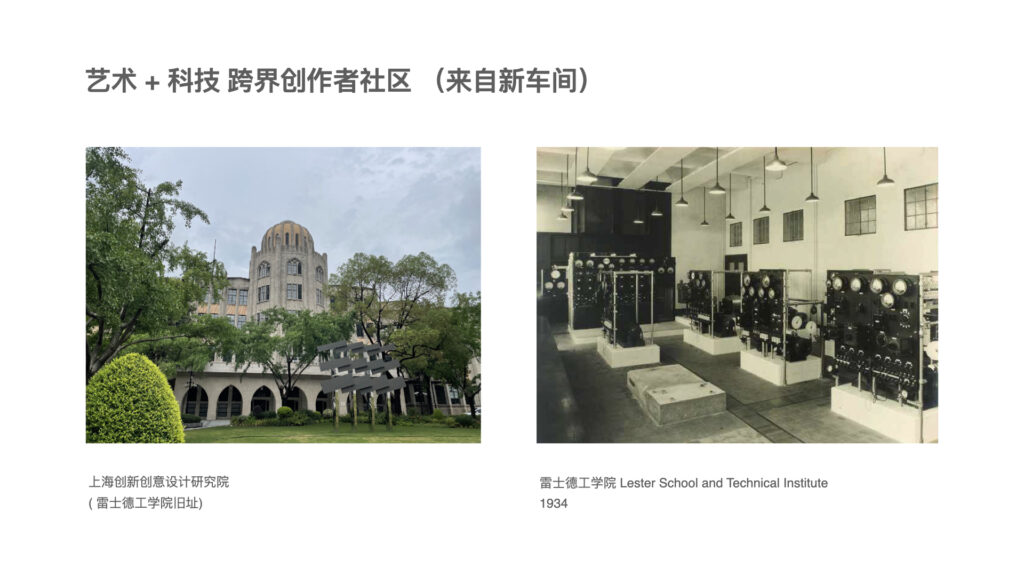
Robin runs a creators’ collective in a beautiful old building that used to be the home of the Lester School and Technical Institute. They get diverse people from different backgrounds (musicians, lighting, artists, designers) to work together and create unique pieces of art using Digishow.
DigiShow is a lightweight control software designed for live performances and immersive show spaces with music, lights, displays, robots and interactive installations. It serves as an easy-to-use console for signal controlling, also enables signal mapping between MIDI, DMX, OSC, ArtNet, Modbus, Arduino, Philips Hue and more digital interfaces.
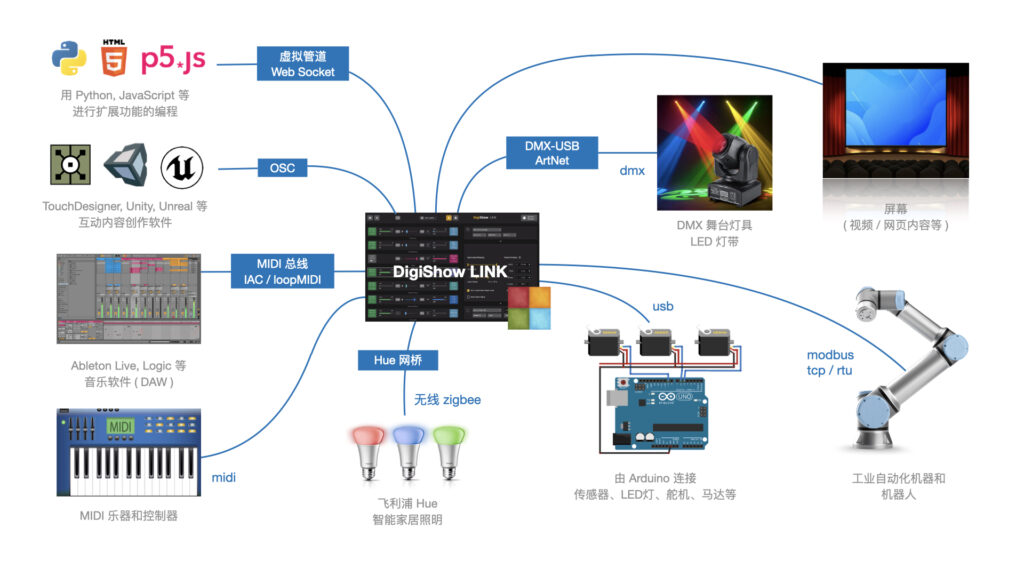
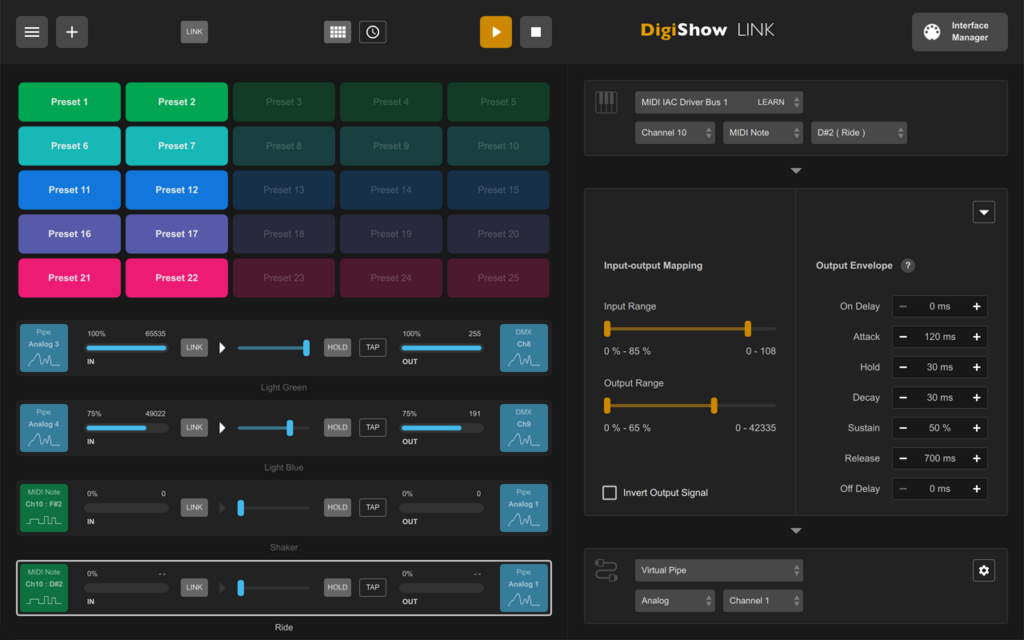
With using DigiShow LINK app, there are some scenarios assumed:
Producers: For live music or theatre performances, DJ or producers can arrange show lighting cues and stage automations on MIDI tracks alongside the music tracks in Ableton Live or other DAW. At the show, press the button on the Launchpad, the music loop and lighting effects will be instantly played in sync.
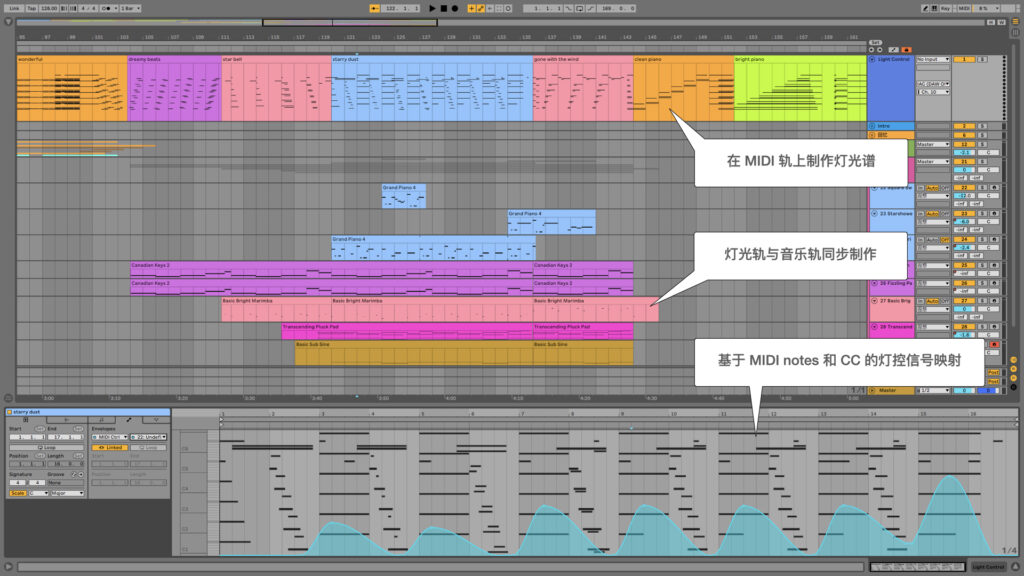
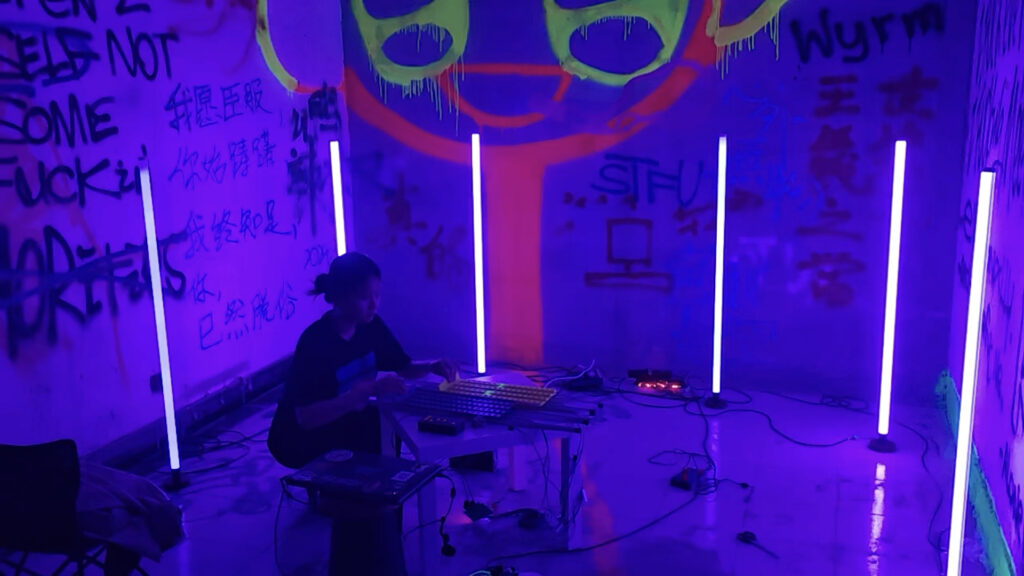
Performers: When playing MIDI instruments like drums or keyboards, DigiShow can trigger dynamic lighting changes and even robotic movements by MIDI notes following the beat or the music. Sensors can also be added to acoustic or DIY instruments to automatically generate MIDI notes.
Artists and Designer: For building interactive art installations, the creators often need to make software that works with the hardware. DigiShow provides OSC, ArtNet, WebSocket pipes for inter-application communication. Designers can create their interactive content in some creative software like TouchDesigner, Unity 3D, P5.js and access the hardware easily through DigiShow. Developers can also program using Python or JavaScript to connect DigiShow and extend interaction logic.
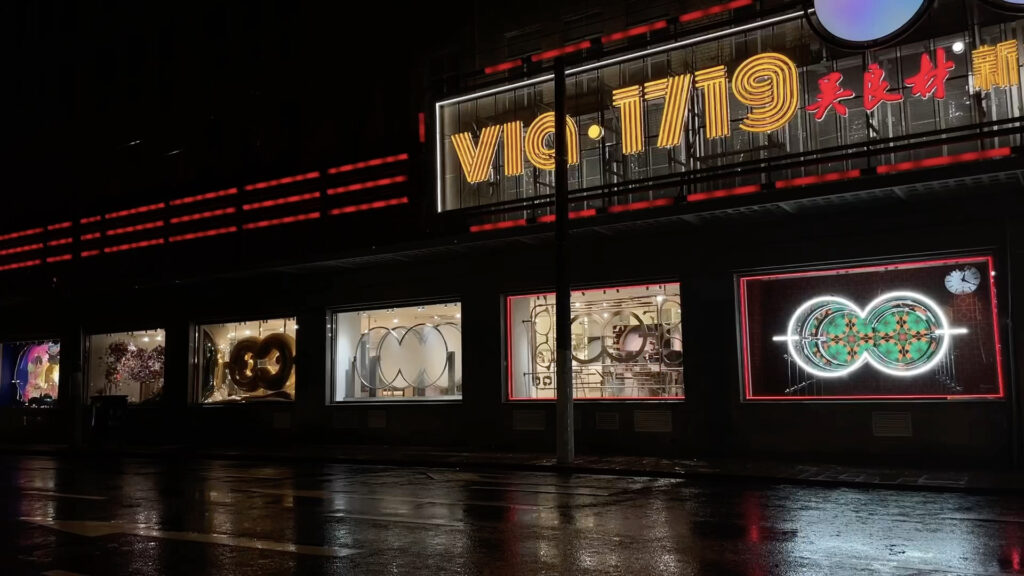
Makers and Hobbyists: DigiShow is for all show makers as well as hobbyists with little professional skills. Make digital shows for your own party time, or just make your house into a mini ‘disneyland’.